Key Benefits:
BROAD COMPATIBILITY: Directly replaces
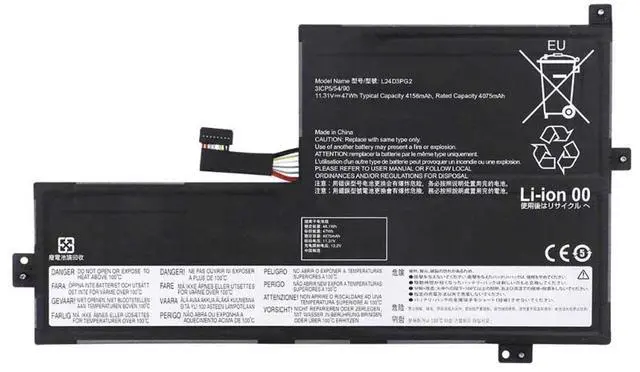
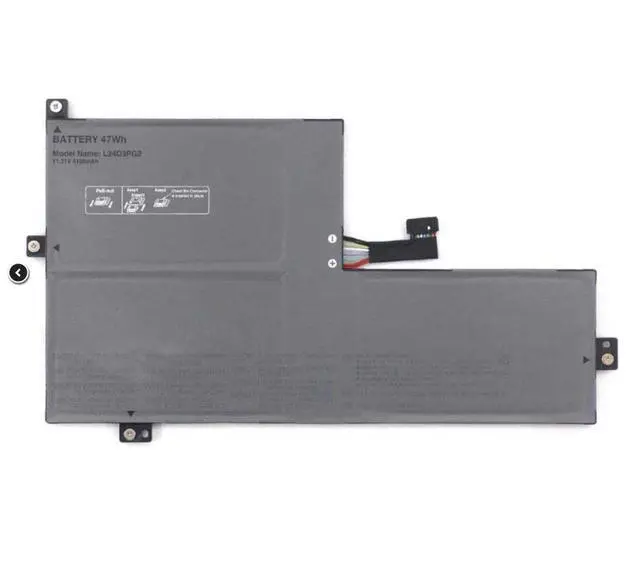
Lenovo battery part numbers: L24B3PG2, L24D3PG2, L24C3PG2, L24M3PG2, L24X3PG2, and SB11Q37249.
RELIABLE PERFORMANCE: Delivers 4156mAh of power to support extended usage for work, study, or entertainment away from an outlet.
BRAND NEW & READY TO INSTALL: 100% new battery cells ensure optimal performance and cycle life from the first charge.
SIMPLE DIY UPGRADE: An easy, do-it-yourself replacement that can save you time and money compared to professional service.
SAFE LI-ION TECHNOLOGY: Manufactured with standard lithium-ion technology, incorporating essential safety protections.
Is Your Lenovo Laptop Constantly Plugged In? Restore Its True Portability.
A failing battery can turn a powerful laptop into a desktop. Our L24B3PG2 compatible battery provides a straightforward solution to bring back the freedom of mobile computing. Designed to meet the specifications of your original Lenovo battery, this pack offers dependable power to keep you productive and connected.
Verify Compatibility Before Purchase
This is a compatible replacement battery, not an original Lenovo (OEM) part.
To ensure this is the correct battery for your device, you must confirm that the part number on your original Lenovo battery matches one of the following:
L24B3PG2
L24D3PG2
L24C3PG2
L24M3PG2
L24X3PG2
SB11Q37249
Important: Compatibility is determined by the battery's part number, not solely by your laptop's model name. Please check the label on your old battery before ordering.
Technical Specifications
:
Compatible Part Numbers: L24B3PG2, L24D3PG2, L24C3PG2, L24M3PG2, L24X3PG2, SB11Q37249
Battery Type: Lithium-Ion (Li-ion)
Voltage: 11.31V
Capacity: 4156mAh
Condition: Brand New
Easy Installation Guide (General Steps):
Power Down: Completely shut down your Lenovo laptop and unplug the AC adapter.
Access the Battery: Remove the bottom panel of your laptop. This usually requires unscrewing several fasteners.
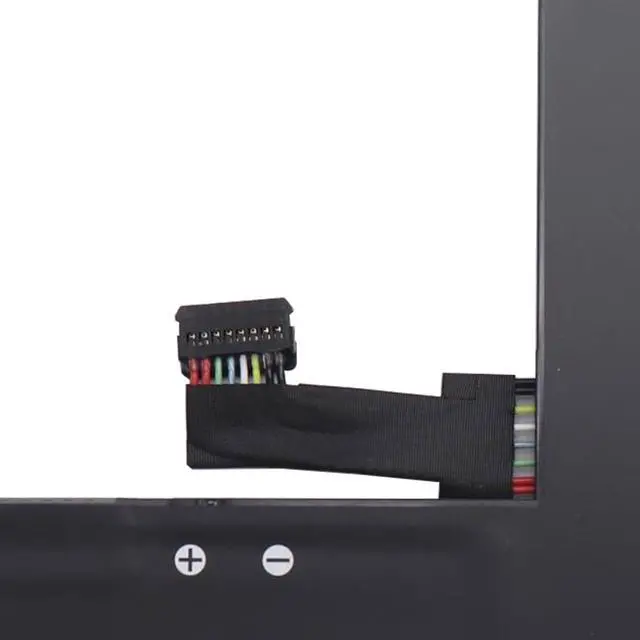
Replace the Battery: Locate the old battery, disconnect its cable from the motherboard, remove any mounting screws, and take it out. Install the new L24B3PG2 battery by securing it and reconnecting the cable firmly.
Reassemble & Charge: Replace the bottom panel, plug in the charger, and allow the battery to charge fully before using it on battery power.
For Best Results & Safety:
Use the original Lenovo AC power adapter for charging.
After installation, your operating system may require a few complete charge cycles to accurately calibrate and report the battery percentage.
If you are unsure about the installation process, consider seeking assistance from a qualified technician.
Please recycle your old laptop battery responsibly at a designated e-waste recycling center.
Package Includes:
1 x L24B3PG2 Compatible Laptop Battery
Note: This product is sold as a compatible replacement. All referenced brand names and part numbers are for compatibility description purposes only and are the property of their respective owners.
Ready to Upgrade?
Click Add to Cart to get your L24B3PG2 Replacement Battery and enjoy the convenience of a laptop that works as it shouldanywhere you need it.