here!
here!
I’m your shopping assistant for PC builds, upgrades, and everything tech.
Got questions? Ask away!
Start a conversation
here!
I’m your shopping assistant for PC builds, upgrades, and everything tech.
Got questions? Ask away!
Start a conversation



Any questions? Ask CelesteSM will help you find out quickly.
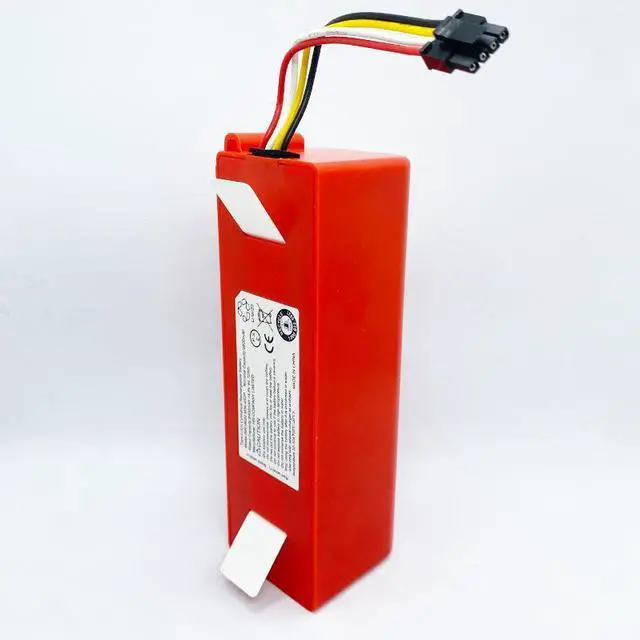
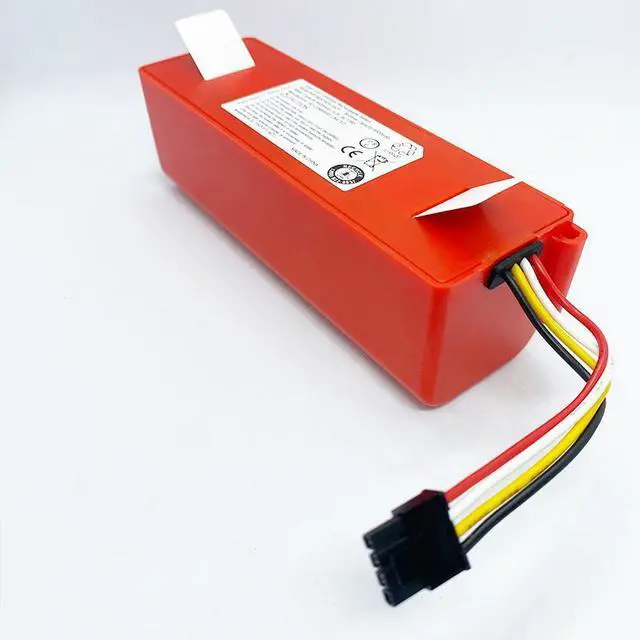
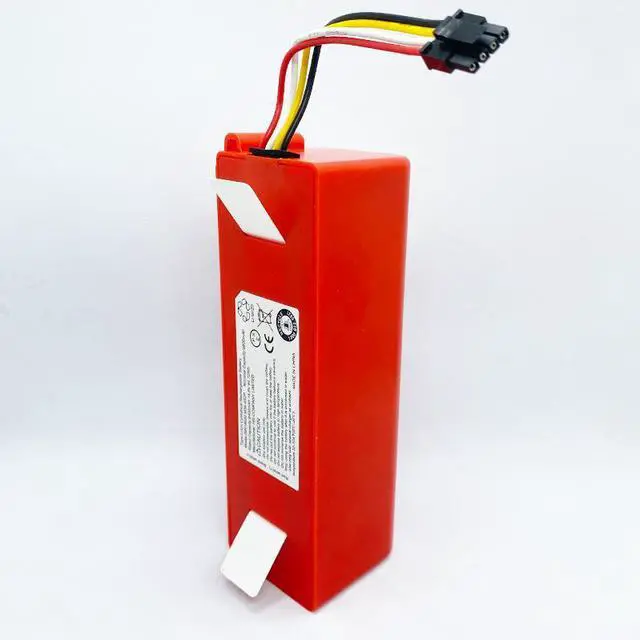
BRR-2P4S-5200S 6700mAh Replacement Battery for Roborock & Xiaomi Robot Vacuums
Is your Roborock or Xiaomi robot vacuum giving up too soon? Notice shorter cleaning periods, dying mid-job, or struggling to return to the dock? These are classic signs of a worn-out batterydont retire your trusted cleaner, revitalize it! Our BRR-2P4S-5200S replacement battery is the high-performance, drop-in solution to restore your devices original endurance and cleaning power. Get back to complete, hands-free cleaning.
Precision Compatibility (Foolproof Fit)
Meticulously crafted to match original equipment specs, with a standard 4-pin connector for secure, hassle-free installation.
Core Model: BRR-2P4S-5200SCompatible Models:
Roborock Series: S4, S5, S5 Max, S6, S6 Pure, S6 MaxV, S7, S7 Max, S7 MaxV, S7 MaxV Ultra, S8, S8 Pro/Plus, S50, S51, S55, S60, T4, T6, T7, T60, T61, T65, Q5, Q7, Q7 Max
Xiaomi Mi/Mijia Series: 1st & 2nd Gen Mi Robot Vacuum, Mijia E4, E5, E20, E25, E35
Xiaowa Series: C10, E5, E20, E25, E35, E201, E351-01
Superior 6700mAh Capacity for Extended Runtime
Powered by high-grade Li-ion cells, 14.4V stable output delivers sustained energy for:
Longer single-charge cleaning sessions
Consistent suction power throughout cycles
Reliable navigation/mapping for multi-room homes
Sufficient reserve power to return to the charging dock
Smart Protection for Safety & Longevity
Equipped with an advanced protection circuit to safeguard your vacuum and battery: Overcharge
Protection: Prevents damage from excessive charging
Over-Discharge Protection: Avoids deep draining to preserve battery health
Short Circuit Protection: Instantly cuts power in case of faults
Overheat Protection: Monitors temperature for safe operation
These features maximize lifecycle and ensure safe home charging.
Technical
Specifications
Parameter
Details
Replacement Part Number BRR-2P4S-5200S
Battery Type Lithium-Ion (Li-ion)
Rated Voltage 14.4V
Rated Capacity 5600mAh / ~ 80.64W h
Connector Type 4-Pin Plug
Weight ~410g
Dimensions ~142 x 49 x 43 mm
When to Replace Your Battery
Cleaning runtime has noticeably decreased
Vacuum stops mid-clean and reports low battery
Fails to return to the charging base before powering off
Device is 1.5 -2+ years old with regular use
Easy Installation Guide
Power Off: Turn off the vacuum and remove it from the charging dock.
Flip & Access: Carefully turn the robot over to expose the bottom.
Remove Old Battery: Open the screw-secured battery compartment, disconnect the old battery plug, and remove it.
Install New Battery: Firmly connect the 4-pin plug to the motherboard, then place the battery in the compartment.
Reassemble & Test: Secure the cover, place the robot on the dock for a full initial chargethen its ready to use!
Quality Assurance & Ordering Notes
Manufactured with premium Li-ion cells and strict quality control
Verify your original battery model or robot model before ordering for compatibility
Use the original charging dock for optimal performance
Allow a full charge cycle before first use
Dispose of old batteries responsibly per local regulations
Package Includes
1 x BRR-2P4S-5200S Replacement Battery (5600mAh, 14.4V )