Restore Full Power to Your Gaming & Performance Laptop
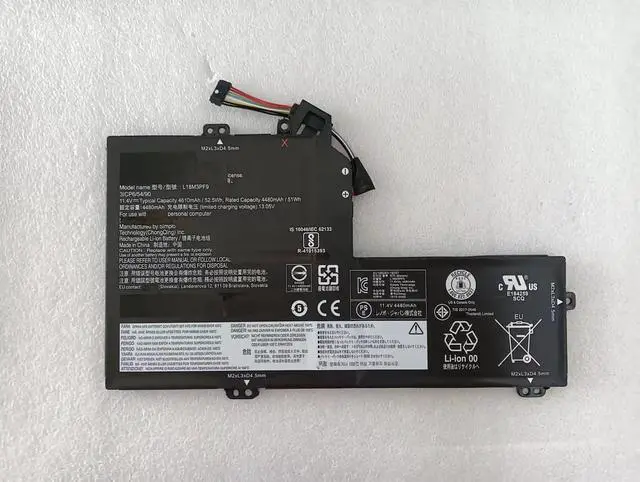
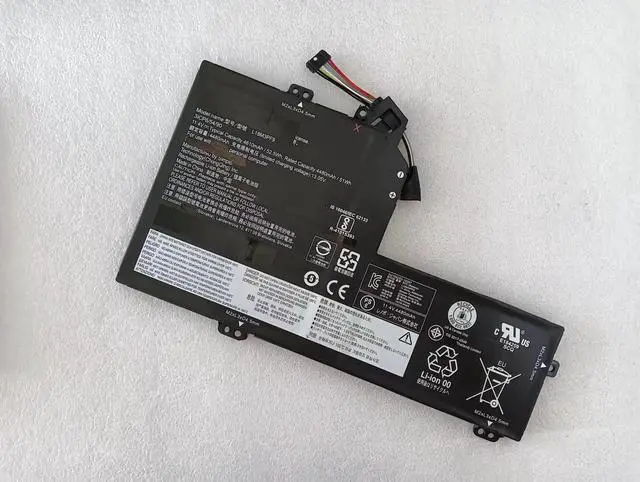
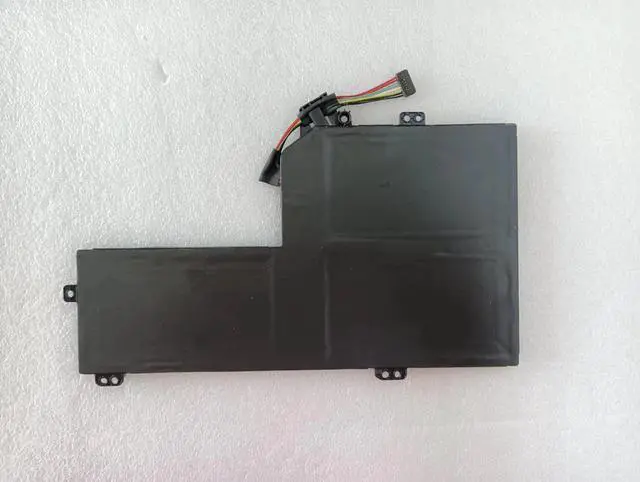
Is your Lenovo IdeaPad S540-15IWL GTX laptop constantly plugged in, or does it die quickly during demanding tasks? Our high-performance replacement battery is engineered specifically for your GTX model. With a 52.5W h (4630mAh) capacity and stable 11.34V output, it delivers the robust, reliable power needed for gaming, content creation, and intensive applications, bringing back true portability.
VERIFY YOUR COMPATIBILITY HERE
This is a direct, compatible replacement for the following Lenovo battery part numbers. Your old battery MUST show one of these codes:
L18L3PF6
L18M3PF9
5B10W67284
5B10T26389
5B10W67250
5B10T26390
Compatible Laptop Model:
Lenovo IdeaPad S540-15IWL GTX Series (with dedicated NVIDIA GeForce GTX graphics card)
Example Model Numbers: Look for identifiers like 81NG or similar on the bottom label of your laptop.
INCOMPATIBLE Models:
Standard Lenovo IdeaPad S540-15IWL Series (with Intel UHD or Iris Plus integrated graphics only).
Product
Specifications
& Features
Battery Model: Compatible with L18L3PF6 / L18M3PF9
Battery Type: Lithium-Ion (Li-ion), 3-Cell Configuration
Voltage: 11.34V
Capacity: 52.5 Watt-hours (Wh) / 4630mAh
Condition: 100% Brand New, High-Quality Cells
Key Benefit: Restores original runtime and solves issues like rapid draining, failure to charge, or unexpected shutdowns.
Installation Guide & Important Notes
Backup & Power Down: Back up your data, shut down Windows completely, and unplug the AC adapter.
Access the Battery: Remove the bottom panel of your laptop (usually requires a Phillips screwdriver). Refer to an official Lenovo hardware maintenance manual or a trusted online teardown guide for your exact model (e. g., "Lenovo S540-15IWL 81NG disassembly").
Swap the Battery: Locate the old battery, disconnect its cable from the motherboard, remove mounting screws, and take it out. Install the new battery by securing it and firmly reconnecting the cable.
Reassemble & Calibrate: Replace the bottom panel, plug in the charger, and allow the battery to charge to 100%. For best accuracy, perform 2-3 full charge/discharge cycles to help the operating system recalibrate the battery gauge.
Safety & Best Practices
Use Original Charger: Always use the official Lenovo power adapter (65W or higher, as required by your GTX model) for safe and efficient charging.
Professional Help: If you are uncomfortable with the installation process, seek assistance from a qualified technician.
Recycle Responsibly: Dispose of your old laptop battery at a designated e-waste or battery recycling facility.
Package Includes
1 x 52.5W h Laptop Battery (Compatible with Lenovo L18L3PF6 / L18M3PF9)