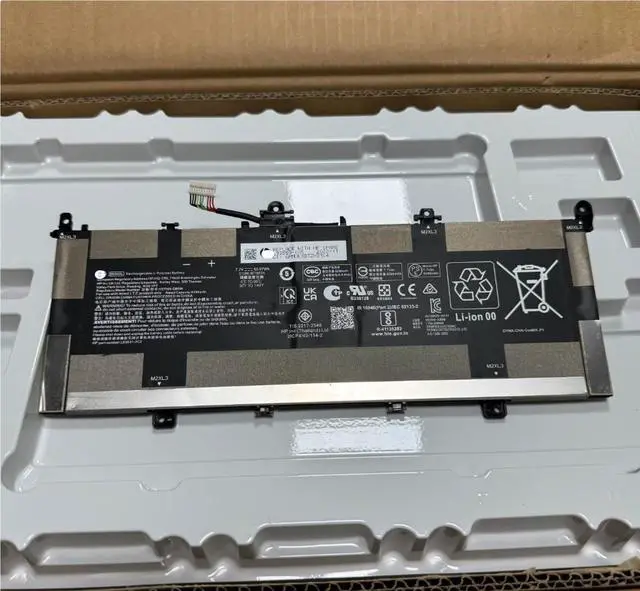
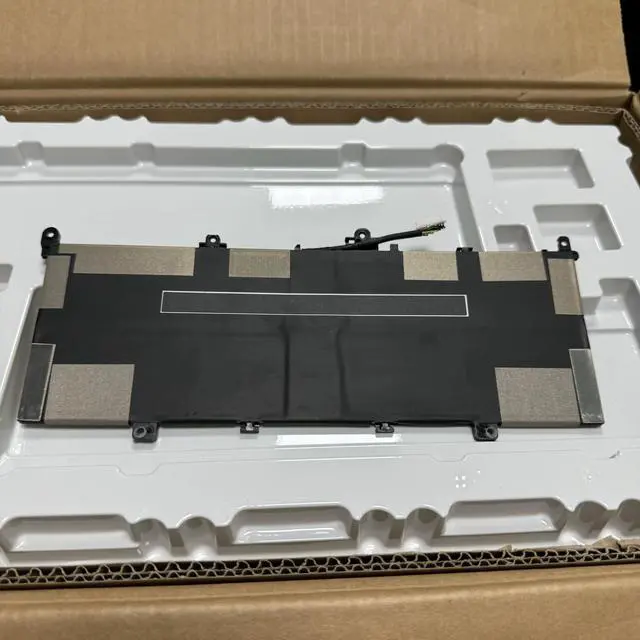
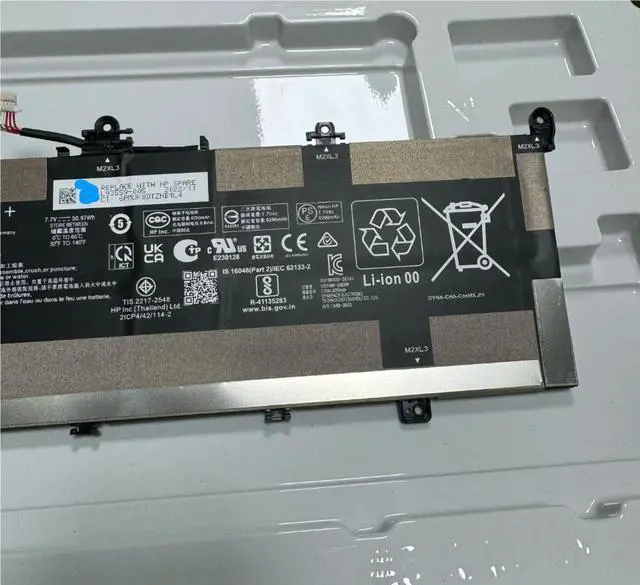
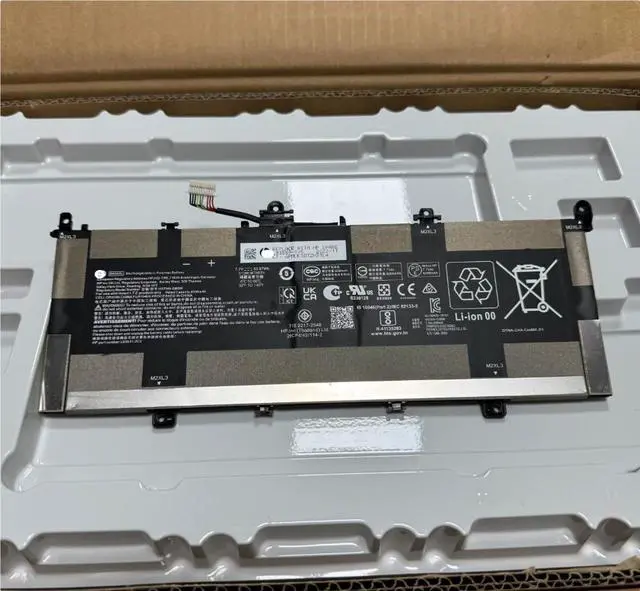
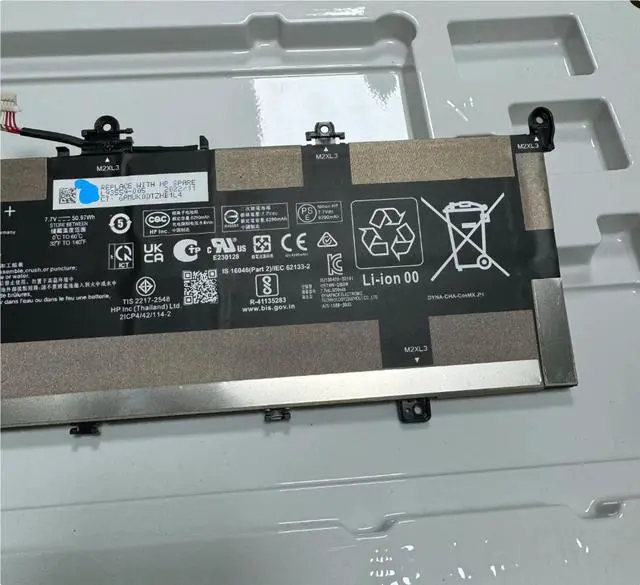
This is a brand new, high-performance replacement 50Wh lithium-ion battery for select HP Chromebook x360 models. The battery, identified by part number DK04XL (also L93559-005), is designed to meet or exceed original OEM specifications. With 4 cells and 50Wh capacity, it provides reliable, long-lasting power for your device, ensuring maximum productivity and mobility.
Important Compatibility Note:
To ensure you receive the correct battery for your device, please verify the following
BEFORE purchasing:
Check Your Original Part Number: The most reliable way to confirm compatibility is to remove your current battery and check its label. The part number on the label must match DK04XL or L93559-005.
Check Your Laptop Model: This battery is specifically designed for the HP Chromebook x360 13c-ca0000 series. Please verify your laptop's exact model number on the label on the bottom of your device.
Verify Specifications
: Ensure your original battery has similar specifications:
Capacity: 50Wh / 3.31A h
Cell Configuration: 4-Cell Li-ion
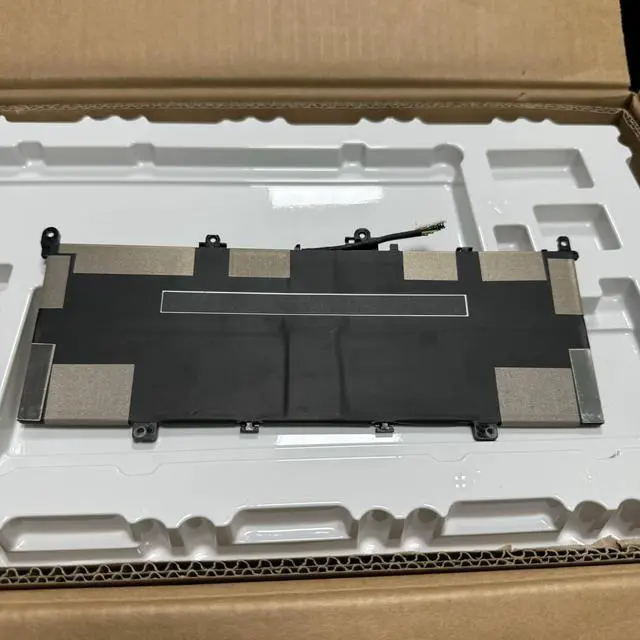
Connector Type and Position: Please compare carefully with product images
If you are unsure about compatibility, please contact us with your laptop model number or a clear photo of your original battery label before ordering we're happy to help you confirm.
Compatible Replacement Part Numbers:
DK04XL
L93559-005
DK04050XL-PL
Compatible Laptop Models:
HP Chromebook x360 13c-ca0000 Series (all sub-models)
Built-in Safety Features:
Over-Charge Protection
Over-Discharge Protection
Over-Voltage Protection
Over-Current Protection
Short-Circuit Protection
Over-Temperature Protection
Package Includes:
1 x Brand New 50Wh Replacement Battery (DK04XL)
Note: This listing includes the battery only. Laptop, charger, and other accessories are not included. Professional installation is recommended. Please recycle your old battery responsibly at a certified e-waste facility.
Warranty & Support:
This product is backed by a 12-month warranty against manufacturing defects. If you have any questions about compatibility, installation, or performance, please contact us we are here to help.
Installation Note:
Replacing your HP Chromebook x360 battery requires careful handling. We recommend watching professional repair videos or consulting a qualified technician if you're not experienced with laptop repairs. The installation involves removing the back cover, disconnecting the old battery, and properly seating the new one with the correct connector alignment.





 here!
here!