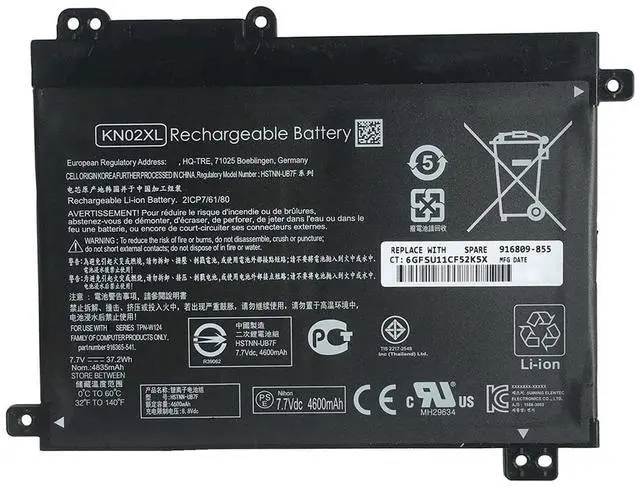
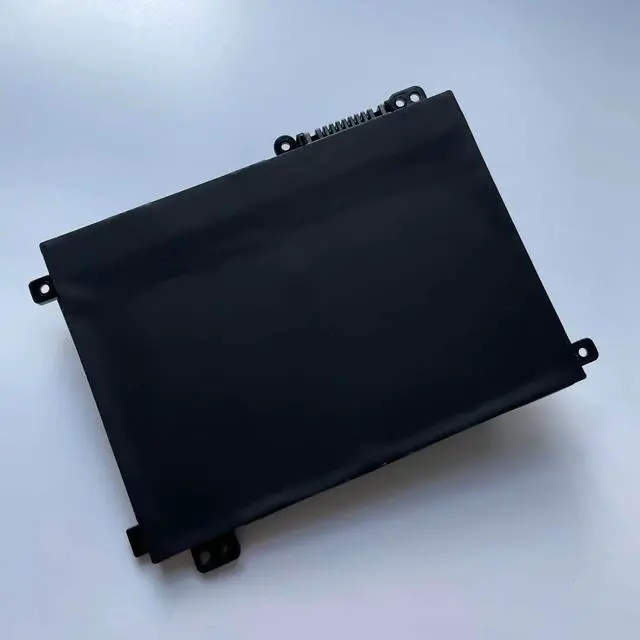
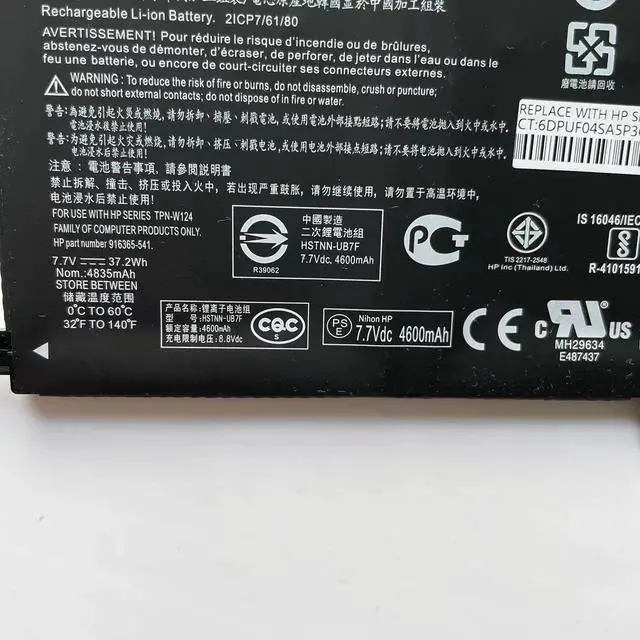
Precise Compatibility Verify Before Ordering
This battery is designed specifically for certain HP Pavilion x360 convertible series. Before purchasing, you MUST check the original battery part number on the bottom of your laptop or inside the battery compartment to confirm it matches one listed below.
Compatible HP Laptop Series: HP Pavilion x360 Convertible 11-AD Series (see specific model examples below).
Example Compatible Models (Including but not limited to):
11-AD Series: 11-AD010CA, 11-AD018CA, 11-AD051NR, 11-AD108CA, 11-ad001TU through 11-ad023TU, etc.
11M-AD Series: 11M-AD000, 11M-AD113DX, 11M-AD013DX, etc.
Replaces Part Numbers: KN02XL, HSTNN-LB7R, HSTNN-UB7F, 916365-421, 916365-541, 916809-855, TPN-W124, 2ICP7/6/80.
Product
Specifications
& Features
Battery Model: KN02XL (Compatible Replacement)
Voltage/Capacity: 7.7V / 37.2W h (4835mAh)
Cell Configuration: 2-Cell Lithium-Ion (Li-ion)
Color: Black
Condition: 100% Brand New
Key Features: Utilizes new cells to restore battery life, features an easy plug-and-play design for user-friendly replacement, and solves common issues like fast power drain or failure to charge.
Easy Installation & Usage Tips
Power Down: Ensure your laptop is completely shut down and disconnect the AC power adapter.
Replace the Battery: Flip the laptop over, locate the battery compartment latch. Slide to unlock, remove the old battery, and insert the new battery in the correct orientation until it clicks securely into place.
Initial Charge: After installation, connect the original HP power adapter and charge the battery to 100% before first use. We recommend performing 2-3 full charge and discharge cycles to help the system accurately calibrate the battery gauge.
Important Notes
Use the Original Charger: For optimal charging performance and safety, always use the original HP power adapter.
Battery Gauge Calibration: The Windows operating system may require a few full cycles to accurately display the remaining battery percentage; this is normal.
Dispose Responsibly: Please recycle your old battery at a designated electronics recycling facility. Do not dispose of it in household trash.
Package Includes
1 x KN02XL Compatible Replacement Battery (for HP Pavilion x360 11-AD Series)