
Your Browsing History




Any questions? Our AI beta will help you find out quickly.
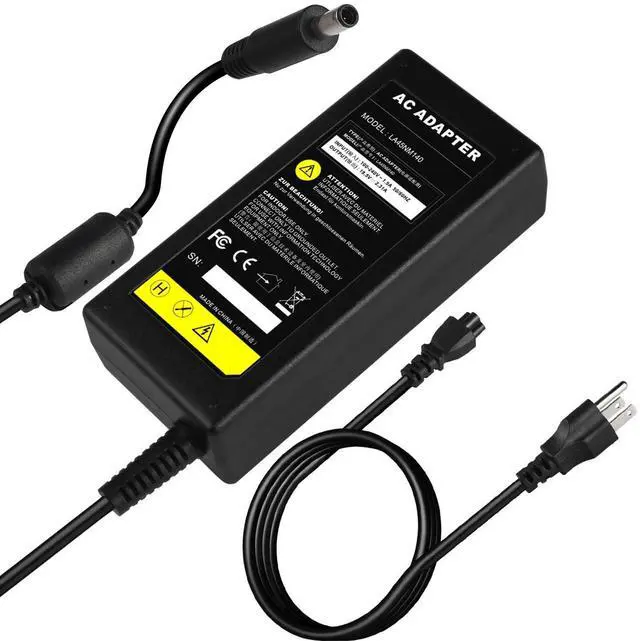
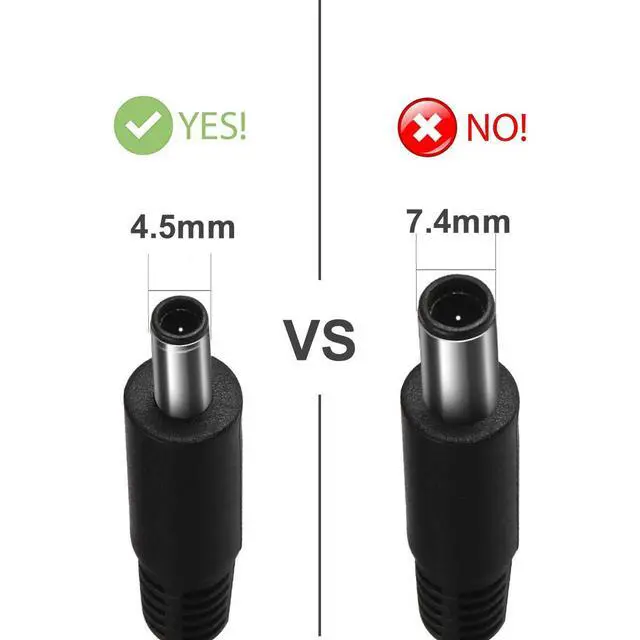
This AC power adapter is compatible with various laptop models, including 13/14/15/17-inch mainstream series and small-form-factor desktop PCs, fitting the following specifications: Inspiron 7348, 3467, 3567, 7548, 7558, 7746, 3157, 3552, 5558; OptiPlex 3020M, 9020M; XPS 11, 12, 13; Latitude E5450, 3379, 7212; Vostro 3558, 3458, 5459 and more (full compatible model list available in the product details).
FAQQ: The AC power adapter wattage and type cannot be determined.
A: 1. Turn off the laptop, unplug the charger and remove the battery.
2. Plug in the charger only and boot up the laptop.
3. Turn off the laptop and unplug the charger.
4. Reinstall the battery, plug in the charger the charging indicator will light up to confirm normal charging.
5. Boot up the laptop; it will display "plugged in, charging".
6. Turn off the laptop again if the charging indicator remains on, the issue is resolved.