here!
here!
I’m your shopping assistant for PC builds, upgrades, and everything tech.
Got questions? Ask away!
Start a conversation
here!
I’m your shopping assistant for PC builds, upgrades, and everything tech.
Got questions? Ask away!
Start a conversation




Any questions? Ask CelesteSM will help you find out quickly.
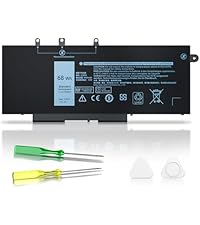 GJKNX Battery for Dell | 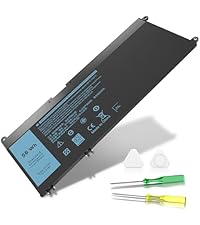 33YDH Battery for Dell | 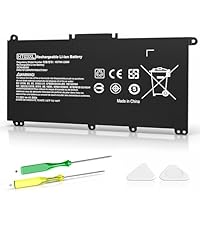 HT03XL Battery for HP | 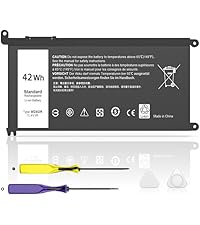 WDX0R Battery for Dell | 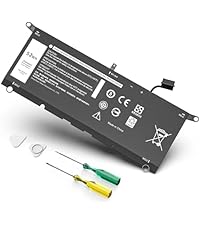 DXGH8 Battery for Dell | |
|---|---|---|---|---|---|
Customer Reviews | — | — | — | — | — |
Price | — | — | — | — | — |
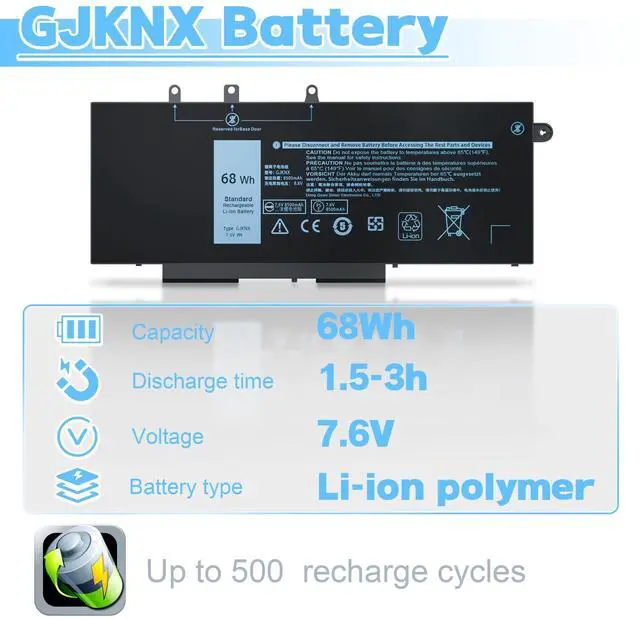
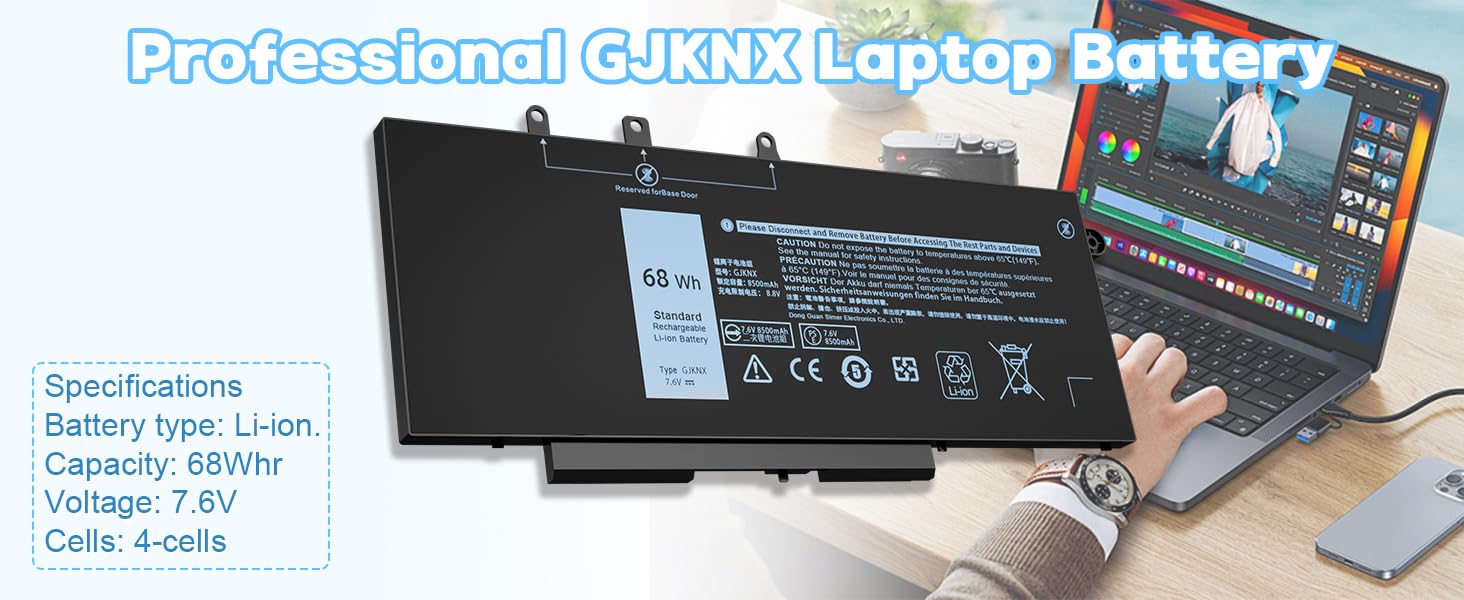
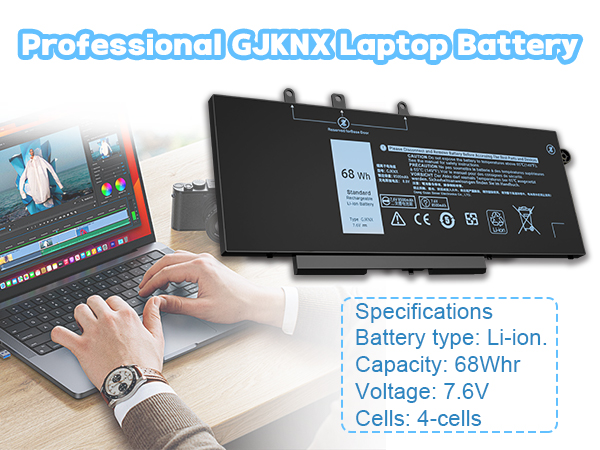
Capacity | 68Wh | 56Wh | 41.9Wh | 42Wh | 52Wh |
Voltage | 7.6V | 15.2V | 11.55V | 11.4V | 7.6V |
Battery Type | Li-ion | Li-ion | Li-ion | Li-ion | Li-ion |
Cells | 4-Cell | 4-Cell | 3-Cell | 3-Cell | 4-Cell |
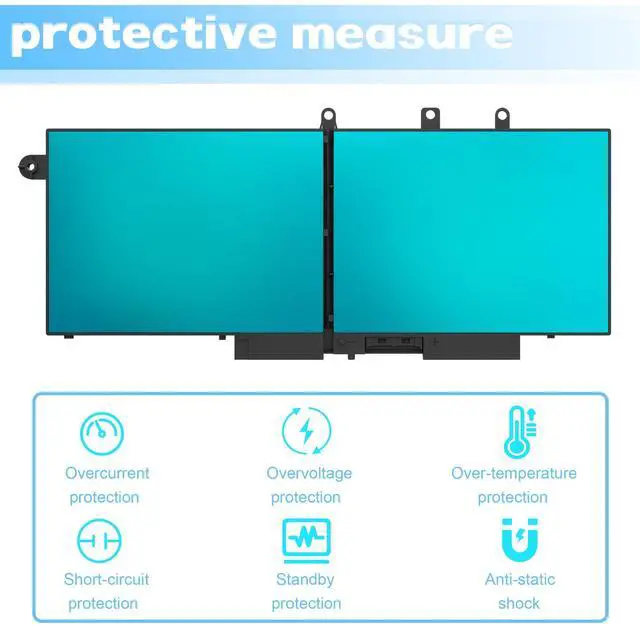
Safety measures to protect | ? | ? | ? | ? | ? |
What to pay attention to when using the battery for the first time?
1. The battery must be fully charged before the first use
2. Discharge the new battery usage rate is 5%-7% (less than 0%), then charge to 95%, and then cycle 3-4 times
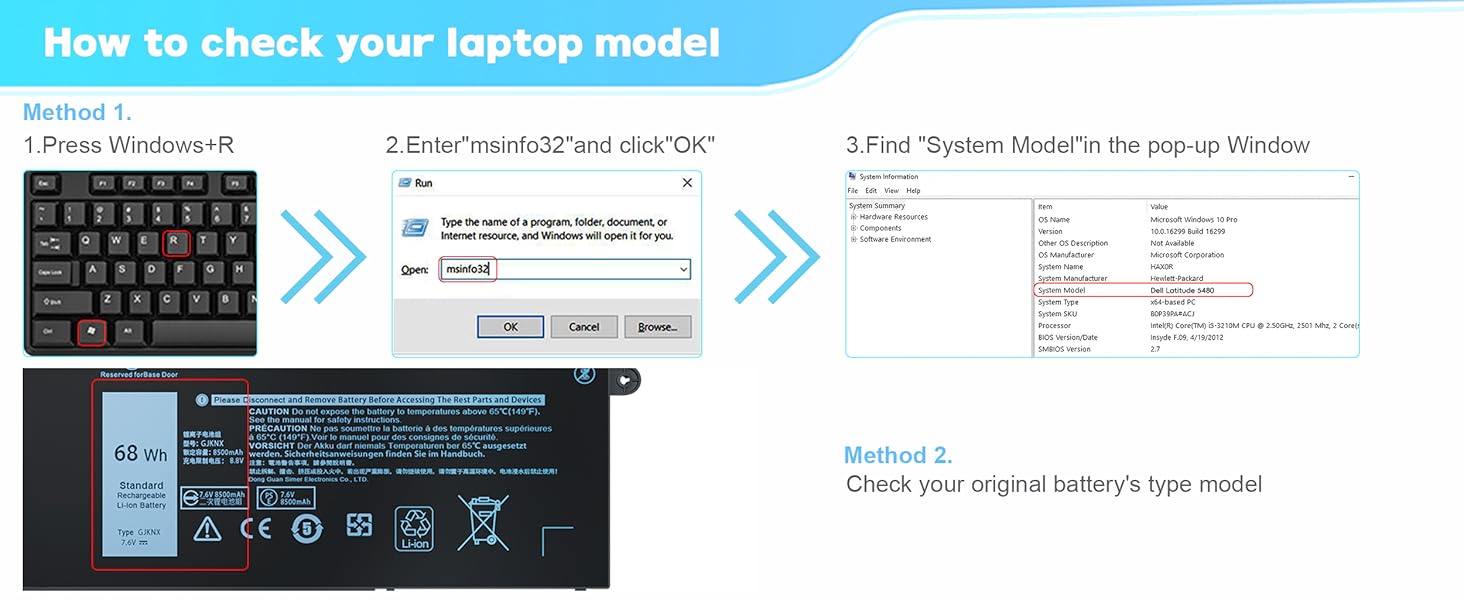
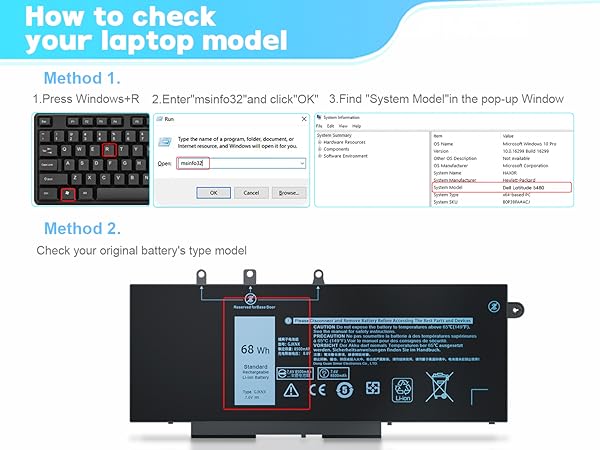
What should I do if the battery is not recognized?
When the computer is turned on, If this battery is not identified , it is recommended to update the BIOS settings or please disconnecting the old battery, and holding down the power button for 20 seconds, then connect the new battery
What should I do if the received battery is not working?
Don't worry, we provide complete after-sales service, please contact IKFJQCOA professional team in time, we are always by your side
How to charge my battery?
Charge the battery before the power is completely used up. When the remaining power supply is about 5-10%, it is best to charge it in time
How can I save if the battery is not in use?
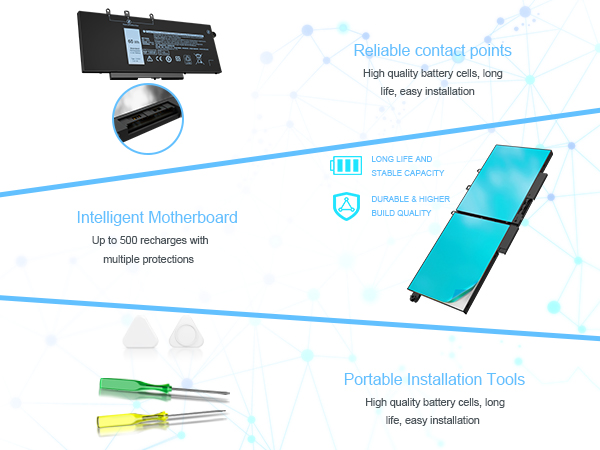
Recharge the battery about 40% before storing it. It is recommended that the battery should be used once a month, which not only saves it well
, can also prevent complete damage to the battery
| Compatible Part Numbers: | GJKNX, GD1JP, 0GD1JP, DY9NT, 0DY9NT, 5YHR4, 451-BBZG,FPT1C, KCM82, MT31P (You can use "Ctrl+F" to find your own model or part number) |
|---|---|
| Compatible with: | Dell Latitude 5480 Series, Latitude 5580 Series (only with M.2 storage) This battery is compatible with Latitude 5580 systems that use only a M.2 ssd storage drive. This battery is NOT compatible with 5580 systems that use a 2.5" storage drive. |
| Compatible with: | Dell Latitude 5280 Series, Latitude 5288 Series, Latitude 5290 Series, Latitude 5488 Series, Latitude 5490 Series |
| Compatible with: | Dell Latitude 5491 Series, Latitude 5495 Series, Latitude 5590 Series, Latitude 5591 Series |
| Compatible with: | Dell Latitude E5280 Series, Latitude E5288 Series, Latitude E5480 Series, Latitude E5490 Series |
| Compatible with: | Dell Latitude E5491 Series, Latitude E5580 Series, Latitude E5590 Series, Latitude E5591 Series, |
| Compatible with: | Dell Precision 15 3520 Series, Precision 15 3530 Series and more |
GJKNX Battery for Dell | 33YDH Battery for Dell | HT03XL Battery for HP | WDX0R Battery for Dell | DXGH8 Battery for Dell |
|---|---|---|---|---|
| Customer Reviews | ||||
| — | — | — | — | — |
| Price | ||||
| — | — | — | — | — |
| Capacity | ||||
| 68Wh | 56Wh | 41.9Wh | 42Wh | 52Wh |
| Voltage | ||||
| 7.6V | 15.2V | 11.55V | 11.4V | 7.6V |
| Battery Type | ||||
| Li-ion | Li-ion | Li-ion | Li-ion | Li-ion |
| Cells | ||||
| 4-Cell | 4-Cell | 3-Cell | 3-Cell | 4-Cell |
| Safety measures to protect | ||||
| ? | ? | ? | ? | ? |
What to pay attention to when using the battery for the first time?
1. The battery must be fully charged before the first use
2. Discharge the new battery usage rate is 5%-7% (less than 0%), then charge to 95%, and then cycle 3-4 times
What should I do if the battery is not recognized?
When the computer is turned on, If this battery is not identified , it is recommended to update the BIOS settings or please disconnecting the old battery, and holding down the power button for 20 seconds, then connect the new battery
What should I do if the received battery is not working?
Don't worry, we provide complete after-sales service, please contact IKFJQCOA professional team in time, we are always by your side
How to charge my battery?
Charge the battery before the power is completely used up. When the remaining power supply is about 5-10%, it is best to charge it in time
How can I save if the battery is not in use?
Recharge the battery about 40% before storing it. It is recommended that the battery should be used once a month, which not only saves it well
, can also prevent complete damage to the battery
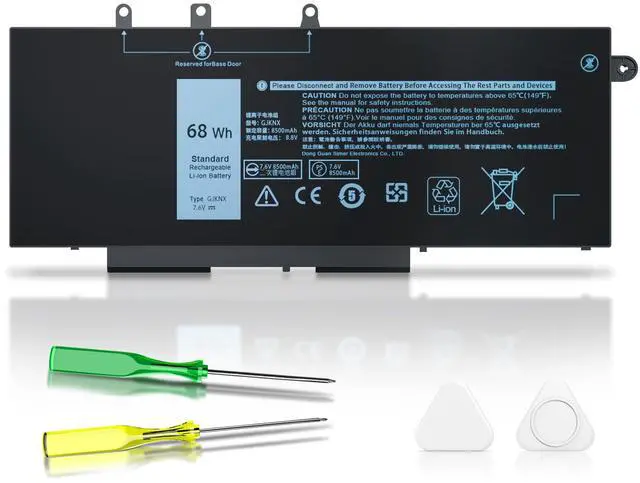
Voltage: 7.6 V, Capacity: 68 Wh, Color: Black,Cells:4-Cells,Condition: New IKFJQCOA Laptop Battery Compatible with Dell Latitude 5480 5580 5280 5288 5290 P72G001 P60F001, Latitude 5488 5490 5491 5495, Latitude 15 5590 15 5591, Latitude E5280 E5288 E5480 E5580 E5490 E5491 E5590 E5591, Precision 15 3520 3530 series
| Number of Batteries | 1 AAA batteries required. |
| Brand | IKFJQCOA |
| Battery Cell Composition | Lithium Ion |
| Battery Capacity | 8947 Milliamp Hours |
| Recommended Uses For Product | Laptop |
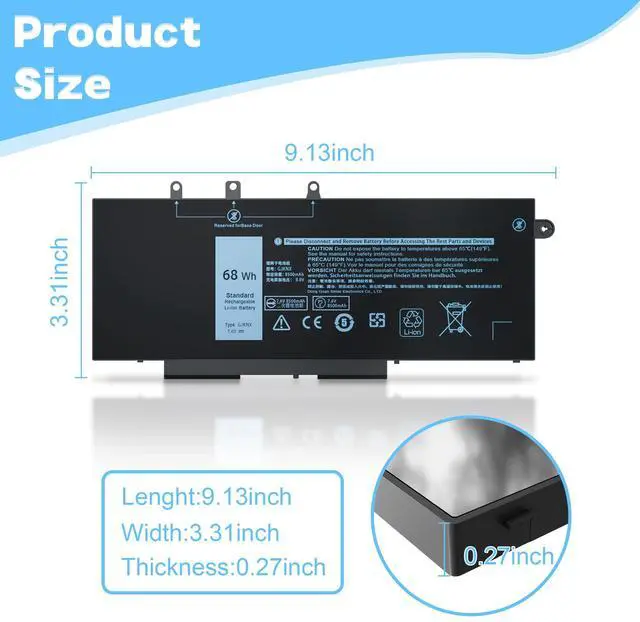
| Package Dimensions | 11.14 x 5.47 x 1.14 inches |
| Item Weight | 14 ounces |
| Item model number | Battery replacement for GJKNX |
| Batteries | 1 AAA batteries required. |
| Date First Available | January 13, 2025 |
| Manufacturer | DongGuan Simer Electronics Co.,LTD |