







Wymisnit
Professional Laptop battery and charger manufacturer.

We are a manufacturer of laptop battery and charger replacements from 1998, with over 20 years of experience. You can be assured that shopping with us is safe and secure. We have warehouses in NY, making sure that you can enjoy first-class support. In addition, the wholesale orders are also welcomed, you can enjoy the business terms.



LEARN MORE
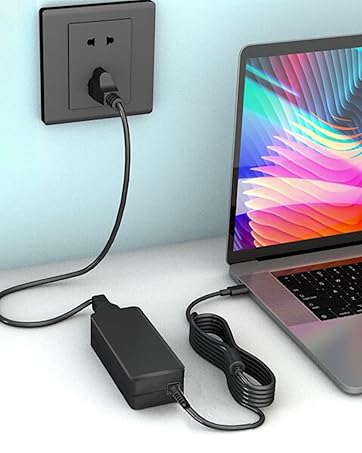
Universal TYPE-C Charger
65W & 45W Universal TYPE-C USB-C Charger for HP, Lenovo, etc. Lots of products in stock in NY warehouse, wholesale orders welcomed.
What should I do if the battery received is bad?
1. We provide 365 Days no-questions-asked full return or Free Exchange. 7×24h Online Free Technical help.
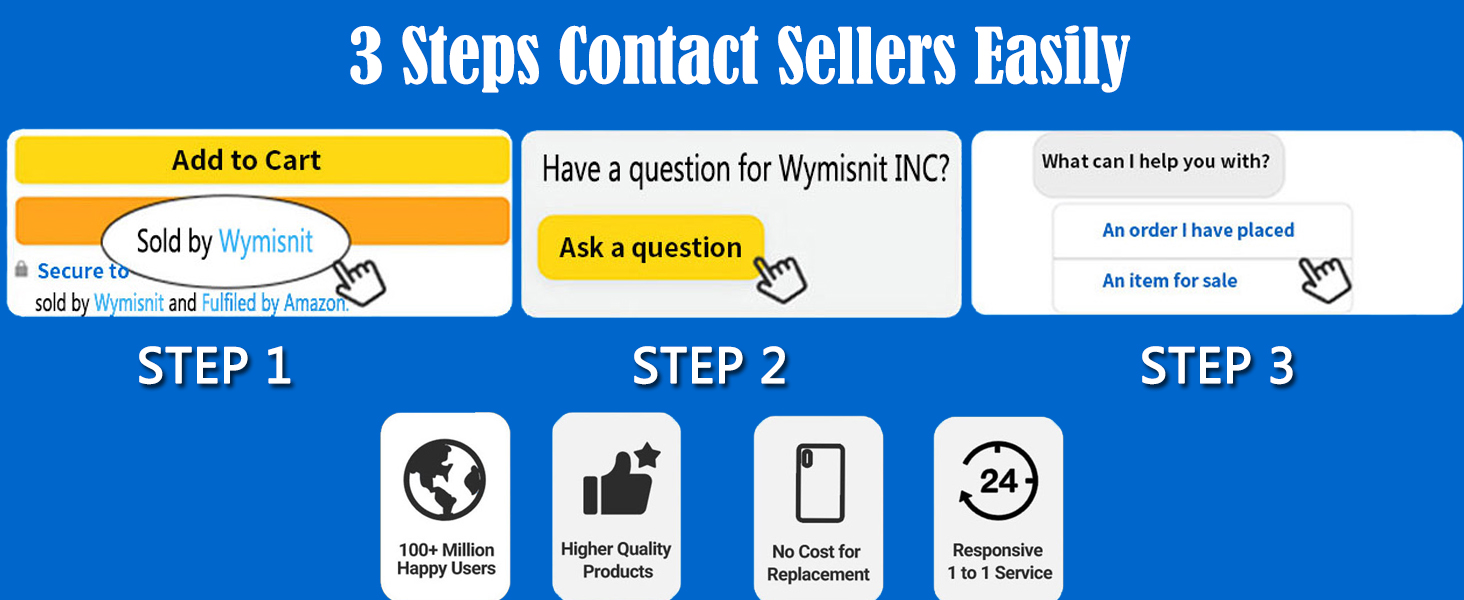
2. Please click the button and inquire us. We have warehouses in NY, making sure that you could have a high-quality service.
3. Please be assured that we will take the responsibility for each product we sold.
Why the laptop does not recognize the new battery?
1. Could be caused by battery loose. Please re-install the battery and make sure that the battery cable and the motherboard interface are tightly inserted.
2. Maybe due to conductive material damaged which the laptop motherboard and battery anode and cathode contact position, you can try to confirm it with your original battery.
3. Check whether the battery drive is in normal condition, if not, download the corresponding driver software to update.
How to maintain your lovely laptop battery?
1. When using your new battery for the first time, you need to prime the battery by charging it to 100% and discharging it to 20% for 3 times.
2. DO NOT let the battery drain to 0%: If you constantly let it drain to 0%, the battery becomes unstable will be seriously degraded.
3. DO NOT keep your battery always fully charged: Just like emptying your battery to 0%, keeping your battery permanently charged at 100% is very harmful.
4. Please store the unused battery fully charged. Do not store at low power to prevent reduce the lifespan of a battery.
How to maximize battery life?
1. Change your laptop power plan settings, choose the power saver plan. Then Change advanced power settings, scroll down to find Processor power management. Click the On-battery option and reduce the processor state to 20%.
2. Always keep your laptop neat and clean. The dust easily enters the hardware through the vents which are meant to release the heat generated from various computer components.
3. Close Wi-Fi, Bluetooth, and other settings. This can help your computer save precious battery life.
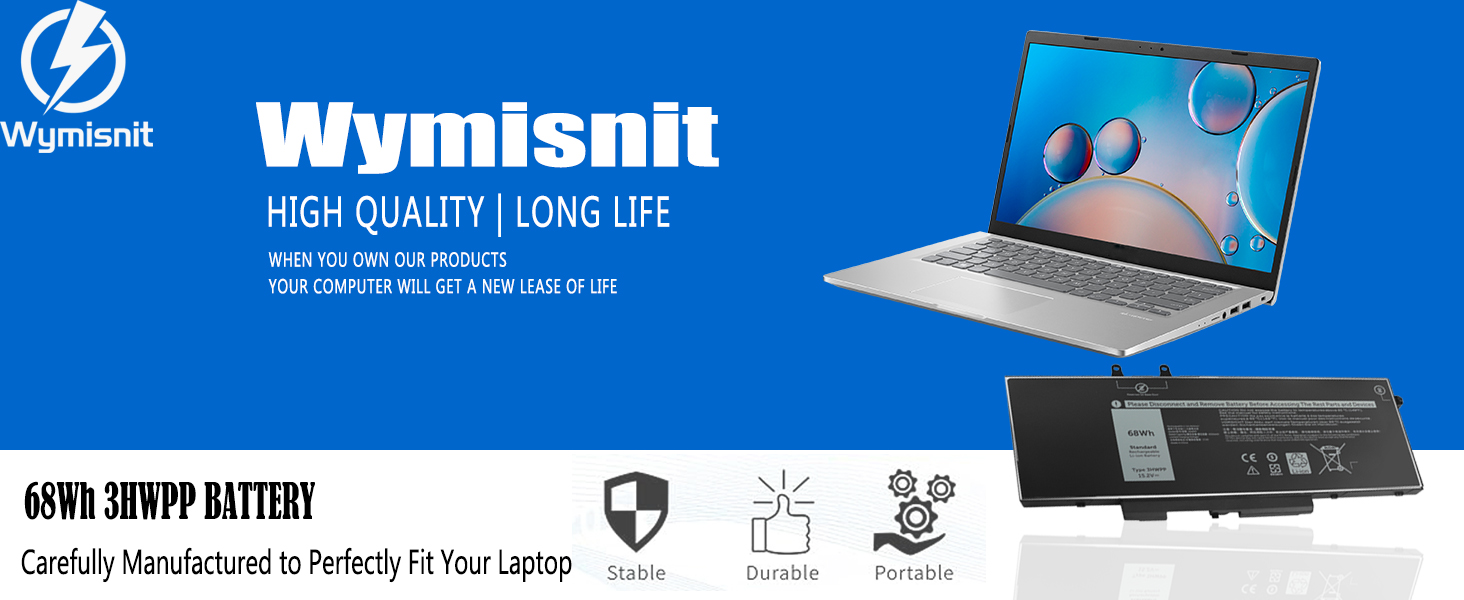
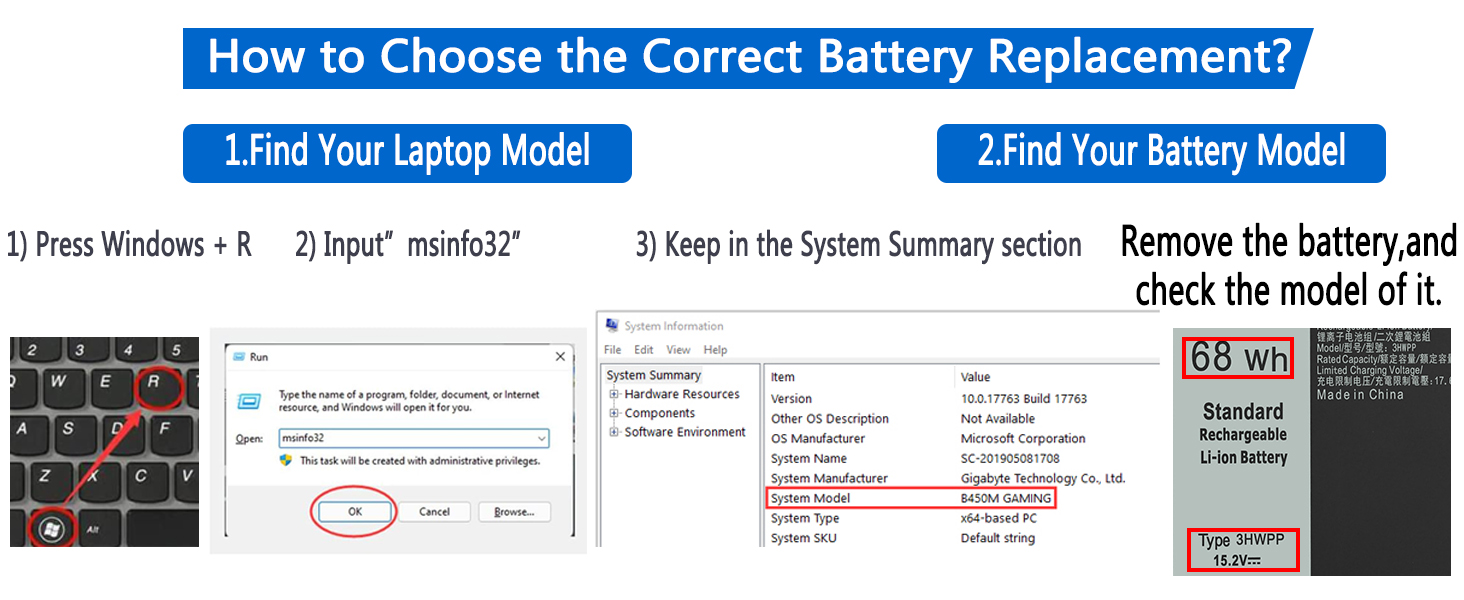
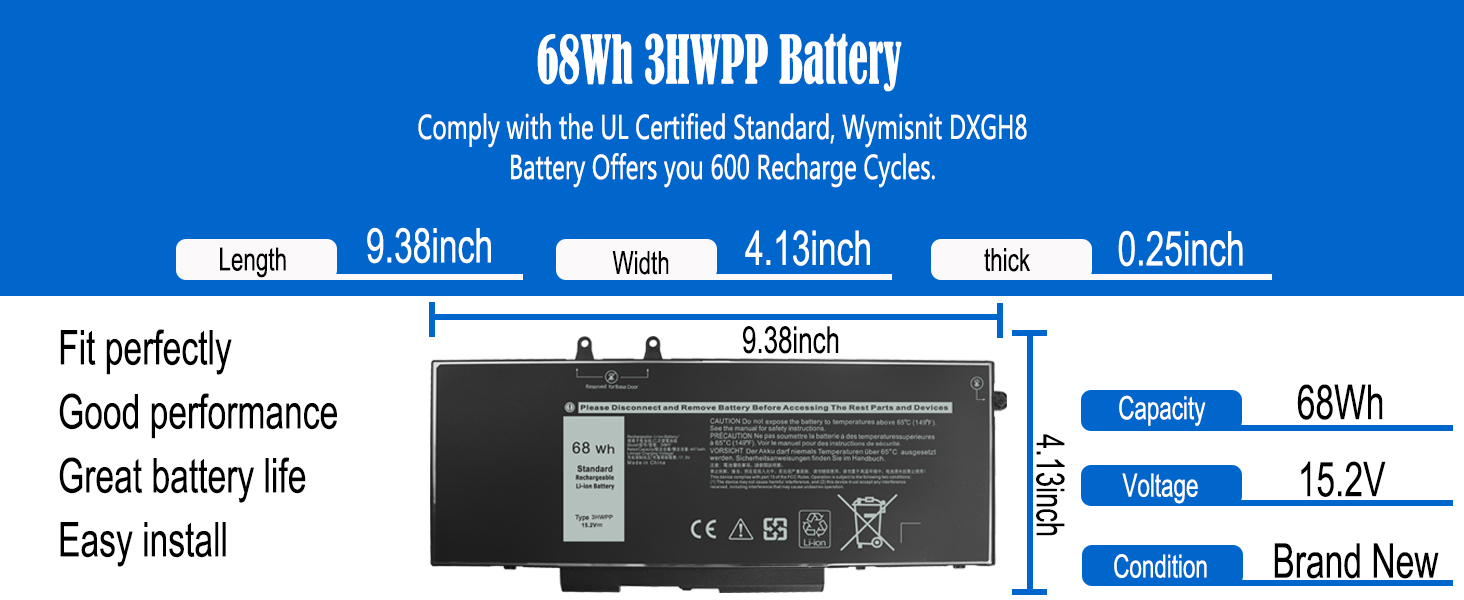
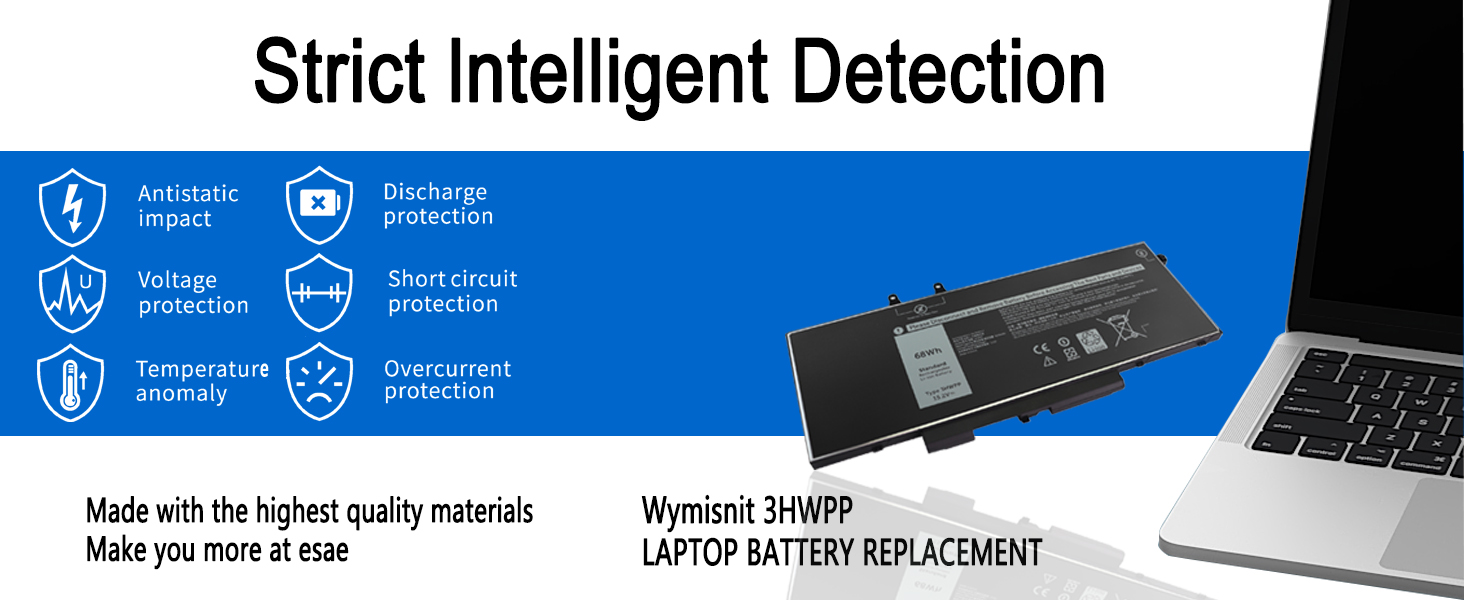
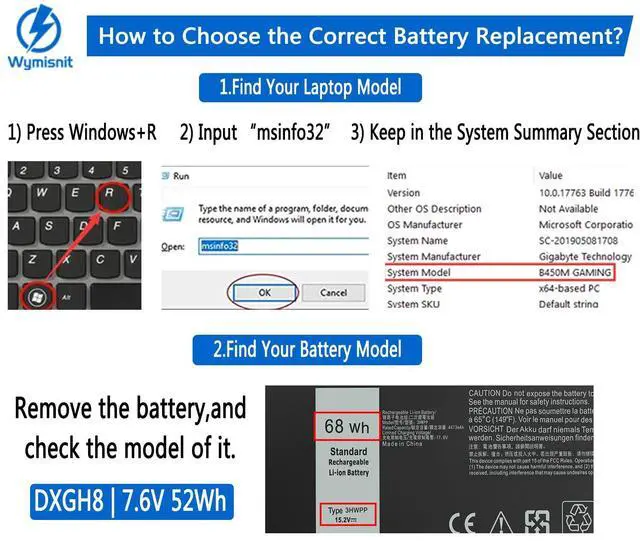
Compatible with Laptop Models: (Ctrl + F for fast search your laptop model)
What do we need to pay attention to using batteries for the first time?
1. The battery must be fully charged before first use
2. You need to turn off your laptop and disconnect the power when you install a new battery
3. Do Discharge the new battery use to 5%/7%(not to 0%) and then charge to 95%, and cycle 3-4 times
How should I do if the battery is not recognized?
When the computer is turned on, if it is not recognized, it is recommended to update the BIOS settings or please disconnecting the old battery, and holding down the power button for 20 seconds, then connect the new battery
How should I do if we received the item doesn't work?
Please Contact Wymisnit. We will replace it with a new one for free.
How should I charge my laptop battery?
It is suggested to charge the battery before the power runs out completely. It is best to charge when the remaining power is about 5-10%, and the battery should be charged in a relatively dry place.
How should I preserve my laptop battery when I don’t use it?
The ideal preservation method is to charge the battery to about 40%, the battery should be used once a month, which can not only good preservation of the battery but also prevent the battery from being damaged by the complete loss of power

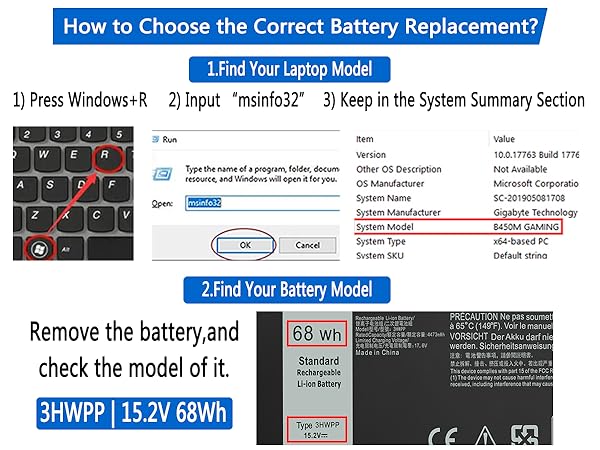
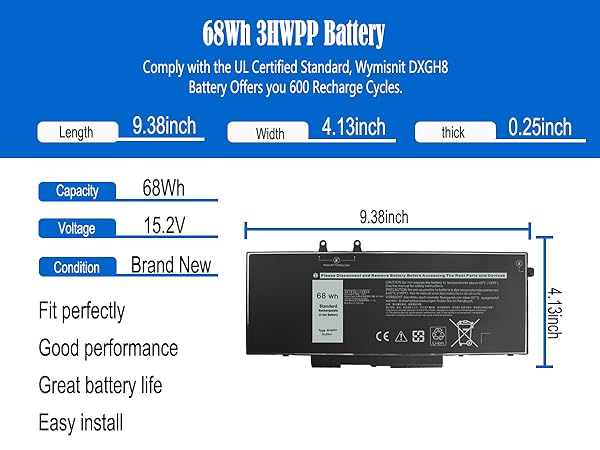
Compatible with Laptop Models: (Ctrl + F for fast search your laptop model)
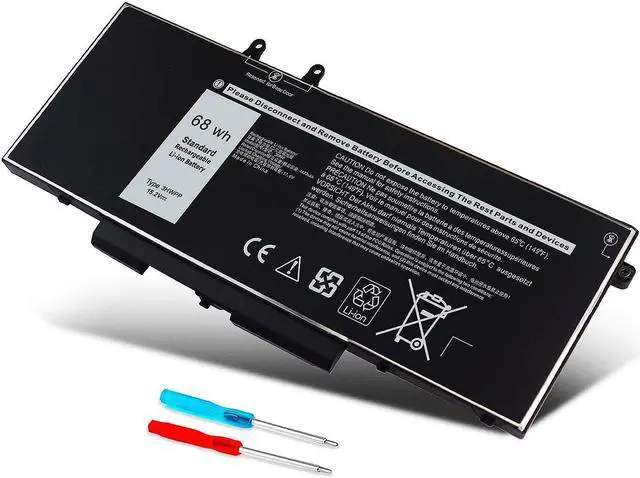
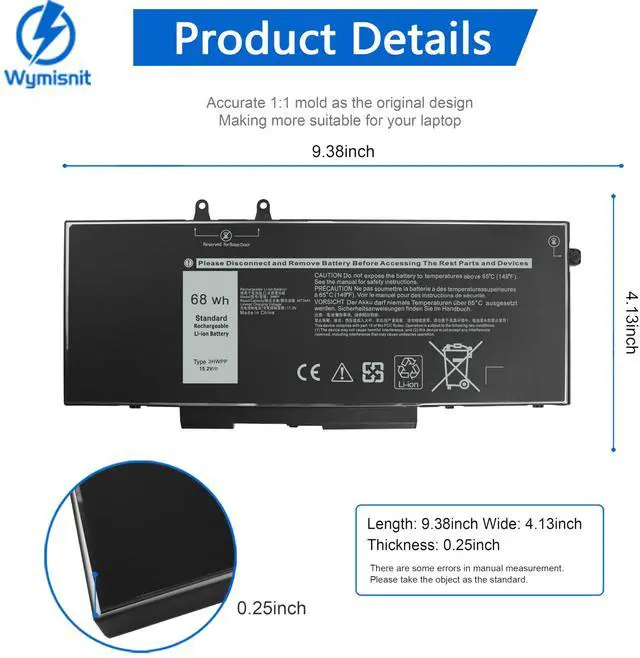
| Replacement for Part Number | 3HWPP 03HWPP 10X1J N2NLL 1VY7F 3YNXM 451-BCMN |
|---|---|
| Repalcement Battery for Dell | for Dell Latitude 5401 E5401 Series |
| Repalcement Battery for Dell | for Dell Latitude 5501 E5501 Series |
| Repalcement Battery for Dell | for Dell Latitude 5411 E5411 Series |
| Repalcement Battery for Dell | for Dell Latitude 5511 E5511 Series |
| Repalcement Battery for Dell | for Dell Latitude 14 5410 E5410 Series |
| Repalcement Battery for Dell | for Dell Latitude 15 5510 E5510 Series |
| Repalcement Battery for Dell | for Dell Precision 3541 3551 Series |
| Repalcement Battery for Dell | for Dell Inspiron 17 7500 2-in-1 Black Series (NOT fit for Dell Inspiron 17 7500 2-in-1 Silver) |
| Repalcement Battery for Dell | for Dell Inspiron 17 7506 2-in-1 Black Series (NOT fit for Dell Inspiron 17 7506 2-in-1 Silver) |
What do we need to pay attention to using batteries for the first time?
1. The battery must be fully charged before first use
2. You need to turn off your laptop and disconnect the power when you install a new battery
3. Do Discharge the new battery use to 5%/7%(not to 0%) and then charge to 95%, and cycle 3-4 times
How should I do if the battery is not recognized?
When the computer is turned on, if it is not recognized, it is recommended to update the BIOS settings or please disconnecting the old battery, and holding down the power button for 20 seconds, then connect the new battery
How should I do if we received the item doesn't work?
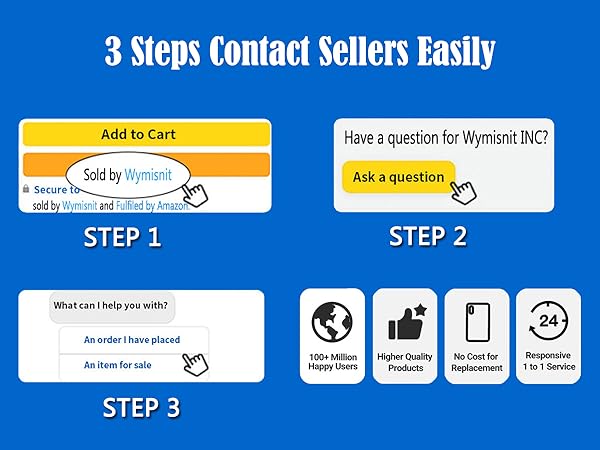
Please Contact Wymisnit. We will replace it with a new one for free.
How should I charge my laptop battery?
It is suggested to charge the battery before the power runs out completely. It is best to charge when the remaining power is about 5-10%, and the battery should be charged in a relatively dry place.
How should I preserve my laptop battery when I don’t use it?
The ideal preservation method is to charge the battery to about 40%, the battery should be used once a month, which can not only good preservation of the battery but also prevent the battery from being damaged by the complete loss of power
Wymisnit
Professional Laptop battery and charger manufacturer.
We are a manufacturer of laptop battery and charger replacements from 1998, with over 20 years of experience. You can be assured that shopping with us is safe and secure. We have warehouses in NY, making sure that you can enjoy first-class support. In addition, the wholesale orders are also welcomed, you can enjoy the business terms.
LEARN MORE
Universal TYPE-C Charger
65W & 45W Universal TYPE-C USB-C Charger for HP, Lenovo, etc. Lots of products in stock in NY warehouse, wholesale orders welcomed.
What should I do if the battery received is bad?
1. We provide 365 Days no-questions-asked full return or Free Exchange. 7×24h Online Free Technical help.
2. Please click the button and inquire us. We have warehouses in NY, making sure that you could have a high-quality service.
3. Please be assured that we will take the responsibility for each product we sold.
Why the laptop does not recognize the new battery?
1. Could be caused by battery loose. Please re-install the battery and make sure that the battery cable and the motherboard interface are tightly inserted.
2. Maybe due to conductive material damaged which the laptop motherboard and battery anode and cathode contact position, you can try to confirm it with your original battery.
3. Check whether the battery drive is in normal condition, if not, download the corresponding driver software to update.
How to maintain your lovely laptop battery?
1. When using your new battery for the first time, you need to prime the battery by charging it to 100% and discharging it to 20% for 3 times.
2. DO NOT let the battery drain to 0%: If you constantly let it drain to 0%, the battery becomes unstable will be seriously degraded.
3. DO NOT keep your battery always fully charged: Just like emptying your battery to 0%, keeping your battery permanently charged at 100% is very harmful.
4. Please store the unused battery fully charged. Do not store at low power to prevent reduce the lifespan of a battery.
How to maximize battery life?
1. Change your laptop power plan settings, choose the power saver plan. Then Change advanced power settings, scroll down to find Processor power management. Click the On-battery option and reduce the processor state to 20%.
2. Always keep your laptop neat and clean. The dust easily enters the hardware through the vents which are meant to release the heat generated from various computer components.
3. Close Wi-Fi, Bluetooth, and other settings. This can help your computer save precious battery life.