here!
here!
I’m your shopping assistant for PC builds, upgrades, and everything tech.
Got questions? Ask away!
Start a conversation
here!
I’m your shopping assistant for PC builds, upgrades, and everything tech.
Got questions? Ask away!
Start a conversation Top Rated




Any questions? Ask CelesteSM will help you find out quickly.

Professional Grdae laptop battery and charger

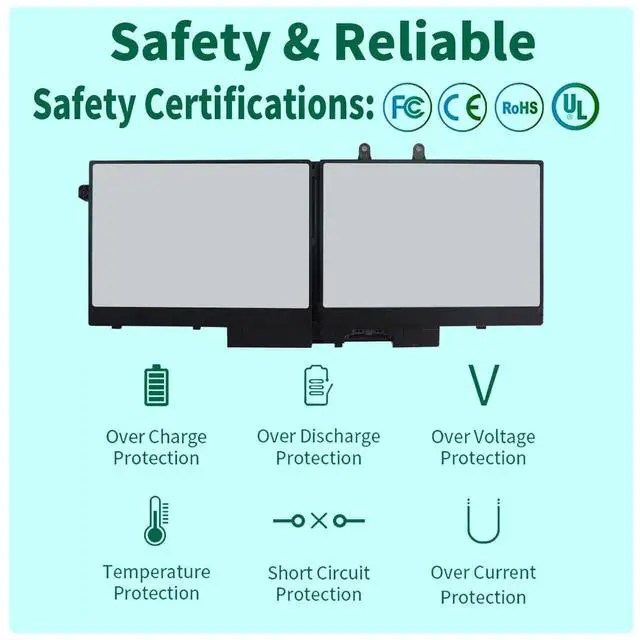
DMKAOLLK positioning is high quality, simplicity and durability.Our own R&D team and manufacturing plant,is a full-service supplier with complete development, production, sales and service.Our product performance is stable, safe and reliable
Here you can find your own charging companion for your laptop. DMKAOLLK wishes you a happy shopping experience and thank you for your trust!
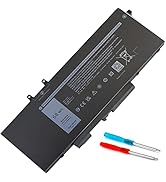
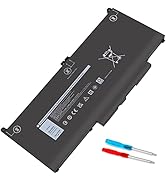
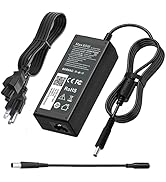
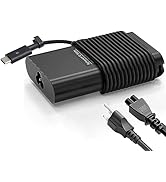
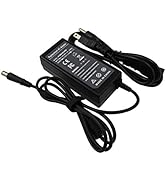
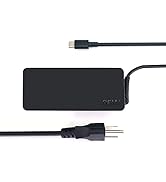
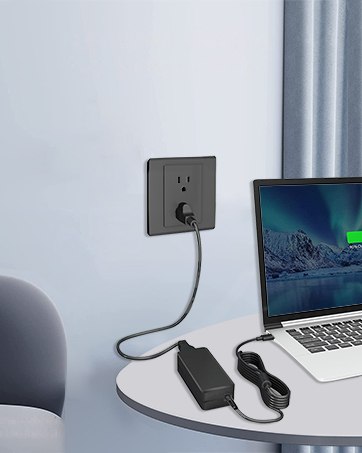
fit Any USB-C laptops and smart phones that support power delivery function


We have got you covered with all the major laptop manufacturers.

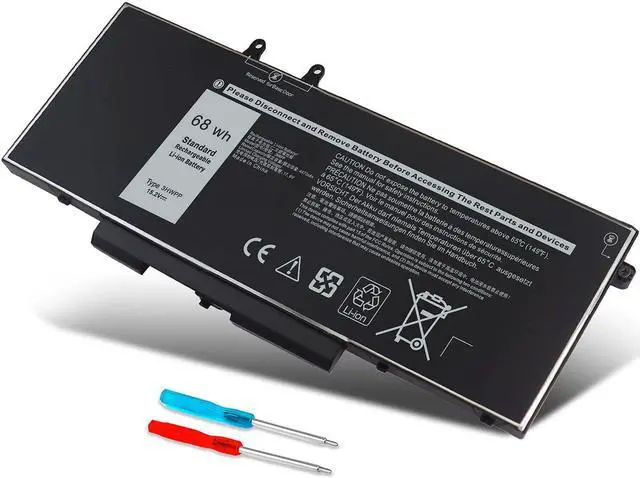
3HWPP Battery is a must-have accessory for your computer, ensuring that you are never out of power no matter where you are. Whether you are on the go, taking a camping trip, attending a business meeting, or just need to work from a remote location, it is the perfect companion for your computer

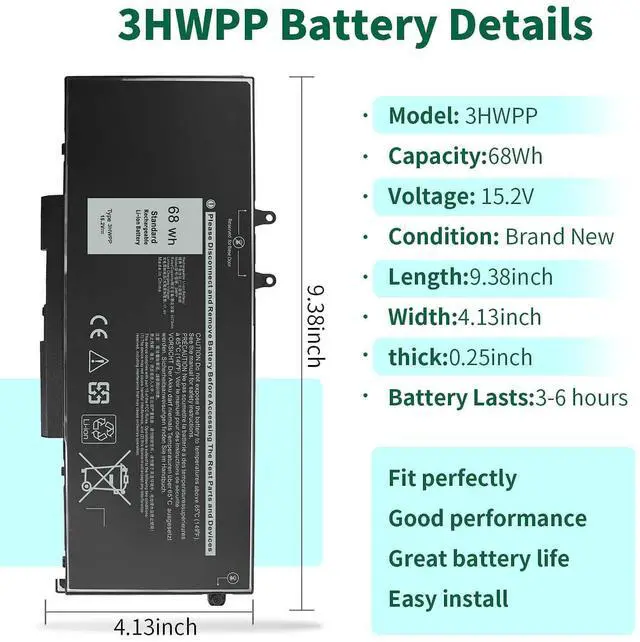
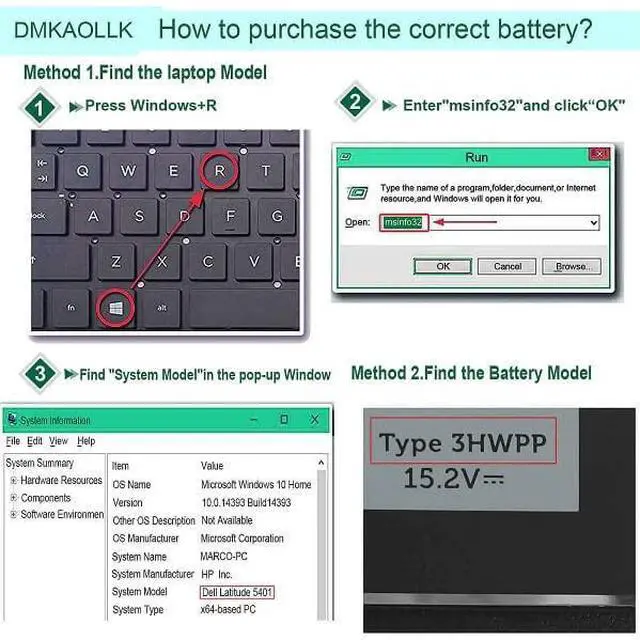
Replacement battery for Dell 68wh Standard Rechargeable li-ion battery Type 3HWPP 15.2V Repalcement for Dell Latitude 5401 5501 5411 5511 5410 5510 E5401 E5501 E5411 E5511 E5410 E5510 Series; Repalcement for Dell Precision 3541 3551 Series; Repalcement for Dell Inspiron 17 7500 2-in-1 Black Edition Series; Repalcement for Dell Inspiron 17 7506 2-in-1 Black Edition Series

1.What do we need to pay attention to using batteries for the first time?
1.The battery must be full charged before first use
2.You need to turn off your laptop and disconnect the power when you install a new battery
2.Do Discharge the new battery use to 5%/7%(not to 0%) and then charge to 95%, and cycle 3-4 times
How should I do if the battery is not recognised?
When the computer is turned on, if it is not recognised, it is recommended to update the BIOS settings or please disconnecting the old battery, and holding down the power button for 20 seconds, then connect the new battery
How should I do if we received the item doesn't work?
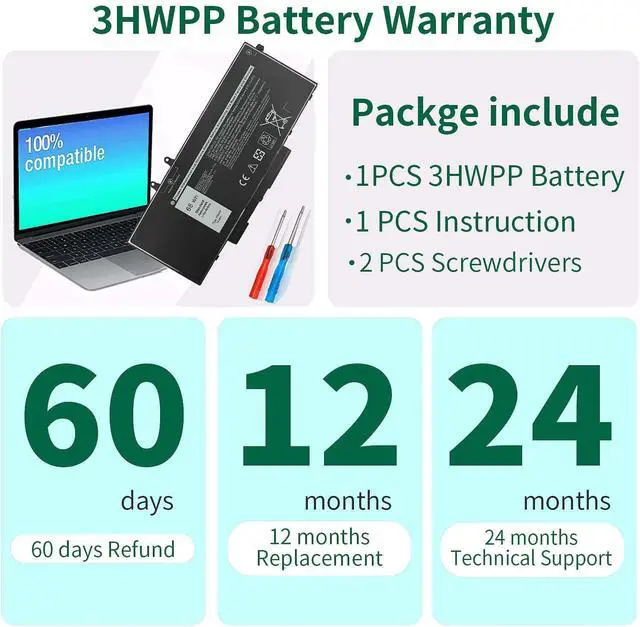
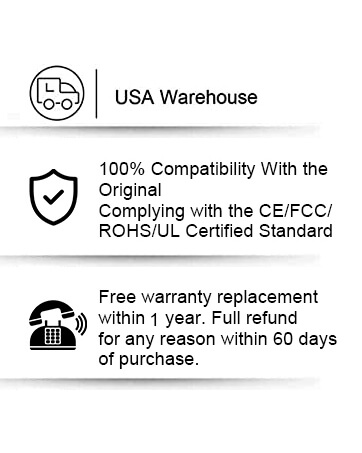
Our itme have 12 months replace a new one and 60 days moeny back guarrante. please Contact DMKAOLLK INC .we will replace it with a new one for free.
How should I charge my laptop battery?
It is suggested to charge the battery before the power runs out completely. It is best to charge when the remaining power is about 5-10%, and the battery should be charged in a relatively dry place.
How should I preserve my laptop battery when I don’t use it?
The ideal preservation method is to charge the battery to about 40%.the battery should be used once a month, which can not only good preservation of the battery but also prevent the battery from being damaged by the complete loss of power
 68Wh 3HWPP 15.2V Battery |  68Wh 4GVMP Laptop Battery |  53Wh H5CKD 15V Battery |  42Wh WDX0R Battery |  56WH 33YDH Battery |  42WH YRDD6 Battery |  MXV9V Battery | |
|---|---|---|---|---|---|---|---|
Customer Reviews | — | — | — | — | — | — | — |
Price | — | — | — | — | — | — | — |
Compatible Laptop Model | for Dell Latitude 5501 battery | for Dell Latitude 5410 battery | for Dell Latitude 3410 battery | for Dell Inspiron 15 5000 | for Dell Inspiron 17 7000 | for Dell Inspiron 15 5000 | Inspiron 7306 2-in-1 Black |
Voltage | 15.2V | 7.6V | 15V | 11.4V | 15.2V | 11.4V | 7.6V |
Capacity | 68Wh | 68Wh | 53WH | 42WH | 56WH | 42WH | 60WH |
Number of Cells | 4-Cell | 3-Cell | 4-Cell | 3-Cell | 4-Cell | 3-cell | 4-cell |
Brand | DMKAOLLK | DMKAOLLK | DMKAOLLK | DMKAOLLK | DMKAOLLK | DMKAOLLK | DMKAOLLK |
overheat protections | ? | ? | ? | ? | ? | ? | ? |

3HWPP Battery is a must-have accessory for your computer, ensuring that you are never out of power no matter where you are. Whether you are on the go, taking a camping trip, attending a business meeting, or just need to work from a remote location, it is the perfect companion for your computer
Broad Compatibility
Replacement battery for Dell 68wh Standard Rechargeable li-ion battery Type 3HWPP 15.2V Repalcement for Dell Latitude 5401 5501 5411 5511 5410 5510 E5401 E5501 E5411 E5511 E5410 E5510 Series; Repalcement for Dell Precision 3541 3551 Series; Repalcement for Dell Inspiron 17 7500 2-in-1 Black Edition Series; Repalcement for Dell Inspiron 17 7506 2-in-1 Black Edition Series


| Replacement for Part Number | 3HWPP 03HWPP 10X1J N2NLL 1VY7F 3YNXM 451-BCMN |
|---|---|
| Repalcement Battery for dell | for Dell Latitude 5401 E5401 Series |
| Repalcement Battery for dell | for Dell Latitude 5501 E5501 Series |
| Repalcement Battery for dell | for Dell Latitude 5411 E5411 Series |
| Repalcement Battery for dell | for Dell Latitude 5511 E5511 Series |
| Repalcement Battery for dell | for Dell Latitude 14 5410 E5410 Series |
| Repalcement Battery for dell | for Dell Latitude 15 5510 E5510 Series |
| Repalcement Battery for dell | for Dell Precision 3541 3551 Series |
| Repalcement Battery for dell | for Dell Inspiron 17 7500 2-in-1 Black Edition Series (NOT fit for Dell Inspiron 17 7500 2-in-1 Silver Edition) |
| Repalcement Battery for dell | for Dell Inspiron 17 7506 2-in-1 Black Edition Series (NOT fit for Dell Inspiron 17 7506 2-in-1 Silver Edition) |

1.What do we need to pay attention to using batteries for the first time?
1.The battery must be full charged before first use
2.You need to turn off your laptop and disconnect the power when you install a new battery
2.Do Discharge the new battery use to 5%/7%(not to 0%) and then charge to 95%, and cycle 3-4 times
How should I do if the battery is not recognised?
When the computer is turned on, if it is not recognised, it is recommended to update the BIOS settings or please disconnecting the old battery, and holding down the power button for 20 seconds, then connect the new battery
How should I do if we received the item doesn't work?
Our itme have 12 months replace a new one and 60 days moeny back guarrante. please Contact DMKAOLLK INC .we will replace it with a new one for free.
How should I charge my laptop battery?
It is suggested to charge the battery before the power runs out completely. It is best to charge when the remaining power is about 5-10%, and the battery should be charged in a relatively dry place.
How should I preserve my laptop battery when I don’t use it?
The ideal preservation method is to charge the battery to about 40%.the battery should be used once a month, which can not only good preservation of the battery but also prevent the battery from being damaged by the complete loss of power
68Wh 3HWPP 15.2V Battery | 68Wh 4GVMP Laptop Battery | 53Wh H5CKD 15V Battery | 42Wh WDX0R Battery | 56WH 33YDH Battery | 42WH YRDD6 Battery | MXV9V Battery |
|---|---|---|---|---|---|---|
| Customer Reviews | ||||||
| — | — | — | — | — | — | — |
| Price | ||||||
| — | — | — | — | — | — | — |
| Compatible Laptop Model | ||||||
| for Dell Latitude 5501 battery | for Dell Latitude 5410 battery | for Dell Latitude 3410 battery | for Dell Inspiron 15 5000 | for Dell Inspiron 17 7000 | for Dell Inspiron 15 5000 | Inspiron 7306 2-in-1 Black |
| Voltage | ||||||
| 15.2V | 7.6V | 15V | 11.4V | 15.2V | 11.4V | 7.6V |
| Capacity | ||||||
| 68Wh | 68Wh | 53WH | 42WH | 56WH | 42WH | 60WH |
| Number of Cells | ||||||
| 4-Cell | 3-Cell | 4-Cell | 3-Cell | 4-Cell | 3-cell | 4-cell |
| Brand | ||||||
| DMKAOLLK | DMKAOLLK | DMKAOLLK | DMKAOLLK | DMKAOLLK | DMKAOLLK | DMKAOLLK |
| overheat protections | ||||||
| ? | ? | ? | ? | ? | ? | ? |
Professional Grdae laptop battery and charger
DMKAOLLK positioning is high quality, simplicity and durability.Our own R&D team and manufacturing plant,is a full-service supplier with complete development, production, sales and service.Our product performance is stable, safe and reliable
Here you can find your own charging companion for your laptop. DMKAOLLK wishes you a happy shopping experience and thank you for your trust!
fit Any USB-C laptops and smart phones that support power delivery function
We have got you covered with all the major laptop manufacturers.
Compatible Models (use "Ctrl+F to find your model quickly")
Repalcement for Dell Latitude 5401 E5401 Series,
Repalcement for Dell Latitude 5501 E5501 Series
Repalcement for Dell Latitude 5411 E5411 Series,
Repalcement for Dell Latitude 5511 E5511 Series,
Repalcement for Dell Latitude 14 5410 E5410 Series
Repalcement for Dell Latitude 15 5510 E5510 Series
Repalcement for Dell Precision 3541 Series
Repalcement for Dell Precision 3551 Series
Repalcement for Dell Inspiron 17 7500 2-in-1 Black Edition Series (NOT fit for Dell Inspiron 17 7500 2-in-1 Silver Edition)
Repalcement for Dell Inspiron 17 7506 2-in-1 Black Edition Series (NOT fit for Dell Inspiron 17 7506 2-in-1 Silver Edition)
| Number of Batteries | 1 A batteries required. (included) |
| Brand | DMKAOLLK |
| Battery Cell Composition | Lithium Polymer |
| Battery Capacity | 4473 Milliamp Hours |
| Recommended Uses For Product | Laptop |
| Product Dimensions | 9.38 x 4.13 x 0.25 inches |
| Item Weight | 12 ounces |
| Item model number | JC04 |
| Batteries | 1 A batteries required. (included) |
| Date First Available | March 10, 2023 |
| Manufacturer | DONG GUAN BOYU ELECTRONICS CO., LTD |