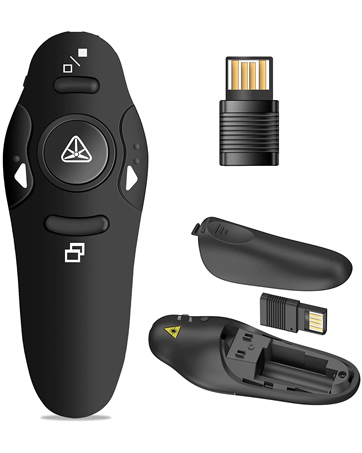
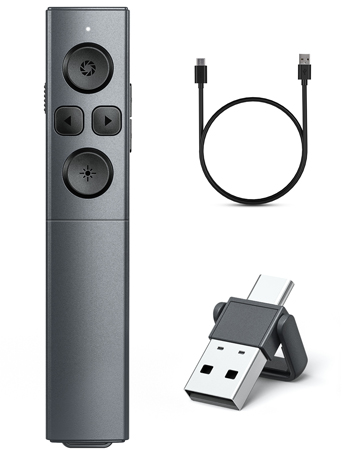
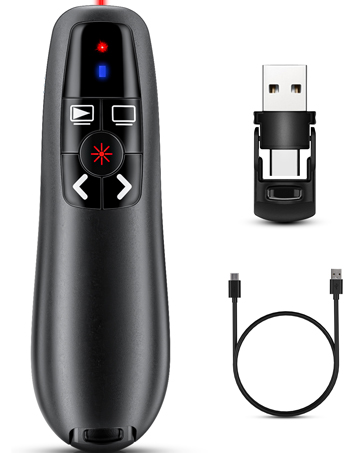
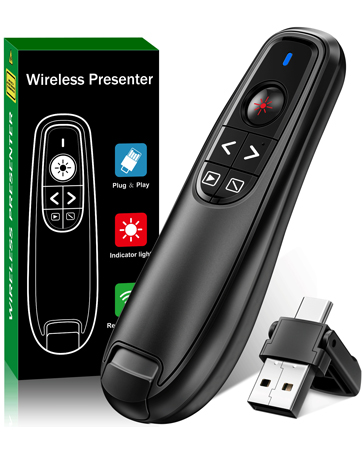
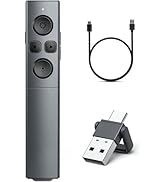
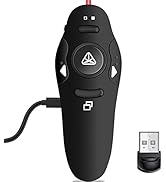
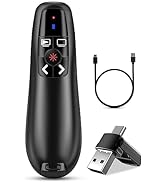
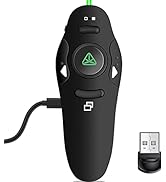
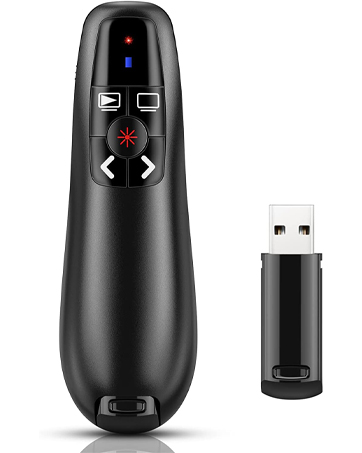
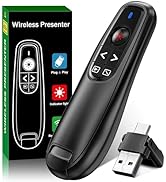
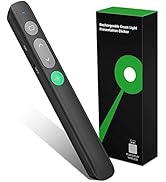
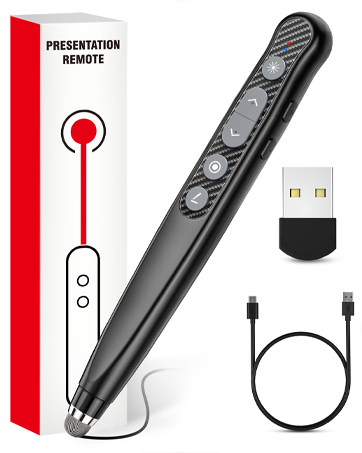
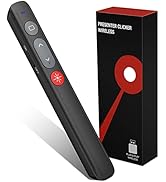
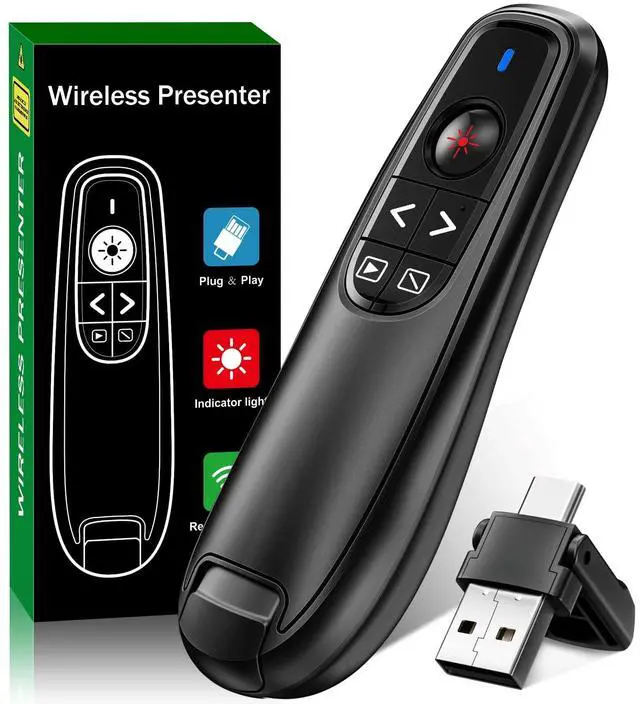
2-in-1 USB Type C Presentation Clicker, Wireless Presentation Clicker PowerPoint Presenter Remote with Volume Control, Powerpoint Clicker with Slide Advancer for Computer/Laptop/Mac
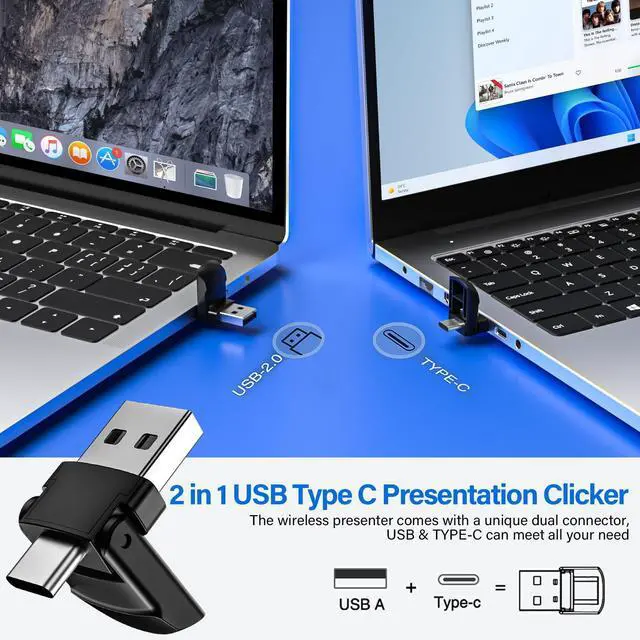
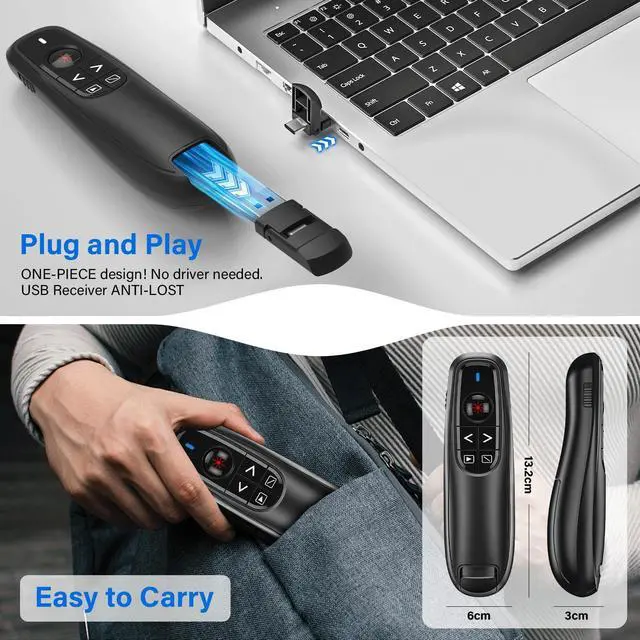
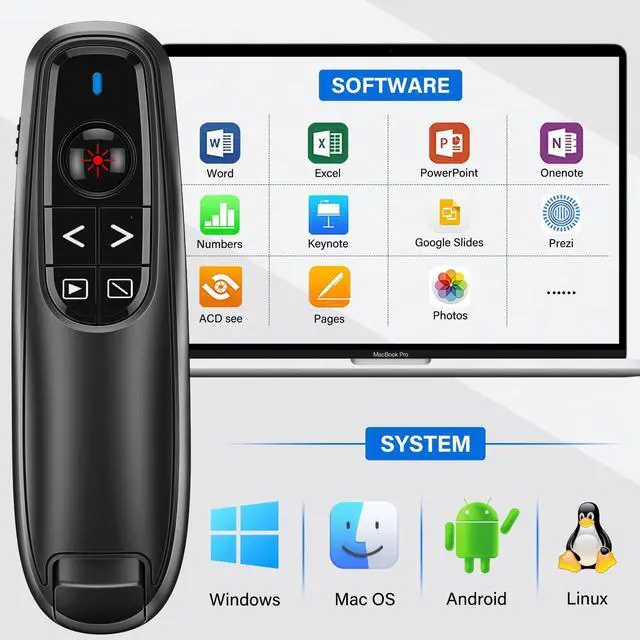
2-In-1 USB A & USB C Presentation Clicker: This wireless presentation clicker comes with a unique dual-head design, which can meet all your need. Clicker for powerpoint presentations is easy to use and highly responsive, ensuring that you can navigate through your slides with ease. Just Plug and Play, no need to install software. This presentation clicker is an excellent tool for any presenter who wants to deliver seamless and flawless presentations
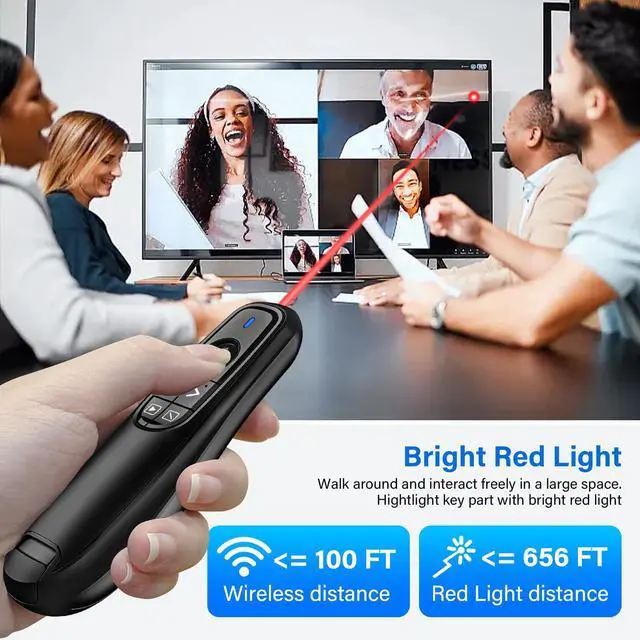
100FT Wireless Remote Control Distance & 656FT Light Display Range: Wireless presenter with light pointer for presentations control distance: 100FT, red light pointer range: 656FT. With this presentation clicker can allow you don't be tied to your computer. Feel free to roam around the office, classroom or auditorium while giving a presentation or lecture. This powerpoint clicker is suit for computer/laptop/mac,etc and it is a perfect toys for your pet(Not recommended for TV/LED/LCD screen)
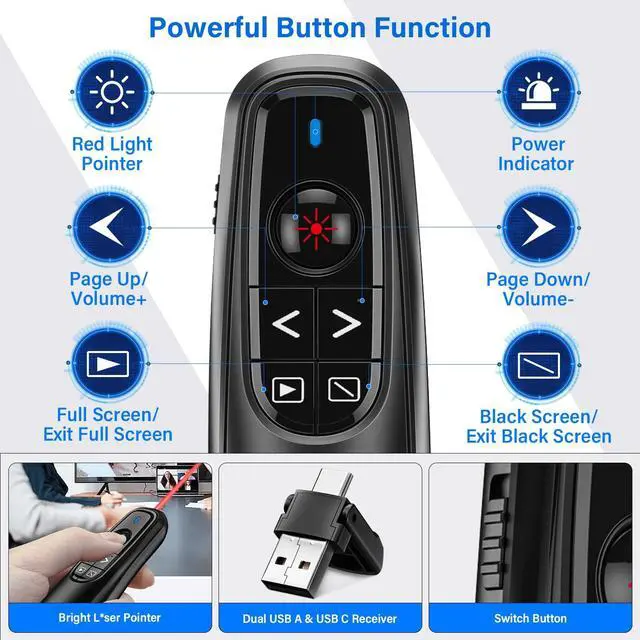
Powerful Button Fuction for Presentation Clicker: This powerpoint clicker support volume control, switch windows, full/black screen, page up/down. Press the left button and right button at the same time can switch the button function, it can be turn left/right(The default value is Page Up/Page Down). One button is one function, The contoured keys are located in just the right place and easy to find by touch. With this clicker, which can allow your presentation goes smoothly
+
+
Overview
Specs
Reviews
Any questions? Our AI beta will help you find out quickly.

2-in-1 USB Type C Presentation Clicker, Wireless Presentation Clicker PowerPoint Presenter Remote with Volume Control, Powerpoint Clicker with Slide Advancer for Computer/Laptop/Mac
Learn more about the Detailed Specifications
Additional Information
First Listed on Newegg
March 19, 2026
There are no reviews yet.
Do you own this product?
Warranty & Returns
Warranty, Returns, And Additional Information
Warranty
Please contact the Seller directly for warranty information. Warranty information may also be found on the Manufacturer's website.