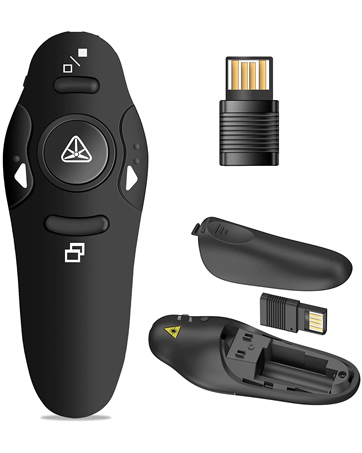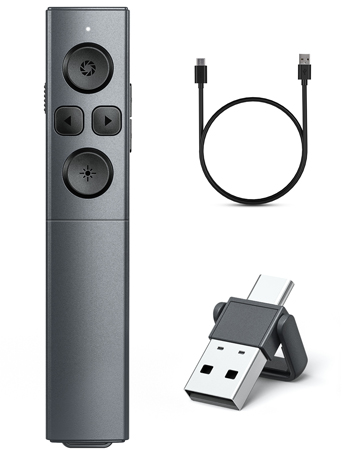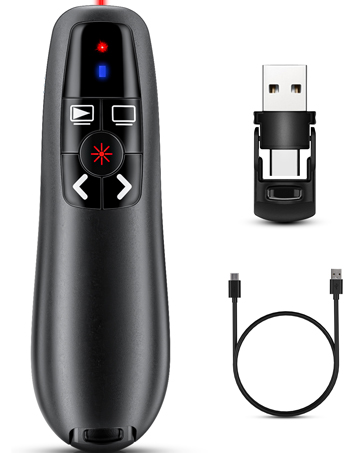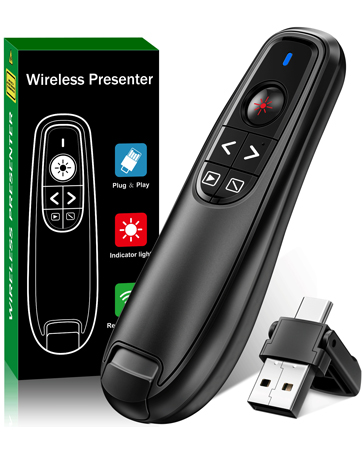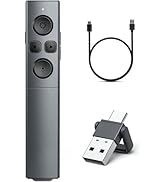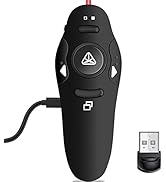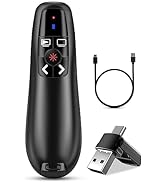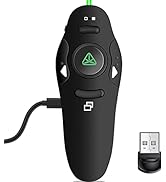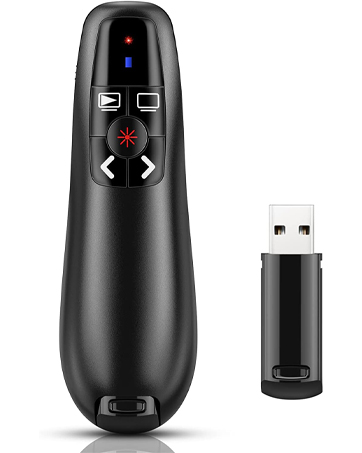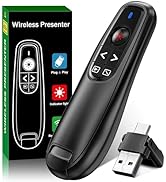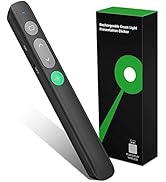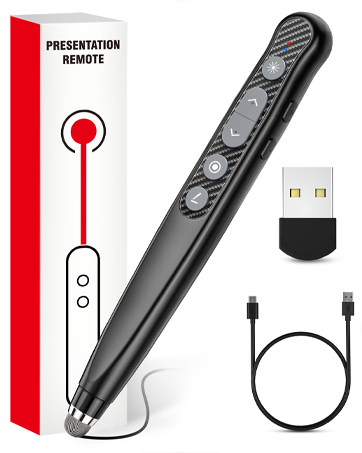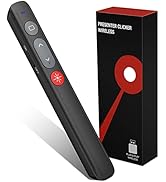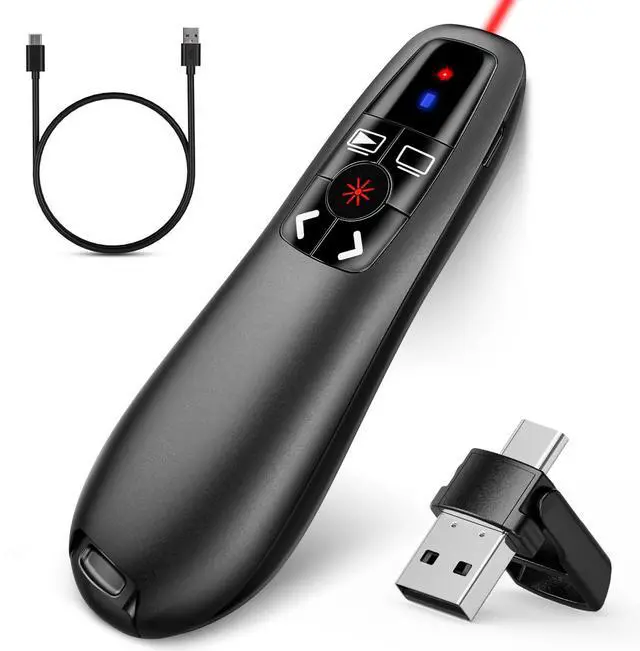


2-in-1 USB Type C Presentation Clicker, Clicker for PowerPoint Presentations, Rechargeable Wireless Presenter Remote, Pointer RF 2.4GHz USB PowerPoint Clicker Slide Advancer with Volume Control
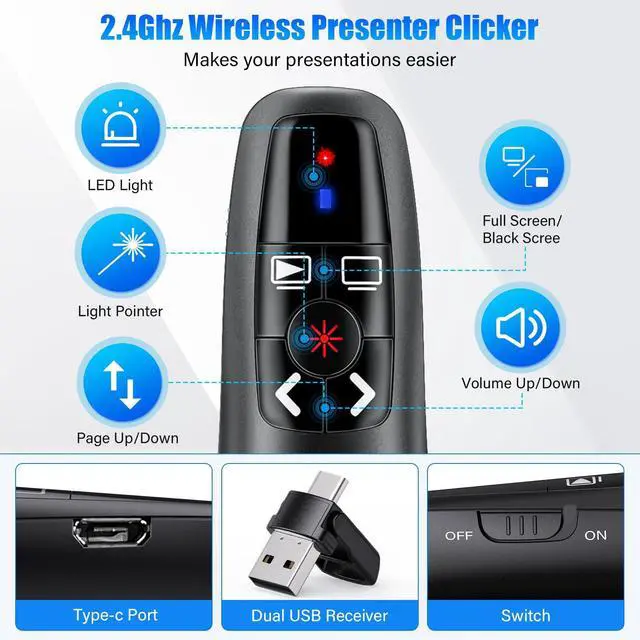
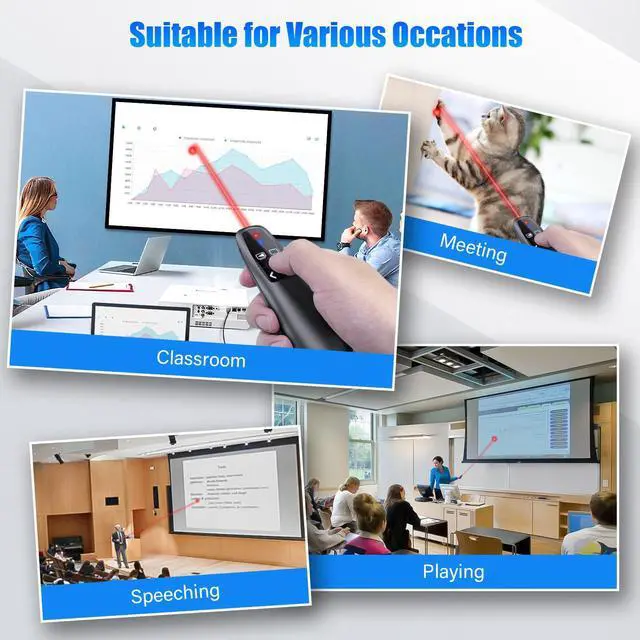
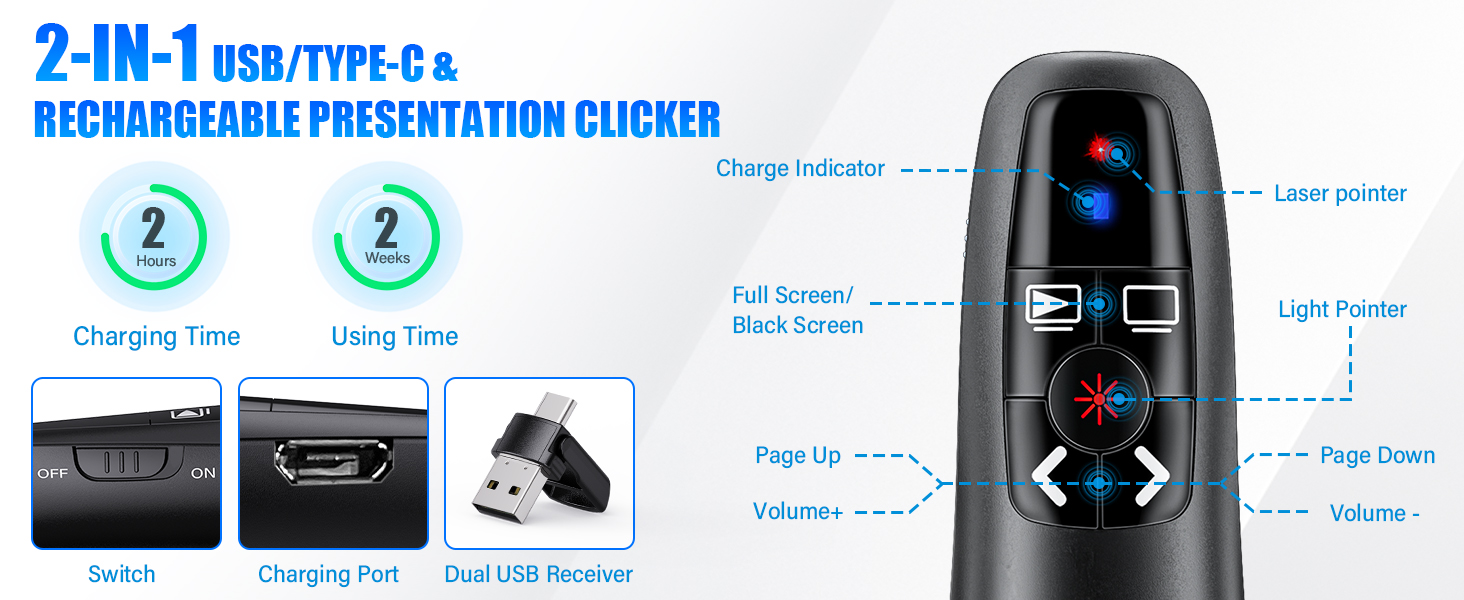
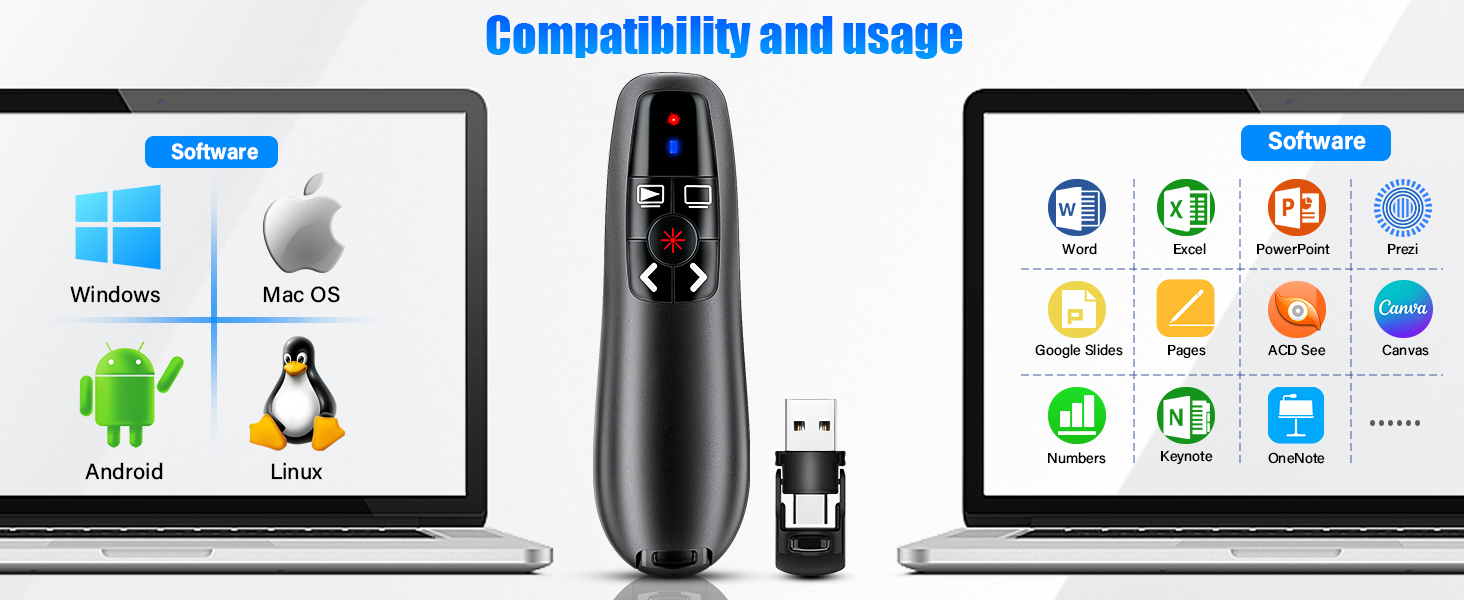
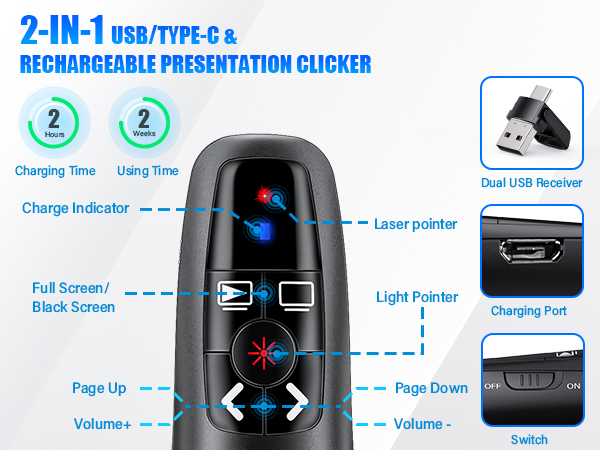
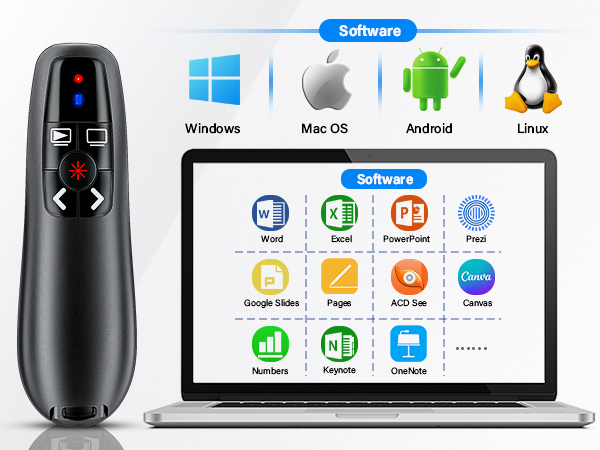
INTUITIVE PRESENTATION POINTER WITH VOLUME CONTROL: This wireless clicker supports HYPERLINK, switch windows, full/black screen, volume control, page up, page down. Not only does this power point remote clicker help gain more confidence in your teaching, coaching, speeching, meeting or conference presentations, but also this presentation remote also works as a cat chase toy using the bright red light to have fun with your pets.Product class:Class 3R. Maximum output:<5 mW
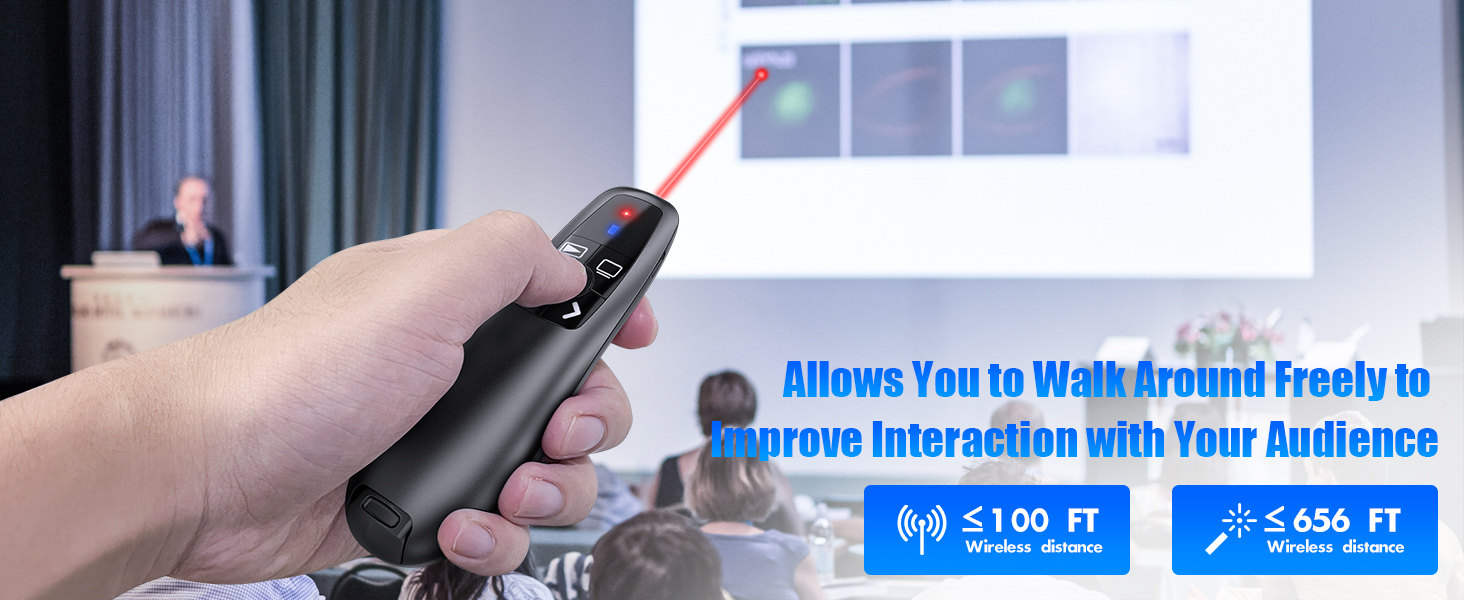
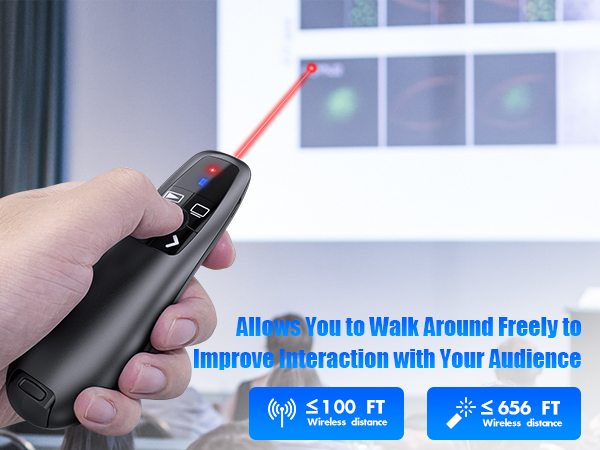
LONG CONTROL & BRIGHT RED LIGHT: Wireless remote control of 100ft and long range red light control of 656ft. The clicker for PowerPoint presentations to highlight and point out the key part to catch audience's eyes with its bright red light which is easy to be seen clearly against most background(Not recommended for TV/LED/LCD screens). Use this clicker allow you can stroll around the room to have closer communication with audience
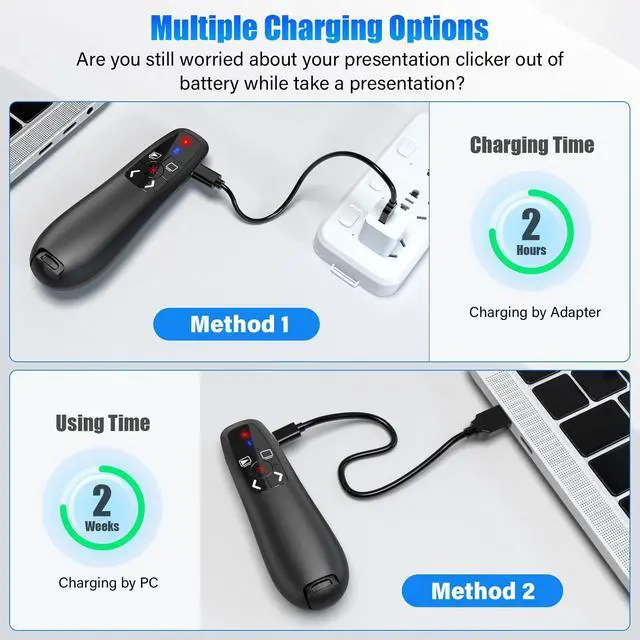
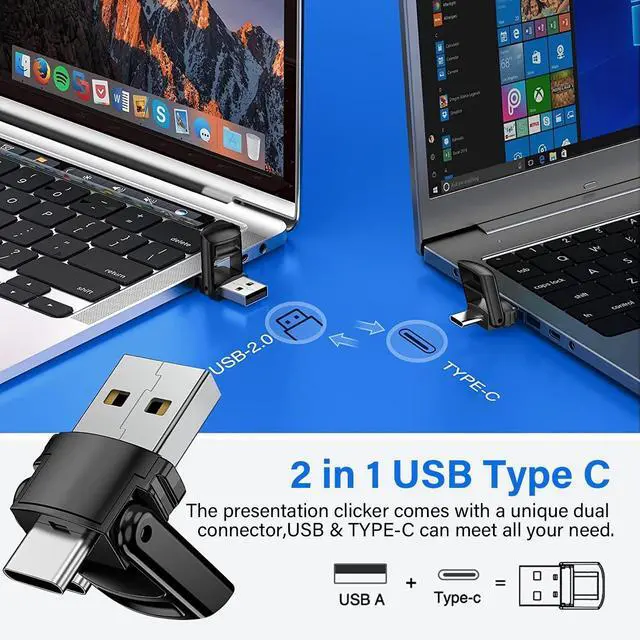
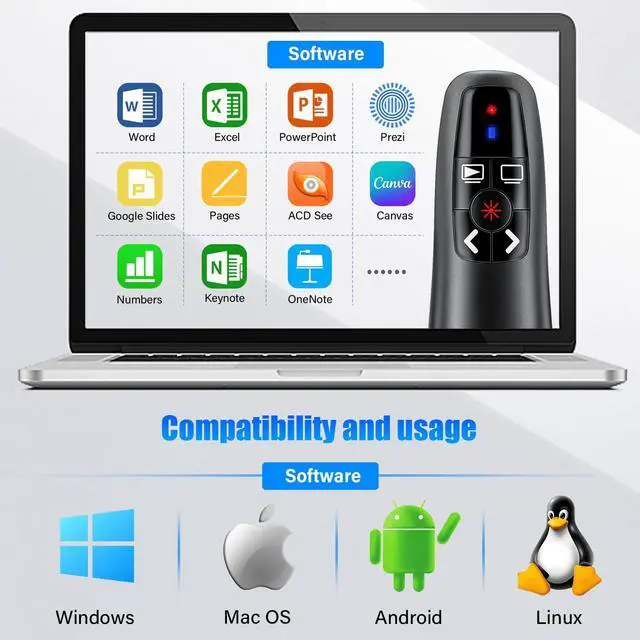
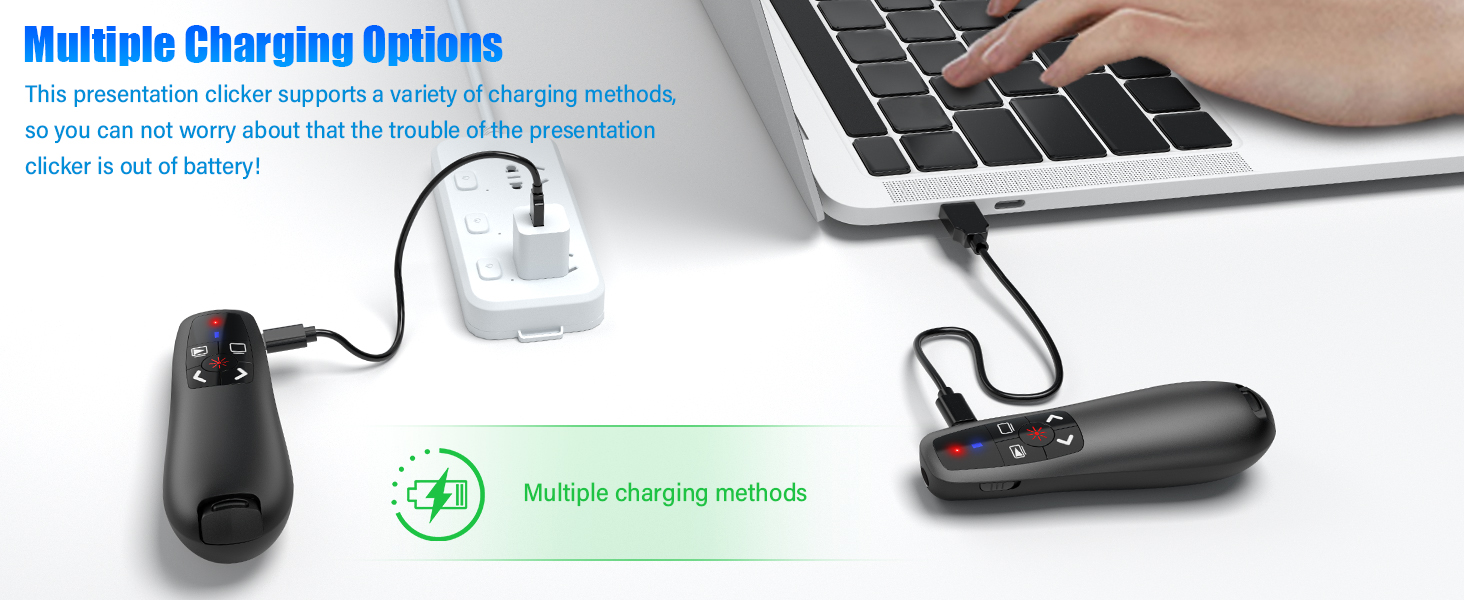
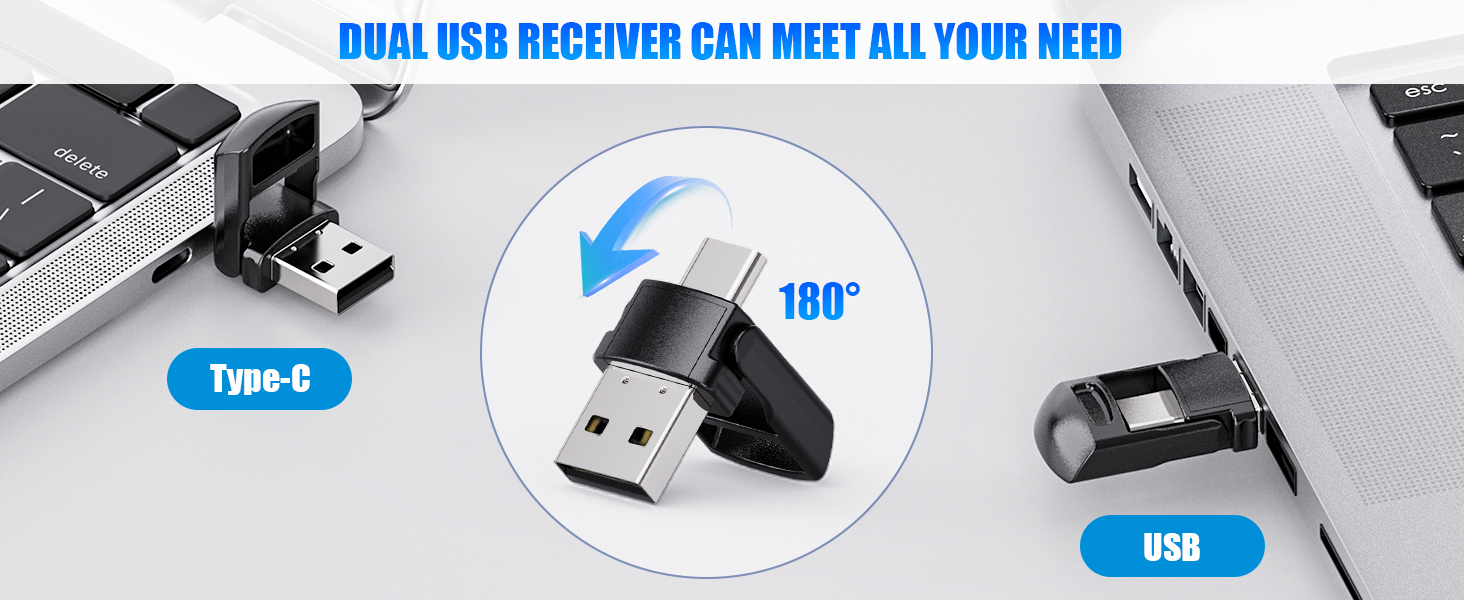
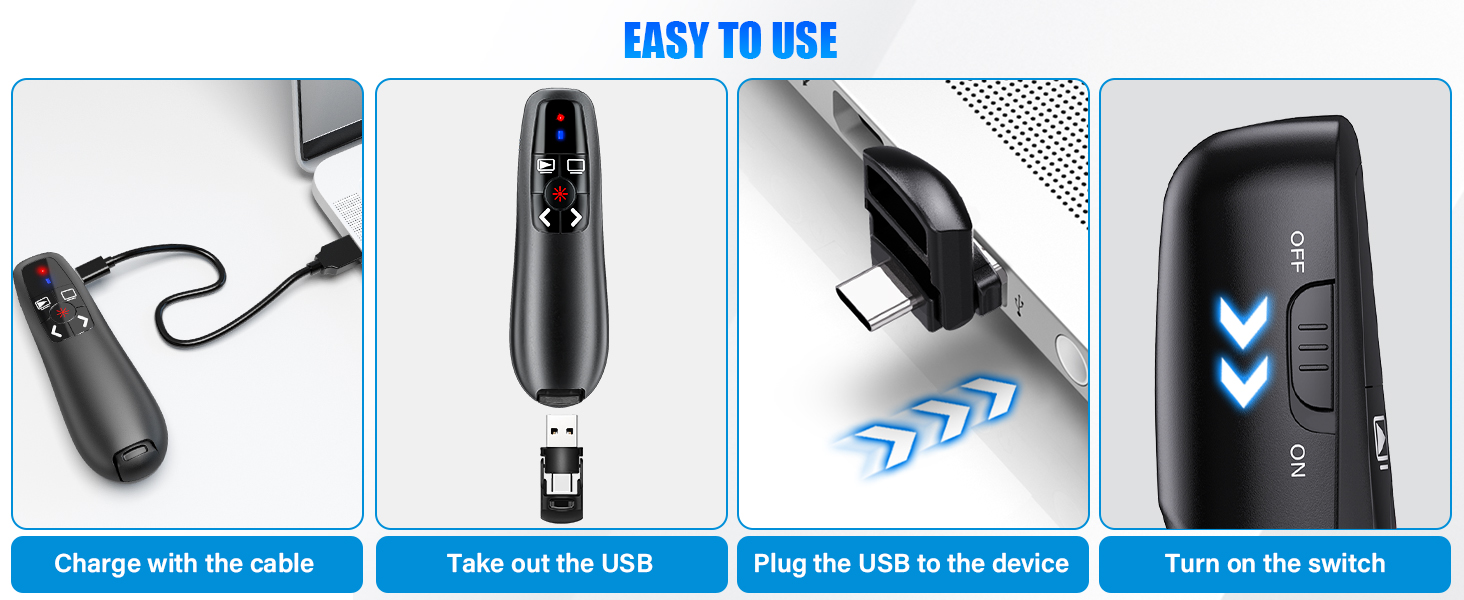
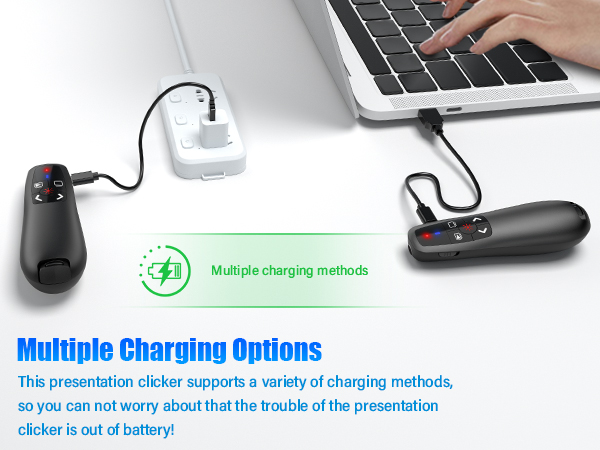
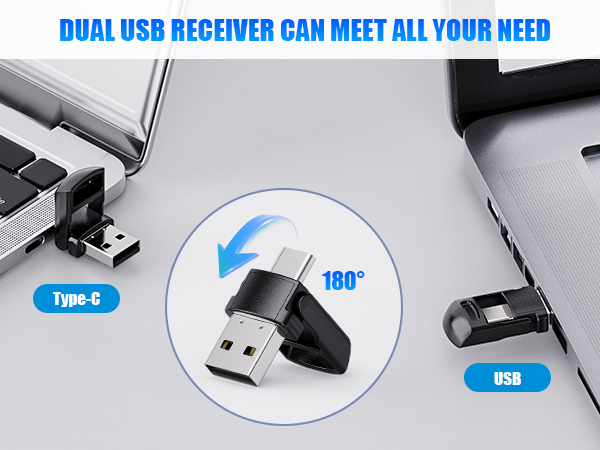
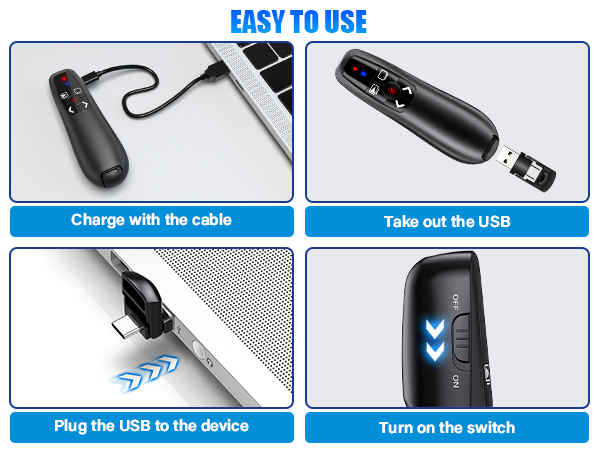
2-IN-1 USB TYPE C & REACHARGEBLE PRESENTATION CLICKER: 2-in-1 USB Type C receiver plug-and-play. No software is required to install. For mac users, a simple set-up is required before use. Clicker for PPT with RF 2.4ghz USB receives, slide clicker compact and portable don't worry about not carrying batteries. Clicker built-in 300mAh battery, it supports one week using after charging for 2 hours. USB receiver embedded in the bottom of the remote clicker for presentations to avoid losing
+
+
Overview
Specs
Reviews
Any questions? Our AI beta will help you find out quickly.

2-in-1 USB Type C Presentation Clicker, Clicker for PowerPoint Presentations, Rechargeable Wireless Presenter Remote, Pointer RF 2.4GH z USB PowerPoint Clicker Slide Advancer with Volume Control
Learn more about the Detailed Specifications
Additional Information
First Listed on Newegg
March 19, 2026
There are no reviews yet.
Do you own this product?
Warranty & Returns
Warranty, Returns, And Additional Information
Warranty
Please contact the Seller directly for warranty information. Warranty information may also be found on the Manufacturer's website.