




Just Dropped
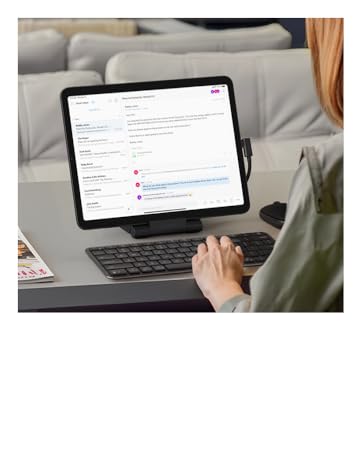
OntheGo Foldable Stand Hub
OntheGo Foldable Stand Hub
Designed for creators and professionals who need desktop-grade performance in a slim, travel-ready form.
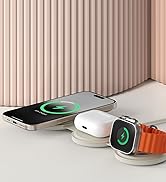
OntheGo Collection
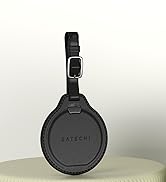
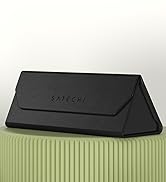
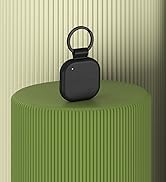
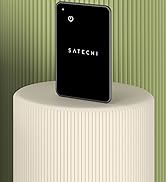
FindAll Collection
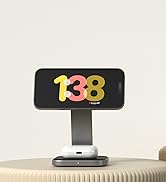

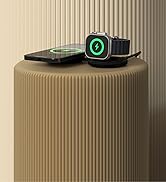
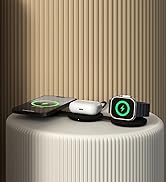
Qi2 Charging Collection
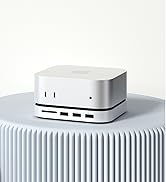
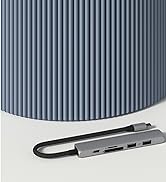
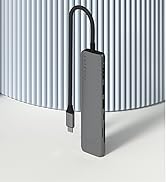
Connectivity & Expansion
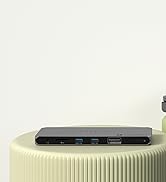
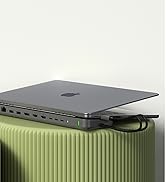
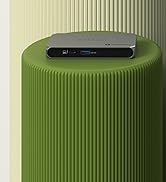
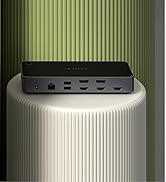
Docking Stations
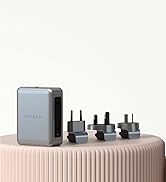
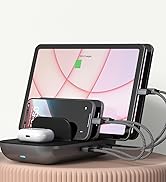
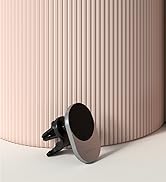
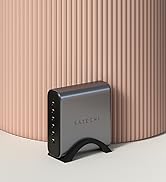
Power & Charging
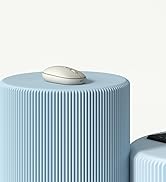
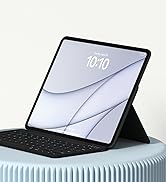
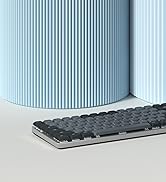
Productivity Essentials

About Satechi
We’re more than just another tech brand; we’re innovators committed to bringing you faster, more efficient solutions.
Our USB Type-C hubs, adapters, and accessories are designed to seamlessly combine performance and style. No matter what your goals are, our gear is here to make your life a little easier.


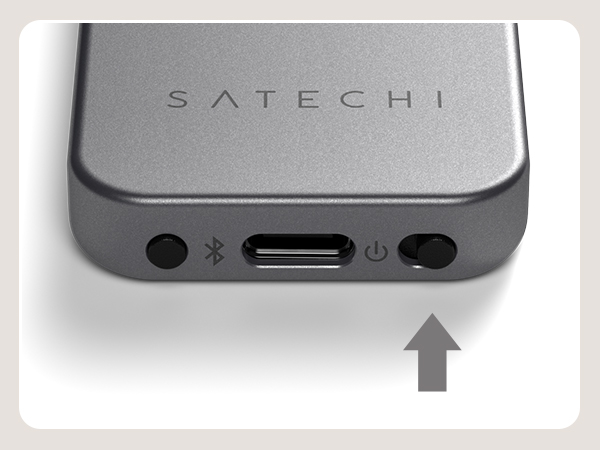
Power on
Power on the remote using the bottom switch.
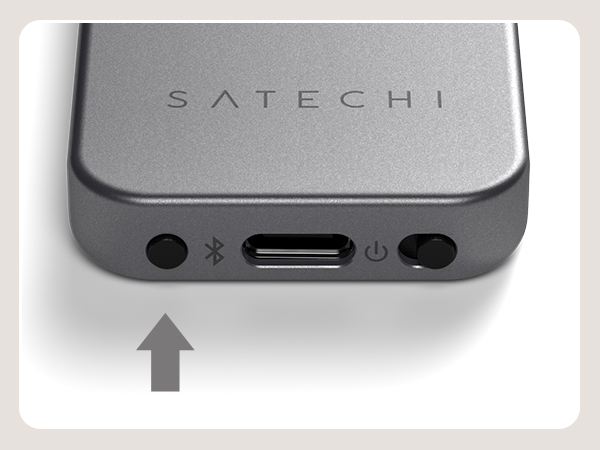
Enter pairing mode
Press and hold Bluetooth button for ~6 seconds. Then select “R1 Presenter” when it appears in your host device’s Bluetooth settings to connect and finish the pairing process.
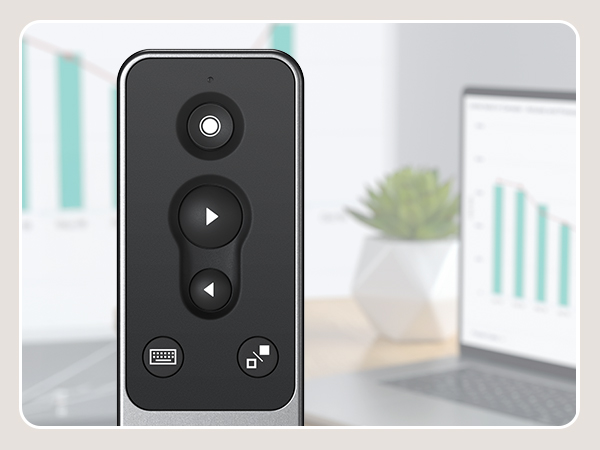
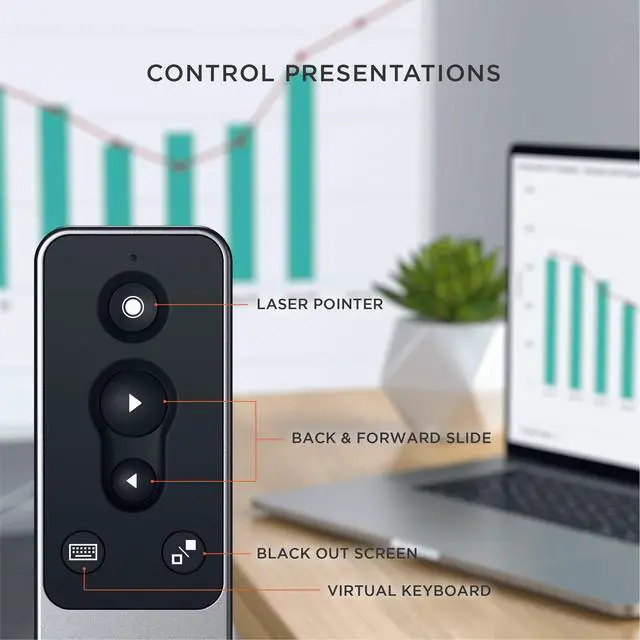
Control presentations
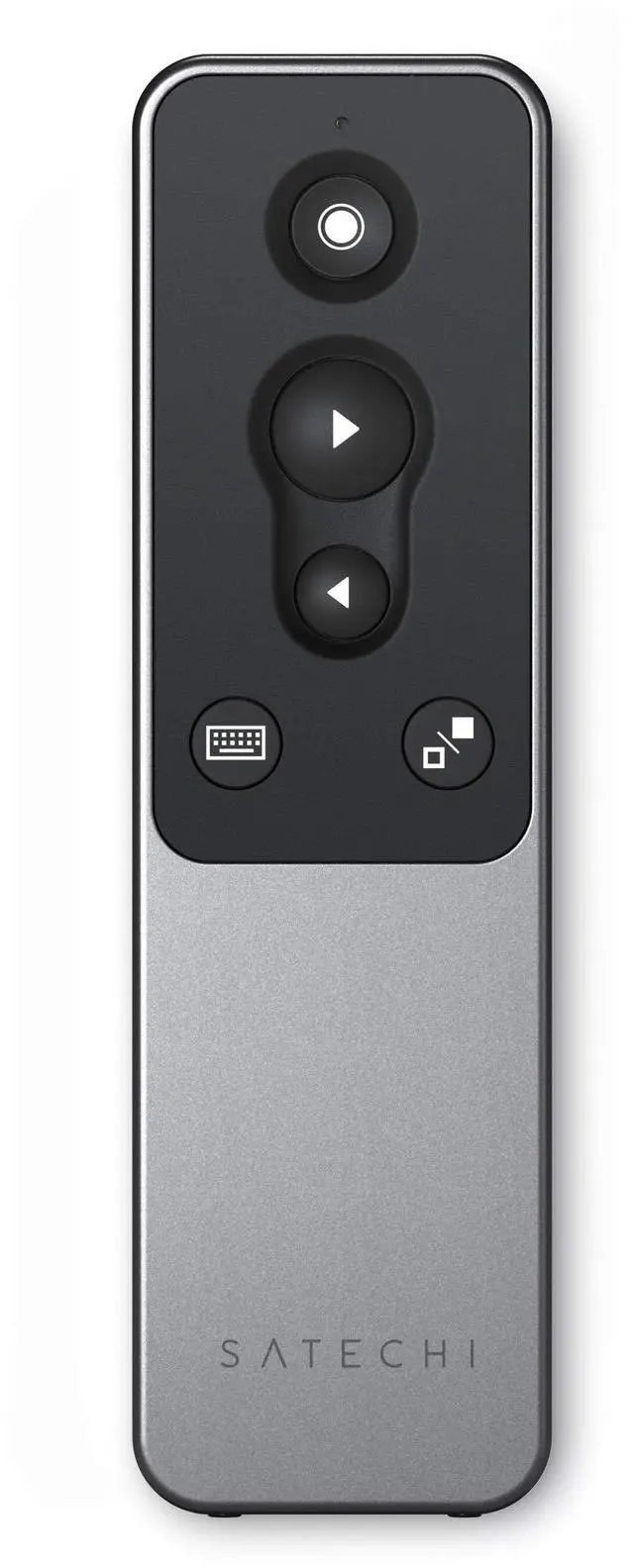
Use the remote’s back/forward slide, black out screen, and virtual keyboard to control presentations from afar.
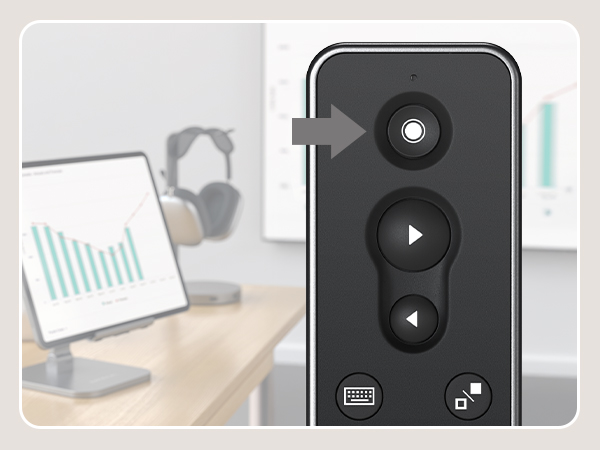
Red laser
Activate built-in red laser pointer to highlight key points and guide discussions with pinpoint accuracy.
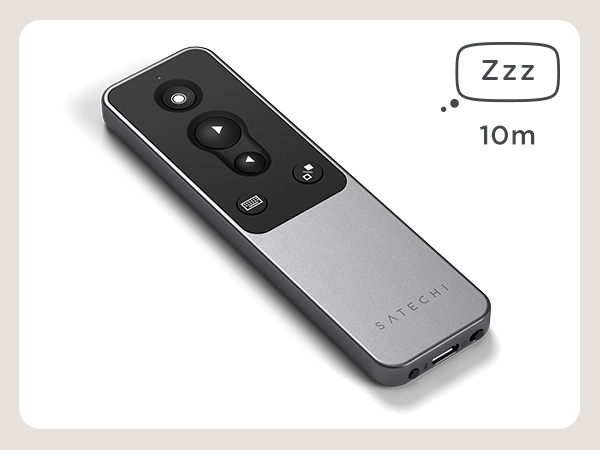
Automatic sleep mode
After ten minutes of inactivity, the remote will go into sleep mode. Press any button to wake.
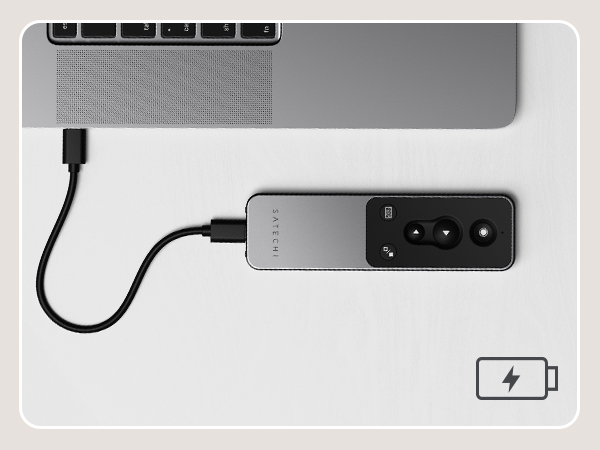
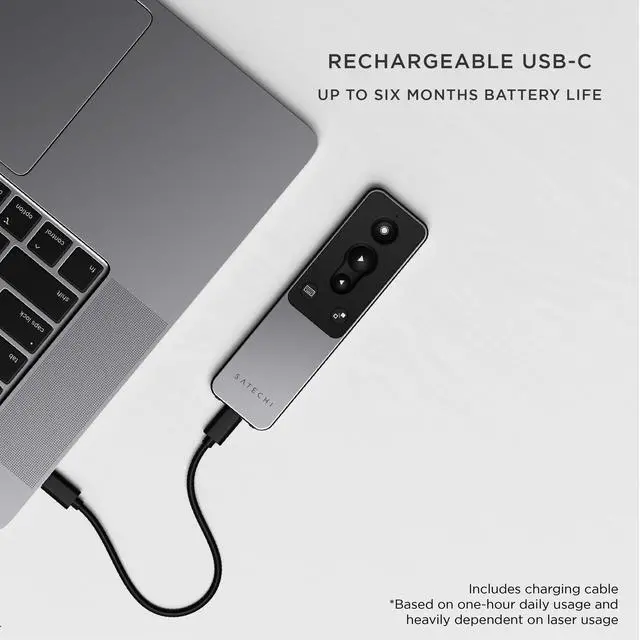
Charging
Flashing red light indicates low battery. To recharge the remote, connect to a powered USB-C port using the included cable. Red light will turn green when fully charged.
Just Dropped
OntheGo Foldable Stand Hub
OntheGo Foldable Stand Hub
Designed for creators and professionals who need desktop-grade performance in a slim, travel-ready form.
OntheGo Collection
FindAll Collection
Qi2 Charging Collection
Connectivity & Expansion
Docking Stations
Power & Charging
Productivity Essentials
About Satechi
We’re more than just another tech brand; we’re innovators committed to bringing you faster, more efficient solutions.
Our USB Type-C hubs, adapters, and accessories are designed to seamlessly combine performance and style. No matter what your goals are, our gear is here to make your life a little easier.