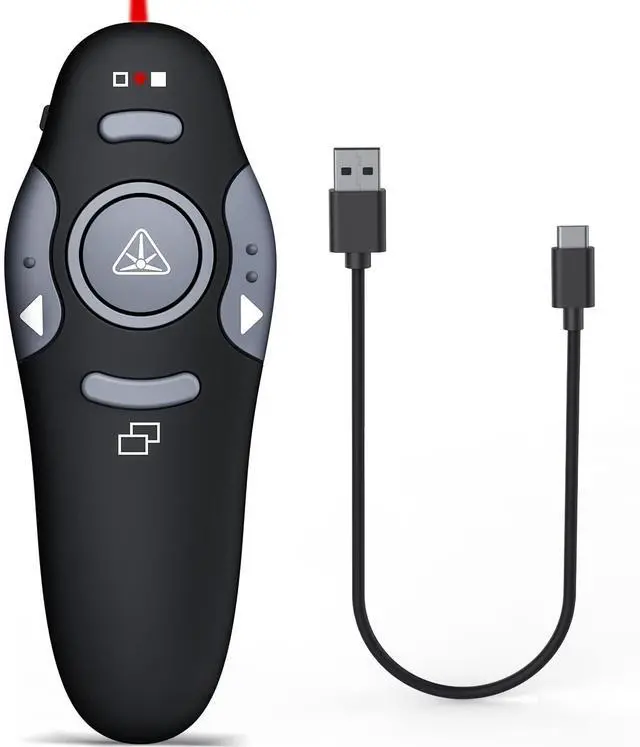
Rechargeable Presentation Clicker with Red Laser Pointer,Wireless Presenter Remote Powerpoint Clicker for Laptop Presentations,Silde Advancer for Office Classroom
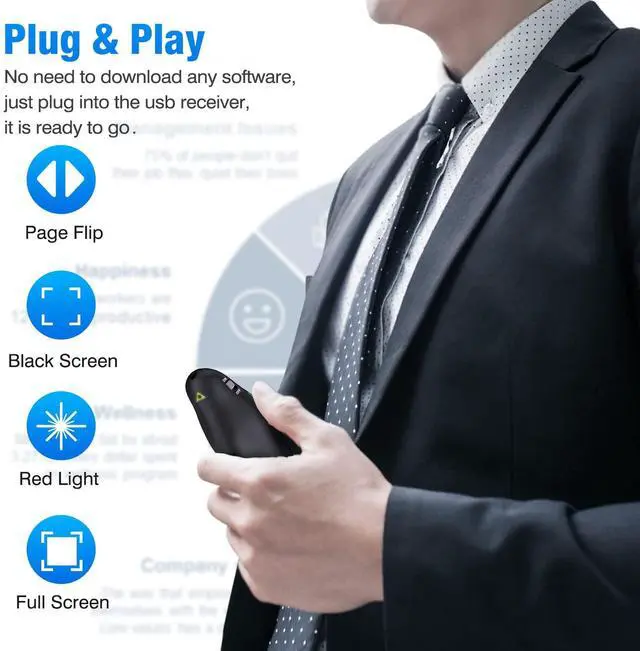
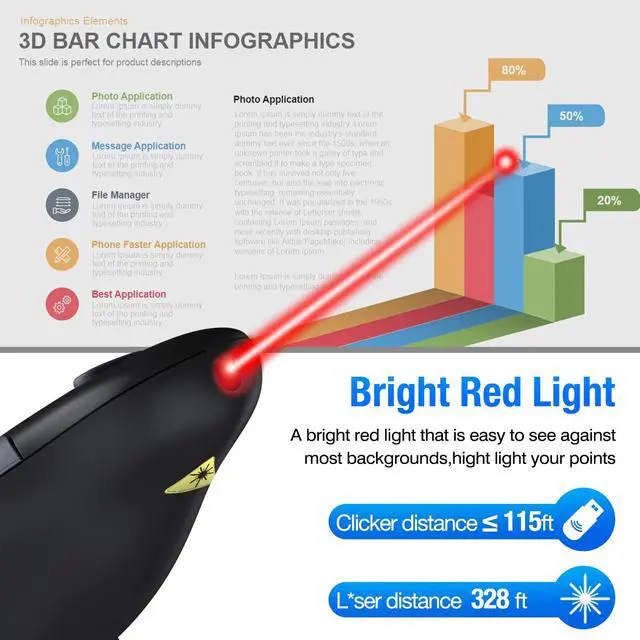
Plug & Play Red Presentation PointerSimply plug in the usb receiver into a USB port of your laptop or computer to begin. The slide clicker is with a bright red light, easier to draw audiences attention, red light range can reach up to 600ft, and the 2.4Ghz range of it can reach up to 115ft, you can walk around the room while controlling slides even far away from the host device (Not Recommended for LED/ LCD/ TV screens)
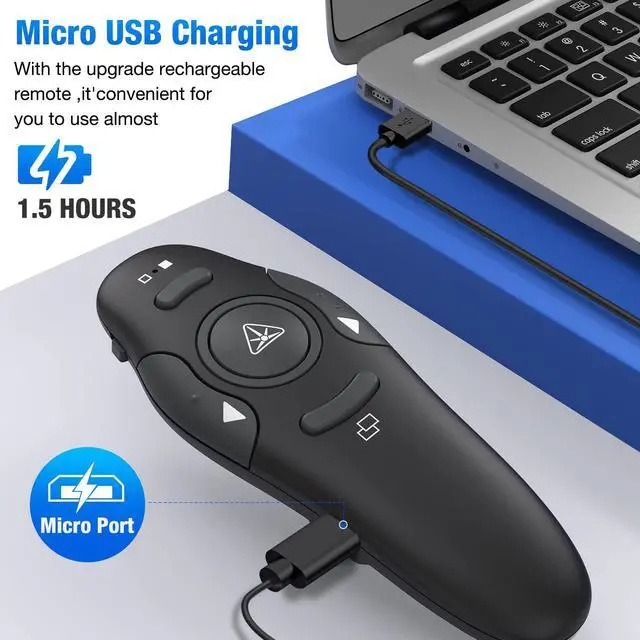
Long Rechargeable Working Time Built-in 300mAh rechargeable lithium battery, this presentation clicker with laser pointer only requires a 2.5h charging time and holds a charge for weeks. An essential presentation tool in the classroom or office
Features of Rechargeable PowerPoint RemotePowerpoint clicker with laser pointer serves the basic functions via the press and double-press and hold features of page up/down, full/black screen, laser control, easy to use in presentations
Widely CompatibleWireless presenter remote supports systems: Windows, Mac OS, Linux, Android; Clicker for laptop presentations supports software: PowerPoint, iWork (Keynote & Numbers & Pages), Prezi, MS Word, Excel, ACD See, Website and etc
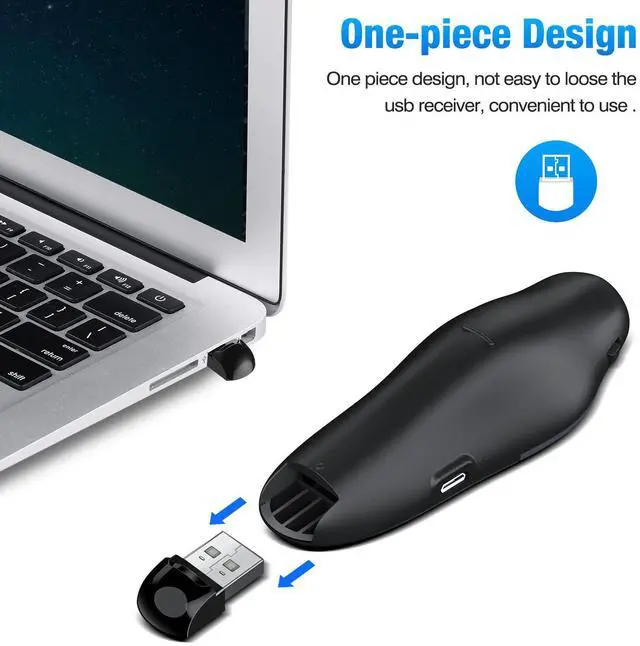
More Design DetailsThe slideshow clicker is with an intuitive button layout so that you can locate the button without having to look down at the unit. USB receiver is conveniently stores inside the bottom of presentation remote when not in use
+
+
Overview
Specs
Reviews
Any questions? Our AI beta will help you find out quickly.
Rechargeable Presentation Clicker with Red Laser Pointer, Wireless Presenter Remote Powerpoint Clicker for Laptop Presentations, Silde Advancer for Office Classroom
Learn more about the Detailed Specifications
Additional Information
First Listed on Newegg
March 19, 2026
There are no reviews yet.
Do you own this product?
Warranty & Returns
Warranty, Returns, And Additional Information
Warranty
Please contact the Seller directly for warranty information. Warranty information may also be found on the Manufacturer's website.