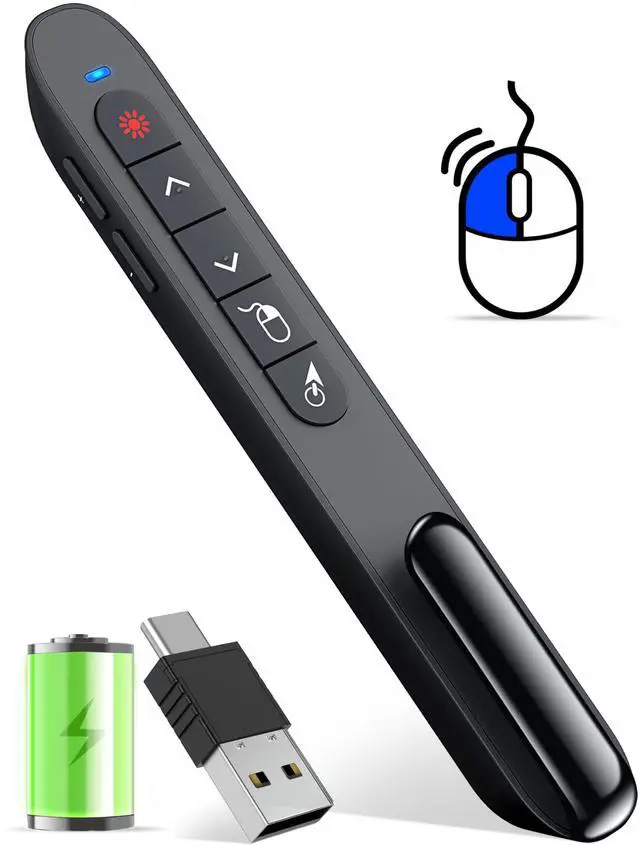
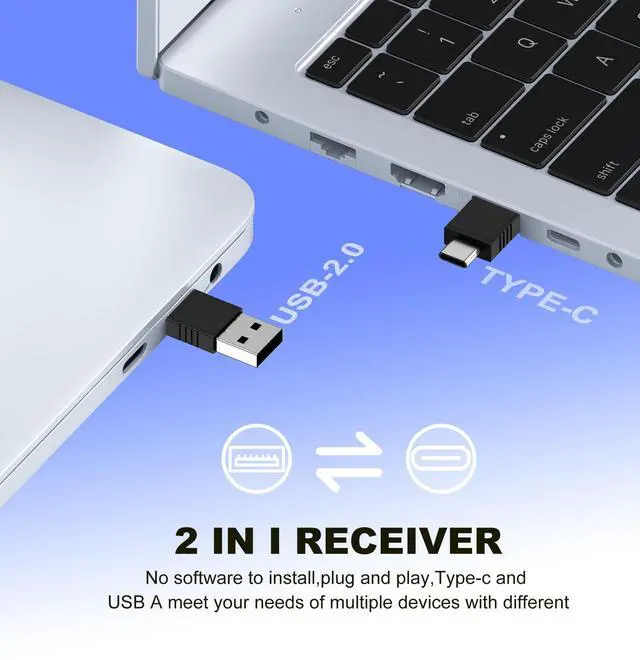
Air Mouse Clicker for Presentation Rechargeable,Presenter Clicker Remote for Classroom Teacher, RF 2.4GHz USB Wireless Presentation PPT Clicker Slide Advancer for Mac, Windows, Laptop, Keynote
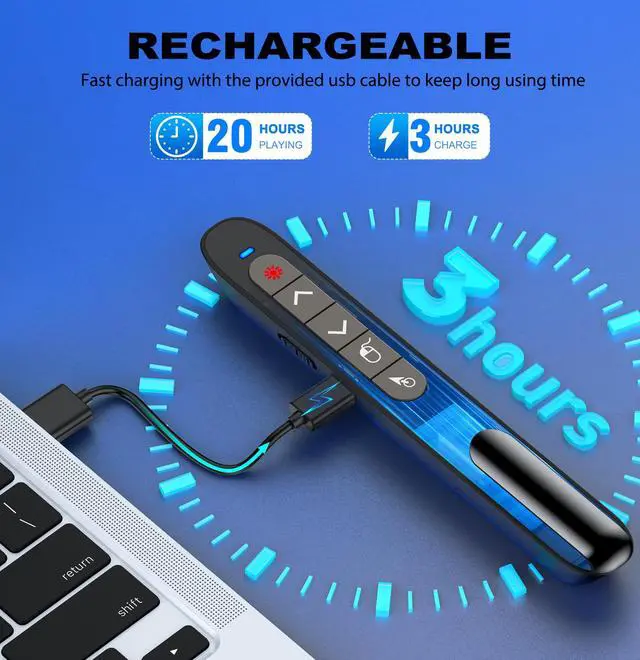
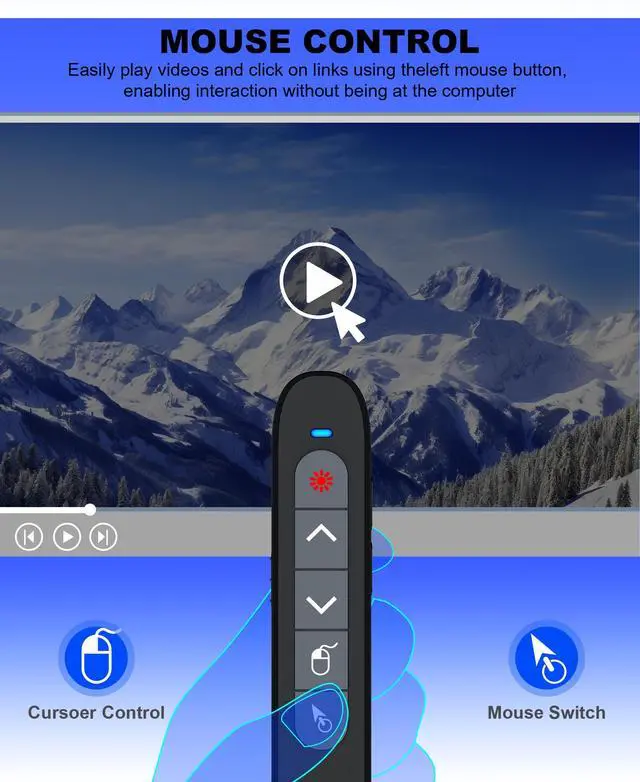
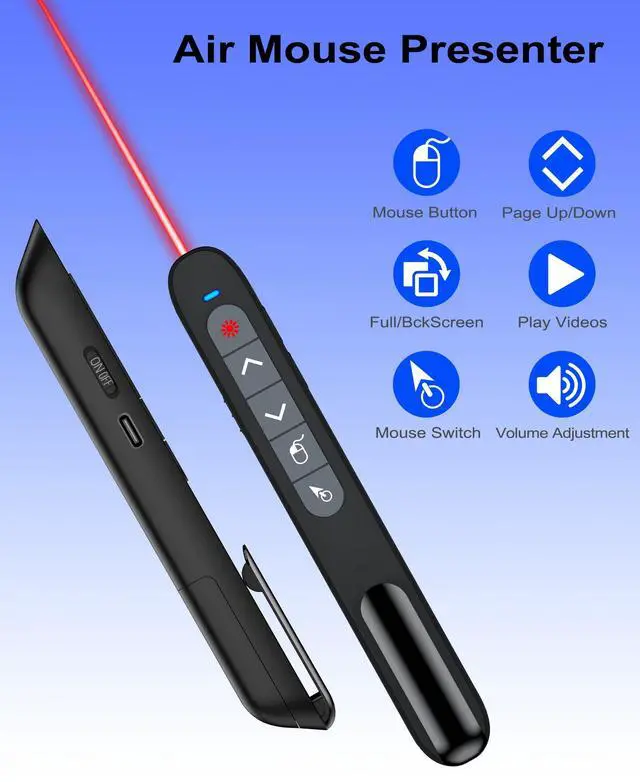
Rechargeable Air Mouse presentation Remote Control The computer clicker for presentations is not only a powerpoint remote clicker, but also an air mouse, with terrifically sensitive wireless cursor control,which serves like a real mouse, enter/exit mouse mode by clicking cursor switch button (last button). Built in 300 mAh battery, charge 3H to get weeks of use time, the slide clicker will go into sleep mode and turn itself off when not in use to save power
Presentation Clicker with Air MouseThe pointer clicker has added an air mouse function with sensitive wireless cursor control, just like using a real mouse, such as left mouse button, right mouse button, open video or enter website, keeping the presentation smooth while moving. You can enter/exit mouse mode by clicking the cursor button
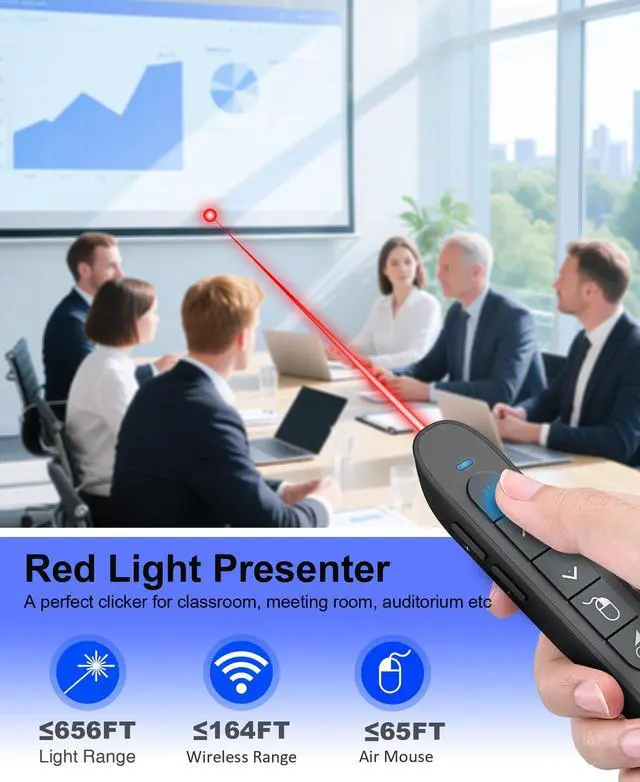
Bright Red Light & Long Control Range For 2.4G Control Range: 164FT; Red Light Range: 656FT;Air Mouse Control Range:65FT;wireless presenter remote laser point support control range is far enough for you to freely move around the room without being stuck to computer. Help you complete the slideshow control more easily
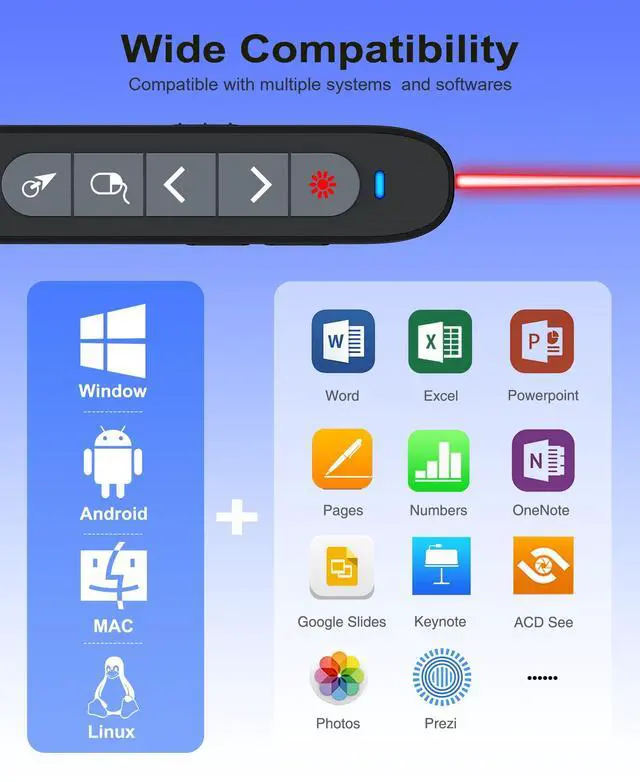
Widely ApplicableRemote clicker for presentations support systems: Windows 2003/ XP/ Vista/ 7/ 8/ 10, Mac OS, Linux, Android; Powerpoint remote clicker support software: PowerPoint, Google Slides, iWork (Keynote & Numbers & Pages), Prezi, PDF, MS Word, Excel, ACD See, Website and etc
+
+
Overview
Specs
Reviews
Any questions? Our AI beta will help you find out quickly.
Air Mouse Clicker for Presentation Rechargeable, Presenter Clicker Remote for Classroom Teacher, RF 2.4GH z USB Wireless Presentation PPT Clicker Slide Advancer for Mac, Windows, Laptop, Keynote
Learn more about the Detailed Specifications
Additional Information
First Listed on Newegg
March 19, 2026
There are no reviews yet.
Do you own this product?
Warranty & Returns
Warranty, Returns, And Additional Information
Warranty
Please contact the Seller directly for warranty information. Warranty information may also be found on the Manufacturer's website.