




 here!
here!
I’m your shopping assistant for PC builds, upgrades, and everything tech.
Got questions? Ask away!
Start a conversation
here!
I’m your shopping assistant for PC builds, upgrades, and everything tech.
Got questions? Ask away!
Start a conversation Top Rated



Any questions? Ask CelesteSM will help you find out quickly.

Discover UPTab: High-speed adapters, hubs, and accessories for 4K displays, data transfer, and multi-monitor setups. Empower your tech!

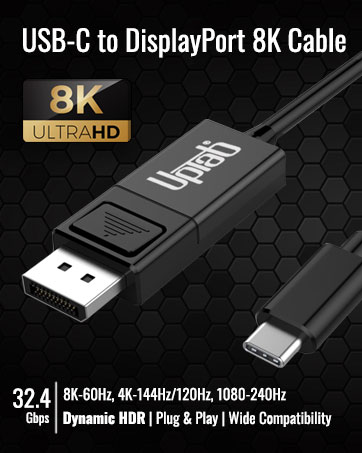
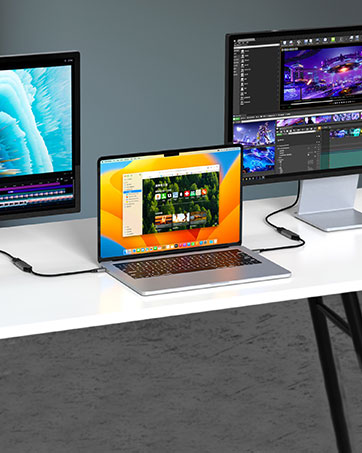
This 8K USB C to HDMI Adapter allows you to connect your USB Type-C (Thunderbolt 3/4 compatible) laptops/smartphones/tablets.
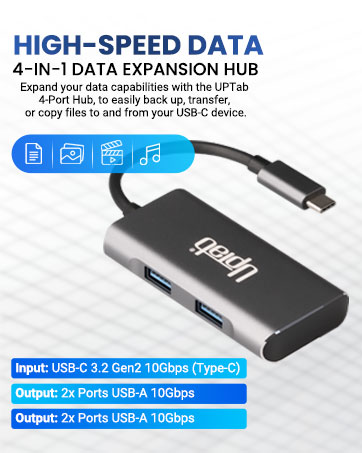


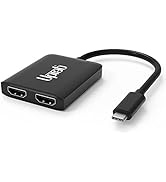


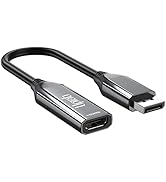
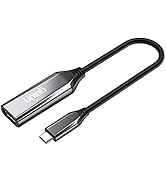
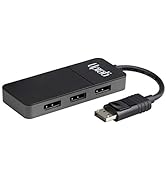
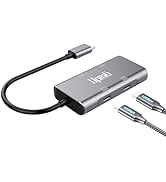
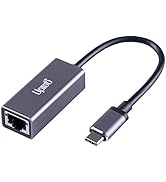
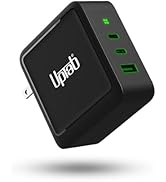
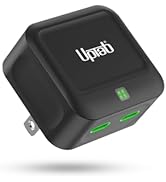
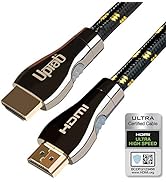
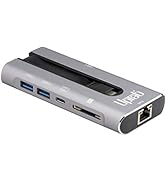
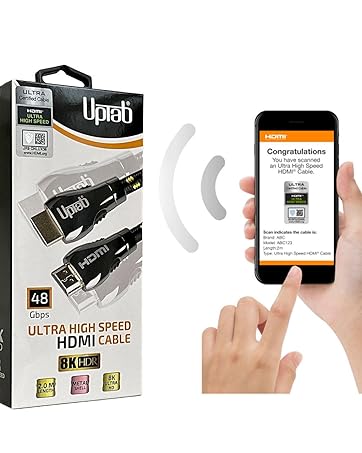
Ultra High Speed HDMI HDR 48Gbps eARC VRR Dolby Atmos Vision for PS5 Xbox Series X RTX 4090 Apple TV 4K Roku Fire Sony LG


Experience the pinnacle of display technology. Crafted for excellence, the UPTab adapter seamlessly blends design with functionality.
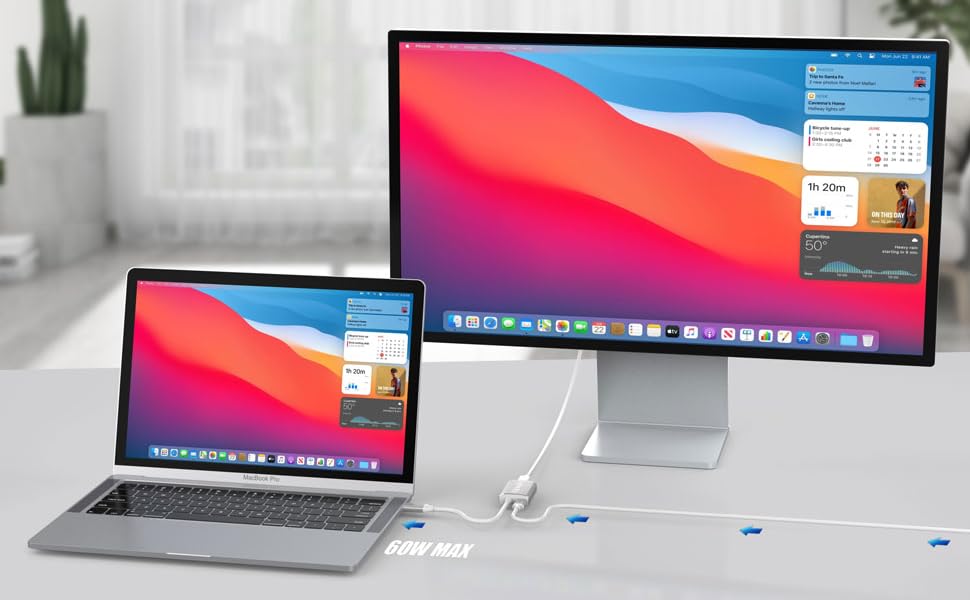
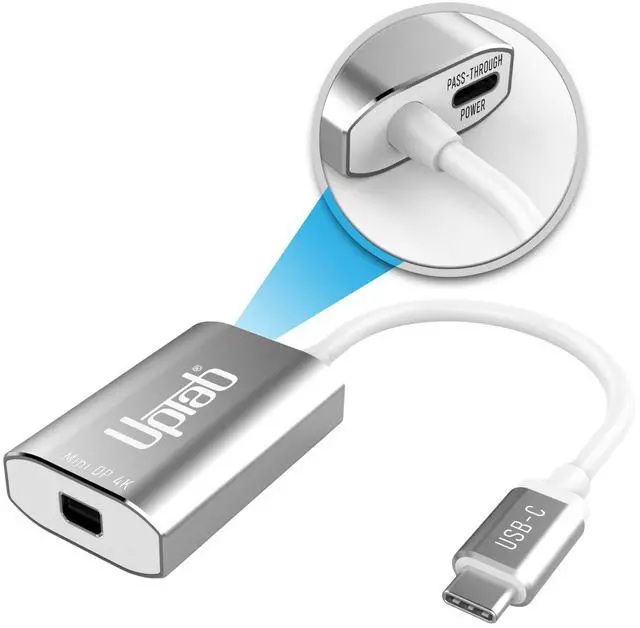
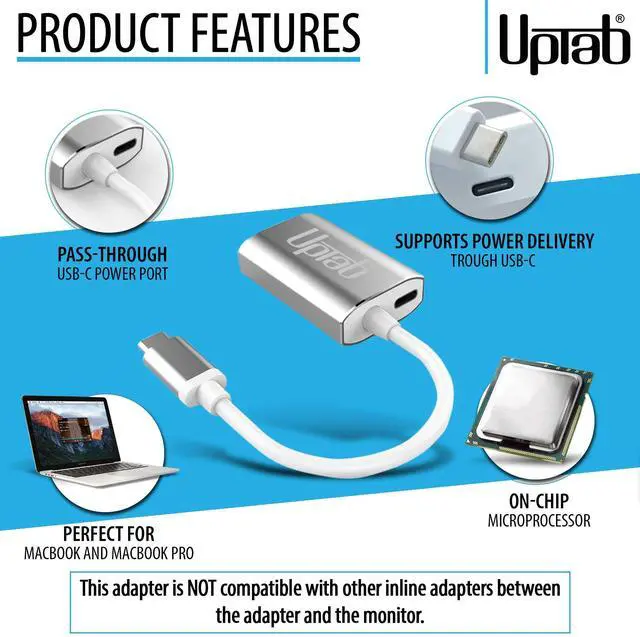
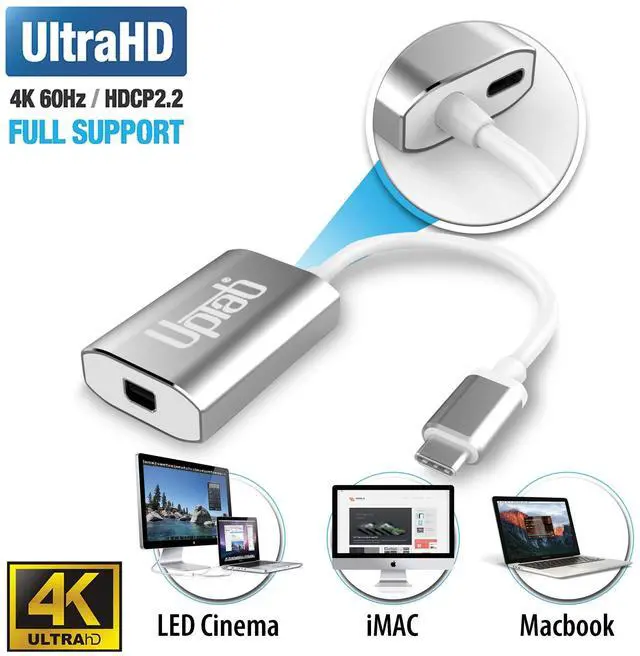
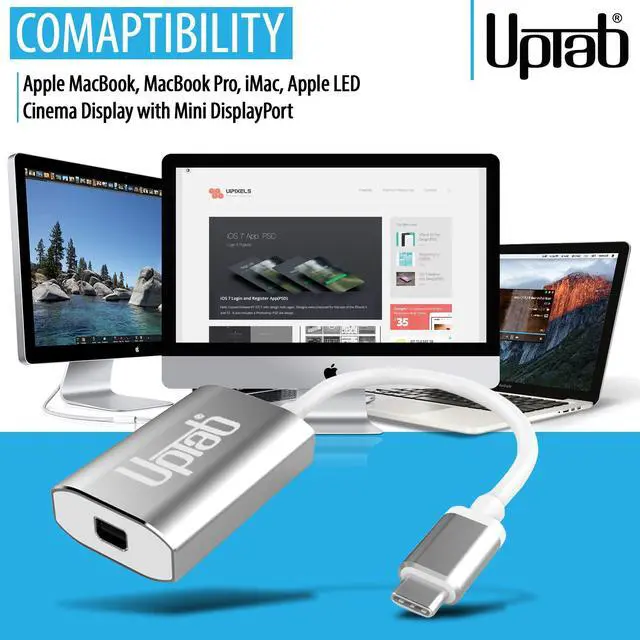
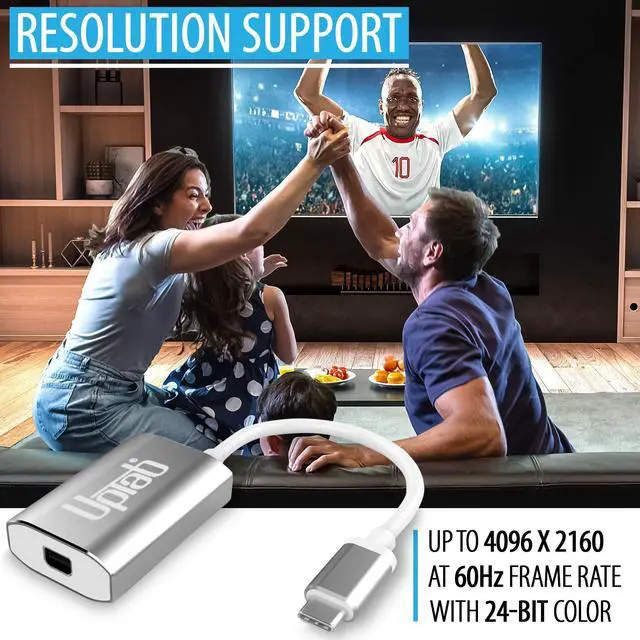
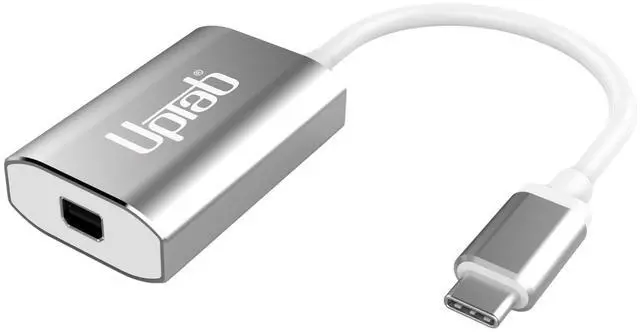
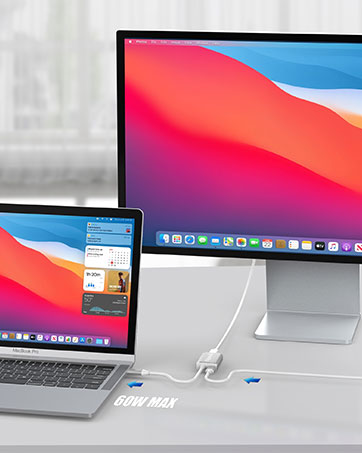
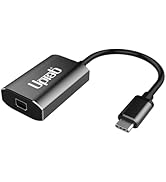
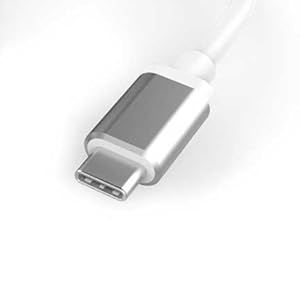
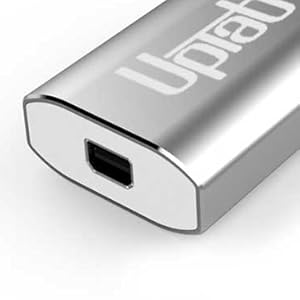
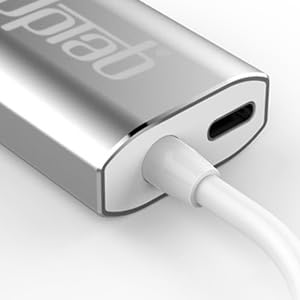
The USB-C To Mini DisplayPort Adapter is an excellent tech companion to devices like MacBook Pro/Air (2016+) including new M1 and M2, iPad Pros with USB-C (2018+), iMac, Mac Mini M1, Google Chromebook Pixel, Lenovo Yoga, and many more with its fantastic Ultra HD 4K 60Hz resolution and 8-channel audio support design. With a USB-C power delivery port, you can seamlessly power your MacBook Pro 2016+ and use the Mini DisplayPort simultaneously. The durable aluminum shell allows for improved heat dissipation to prevent overheating, and the small, compact design makes it especially travel-friendly. Self-powered, sleek, and modern, the USB-C To Mini DisplayPort Adapter is a must-have tech accessory for those who need to connect video sources to their display device without hassle.
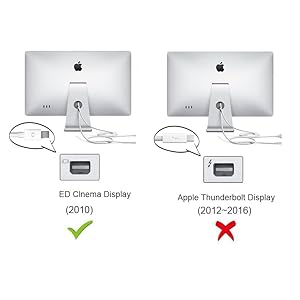
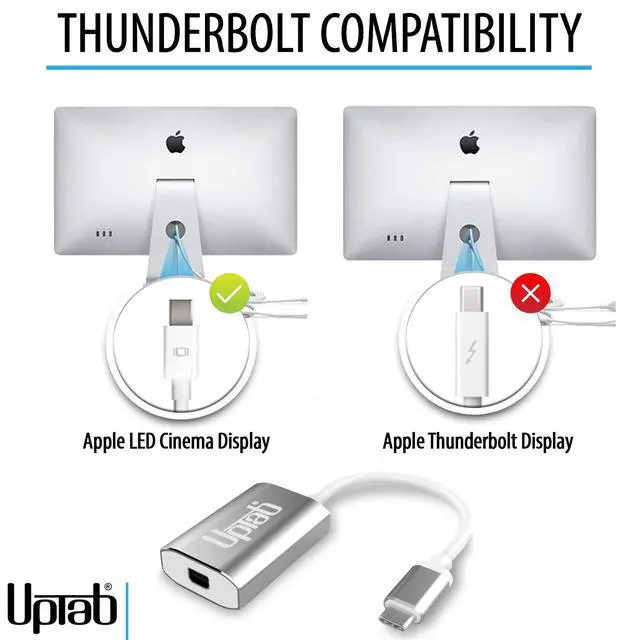
? Apple Cinema Display 27-inch (MC007LL/A)
? Apple Cinema Display 24-inch (MB382LL/A)
?Pre-2011 iMac equipped with Mini DisplayPort
?Other brands monitor with Mini DisplayPort/Displayport
NOTE: NOT Compatible Devices:
?Apple Cinema Display 30-inch (M9179LL/A)
NOT compatible with Apple Thunderbolt Display(Apple 27" Thunderbolt Display MC914LL/B)
?NOT compatible with any Thunderbolt Devices / Monitors / Connectors / Cables / Hard Drives.(Mini DisplayPort and Thunderbolt are different)
?NOT suggest to use it for DVI/HDMI monitor by connecting the mini dp to hdmi/dvi cable.
Q: I connected the adapter but no image on my Monitor.
There are several different reasons why video is not showing
Q: Why I can not control the brightness, Audio, and the iSight Camera on my Apple Cinema Display?
Q: I am only getting 4K 30Hz when using the UPTab Adapter. How can I get 4K 60Hz?
There are several different reasons why a 4K display would be limited to 4K 30Hz using our adapter. We would recommend first checking:
Q: Can I use Dual Monitor Setup with your Adapter?
Yes! You can purchase an additional adapter and connect it to your Laptop's second Thunderbolt 3 (USB-C) Port which will give you the option to connect a second Monitor.
Experience the pinnacle of display technology. Crafted for excellence, the UPTab adapter seamlessly blends design with functionality.
The USB-C To Mini DisplayPort Adapter is an excellent tech companion to devices like MacBook Pro/Air (2016+) including new M1 and M2, iPad Pros with USB-C (2018+), iMac, Mac Mini M1, Google Chromebook Pixel, Lenovo Yoga, and many more with its fantastic Ultra HD 4K 60Hz resolution and 8-channel audio support design. With a USB-C power delivery port, you can seamlessly power your MacBook Pro 2016+ and use the Mini DisplayPort simultaneously. The durable aluminum shell allows for improved heat dissipation to prevent overheating, and the small, compact design makes it especially travel-friendly. Self-powered, sleek, and modern, the USB-C To Mini DisplayPort Adapter is a must-have tech accessory for those who need to connect video sources to their display device without hassle.
? Apple Cinema Display 27-inch (MC007LL/A)
? Apple Cinema Display 24-inch (MB382LL/A)
?Pre-2011 iMac equipped with Mini DisplayPort
?Other brands monitor with Mini DisplayPort/Displayport
NOTE: NOT Compatible Devices:
?Apple Cinema Display 30-inch (M9179LL/A)
NOT compatible with Apple Thunderbolt Display(Apple 27" Thunderbolt Display MC914LL/B)
?NOT compatible with any Thunderbolt Devices / Monitors / Connectors / Cables / Hard Drives.(Mini DisplayPort and Thunderbolt are different)
?NOT suggest to use it for DVI/HDMI monitor by connecting the mini dp to hdmi/dvi cable.
Q: I connected the adapter but no image on my Monitor.
There are several different reasons why video is not showing
Q: Why I can not control the brightness, Audio, and the iSight Camera on my Apple Cinema Display?
Q: I am only getting 4K 30Hz when using the UPTab Adapter. How can I get 4K 60Hz?
There are several different reasons why a 4K display would be limited to 4K 30Hz using our adapter. We would recommend first checking:
Q: Can I use Dual Monitor Setup with your Adapter?
Yes! You can purchase an additional adapter and connect it to your Laptop's second Thunderbolt 3 (USB-C) Port which will give you the option to connect a second Monitor.
Discover UPTab: High-speed adapters, hubs, and accessories for 4K displays, data transfer, and multi-monitor setups. Empower your tech!
This 8K USB C to HDMI Adapter allows you to connect your USB Type-C (Thunderbolt 3/4 compatible) laptops/smartphones/tablets.
Ultra High Speed HDMI HDR 48Gbps eARC VRR Dolby Atmos Vision for PS5 Xbox Series X RTX 4090 Apple TV 4K Roku Fire Sony LG


