



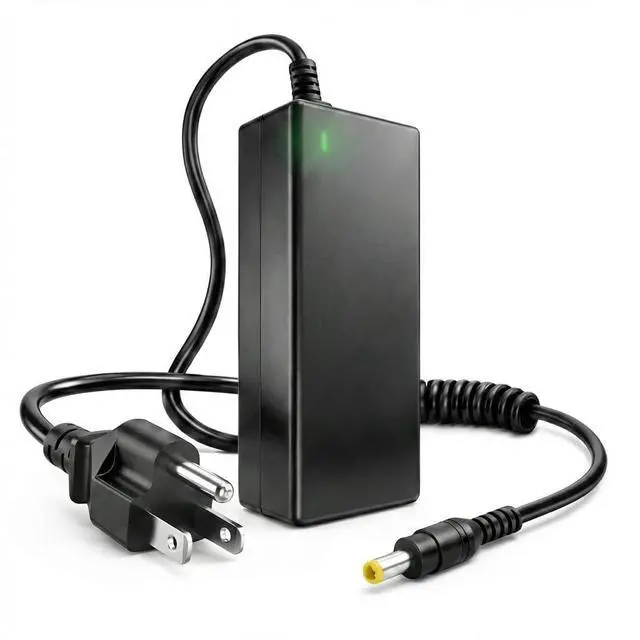
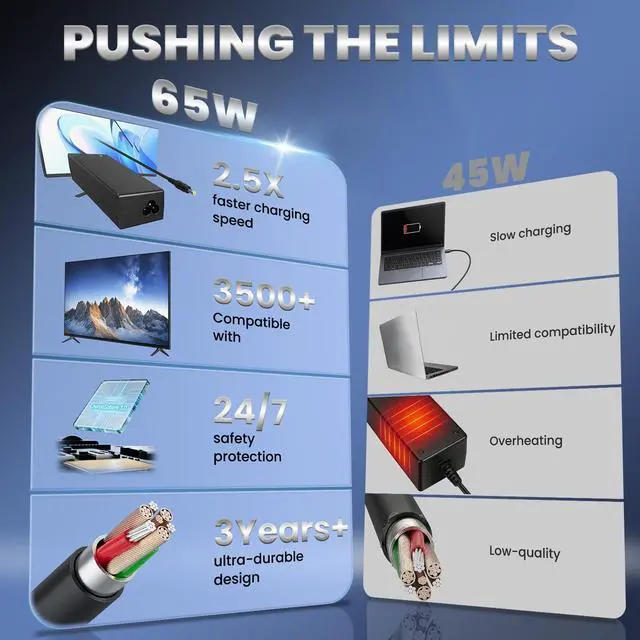
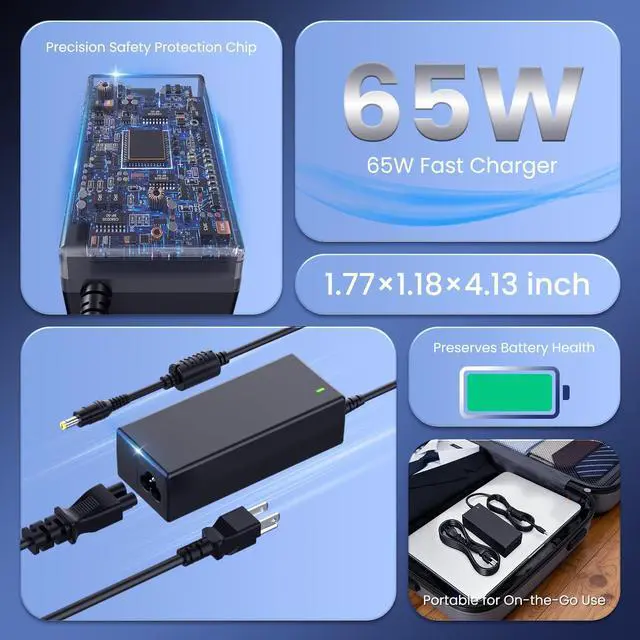


Welcome to Syfrufo store


Syfrufo is committed to product research in the field of laptop chargers and batteries. All of our products have undergone strict quality control measures to ensure safe and reliable operation. Our purpose is to provide every customer with the best quality products and services with advanced technology.
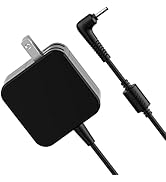
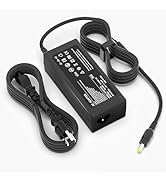
FOR LAPTOP CHARGING
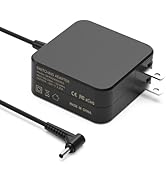
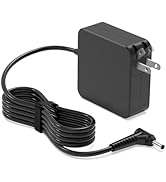
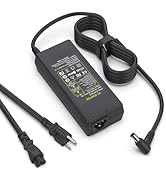
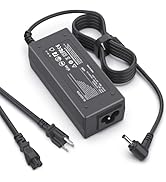
FOR LAPTOP CHARGING
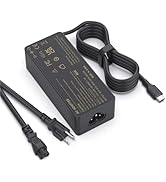
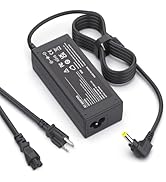
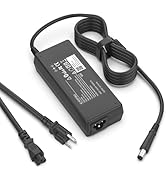
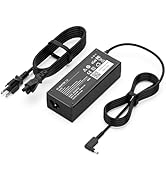
FOR LAPTOP CHARGING
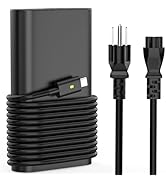
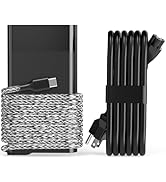
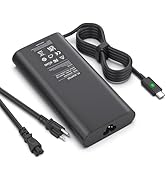
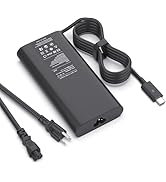
FOR LAPTOP CHARGING
What if the battery / power supply doesn't work?
Battery:
1. Turn off the machine, remove the old battery and wait for 1-2 minutes
2. Open the notebook cover and press the power button for about 30 seconds to complete a discharge
3. Put in a new battery to ensure correct installation
4. If the new battery does not work, please try to reinstall it
Power Supply:
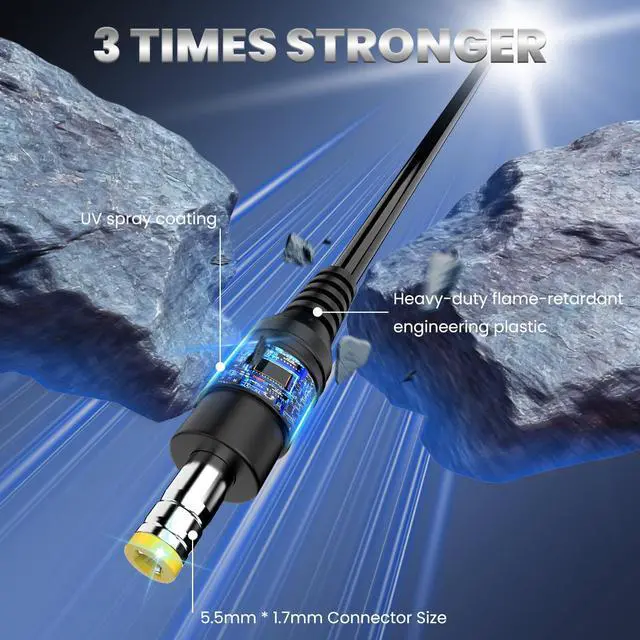
Please check the voltage, current, power and round tip size of the original charger before placing an order. If you are not sure, please contact the after sales personnel of our store.
How to prolong the battery life?
1. Try to connect the power supply when using the notebook;
2. Ensure that the laptop is used in a comfortable environment and avoid direct exposure to the sun;
3. Avoid low battery power caused by long-term use of the battery. It is recommended to charge more frequently to ensure that the battery power is stable at 60-80%;
4. Remove unnecessary external hard drives, speakers, USB devices, or other hardware.


Welcome to Syfrufo store
Syfrufo is committed to product research in the field of laptop chargers and batteries. All of our products have undergone strict quality control measures to ensure safe and reliable operation. Our purpose is to provide every customer with the best quality products and services with advanced technology.
FOR LAPTOP CHARGING
FOR LAPTOP CHARGING
FOR LAPTOP CHARGING
FOR LAPTOP CHARGING
What if the battery / power supply doesn't work?
Battery:
1. Turn off the machine, remove the old battery and wait for 1-2 minutes
2. Open the notebook cover and press the power button for about 30 seconds to complete a discharge
3. Put in a new battery to ensure correct installation
4. If the new battery does not work, please try to reinstall it
Power Supply:
Please check the voltage, current, power and round tip size of the original charger before placing an order. If you are not sure, please contact the after sales personnel of our store.
How to prolong the battery life?
1. Try to connect the power supply when using the notebook;
2. Ensure that the laptop is used in a comfortable environment and avoid direct exposure to the sun;
3. Avoid low battery power caused by long-term use of the battery. It is recommended to charge more frequently to ensure that the battery power is stable at 60-80%;
4. Remove unnecessary external hard drives, speakers, USB devices, or other hardware.