







Basicvolt is a professional universal power adapter brand that focus on creating premium regulated voltage output AC adapter, adjustable voltage AC adapter and electronic accessories.
SAVE MORE SPACE AND REDUCE ENERGY WASTE
All of our products are up to the Power Adapter International Level VI Energy Efficiency Standards.
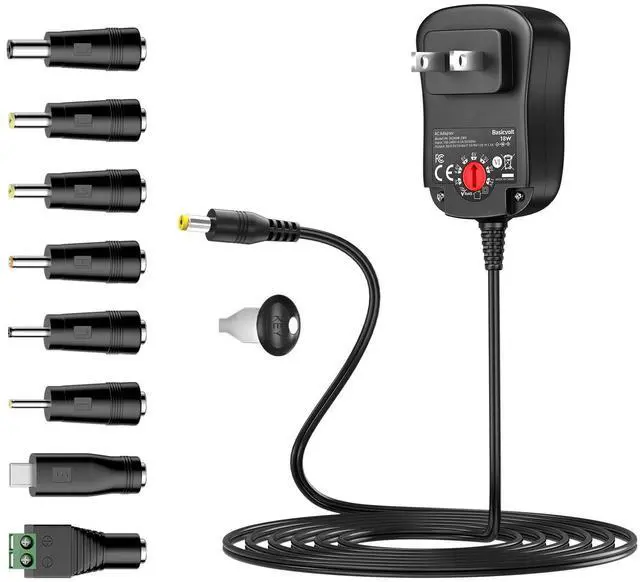
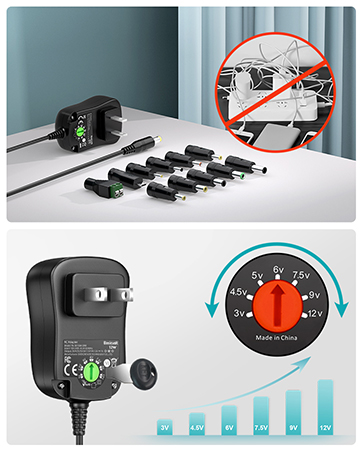
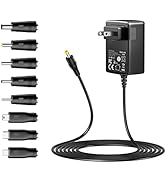
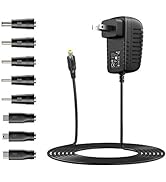
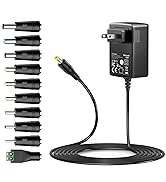
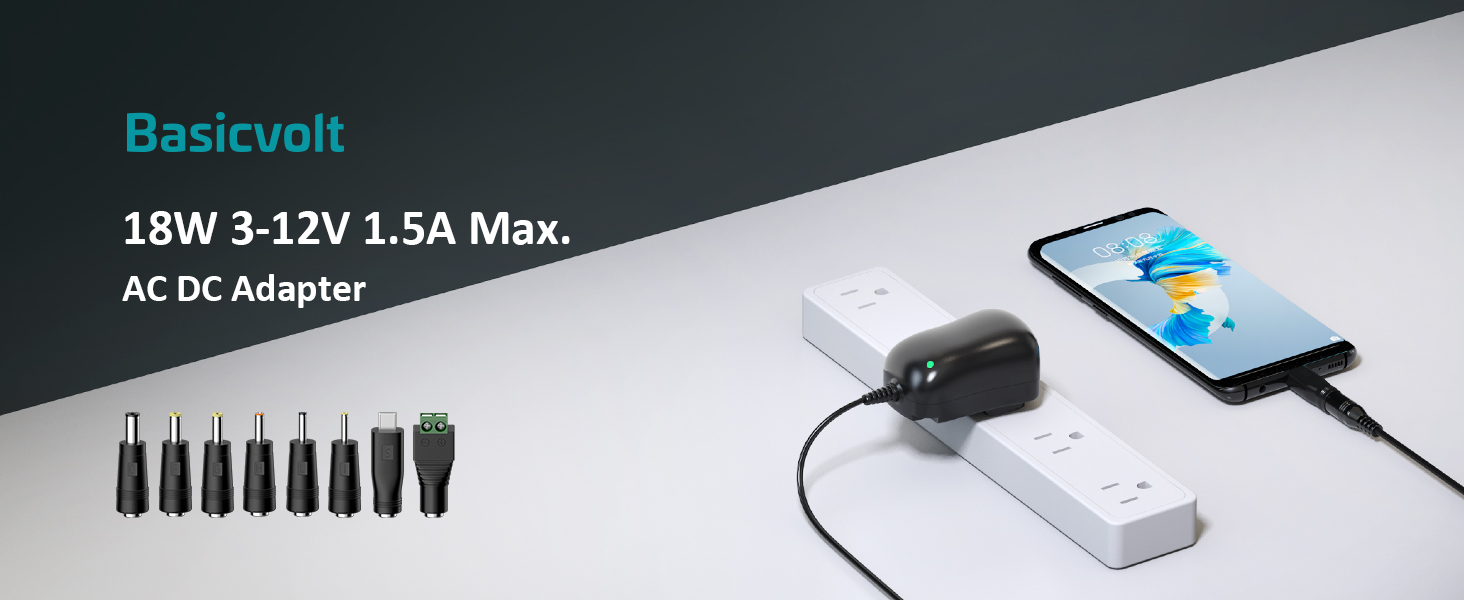
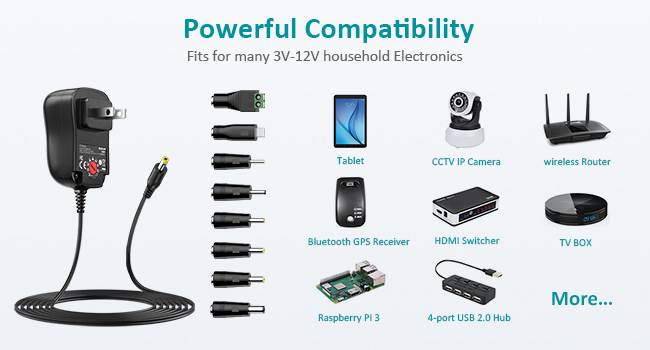
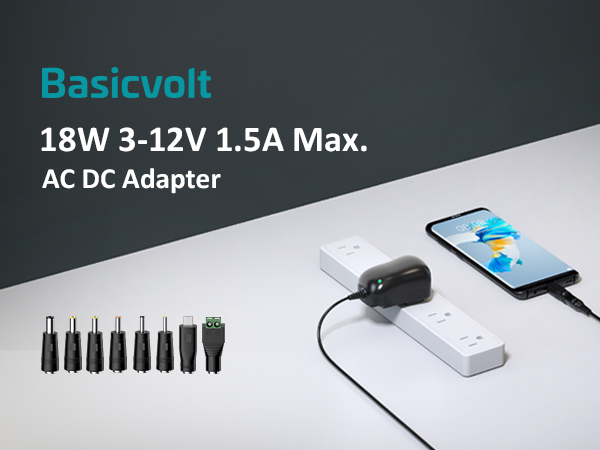
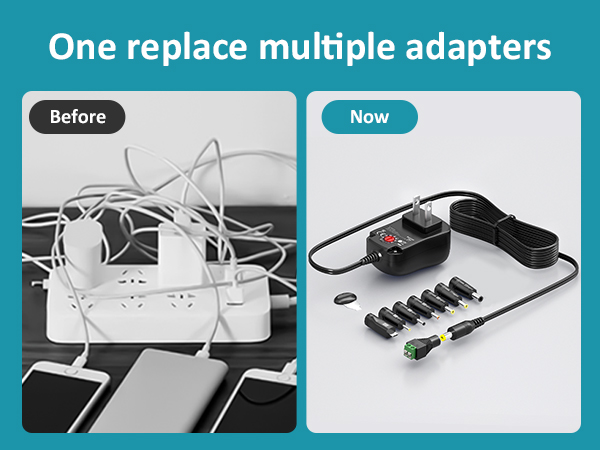
Our adapter set match different size tips. Several sizes in one, so you can save more space and avoid energy waste.
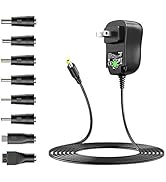
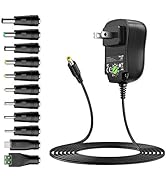
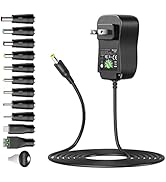
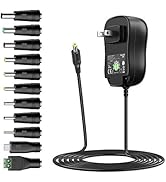
Adjustable Volt Power Supply
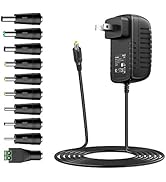
5V or 9V Power Supply
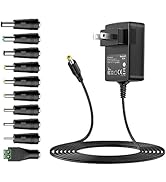
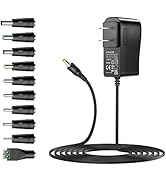
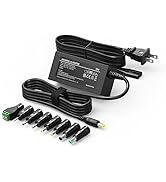
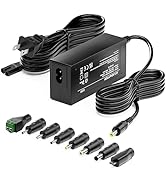
12V or 24V Power Supply
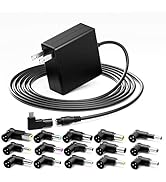
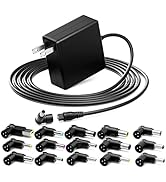
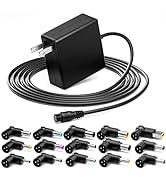
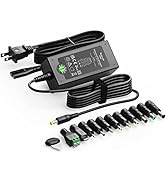
Universal Laptop Charger
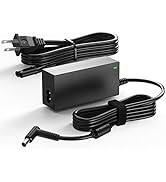
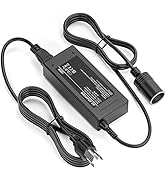
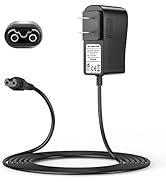
More Electronics AC Adapter



How to Use?
1. Connect the correct adapter plug.
-Select a suitable plug, and then insert it into the end of the DC cable to ensure that it is firmly connected to the power port of the device.
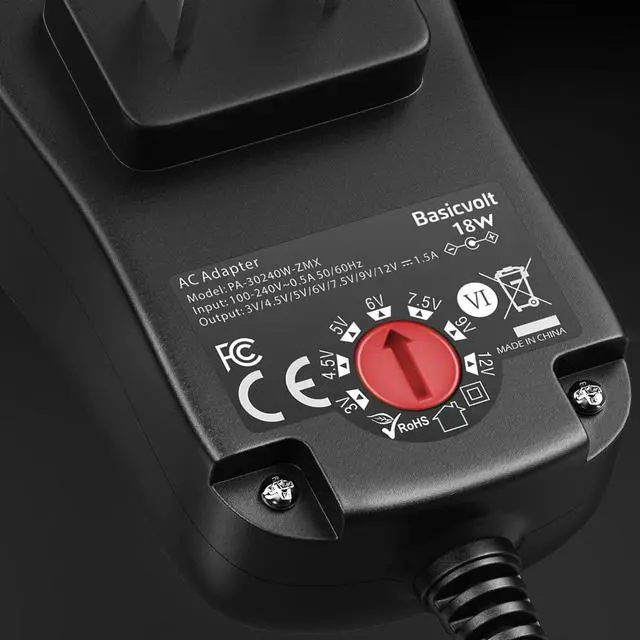
2. Set the correct DC output voltage.
-There are 7 voltage options. 3V 4.5V 5V 6V 7.5V 9V 12V (use the small keys to select the correct voltage. If the required voltage is not in the options, please select the closest voltage. For example, if your device needs 5.5V, you can choose 5V)
3. Connect the adapter to the power socket, and the green led lights up to indicate charging.
Friendly Reminder:
- This 18W AC adapter doesn't work with devices Over 1.5A.
- NOT COMPATIBLE WITH LAPTOP OR OTHER OVER 18W POWER EQUIPMENT.
- DC polarity: inner Positive(+), outer Negative(-). It is NOT compatible with devices that require Central Negative (-) Polarity.
- The wrong polarity would cause some damage to your device, you can check your device polarity information printed beside the power port.
- If the required voltage is not in the options, please choose the close voltage. For example, if you device needs 5.5V, you can choose 5V.

How to Use?
1. Connect the correct adapter plug.
-Select a suitable plug, and then insert it into the end of the DC cable to ensure that it is firmly connected to the power port of the device.
2. Set the correct DC output voltage.
-There are 7 voltage options. 3V 4.5V 5V 6V 7.5V 9V 12V (use the small keys to select the correct voltage. If the required voltage is not in the options, please select the closest voltage. For example, if your device needs 5.5V, you can choose 5V)
3. Connect the adapter to the power socket, and the green led lights up to indicate charging.
Friendly Reminder:
- This 18W AC adapter doesn't work with devices Over 1.5A.
- NOT COMPATIBLE WITH LAPTOP OR OTHER OVER 18W POWER EQUIPMENT.
- DC polarity: inner Positive(+), outer Negative(-). It is NOT compatible with devices that require Central Negative (-) Polarity.
- The wrong polarity would cause some damage to your device, you can check your device polarity information printed beside the power port.
- If the required voltage is not in the options, please choose the close voltage. For example, if you device needs 5.5V, you can choose 5V.
Basicvolt is a professional universal power adapter brand that focus on creating premium regulated voltage output AC adapter, adjustable voltage AC adapter and electronic accessories.
SAVE MORE SPACE AND REDUCE ENERGY WASTE
All of our products are up to the Power Adapter International Level VI Energy Efficiency Standards.
Our adapter set match different size tips. Several sizes in one, so you can save more space and avoid energy waste.
Adjustable Volt Power Supply
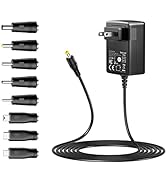
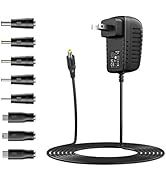
5V or 9V Power Supply
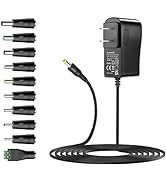
12V or 24V Power Supply
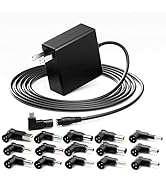
Universal Laptop Charger
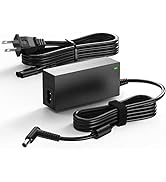
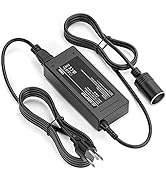
More Electronics AC Adapter
