• $59.99
  • Free 30-day Returns
  • Ships from China.
    Sold by Nexlly

    Shipped by Nexlly

    Price alert
    Shop it at NeweggBusiness.

    Meet Your Seller

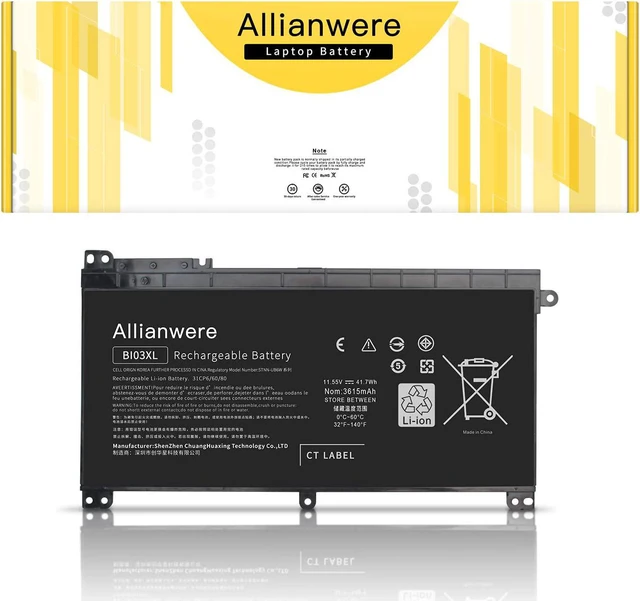
    Allianwere BI03XL Laptop Battery Compatible with HP Stream 14-ax030wm 14-ax010nr HP Pavilion X360 13-U000 M3-U000 Series Ultrabook Notebook ON03XL 0N03XL HSTNN-UB6W TPN-W118 844203-850

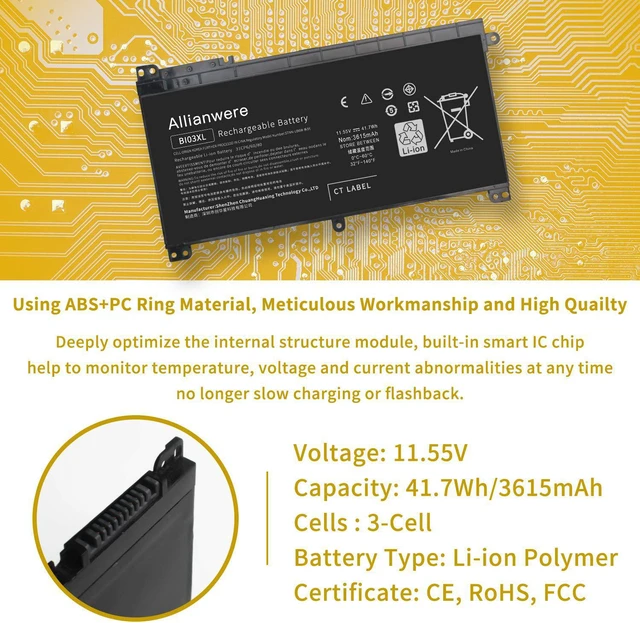
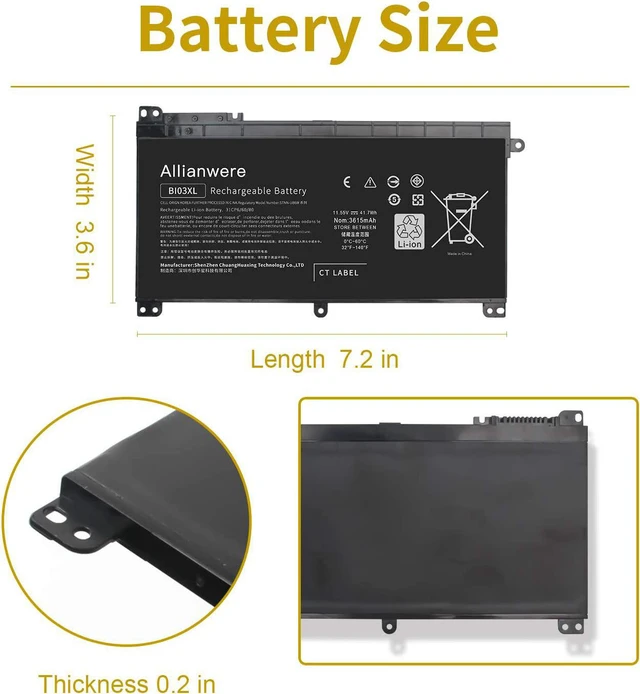
    • ?Battery?Mode? BI03XL; Voltage:11.55V; Capacity: 41.7Wh 3615mAh
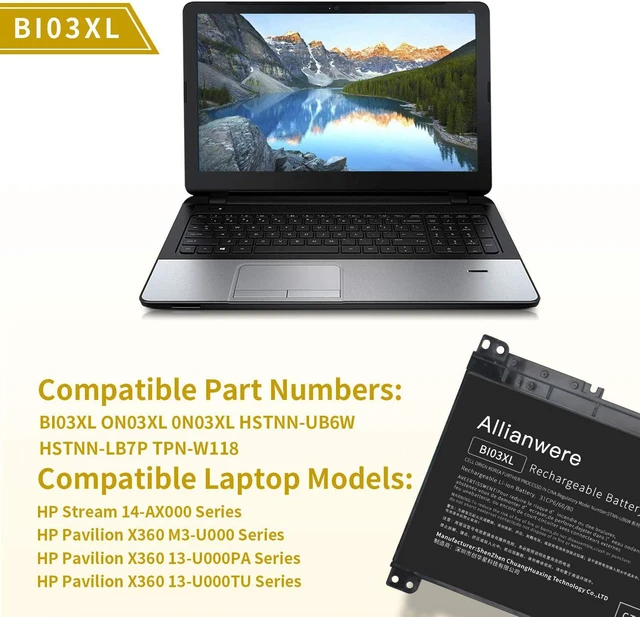
    • ?Compatible P/N? BI03XL ON03XL 0N03XL HSTNN-UB6W HSTNN-LB7P TPN-W118 843537-421 843537-541 844203-850 844203-855 915486-855 915230-541
    • ?Compatible Models? HP Stream 14-ax000 14-ax010wm 14-ax020wm 14-ax030wm 14-ax040wm;14-ax010nr 14-ax020nr 14-ax030nr 14-ax040nr 14-ax067nr 14- ax010ds 14-ax011ds 14-ax012ds 14-ax001la 14-ax010ca Series; HP Pavilion X360 m3-u000 M3-U000 M3-U100 M3-U001DX M3-U003DX M3-U101DX M3-U103DX M3-U105DX Series
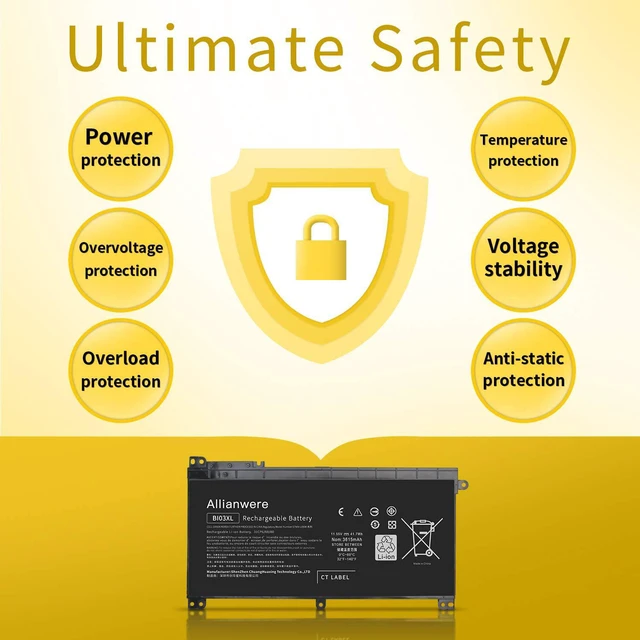
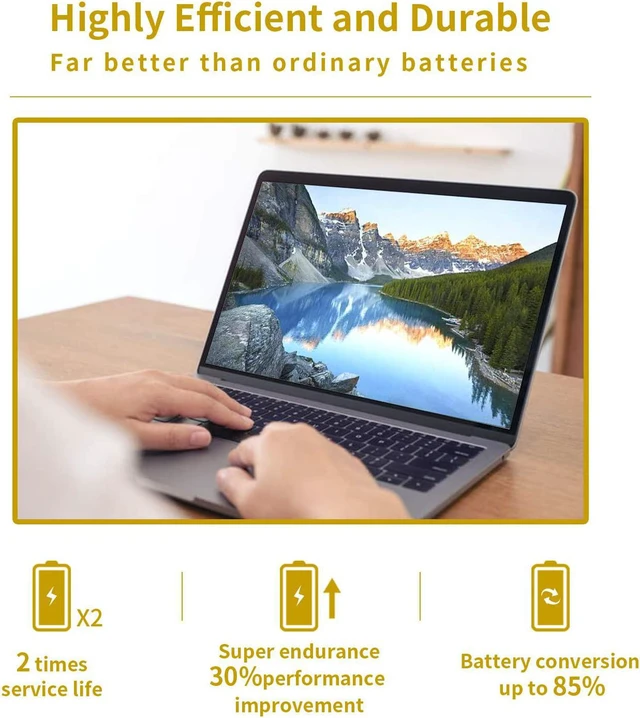
    • ?Safety and Stability? Allianwere batteries meet your daily needs, no longer worry about running out of electricity when you go out to work or when playing games. It can protect your computer from overcharge and overdischarge circuits, overheating and short circuit protection. CE / FCC / RoHS Certified for safety.
    • ?Excellent Quality? From design to material selection, from production to quality inspection, every battery has always been higher than the industry's stringent standards,
    +
    +
    Overview
    Specs
    Reviews

    Any questions? Ask CelesteSM will help you find out quickly.

    ?About us

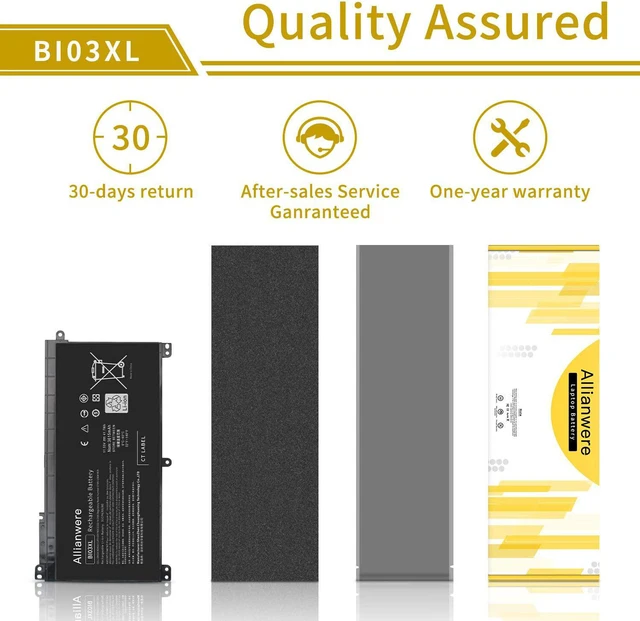
    Allianwere specializes in providing quality power products from factory and high-quality customer service. Our product has 12 month warranty. If you have any questions, please contact us at the first time. We will try our best to provide you with a satisfactory purchase experience.
    ?Compatible with Laptop Models:

    Fit for HP Stream 14-ax000 Series

    Fit for HP Pavilion X360 13-u000 Series

    Fit for HP Pavilion X360 M3-U000 Series

    Fit for HP Pavilion X360 13-u000

    ?Note:

    Please disconnect the old battery and press the power button for more than 20 seconds when the laptop can not recognize the new battery. Just to drain the residual power stored in the laptop components,and then install the new battery

    ?Use battery Tips:

    Your new battery has a basic charge and in order to protect your battery life, please use it until it has discharged almost completely (10%–15%), then recharge it completely. Do this 3-5 times to activate the battery’s maximum capacity.
    We suggest that charge the battery regularly once a month even under not used situation. If you remove battery for a long time, charge more than 80% at least one time within one months or fully charge it by AC power adapter. it's good for extending the battery life. When using the battery, care should be taken to prevent exposure and moisture.

    Warranty & Returns

    Warranty, Returns, And Additional Information

    Warranty

    • Please contact the Seller directly for warranty information. Warranty information may also be found on the Manufacturer's website.
    • CONTACT

    Return Policies

    • Return for refund within: 30 days
    • Return for replacement within: 30 days
    • This item is covered by Nexlly Return Policy

    Manufacturer Contact Info

    LOADING...