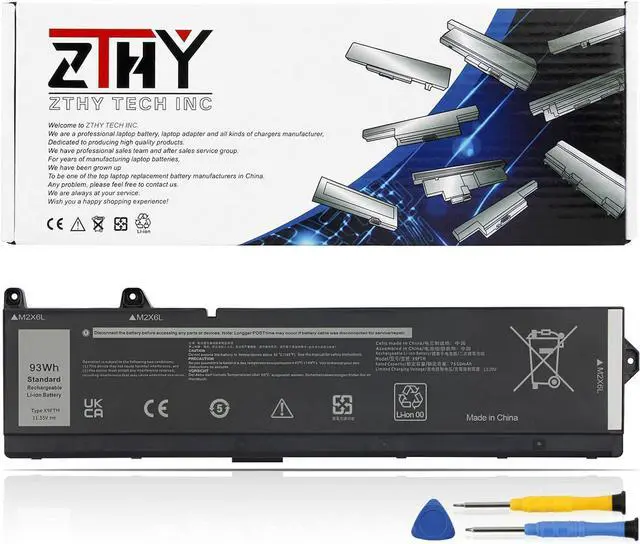
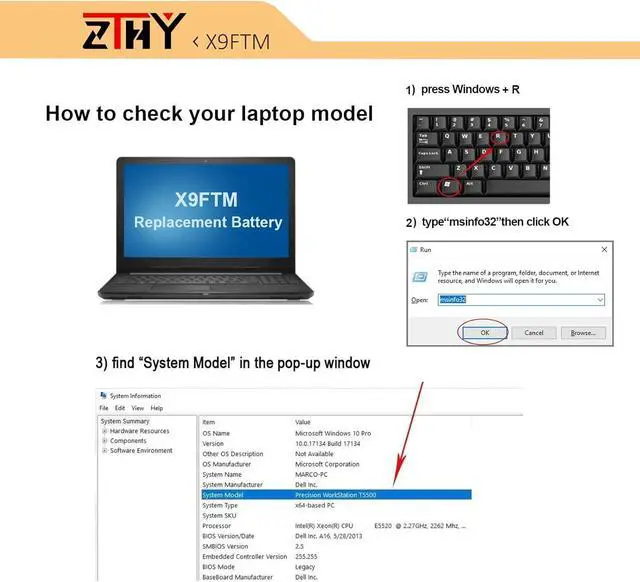
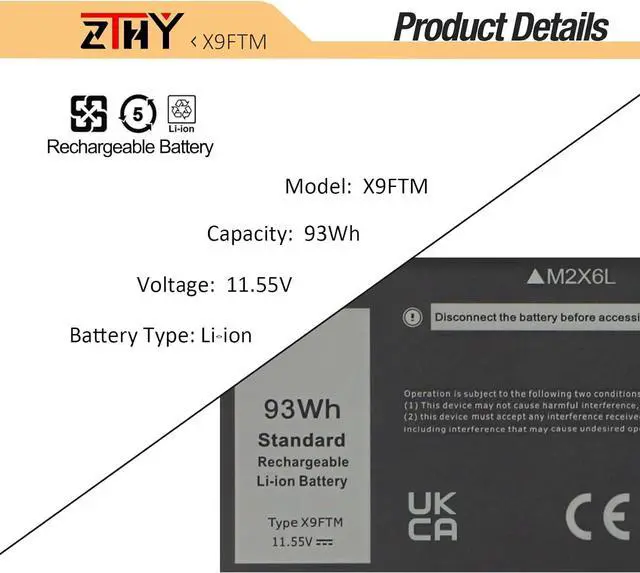
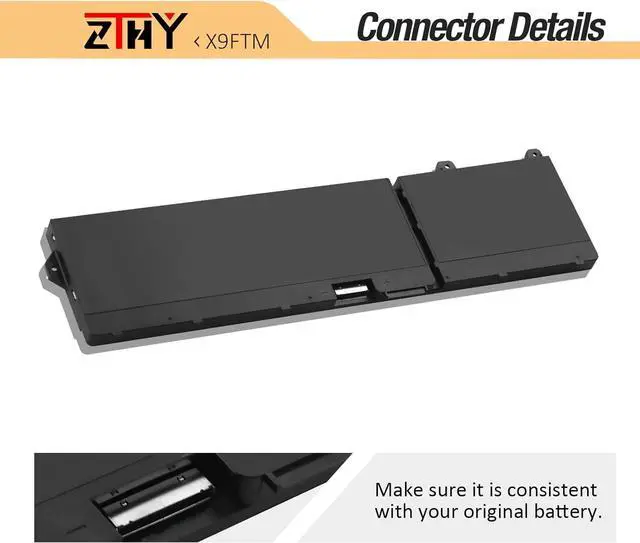
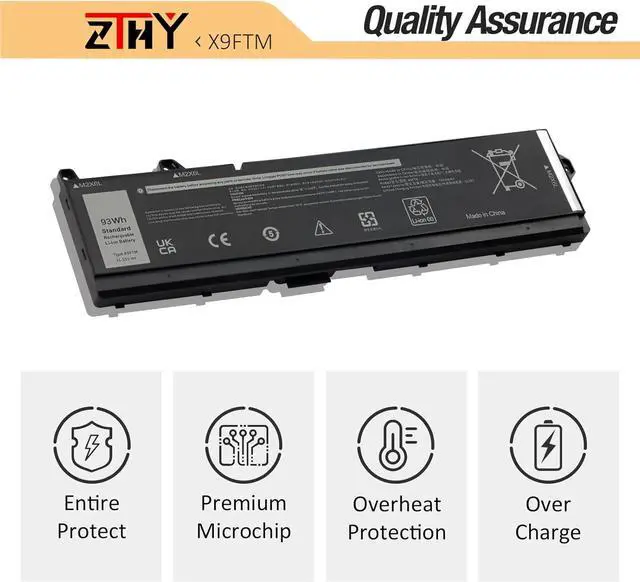
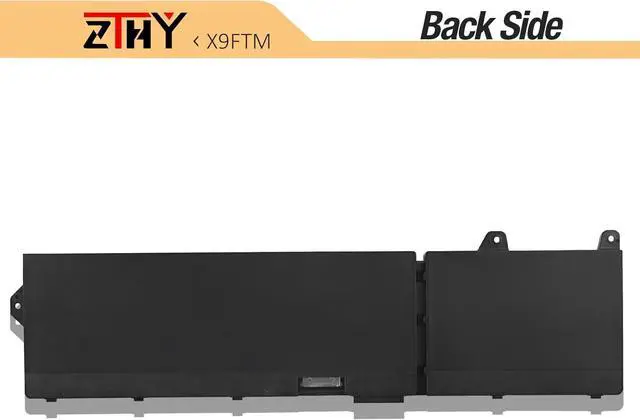
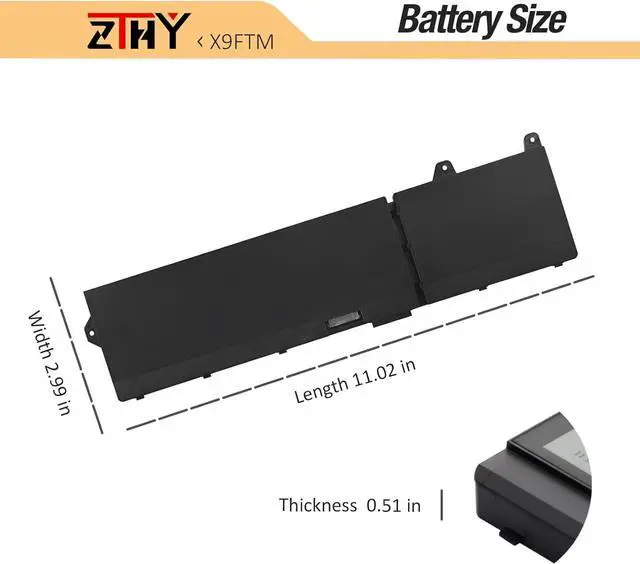
Compatible Part NumberX9FTM 05JMD8 0965V4 RCVVT 0NWDC0 0X26RTCompatible ModelReplacement for Dell Precision 7670 Series;Compatible ModelReplacement for Dell Precision 7680 Series;Compatible ModelReplacement for Dell Precision 7770 Series;Compatible ModelReplacement for Dell Precision 7780 Series;Compatible ModelReplacement for Dell P114F P114F001 P114F002 P115F P115F001 P115F002 SeriesNeed AttentionIf you install the battery, you find that the laptop cannot detect the battery or the battery level cannot be displayed normally. Please check whether the battery cable is installed properly. Sometimes the battery cannot be charged because the cable is not fixed properly. What do I need to be aware of when I receive a battery?
You need to check its appearance, confirm the model, read the instruction manual. Cycle and charge it 5 to 6 times to activate the maximum usage space of the battery. When not in use temporarily, charge the battery to 50%-60%.
What should I do if laptop won't boot up after installing a new battery?
1.Check if the battery is properly seated and connections are clean. 2.Try charging it or use the adapter alone to start. 3.Examine hardware links, like RAM and adapters. 4.Reset BIOS settings if needed. 5.Enter Safe Mode to fix system issues.
How should I do if the battery is not recognised?
If it is not recognised, it is recommended to update the BIOS settings or please disconnecting the old battery, and holding down the power button for 20 seconds, then connect the new battery.
What should I do if the battery expands?
1.Power off your laptop and disconnect it from any power source. 2.Carefully remove the swollen battery from the laptop in a well-ventilated area, avoid pressing or squeezing the battery during removal.
What can you do if you are not satisfied with the battery?
Please Contact ZTHY, we'll help you. Our battery have 12 months replace a new one and 30 days moeny back guarrante.
Help others learn more about this product by uploading a video!2.7 out of 5 starsX9FTM RCVVT Laptop Battery Replacement for Dell Precision 7770 7670 7780 7680 Series P114F P114F001 P114F002 P115F P115F001 P115F002 05JMD8 5JMD8 0965V4 965V4 0NWDC0 0X26RT X26RT 11.55V 93Wh 6-Cell
Share:
Found a lower price? Let us know. Although we can't match every price reported, we'll use your feedback to ensure that our prices remain competitive.
Fields with an asterisk * are required
**