1: High capacity circulatory function
2: Tested with strict quality control standards
3: Low power consumption IC design
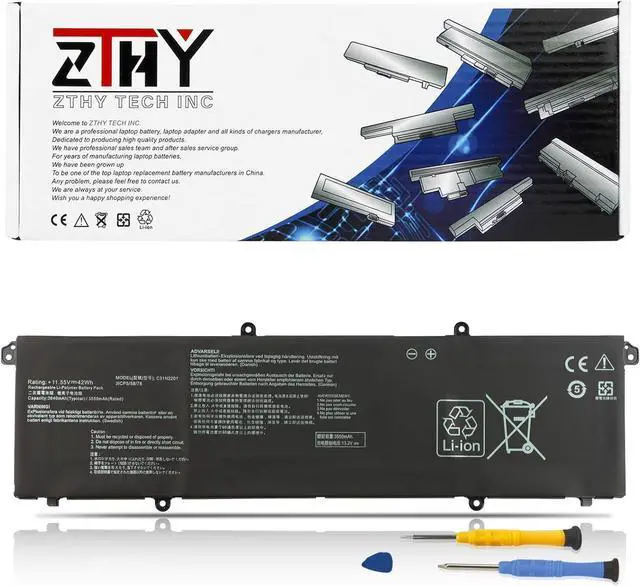
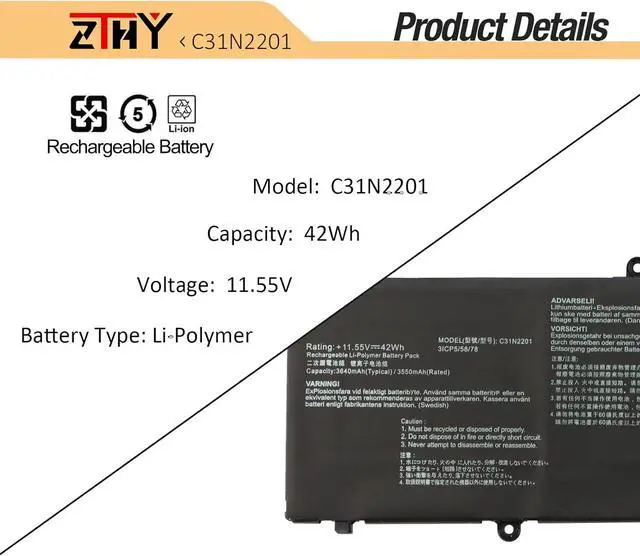
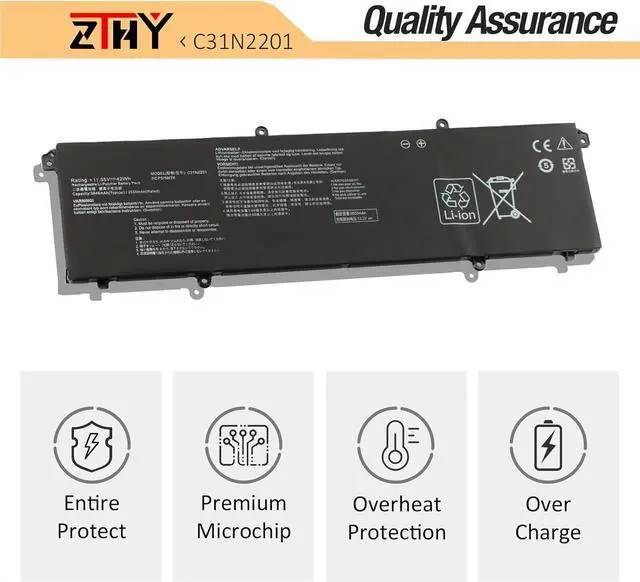
Battery Type: Li-Polymer
Voltage: 11.55V
Capacity:42Wh
Condition: New from Manufacturer, Grade A Cell
Replace Part Number:
C31N2201 0B200-04260000 3ICP5/58/78
Compatible Laptop Models:
Replacement for Asus Vivobook 15 X1504VA Series;
Replacement for Asus Vivobook 15 X1504ZA Series;
Replacement for Asus VivoBook 16 S1605PA Series;
Replacement for Asus Vivobook Go 15 E1504FA Series;
Replacement for Asus Vivobook Go 15 E1504GA Series;
Replacement for Asus Vivobook 14 OLED X1405VA Series;
Replacement for Asus Vivobook 16 OLED M1605YA Series;
Replacement for Asus Vivobook 16 OLED X1605EA Series;
Replacement for Asus Vivobook 16 OLED X1605PA Series;
Replacement for Asus Vivobook 16 OLED X1605ZA Series;
Replacement for Asus Vivobook 14X OLED X1403VA Series;
Replacement for Asus Vivobook 15X OLED M3504YA Series;
Replacement for Asus Vivobook 15X OLED M3604YA Series;
Replacement for Asus Vivobook 16X OLED K3604VA Series;
Replacement for Asus Vivobook 16X OLED K3604ZA Series;
Replacement for Asus Vivobook S 16 Flip OLED TN3604YA Series.
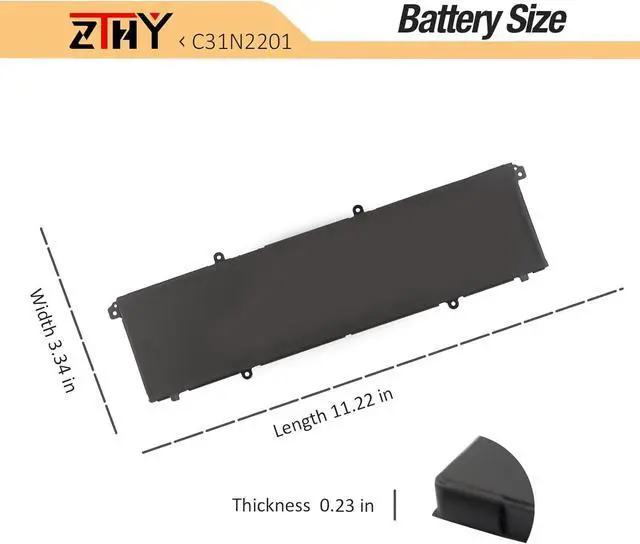
1. First check if the battery is the same size as your original battery after receiving it. When installing the battery, pay attention to whether the battery cable is fixed. If the battery cable is not installed correctly, the battery may not be charged.
2. If you use the battery for the first time after installing the battery, please do not charge the battery immediately, first use the battery to 10-20%, and then charge the battery, and cycle charging 5-6 times to activate the maximum use of the battery space.
3. We recommend that you search for battery removal tutorials on the Internet in advance, or seek help from a professional technician. We won't responsible for any damage due to improper operation.
1, You need to turn off your laptop and disconnect the power.
2, Disconnect the connection between the old battery and the motherboard to avoid unnecessary damage caused by disassembling the battery. Then unscrew the old battery screws one by one and carefully save each screw.
3, Remove the old battery, carefully install the new battery on the battery case, screw in the screw, and connect the wiring of the new battery.
4, If you don't understand the above steps, you can search for the video about laptop battery installation on YouTube. Maybe it will help you.
Q: Why my computer didn't recognize this battery or I install this battery and it doesn't seem to work?
A: The reason is residual power stored in the laptop components that was preventing the battery from working properly. Please disconnecting the old battery, and holding down the power button for 20 seconds, then connect the new battery. This drains the residual or flea power and once the laptop is reassembled the battery will function properly.
1. Do not use it if the battery is damaged and swollen.
2. Do not disassemble, crush or puncture. Do not dispose of it in fire or water.
3. If you remove the battery for a long time, charge more than 80% at least one time within one month.
4. Don't connect the adapter for a long time while using the battery. It may damage the battery.
5. When using the battery, care should be taken to prevent exposure and moisture.
Help others learn more about this product by uploading a video!C31N2201 Laptop Battery Replacement for ASUS Vivobook 15 X1504VA X1504ZA F1504ZA Go 15 E1504FA E1504GA 14 OLED X1405VA 16 M1605YA X1605EA 14X X1403VA 15X M3504YA 16X M3604YA K3604VA TN3604YA 42Wh
Share:
Found a lower price? Let us know. Although we can't match every price reported, we'll use your feedback to ensure that our prices remain competitive.
Fields with an asterisk * are required
**