Committed to providing customers with various high-quality batteries, and care services can help you easily solve the problem.
Previous page
Next page 1: High capacity circulatory function
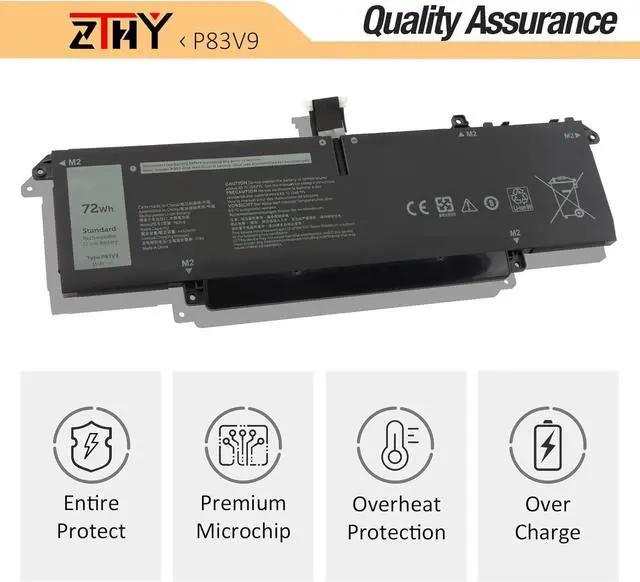
2: Overheating protection
3: Overcurrent protection
4: Overcurrent protection
5: Low power consumption IC design
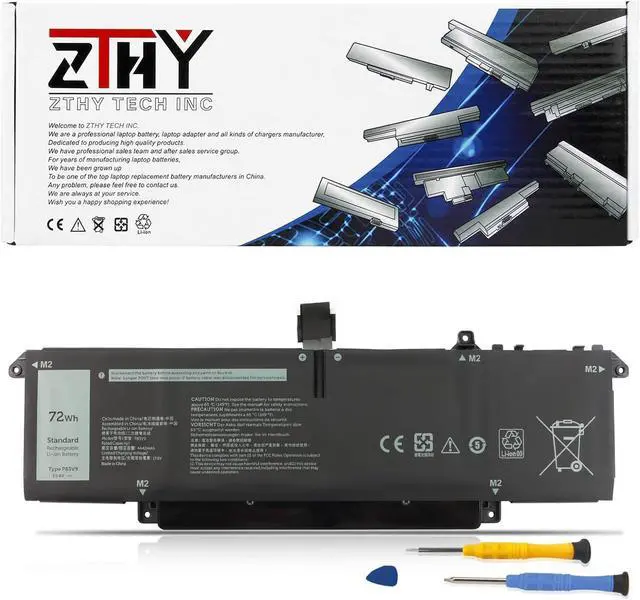
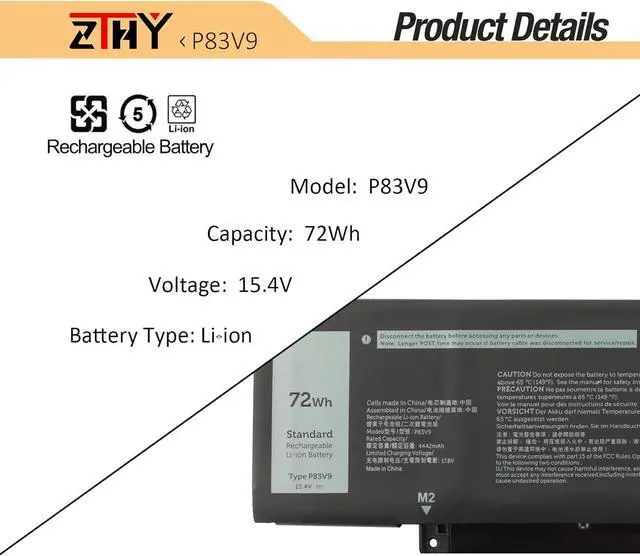
Battery type: Li-ion
Voltage:15.4V
Capacity: 72Wh/4442mAh
Condition: New from Manufacturer, Grade A Cell
Compatible Part Number:
P83V9 CDTT2
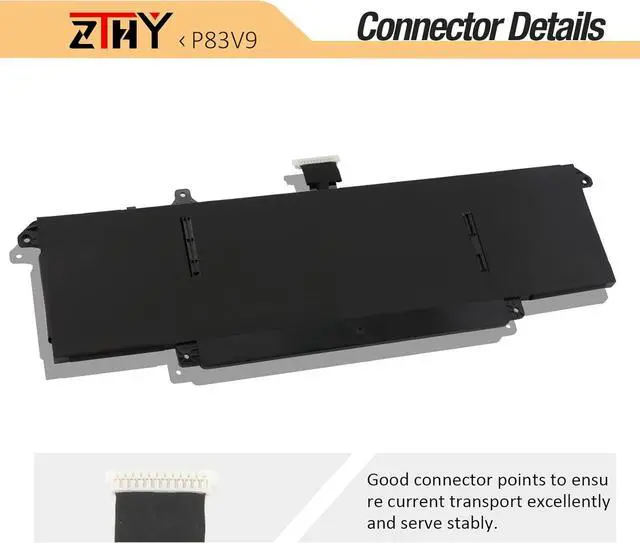
Need Attention: If you install the battery, you find that the laptop cannot detect the battery or the battery level cannot be displayed normally. Please check whether the battery cable is installed properly. Sometimes the battery cannot be charged because the cable is not fixed properly.
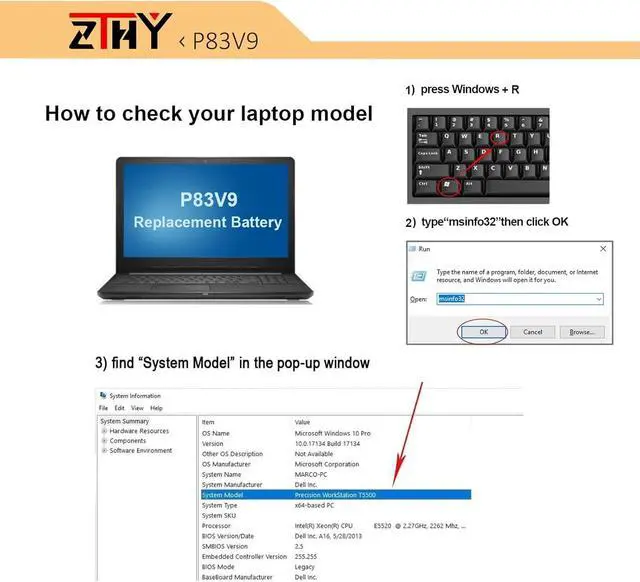
Compatible Model Numbers:( "ctrl+f" check your laptop model):
Replacement for Dell Precision 5470 Series;
Replacement for Dell Precision 5480 Series;
Replacement for Dell Precision 5490 Series;
Replacement for Dell P154G Series;
Replacement for Dell P154G001 Series;
Replacement for Dell P154G002 Series.
1. The new ZTHY battery need to charge and discharge 3-4 cycles before, takes about 7-8 hours in order to activate lithium ion fully to maximun space.
2. Please dont discharge to the computer power off, otherwise it may be damaged easily and may not be charged fully.
3. If you connect external power to use for a long time, please remove the battery.
4. If you do not use battery for a long time, make sure to charge more than 80% electricity every month.
1, You need to turn off your laptop and disconnect the power.
2, Disconnect the connection between the old battery and the motherboard to avoid unnecessary damage caused by disassembling the battery. Then unscrew the old battery screws one by one and carefully save each screw.
3, Remove the old battery, carefully install the new battery on the battery case, screw in the screw, and connect the wiring of the new battery.
4, If you don't understand the above steps, you can search for the video about laptop battery installation on YouTube. Maybe it will help you.
Q: Why my computer didn't recognize this battery or I install this battery and it doesn't seem to work?
A: The reason is residual power stored in the laptop components that was preventing the battery from working properly. Please disconnecting the old battery, and holding down the power button for 20 seconds, then connect the new battery. This drains the residual or flea power and once the laptop is reassembled the battery will function properly.
1.Turn off the laptop.
2.Unplug AC power.
3.Remove the battery.
4.Replace AC power.
5.Turn on laptop,allow OS to boot.
6.Once logged in to the machine,perform a normal shut donw.
7.Unplug AC power.
8.Replace battery.
ZTHY TECH P83V9 battery More Batteries More Batteries More Batteries Install A New Battery: What do we need to pay attention to using batteries for the first time? Why the laptop does not recognize the new battery The following are troubleshooting methods: How to maximize battery life? Why should I choose this battery? Specification:ZTHY laptop battery instruction: Easy to deal a variety of use environment Install A New Battery: Installing New Battery Frequently Asked Question Solution: The following are troubleshooting methods: