• $93.99
  • Free 30-day Returns
  • Price alert
    Shop it at NeweggBusiness.

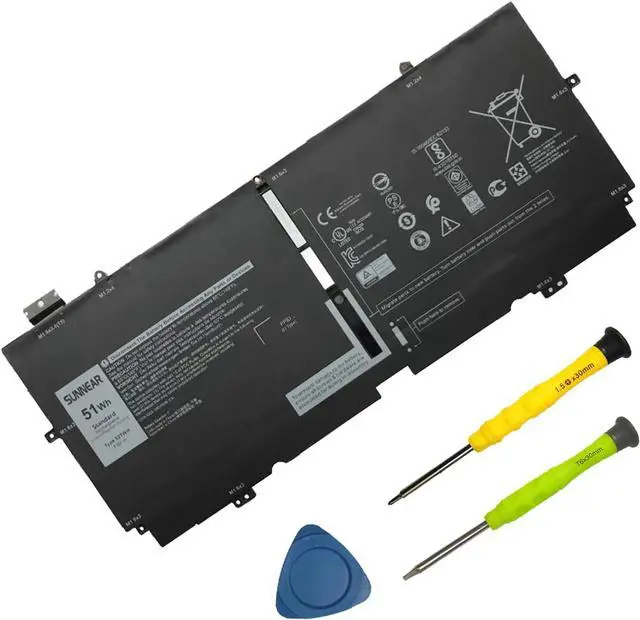
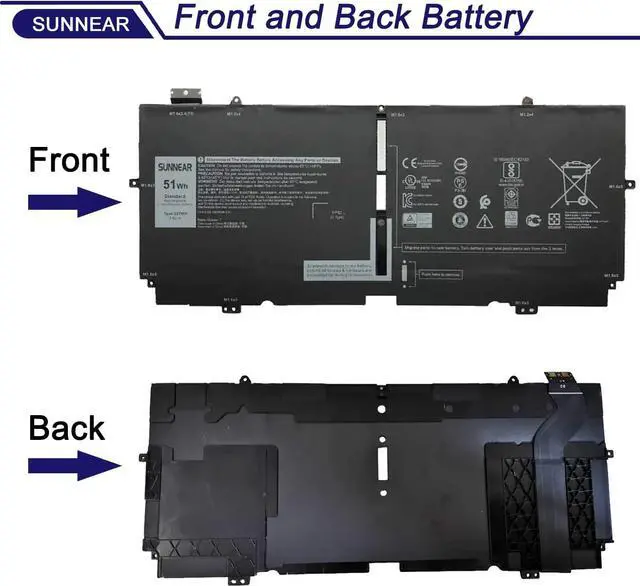
    52TWH Laptop Battery Replacement for Dell XPS 13 7390 2-in-1 Series Notebook P103G P103G001 P103G002 MM6M8 0MM6M8 XX3T7 0XX3T7 51Wh 7.6V 6375mAh 4Cell

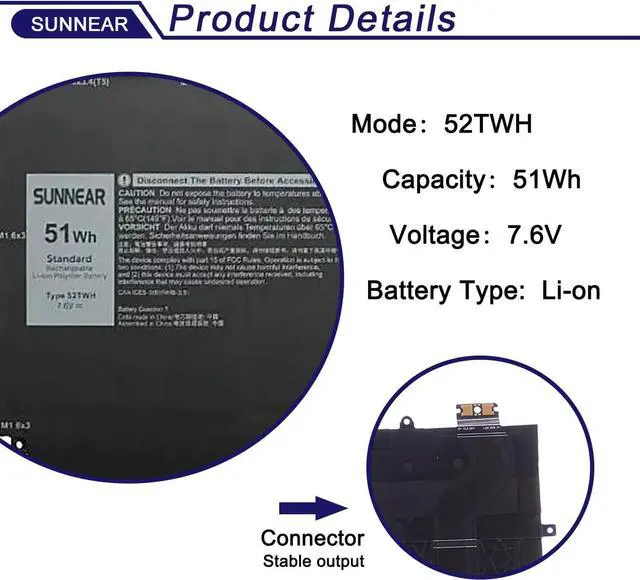
    • SpecificationsModel: 52TWH Voltage: 7.6V Capacity: 51Wh/6375mAh Battery type: Li-ion. Battery life: Up to 500 recharge cycles over the life of the battery. Also comes with installation tools.
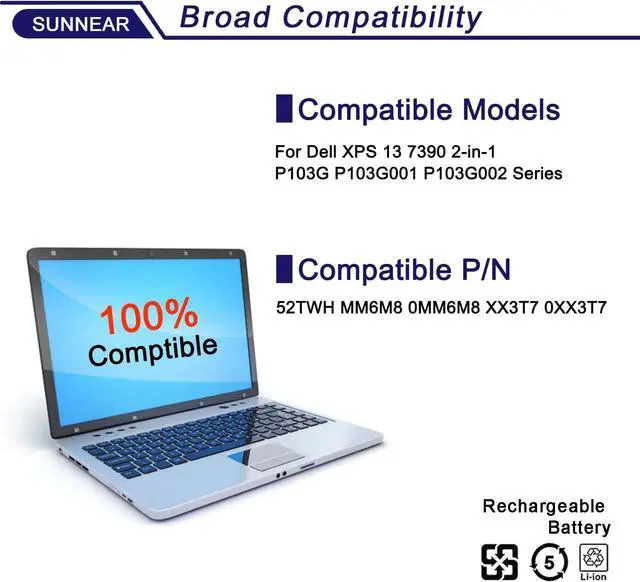
    • Compatible Laptop/Notebook Models for for Dell XPS 13 7390 2-in-1 P103G P103G001 P103G002 Series Notebook
    • Compatible Part Number 52TWH MM6M8 0MM6M8 XX3T7 0XX3T7
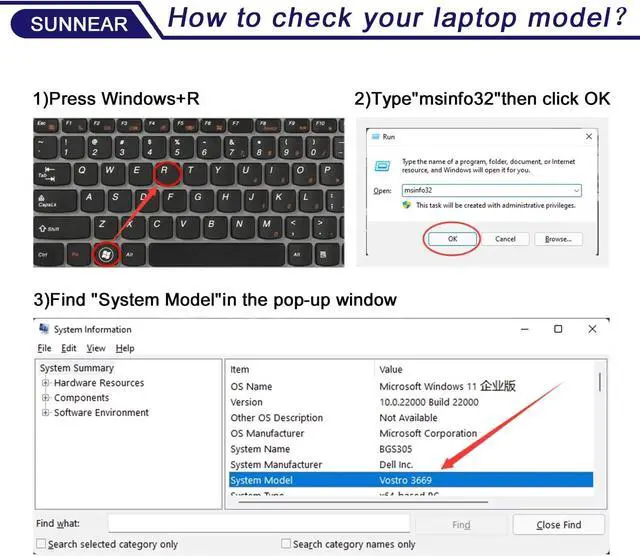
    • Purchasing Note: Due to the complexity of laptop battery models, you may not be able to accurately determine the model you need to purchase,Please open the back cover of the laptop to confirm the original battery model number
    • TipsIf the new battery is not recognized during the initial installation, please reinstall and check if the interface is fully connected. Discharge the new battery to 5% (not 0%), then charge and cycle 3-4 times to wake up the new battery
    • Customer Service 24 x 7 email support. If you have any problem with battery, please Contact us - in YOUR ORDER options click the contact seller 30 days return
    +
    +
    Overview
    Reviews
    avatar

    Any questions? Our AI beta will help you find out quickly.

    Models: 52TWH
    Voltage: 7.6V
    Capacity: 51Wh
    Battery Type: Li-ion
    Battery Condition: Brand New
    Compatible Part Number: 52TWH MM6M8 0MM6M8 XX3T7 0XX3T7
    for Dell XPS 13 7390 2-in-1 P103G P103G001 P103G002 Series Notebook.
    When you get the new battery, discharge the battery to 5% (not 0%), then charge to 95%, cycle 3-4 times to wake up the new battery.
    The important point is to perform a full discharge and charge every other month to extend the battery life.
    Do not connect adapter for a long time while using the battery. It may damage the battery.
    Avoid artificial shocks, disassembly, crush or puncture. Do not dispose of it in fire or water.

    Brand new from manufacturer. Tested with strict quality control standards
    up to 600 rechargeable recycles
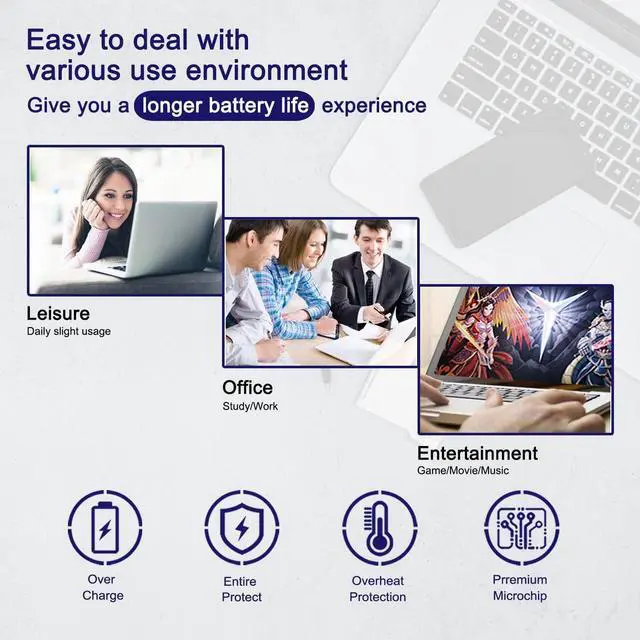
    Grade A cells ensure High capacity and smart chip ensure low power consumption
    CE / FCC / RoHS certified for safety and stability
    Could be caused by battery loose. Please remove the battery and try to install more than once.
    May be due to conductive material damaged which the laptop motherboard and battery anode and cathode contact position, you can try to confirm it with your original battery.
    Check whether the battery drive is in normal condition, if not, download the corresponding driver software to update.
    Take out the battery and press the power button for about 15 seconds to consume the internal residual power (Do not connect the power cord), and then reinstall the battery. You can try several times.

    Battery Specification: Replacement for Battery Maintenance Methods for Optimal Use Why should l choose SUNNEAR battery? Troubleshooting Methods

    Warranty & Returns

    Warranty, Returns, And Additional Information

    Warranty

    • Please contact the Seller directly for warranty information. Warranty information may also be found on the Manufacturer's website.
    • CONTACT

    Return Policies

    Manufacturer Contact Info

    LOADING...