Specifications:
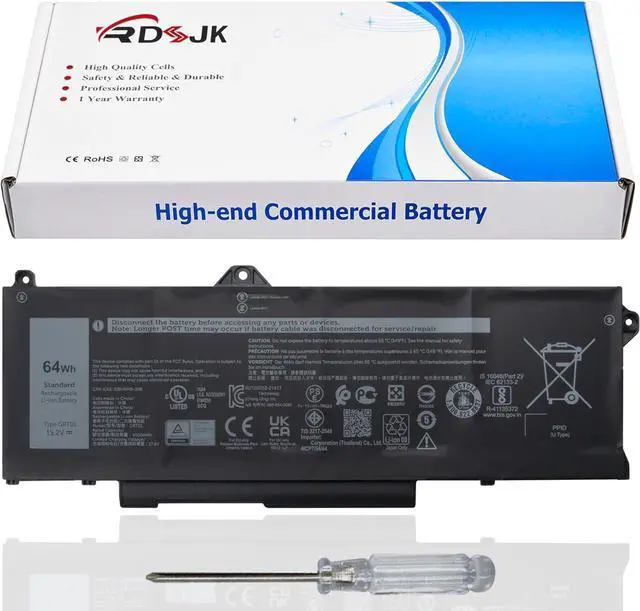
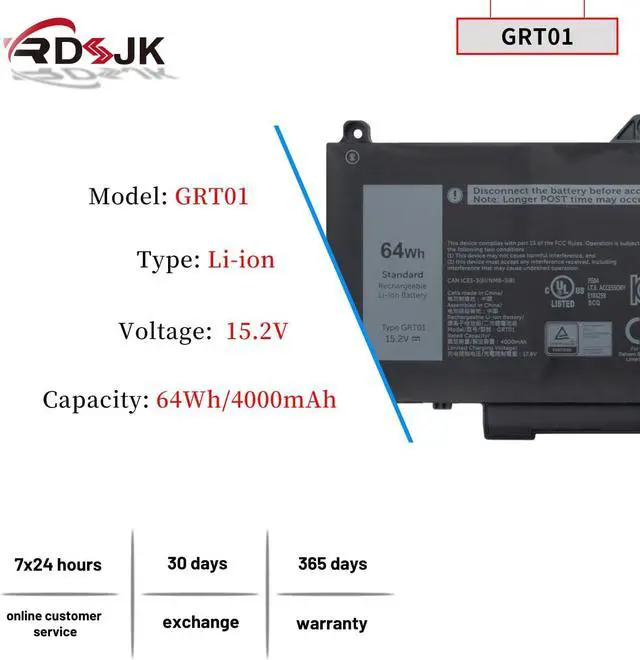
Battery Type: Li-ion
Voltage: 15.2V
Capacity: 64Wh/4000mAh
Condition: Brand New
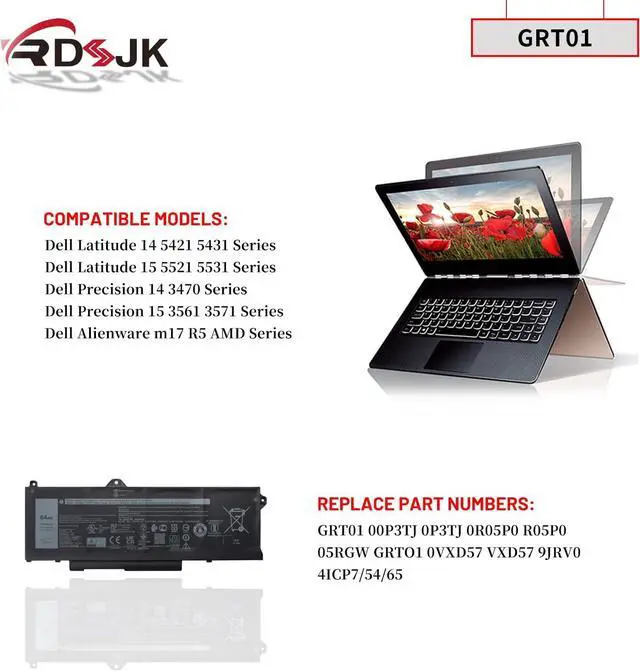
Replace Part Numbers:
GRT01 00P3TJ 0P3TJ 0R05P0 R05P0 005RGW CN-005RGW 05RGW GRTO1 0VXD57 VXD57 9JRV0 4ICP7/54/65
How to find your laptop model?
1. Press Windows + R.
2. Type "msinfo32", then click "OK".
3. Find "System Model" in the pop-up window.
Compatible Models: (use "Ctrl+F" to find your model quickly)
Fit for Dell Latitude 5421 Series
Fit for Dell Latitude 5431 Series
Fit for Dell Latitude 5521 Series
Fit for Dell Latitude 5531 Series
Fit for Dell Latitude 14 5421 5431 Series
Fit for Dell Latitude 15 5521 5531 Series
Fit for Dell Precision 3470 Series
Fit for Dell Precision 3561 Series
Fit for Dell Precision 3571 Series
Fit for Dell Precision 3581 Series
Fit for Dell Precision 3591 Series
Fit for Dell Precision 14 3470 Series
Fit for Dell Precision 15 3561 3571 Series
Fit for Dell Precision 15 3581 3591 Series
Fit for Dell Alienware m17 R5 AMD Series
1. Discharge the new battery use to 5%(not to 0%) and then charge to 95%, and cycle 3-5 times.
2. Do not disassemble, crush or puncture. Do not dispose of in fire or water.
3. If you remove battery for a long time, charge more than 80% at least one time within one months.
4. When using the battery, care should be taken to prevent exposure and moisture.
1. Before disassembling your laptop, put the old battery charge below 25%. If a fully charged lithium battery is accidentally punctured, it will have serious consequences.
2. Please keep every screw you removed.
3. Make sure that interface is correctly connected to its socket.
4. Please protect your screen and touchpad.
1. Remove all battery drivers.
2. Remove battery.
3. Connect laptop using AC charger, double check no battery drivers installed
Connect battery.
4. Drivers will install automatically.
5. Full charge the battery by ac adapter.
6. Leave charger and let the battery drain to shut off.
Laptop Battery Instruction: Installing A New Battery: If the battery cannot be recognized by the laptop, it seems like there logic in the BIOS (ACPI) that needs to be reset with the introduction of a new battery.