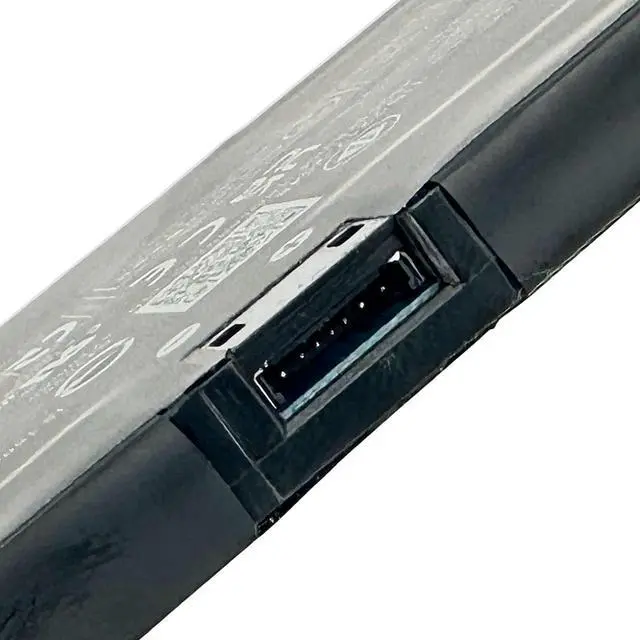
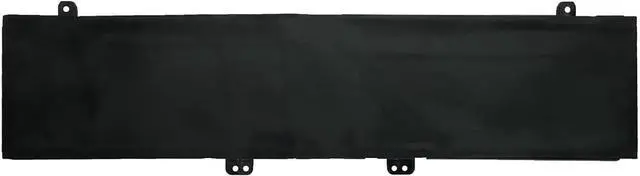
EPYOBW is a professional laptop battery supplier that continues to provide durable and safe laptop batteries. Wish you a happy shopping
Step 1: Press the "Windows + R" keys to pop up the window.
Step 2: Enter "msinfo32" and click "OK".
Step 3: View the "System Model" in the right pane.
Step 1: Shut down the laptop and unplug the power cord.
Step 2: Carefully use a screwdriver to remove the back panel to prevent damage to laptop components.
Step 3: Disconnect the cables connecting the battery, and then you can confirm the model and specific specifications of the battery.
Brand new battery
Rechargeable up to 1000+ times
Overcharging protection
Overheating protection
Short circuit protection
professional
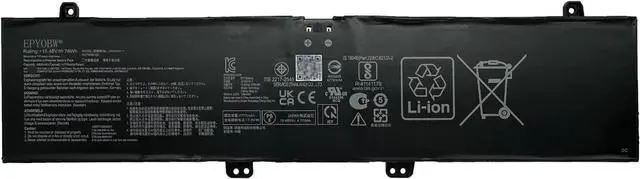
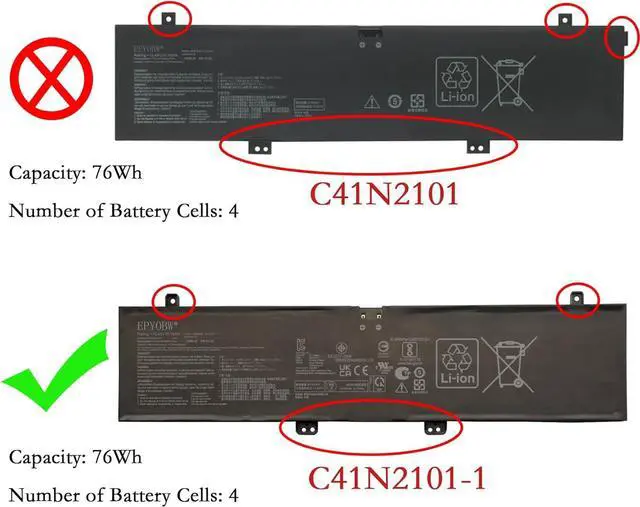
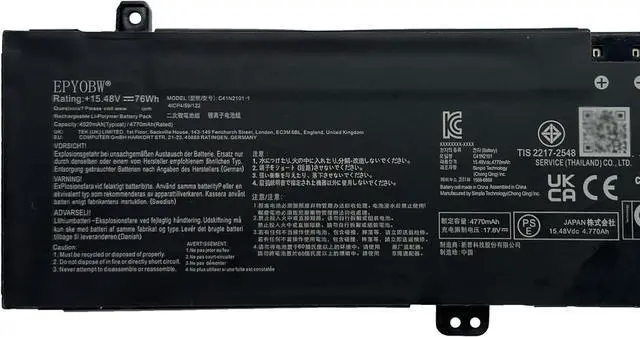
Battery Model: C41N2101-1
Capacity: 76Wh 4920mAh 4-Cell
Voltage: 15.48V
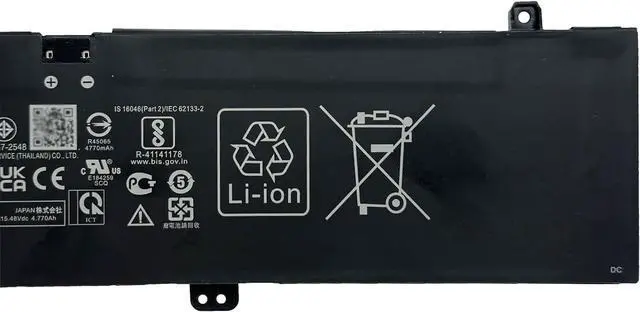
Battery Type: Li-ion
Condition: Brand New
Color: Blackness
Replace Part Number:
C41N2101-1
for ASUS Zenbook Pro 14 Duo Series
for ASUS Zenbook Pro 14 Duo OLED UX8402VU Series:
UX8402VU-OI93210B0W UX8402VU-P1024X UX8402VU-P1028W UX8402VU-P1032X
for ASUS Zenbook Pro 14 Duo OLED UX8402VV Series:
UX8402VV-P1018W UX8402VV-P1018X UX8402VV-P1021W UX8402VV-P1021X
UX8402VV-P1022X UX8402VV-P1025W UX8402VV-P1943WS
for ASUS Zenbook Pro 14 Duo OLED UX8402ZA Series:
UX8402ZA-DB76T UX8402ZA-DS51T UX8402ZA-M3027X UX8402ZA-M3031W
UX8402ZA-M3033W UX8402ZA-M3076W UX8402ZA-M3082W
for ASUS Zenbook Pro 14 Duo OLED UX8402ZE Series:
UX8402ZE-DB74T UX8402ZE-DB96T UX8402ZE-0042K12900H UX8402ZE-AOQ27084W
UX8402ZE-AOQ29085W UX8402ZE-EM3025WS
Please feel free to choose us Welcome to EPYOBW How to get the correct battery? Method 1: Use the shortcut "Window+R" to check your laptop model. Method 2: Open the back cover of the laptop and confirm the battery type, capacity, and laptop model. Brand: EPYOBW Specification Compatible Laptop Models:(use"Ctrl+F to find your model quickly")