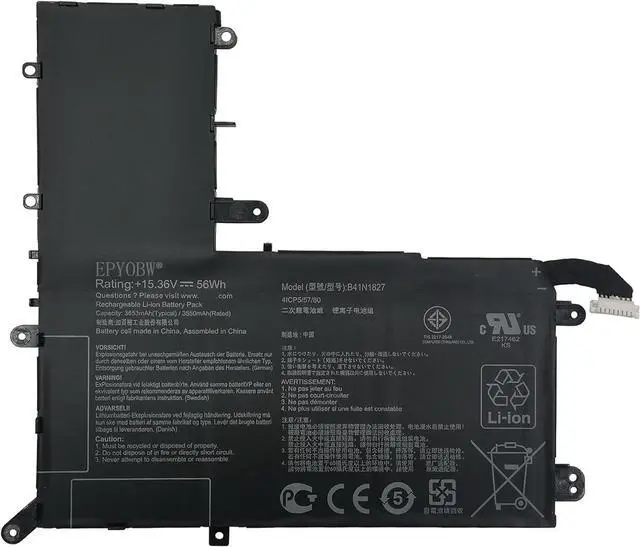
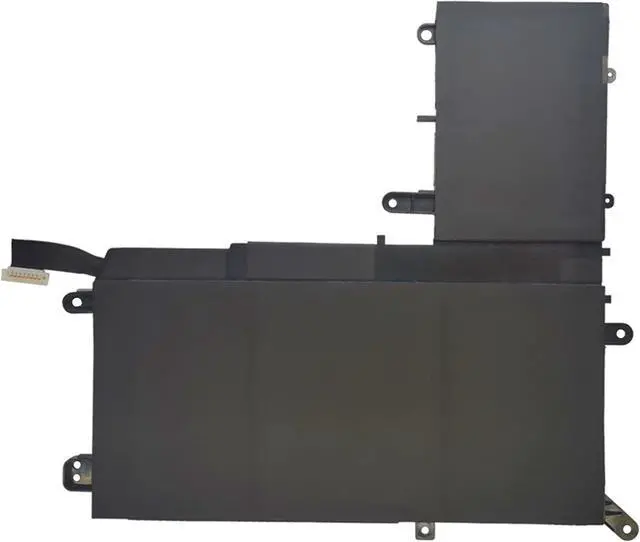
EPYOBW is a professional laptop battery supplier that continues to provide durable and safe laptop batteries. Wish you a happy shopping
Step 1: Press the "Windows + R" keys to pop up the window.
Step 2: Enter "msinfo32" and click "OK".
Step 3: View the "System Model" in the right pane.
Step 1: Shut down the laptop and unplug the power cord.
Step 2: Carefully use a screwdriver to remove the back panel to prevent damage to laptop components.
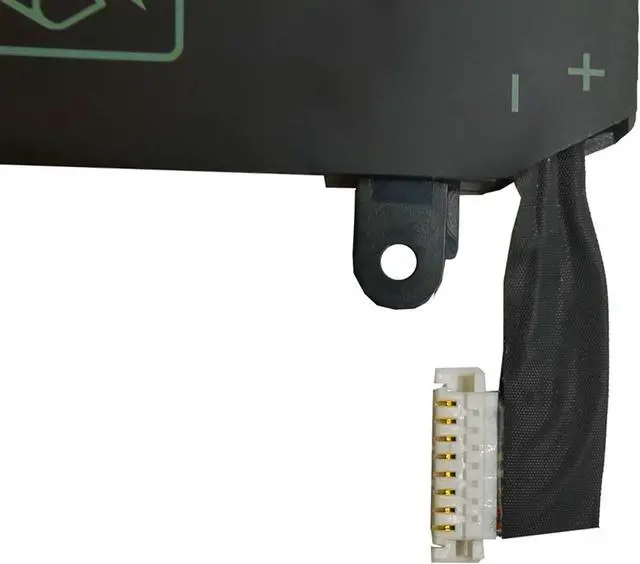
Step 3: Disconnect the cable connected to the battery, then you can check the model number and specific specifications on the battery.
Brand new battery
Rechargeable up to 1000+ times
Overcharging protection
Overheating protection
Short circuit protection
professional
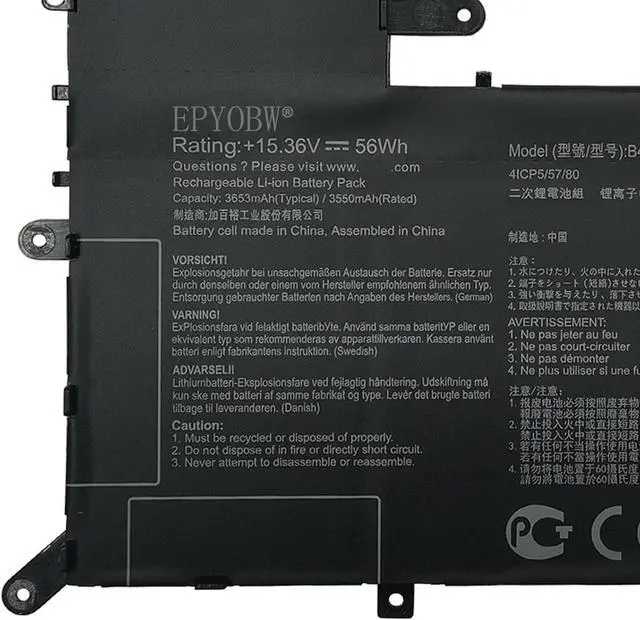
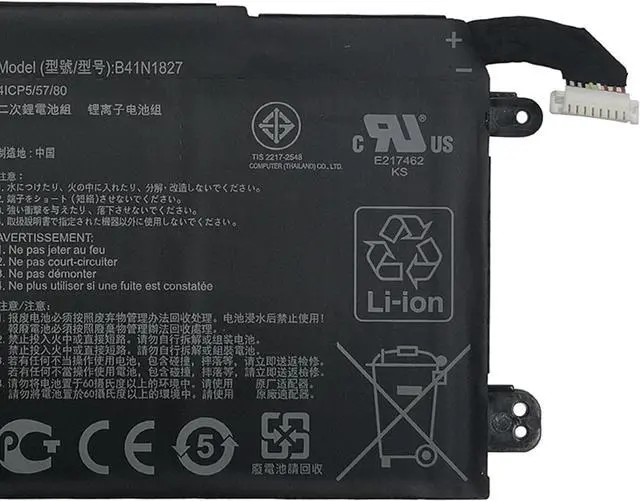
Battery Model:B41N1827
Capacity: 56Wh 3653mAh 4-cell
Voltage: 15.36V
Battery Type: Li-ion
Condition: Brand New
Color: Black
Replace Part Number:
B41N1827 0B200-03070200 4ICP5/57/80
Compatible Laptop Models:(use""Ctrl+F to find your model quickly"")
for ASUS ZenBook Q526 Q526F Q526FA Q526FAC Series
for ASUS ZenBook Flip 15 UX562 UX562F UX562FA UX562FAC Series
for ASUS ZenBook Flip 15 UX562IA UX562IQ UX562UG Series
for ASUS ZenBook Flip 15 UM562 UM562IQ UM562IA Series
for ASUS ZenBook Flip 15 Q507 Q507I Q507IQ Series
for ASUS ZenBook Flip 15 UX562 Series
for ASUS ZenBook Flip 15 UX562IA Series
for ASUS ZenBook Flip 15 UX562UG Series
for ASUS ZenBook Flip 15 UX562FA Series:
UX562FA-2G UX562FA-2S UX562FA-AC008T UX562FA-AC010T UX562FA-AC010R UX562FA-AC012R
UX562FA-AC022T UX562FA-AC023R UX562FA-AC024T UX562FA-AC025R UX562FA-AC027T UX562FA-AC028T
UX562FA-AC033T UX562FA-AC034T UX562FA-AC038T UX562FA-AC040T UX562FA-AC048T UX562FA-AC050T
UX562FA-AC051T UX562FA-AC054T UX562FA-AC072T UX562FA-AC079T UX562FA-AC081R UX562FA-AC083R
UX562FA-AC084R UX562FA-AC087R UX562FA-AC087T UX562FA-AC088R UX562FA-AC091T UX562FA-AC093T
UX562FA-AC096T UX562FA-AC102T UX562FA-AC103T UX562FA-AC113T15 UX562FA-AC020T
for ASUS ZenBook Flip 15 UM562IA Series:
15 UM562IA-WB501T 15 UM562IA-EZ021T 15 UM562IA-EZ022T 15 UM562IA-EZ022R
for ASUS ZenBook Flip 15 UX562FD Series
for ASUS ZenBook Flip 15 UX562IQ Series
for ASUS ZenBook Q526FA Series
for ASUS ZenBook Q526FAC Series
for ASUS ZenBook Q526FA-BI7T10 Series
for ASUS ZenBook Flip 15 Q507IQ Series
Notice needing attention:
Not all compatible laptop models are listed or included here.
You can open the back of your laptop to check the original battery model number.
Brand new battery
100% compatible
Meet OEM specifications
Rechargeable up to 1000+ times
capacity is true, stable current, low self-discharge
short circuit, overheat, and overload protections
Multiple protection
Strong battery life
Good "core" quality
After getting the battery, please install the battery correctly, make sure that the battery connector is firmly connected to the laptop motherboard, and start charging the laptop. Discharge the new battery to 5% (not 0%), then charge and cycle 3-4 times to wake up the new battery.
Remember not to discharge the battery to 0%, otherwise the battery will be easily damaged.
After the battery is exhausted, please charge it in time. If it is not charged for a long time, the battery may be damaged.
If the battery is not used for a long time, it needs to be charged to more than 70% for storage. The storage time should not exceed 3 months.
If you often use it with a charger, please use the battery power regularly and use it more than once a week.
Please use original chargers. Inferior chargers will affect the normal charging of the battery.
Regularly clean the fan dust to increase the heat dissipation effect and reduce power consumption, which can effectively extend the battery life.
Help others learn more about this