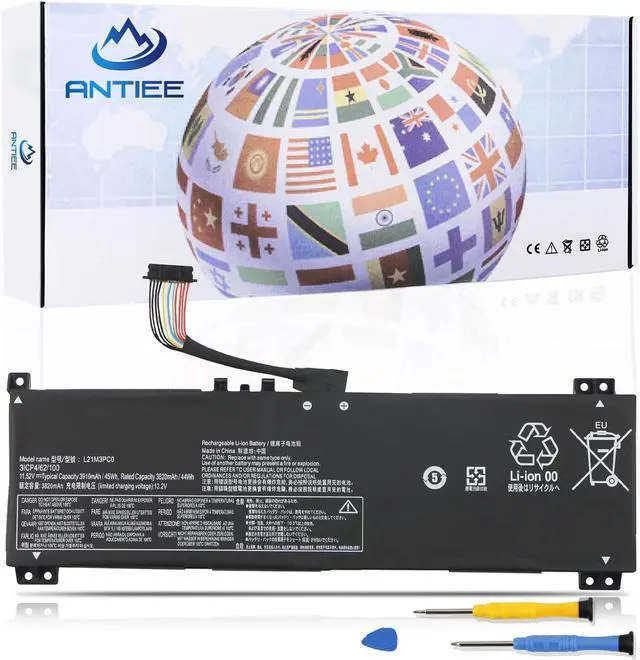
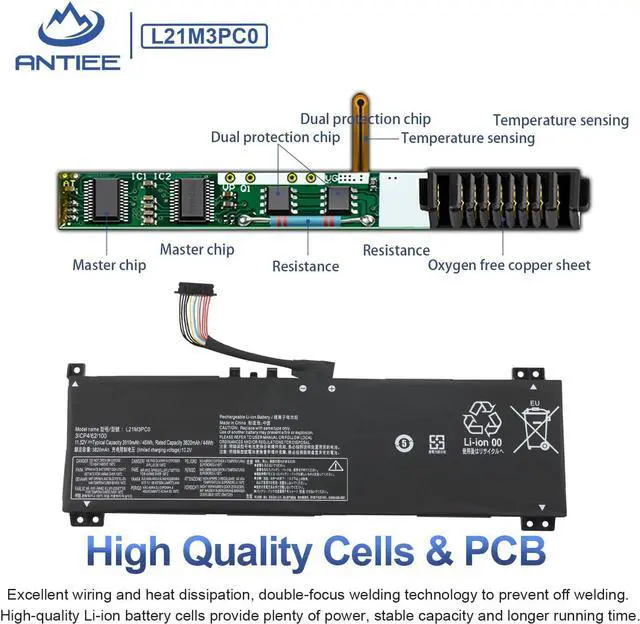
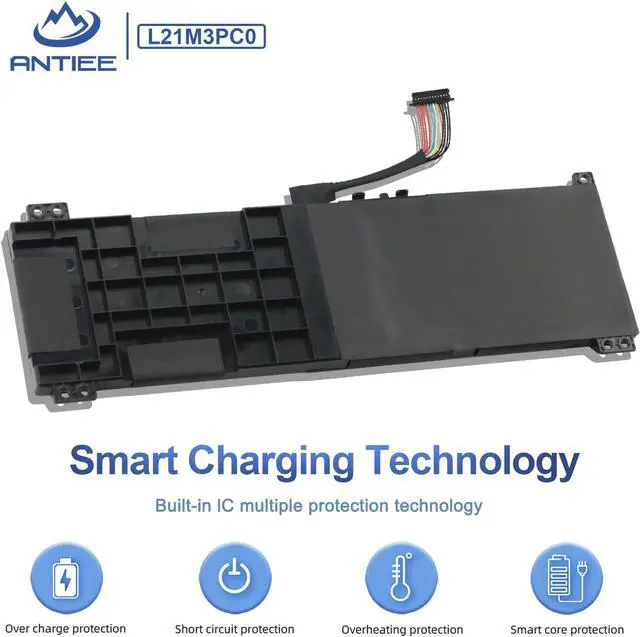
We are a manufacturer specializing in various laptop batteries and tablet batteries. We emphasizes the basic product concept of high-quality, safety and reliability. ANTIEE Laptop batteries are 100% DIRECT from Manufacturer with over 10 years' Laptop Battery Production experience.Adopt strict quality control standards, reliable and high-quality batteries.
SPECIFICATION
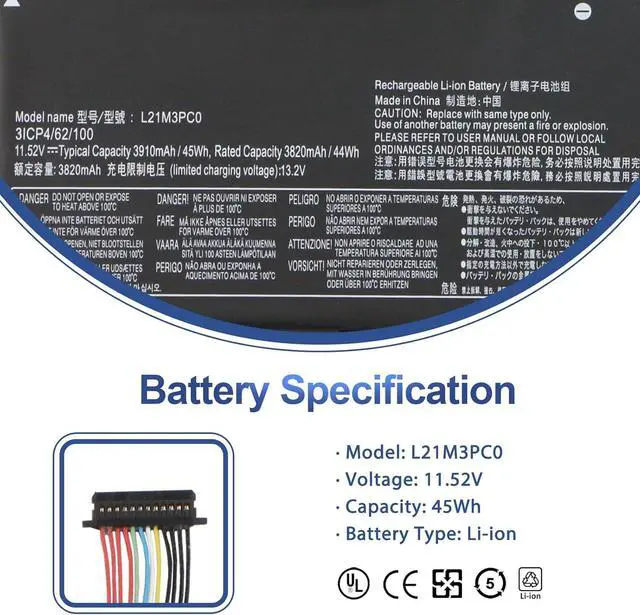
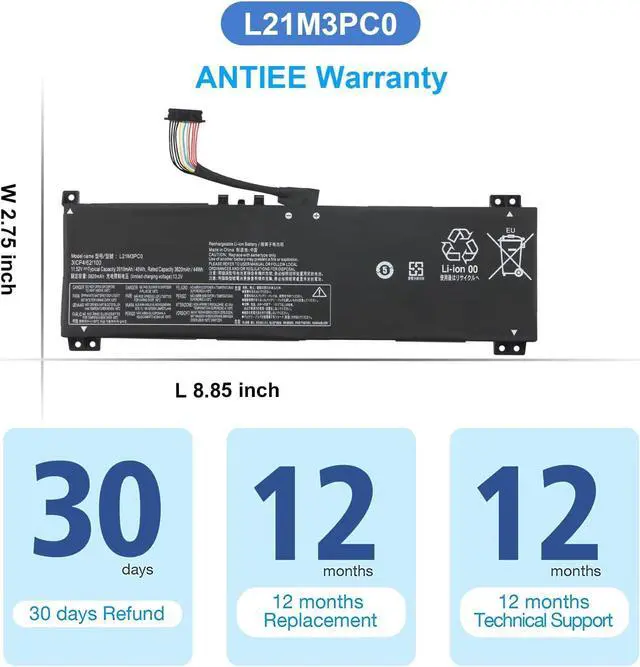
Battery Model: L21M3PC0
Voltage: 15.52V
Capacity: 45Wh/3910mAh
Battery Type: Li-ion
Condition: Brand new
PACKAGE INCLUDES:
1 X Battery
2 X Tools
REPALCE PART NUMBER
L21M4PC2 SB11F24155 5B11F24152 L21C4PC1 5B11F24161
L21M3PC0 SB11F36375 5B11F36371 L21C3PC0 SB11F36369 5B11F36372
L21D3PC0 SB11F36367 5B11F36370 L21M4PC0 SB11F24146 5B11F24158
L21B4PC0 SB11F24159 5B11F24147 L21M4PC3 SB11F24164 5B11F24148
L21D4PC1 SB11F24153 5B11F24156 L21M4PC1 SB11F24154 5B11F24150
L21L4PC0 SB11F24162 5B11F24151 L21C4PC0 SB11F24160 5B11F24157 L21D4PC0 5B11F24163.
COMPATIBLE LAPTOP MODELS(use "Ctrl+F" to find your model quickly)
LENOVO IdeaPad Gaming 3
IdeaPad Gaming 3 15ARH7 82SB0000US, IdeaPad Gaming 3 15ARH7 82SB0003US, IdeaPad Gaming 3 15ARH7 82SB0006SB, IdeaPad Gaming 3 15ARH7 82SB0009SB,
IdeaPad Gaming 3 15ARH7 82SB000CUK, IdeaPad Gaming 3 15ARH7 82SB0016US, IdeaPad Gaming 3 15ARH7 82SB0019FR, IdeaPad Gaming 3 15ARH7 82SB001CFR,
IdeaPad Gaming 3 15ARH7 82SB001FFR, IdeaPad Gaming 3 15ARH7 82SB001JFR, IdeaPad Gaming 3 15ARH7 82SB001MVN, IdeaPad Gaming 3 15ARH7 82SB001UMX,
IdeaPad Gaming 3 15ARH7 82SB001XMX, IdeaPad Gaming 3 15ARH7 82SB0021MX, IdeaPad Gaming 3 15ARH7 82SB0024MX, IdeaPad Gaming 3 15ARH7 82SB0027HH,
IdeaPad Gaming 3 15ARH7 82SB002AHH, IdeaPad Gaming 3 15ARH7 82SB002DHH, IdeaPad Gaming 3 15ARH7 82SB002GHH, IdeaPad Gaming 3 15ARH7 82SB002KHH and more Series
ATTENTION:
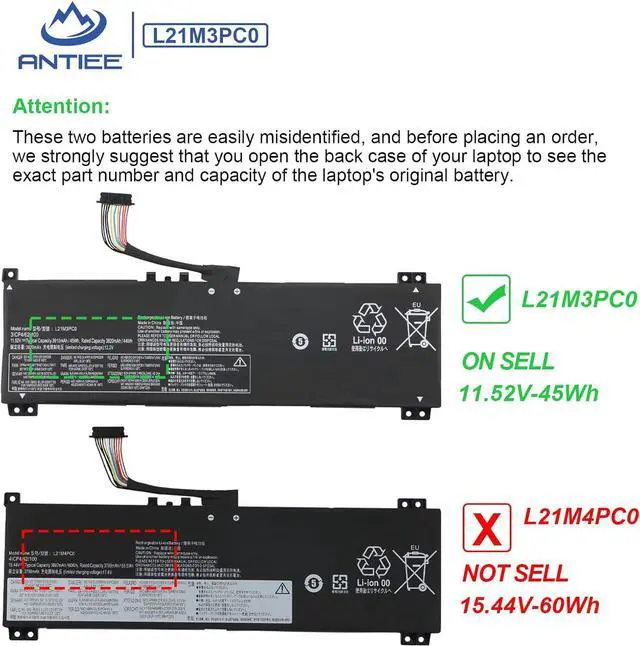
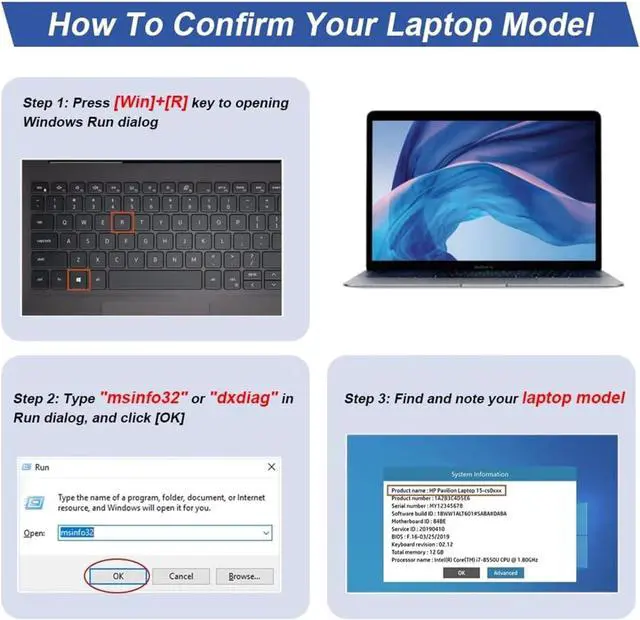
These two batteries are easily misidentified, and before placing an order, we strongly suggest that you open the back case of your laptop to see the exact part number and capacity of the laptop's original battery.
First check if the battery is the same size as your original battery after receiving it.
Before disassembling your laptop, put the old battery charge below 25%.
We recommend that you search for battery removal tutorials on the Internet in advance, or seek help from a professional technician. We won't responsible for any damage due to improper operation.
When installing the battery, pay attention to whether the battery cable is fixed. If the battery cable is not installed correctly, the battery may not be charged.
Why doesn't your laptop detect the battery or display the battery level properly after installing the battery?
Could be caused by battery loose. Please check whether the battery cable is installed properly.
May be due to conductive material damaged which the laptop motherboard and battery anode and cathode contact position, you can try to confirm it with your original battery.
Check whether the battery drive is in normal condition, if not, download the corresponding driver software to update.
New battery: Discharge the new battery to 10% (not 0%), then charge it to 100%. Cycle 3-5 times to activate its maximum capacity before use.
Overuse: Do not run out of battery power to 0%, the lithium battery will turn on the charge protection so that it can not be recharged, which is the nature of lithium batteries.
Long-term storage: Charge it to around 50% when you store it long term. (Charge it once a month) Do not store at low power to prevent reduce the lifespan of a battery.
Adapter: Always use the proper ac adapter charger for your device.
Help others learn more about this product by uploading a video!ANTIEE L21M3PC0 L21C3PC0 L21D3PC0 Laptop Battery Replacement for Lenovo IdeaPad Gaming 3-15IAH7 Gaming 3-15ARH7 Series SB11F36375 SB11F36367 SB11F36369 5B11F36371 5B11F36370 11.52V 45Wh 3910mAh
Share:
Found a l