Method 1: Using System Information to Find Your Laptop Model
Open the Run Window: Press the Windows + R keys simultaneously to bring up the Run window.
Access System Information: Type msinfo32 into the input box and click OK to launch the System Information tool.
Locate the System Model: In the System Summary section, you will find the System Model item listed in the right pane. This will provide you with the exact model of your laptop, which is crucial for identifying the compatible battery.
Method 2: Checking the Battery and Laptop Model Directly
Power Off and Unplug: Before you begin, ensure that your laptop is turned off and the power cord is disconnected to avoid any risk of electric shock.
Remove the Back Panel: Carefully use a screwdriver to remove the back panel of your laptop. Please proceed with caution to prevent any damage to the internal components.
Disconnect and Remove the Battery: Gently disconnect the cable attached to the battery and remove it from the laptop. Once the battery is out, you can easily check its specifications, including the type, capacity, and model number.
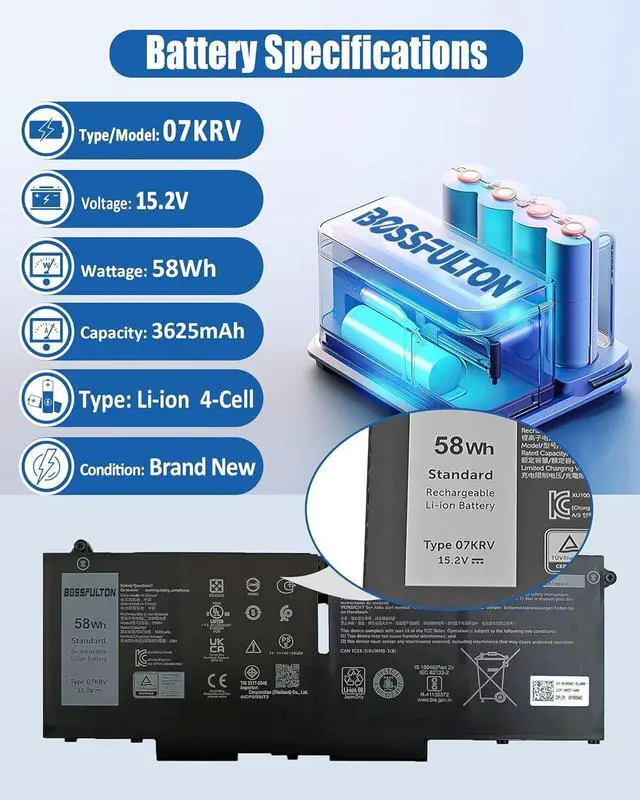
Battery Type: Li-polymer
Battery Model: 07KRV
Battery Voltage: 15.2V
Battery Capacity: 58Wh3625mAh
Batterycells: 4-Cell
Condition: Grade "A" cells Battery
Battery life: with a cycle at least 500+ cycles
100% brand New from Manufacturer
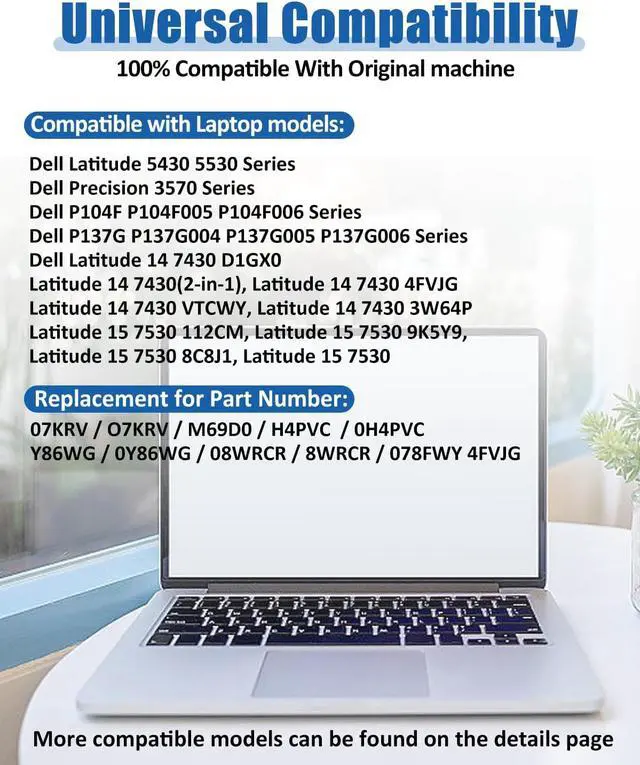
07KRV / O7KRV
H4PVC / 0H4PVC
Y86WG / 0Y86WG
08WRCR / 8WRCR
078FWY / 4FVJG
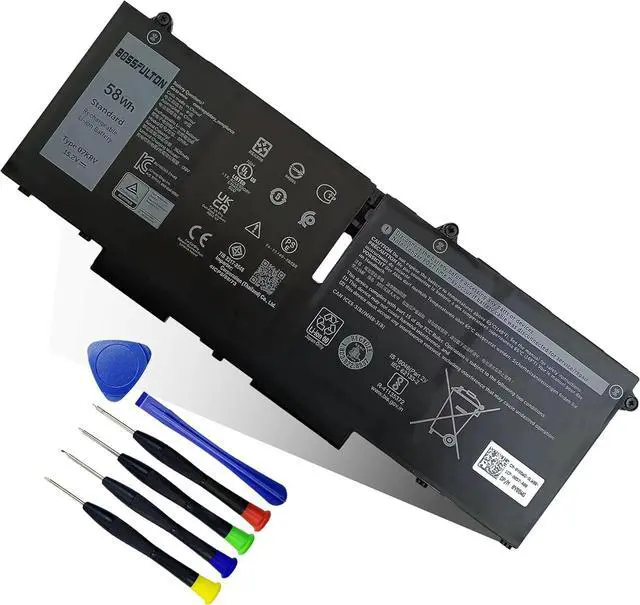
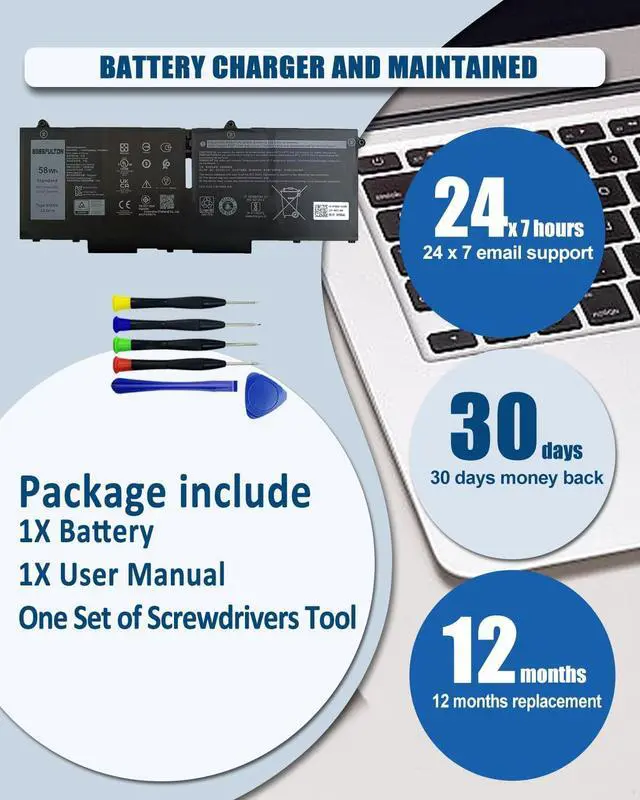
1X 07KRV battery
1X User Manual
One set of screwdrivers tool
Why Choose Our High-Quality Batteries?
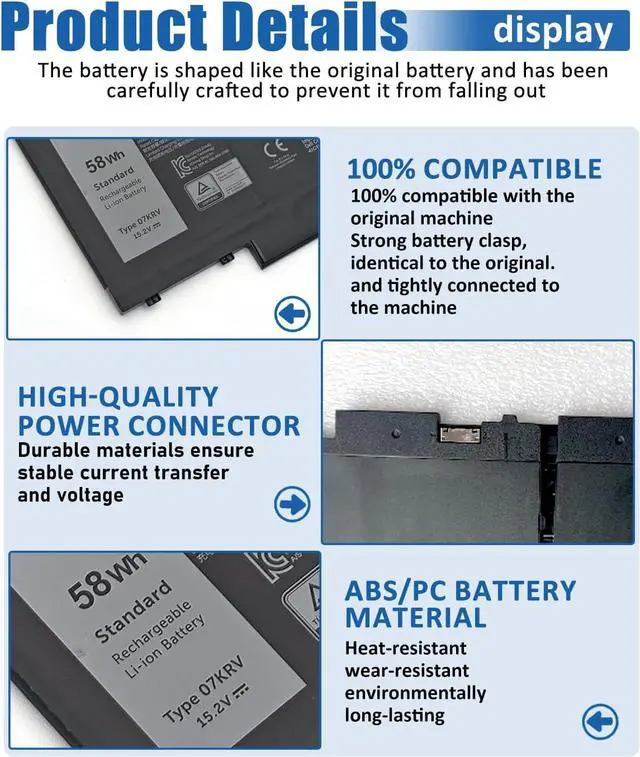
Grade A Cells
100% OEM Compatible
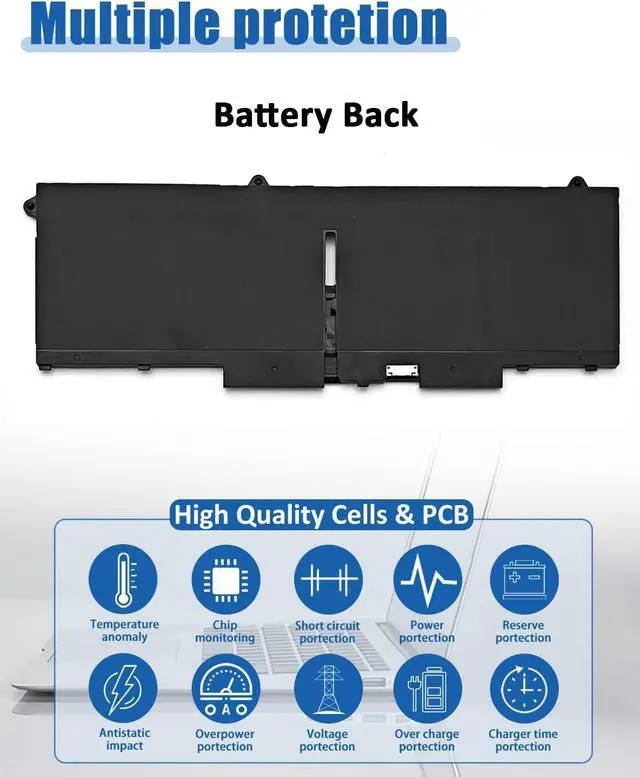
Integrated Multi-Protection
Easy & Quick Installation
The 07KRV 58Wh 4-Cell & M69D0 41Wh 3-Cell batteries are distinct models, each with its own unique specifications and dimensions. To ensure that you purchase the correct battery for your laptop, we recommend the following steps:
Check Your Original Battery: Open the back cover of your laptop and locate the label on the original battery. Verify the model number printed on it.
Confirm Compatibility: Make sure that the battery model you need is the 07KRV 58Wh 4-Cell. This model is specifically designed to fit and perform optimally with your laptop.
The model and specification of this battery is: 58Wh Type 07KRV 4-Cell Battery
Replacement for Dell Precision 3570 Series
Replacement for Dell Latitude 5430 Series
Replacement for Dell Latitude 5530 Series
Replacement for Dell P104F005 P104F006 Series
Replacement for Dell P137G004 P137G005 P137G006 Series
New Batteries: When using a new battery, fully activate the battery by discharging it to 5% (not 0%) and then recharging it to 95% 3-4 times.
Overuse: Do not always use the battery at 0%, as this may damage the battery or shorten its life. 3.
Charging sequence: When charging, install the battery first, then turn on the power, when fully charged, cut off the power first, then unplug the power. 4. Long-term storage: Please store the battery in an unused place.
Long-term storage: Please store the unused batteries fully charged (charging once a month), do not store them at low battery level, which may shorten the life of the batteries.
Charger: Please do not change the laptop adapter arbitrarily, do not connect the adapter for a long time when using the battery, if the original adapter can not be used due to malfunction or damage, please change the model to avoid reducing the life of the battery due to incompatibility.
It may be caused by a missing battery. Please reinstall the battery and make sure the battery connection cable is plugged tightly with the motherboard connector.
It may be due to damage to the conductive material at the positive and negative contacts between the laptop motherboard and the battery, you can try to confirm with the original battery.
Check whether the battery driver is normal, if not,