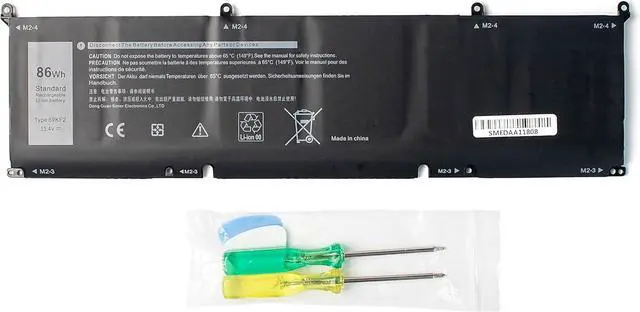
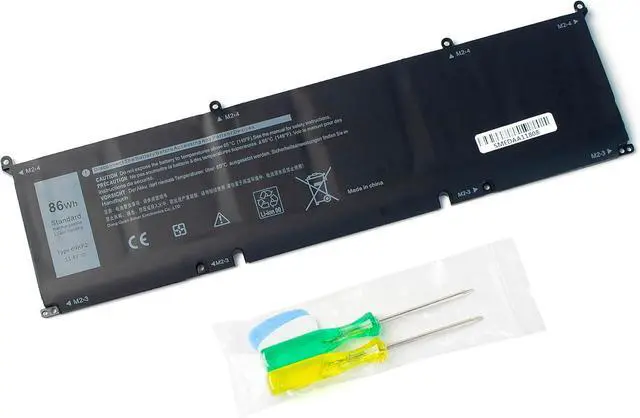
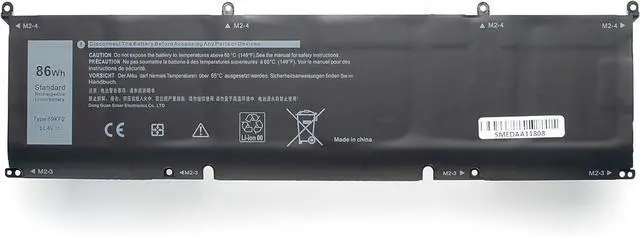
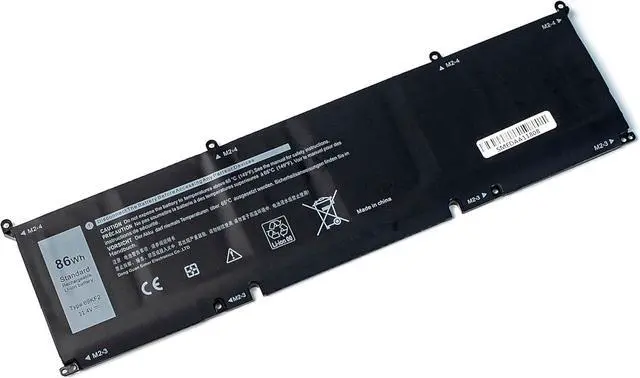
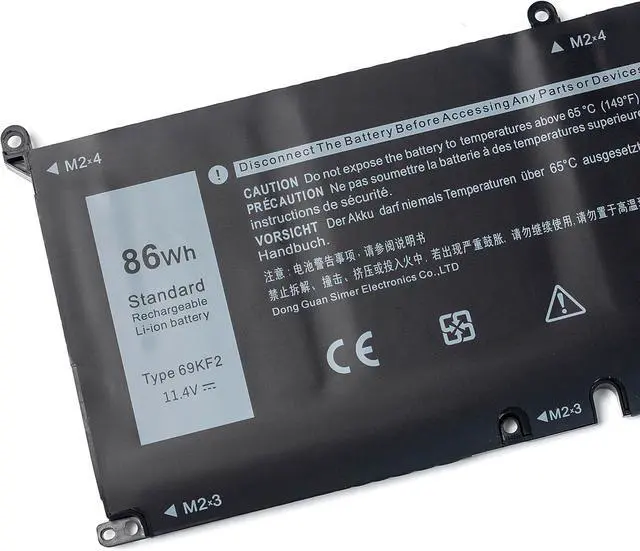
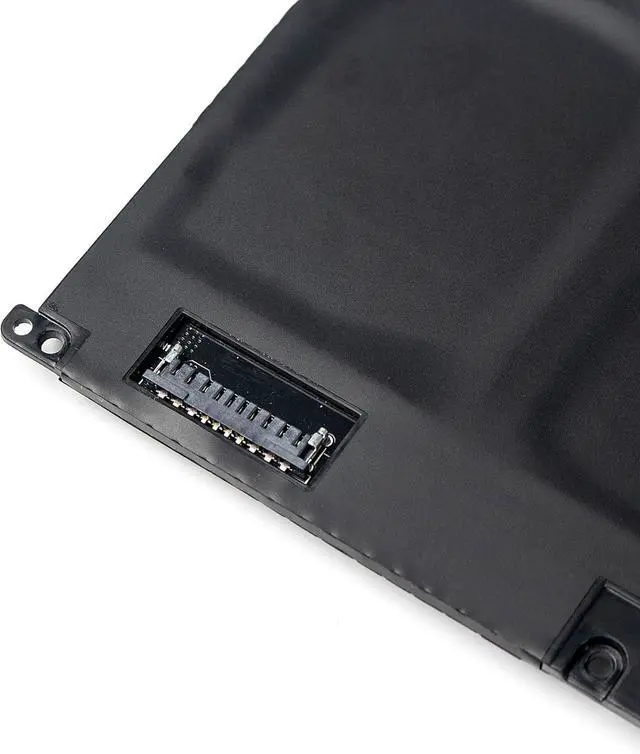
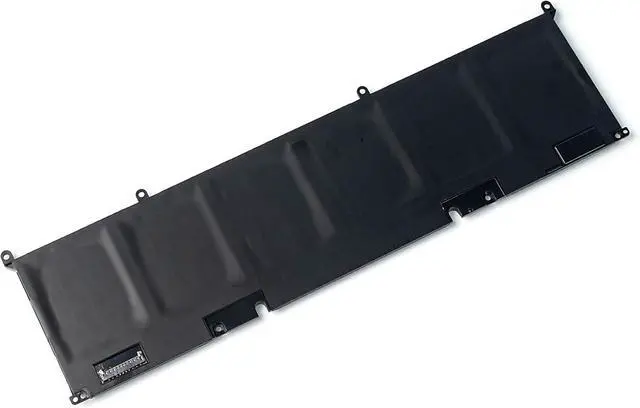
New Replacement Dell 86Wh 69KF2 11.4V Battery
Brand: COWOOGMZ
Item: 69KF2 Rechargeable battery
Voltage: 11.4V
Capacity: 86Wh
Battery Type: Li-ion
Cells: 6-cell
Compatible With Dell Laptop Models&P/N (Please "Ctrl+F" search your laptop model)
Fit for Dell G15 5510 5511 5520 Series
Fit for Dell G15 5515 Ryzen Edition Series
Fit for Dell G15 5521 Special Edition Series
Fit for Dell G7 15 7500 Series
Fit for Dell M15 2020 ALW15M-5758W Series
Fit for Dell M15 2020 2021 Series
Fit for Dell M17 2020 2021 Series
Fit for Dell XPS 15 9500 9510 9520 Series
Fit for Dell Inspiron 7510 7610 Inspiron 16 Plus 7620 Series
Fit for Dell Precision 5550 5560 5570 Series
Fit for Dell Alienware M15 R3 M15 R4 M15 R5 M15 R6 M15 R7 Series
Fit for Dell Alienware M17 R3 M17 R4 Series
Fit for Dell P100F001 P87F P87F002 P87F003 Series
Fit for Dell P91F P91F001P45E P45E001 P45E002 P100F Series
Replacement for Part Number:69KF2 70N2F M59JH 8FCTC 08FCTC 70N2F 070N2F
Main Benefits:
High Performance 86Wh 11.4V 69KF2 Laptop Battery
True capacity
Perfect Fit
Easy to install
Built in multi-protection
Grade A NMC cells - Ensuring longer life and durability ,Up to 1000 recharge cycles Built-in multi-protection functions - Short circuit, overheat, and overload protection Smart control chip - Faster charging, lower power consumption, and extended discharge time True Capacity-86Wh 11.4V
Q&A
What do we need to pay attention to using batteries for the first time?
1.The battery must be full charged before first use.
2.You need to turn off your laptop and disconnect the power when you install a new battery.
3.Do Discharge the new battery use to 5%/7%(not to 0%) and then charge to 95%, and cycle 3-4 times.
How do I install a new battery
1. You need to turn off your laptop and disconnect the power.
2. Disconnect the connection between the old battery and the motherboard to avoid unnecessary damage caused by disassembling the battery.Then unscrew the old battery screws one by one and carefully save each screw.
3. Remove the old battery, carefully install the new battery on the battery case, screw in the screw, and connect the wiring of the new battery.
4. If you don't understand the above steps, you can search for the video about laptop battery installation on YouTube.Maybe it will help you.
How to maintain a laptop
1.New battery: For use a new battery, youd better try a few cycles of discharging to 5%.then charging up to 95%.So that it can be activated completely.
2.Overuse: Do not always run out of a battery to 0%, this would make it damaged or usage life shortened.
3.Charging sequence: when charging, first install the battery, then turn on the power, when fully charged, first cut off the power, then pull the power plug.
4.Long-term storage:Please store the unused battery fully charged.(Charge it once a month) Do not store at low power to prevent reduce the lifespan of a battery.
5.Charger: Do not replace the laptop adapter casually.If the original adapter cannot be applied due to malfunction or damage, please replace the models, so as not to reduce the service life of the battery due to incompatibility.
How should I do if the battery is not recognised?
When the computer is turned on, if it is not recognised, it is recommended to update the BIOS settings or please disconnecting the old battery, and holding down the power button for 20 seconds, then connect the new battery.
How should I do if we received the item doesn't work?
Our itme have 12 months replace a new one and 60 days moeny back guarrante. please Contact COWOOGMZ INC .we will replace it with a new one for free.
How should I charge my laptop battery?
It is suggested to charge the battery before the power runs out completely. It is best to charge when the remaining power is about 5-10%, and the battery should be charged in a relatively dry place.
How sh