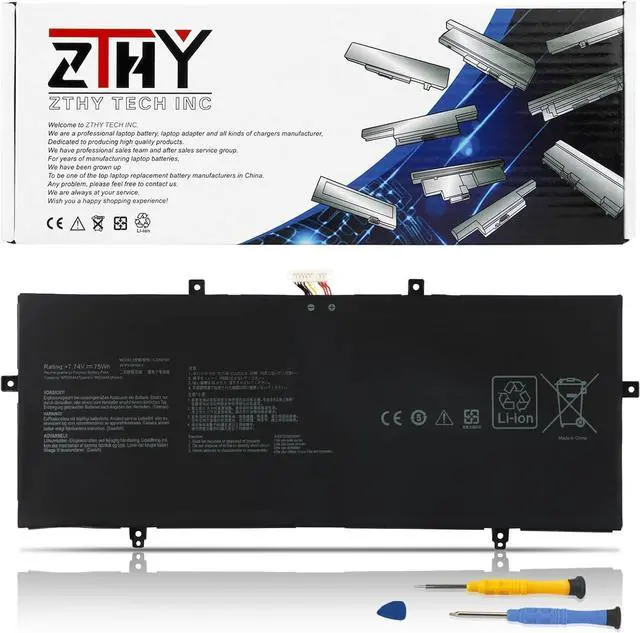
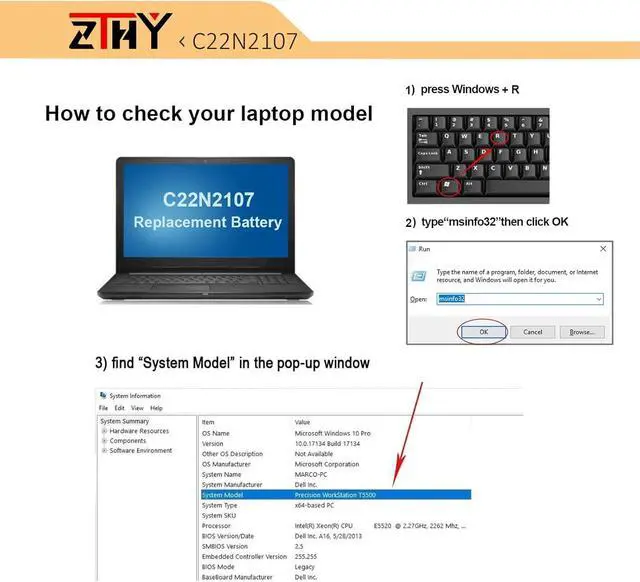
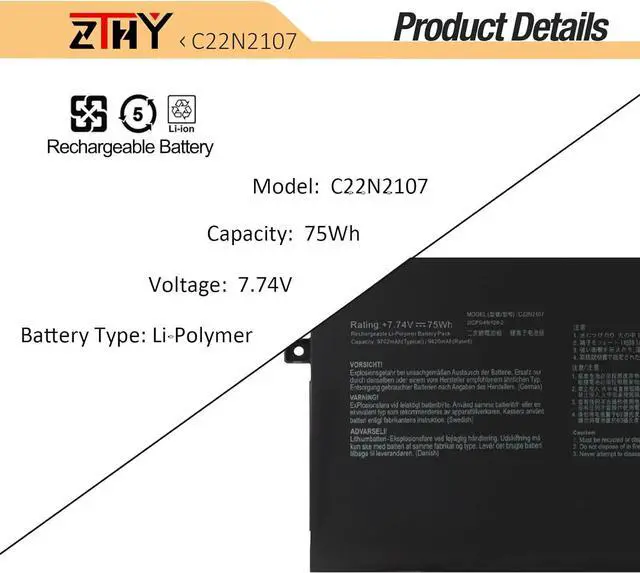
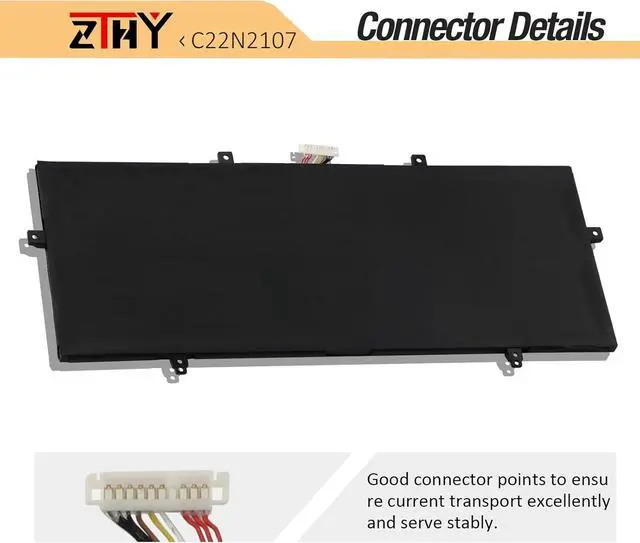
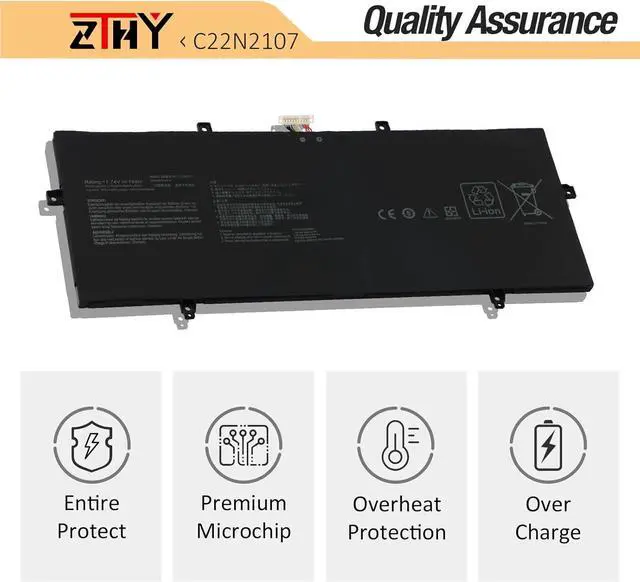
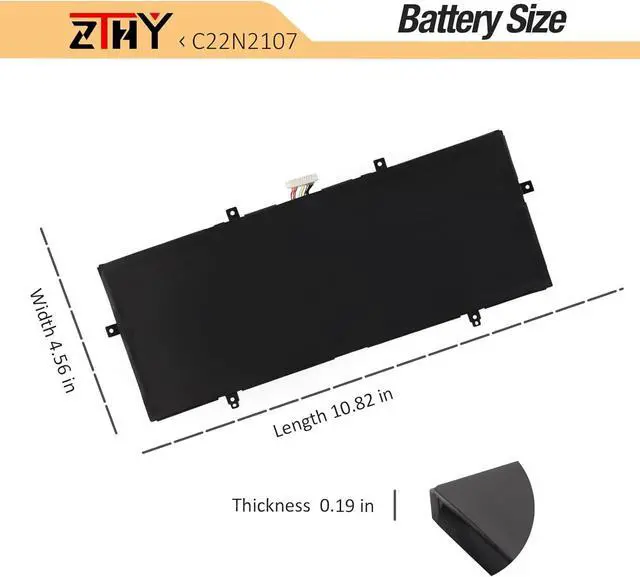
Compatible Part NumberC22N2107 0B200-04160000Compatible ModelReplacement for Asus ZenBook 14 OLED UM3402 Series;Compatible ModelReplacement for Asus ZenBook 14 OLED UM3402DA Series;Compatible ModelReplacement for Asus ZenBook 14 OLED UM3402MA Series;Compatible ModelReplacement for Asus ZenBook 14 OLED UX3402QA Series;Compatible ModelReplacement for Asus Zenbook 14 2022 UX4302ZA Series;Compatible ModelReplacement for Asus Zenbook 14 OLED Q409 Q409Z Q409ZA Q409ZA-EVOI5256BL Series;Compatible ModelReplacement for Asus Zenbook 14 OLED UM3402YA Series: UM3402YA-716512B0W UM3402YA-AOG58031WS UM3402YA-DS71 UM3402YA-KM061W UM3402YA-KM063W UM3402YA-KM067W UM3402YA-KM069W UM3402YA-KM074W UM3402YA-KM091 UM3402YA-KM096W UM3402YA-KM115W UM3402YA-KM511WS UM3402YA-KP095W UM3402YA-KP101W UM3402YA-OLED063WCompatible ModelReplacement for Asus ZenBook 14 OLED UX3402 UX3402V UX3402VA Series: UX3402VA-0082B1360P UX3402VA-KM004W UX3402VA-KM005W UX3402VA-KM064W UX3402VA-KM108W UX3402VA-KM157W UX3402VA-KM168W UX3402VA-KM208W UX3402VA-KM209W UX3402VA-KN158W UX3402VA-KP147WCompatible ModelReplacement for Asus ZenBook 14 OLED UX3402 UX3402ZA Series: UX3402ZA-DS71T UX3402ZA-KM020W UX3402ZA-KM022W UX3402ZA-KM023W UX3402ZA-KM064W UX3402ZA-KM531WS UX3402ZA-KM731WS UX3402ZA-KP377W UX3402ZA-KP382WCompatible ModelReplacement for Asus ZenBook 14 OLED BM3402YA Series;Compatible ModelReplacement for Asus ZenBook 14 OLED BX3402 BX3402ZA BX3402VA Series;Compatible ModelReplacement for Asus ZenBook 14 OLED RM3402YA Series;Compatible ModelReplacement for Asus ZenBook 14 OLED RX3402ZA Series;Compatible ModelReplacement for Asus ZenBook 14 UM3402Y Series;Compatible ModelReplacement for Asus ZenBook 14 UM3402YA Series: UM3402YA-BS51-CB UM3402YA-DB74T UM3402YA-DS71Compatible ModelReplacement for Asus ZenBook 14 UM3402YAR Series: UM3402YAR-BS51T-CB UM3402YAR-DS71T-CACompatible ModelReplacement for Asus Zenbook 14 Flip OLED UP3404 UP3404V UP3404VA Series: UP3404VA-DS54T UP3404VA-KN026W UP3404VA-KN055W UP3404VA-KN058W UP3404VA-KN060W UP3404VA-KN089W UP3404VA-KN117W UP3404VA-KN139W UP3404VA-KN596WSAttentionIf you install the battery, you find that the laptop cannot detect the battery or the battery level cannot be displayed normally. Please check whether the battery cable is installed properly. Sometimes the battery cannot be charged because the cable is not fixed properly. What do I need to be aware of when I receive a battery?
You need to check its appearance, confirm the model, read the instruction manual. Cycle and charge it 5 to 6 times to activate the maximum usage space of the battery. When not in use temporarily, charge the battery to 50%-60%.
What should I do if laptop won't boot up after installing a new battery?
1.Check if the battery is properly seated and connections are clean. 2.Try charging it or use the adapter alone to start. 3.Examine hardware links, like RAM and adapters. 4.Reset BIOS settings if needed. 5.Enter Safe Mode to fix system issues.
How should I do if the battery is not recognised?
If it is not recognised, it is recommended to update the BIOS settings or please disconnecting the old battery, and holding down the power button for 20 seconds, then connect the new battery.
What should I do if the battery expands?
1.Power off your laptop and disconnect it from any power source. 2.Carefully remove the swollen battery from the laptop in a well-ventilated area, avoid pressing or squeezing the battery during removal.
What can you do if you are not satisfied with the battery?
Please Contact ZTHY, we'll help you. Our battery have 12 months replace a new one and 30 days moeny back guarrante.
C22N2107 75Wh Battery Replacement for Asus ZenBook 14 OLED Q409 Q409Z Q409ZA BX3402 BX3402ZA BX3402VA BM3402YA UX3402 UX3402QA UX3402ZA UX4302ZA UX3402VA UM3402 UM3402DA UM3402YA RX3402ZA UP3404VA
Share:
Found a lower price? Let us know. Although we can't match every price reported, we'll use your feedback t