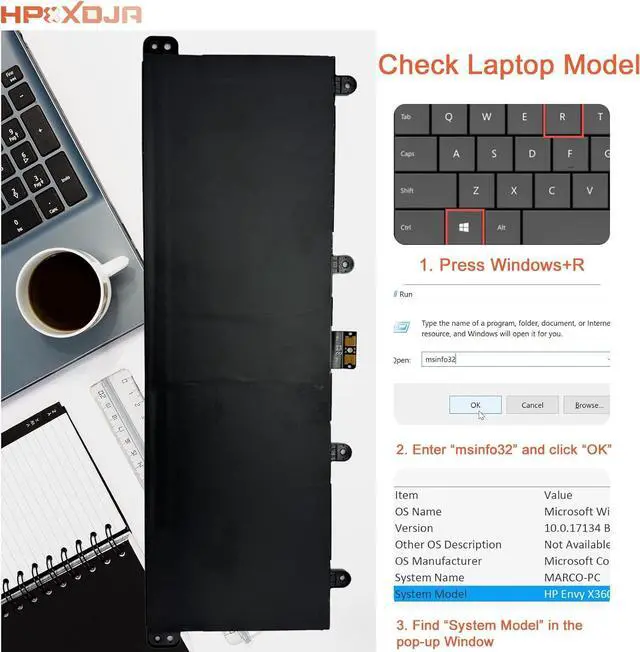
Grade A cells - Ensuring prolonged life and durability, supporting up to 1000 recharge cycles
100% compatible - Meeting OEM specifications for both safety and performance
Integrated multi-protection functions - guarding against short circuits, overheating, and overloads
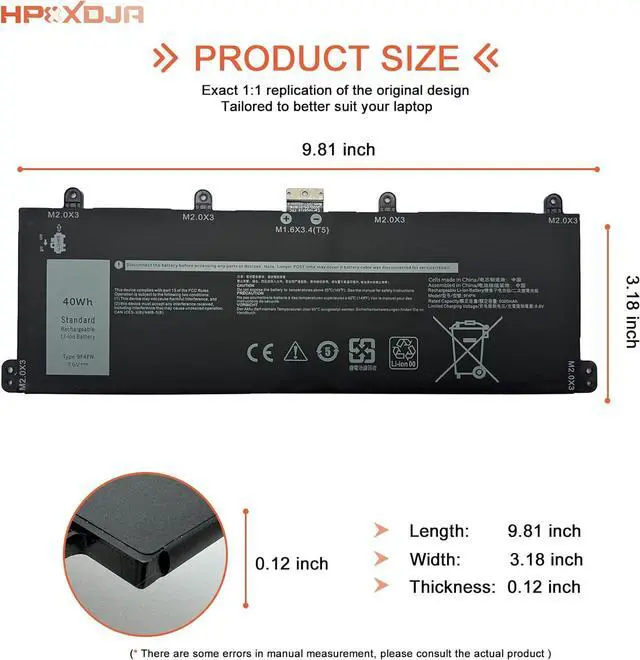
Easy & Quick Installation - Maintains the same size as the original battery, ensuring no worries about assembly and adaptation issues
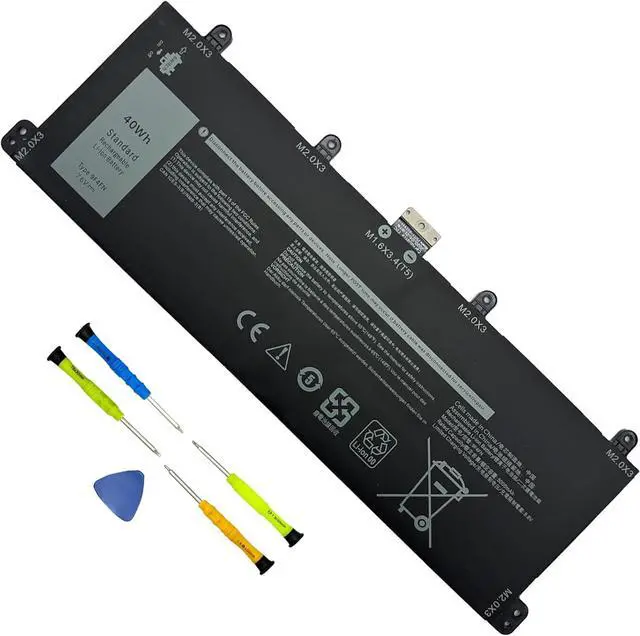
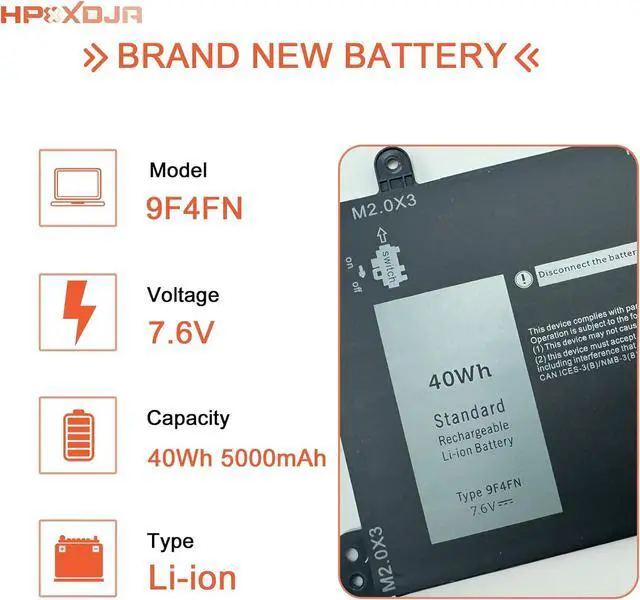
Battery Name: 9F4FN
Battery Type: Li-ion
Battery Voltage: 7.6V
Battery Capacity: 40Wh 5000mAh
Packages included: 1pcs 9F4FN battery, wih 4+1 matching installation tools and manual
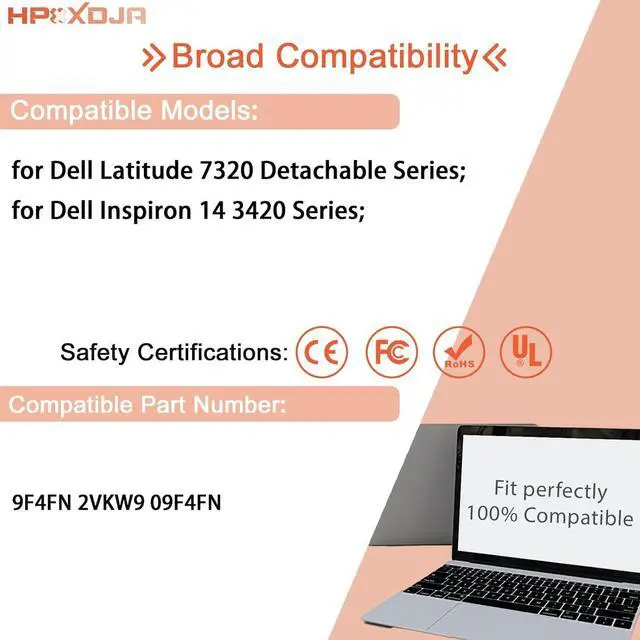
Replacement for Part Number:
9F4FN 2VKW9 2ICP4/79/112
Compatible Models (use "Ctrl+F to find your model quickly")
for Dell Inspiron 14 3420 Series
for Dell Latitude 7320 Detachable Series(Note: Not fit for Dell Latitude 7320)
Q: Why does my computer fail to recognize the newly installed battery, or why does the battery not appear to function after installation?
A: The issue arises from residual power stored in the laptop components, hindering the proper functionality of the battery. To resolve this, kindly disconnect the old battery and press the power button for a duration of 20 seconds. Subsequently, connect the new battery. This process effectively drains the residual or flea power. Once the laptop is reassembled, the battery should operate as intended.
HPXXDJA 9F4FN Laptop Battery Replacement for Dell Latitude 7320 Detachable T04H T04H001 Inspiron 14 3420 Series 2VKW9 2ICP4/79/112
Share:
Found a lower price? Let us know. Although we can't match every price reported, we'll use your feedback to ensure that our prices remain competitive.
Fields with an asterisk * are required
**