About MULS
1. We have professional battery and adapter experience!
Strictly test before shipment to ensure full capacity and safety without harming the computer!
2. We recommend that the first charge is not less than 5 hours.
3. The new battery cannot be charged, is there a problem with the battery?
Usually not. The computer charges the battery for the first time. Due to the instability of voltage and current, the computer may stop charging the battery when the battery is half charged (sometimes more, sometimes less). If this happens, Don't worry, just take the battery out of the computer and recharge it again. The new battery charged for the first time may require several iterations. Don't worry, this is normal.
4. When the battery is in normal operation, if the battery is discharged to 3%, it must be shut down or recharged. If the battery is discharged to 0%, the battery will be damaged and its life will be attenuated.
5. Avoid falling, heating, and short-circuit, avoid using the battery in an environment where the temperature is too high or too low.
Specification:
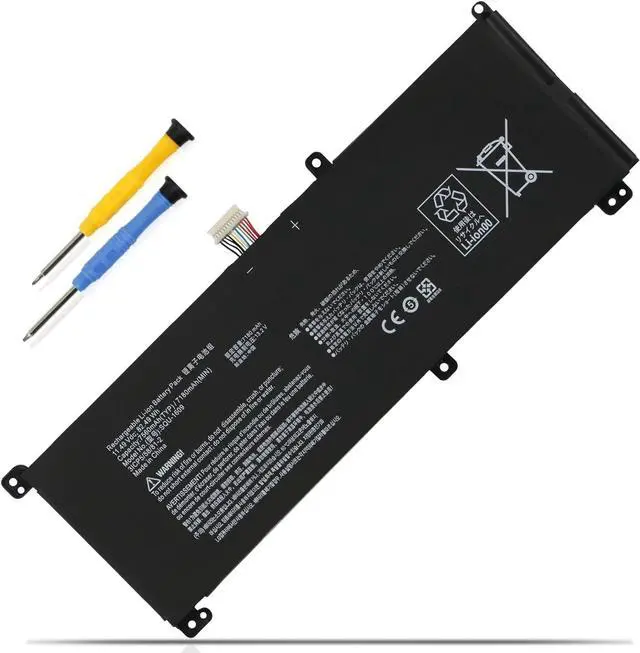
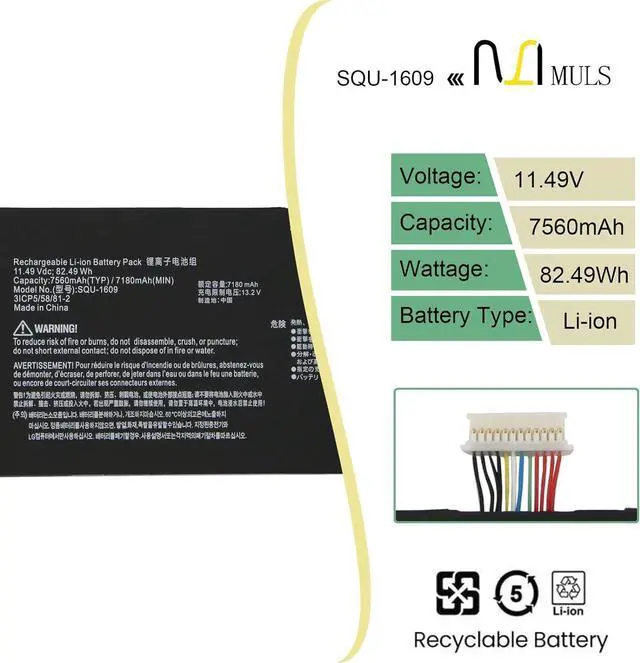
Voltage:11.49V
Capatity:82.49Wh 7180mAh
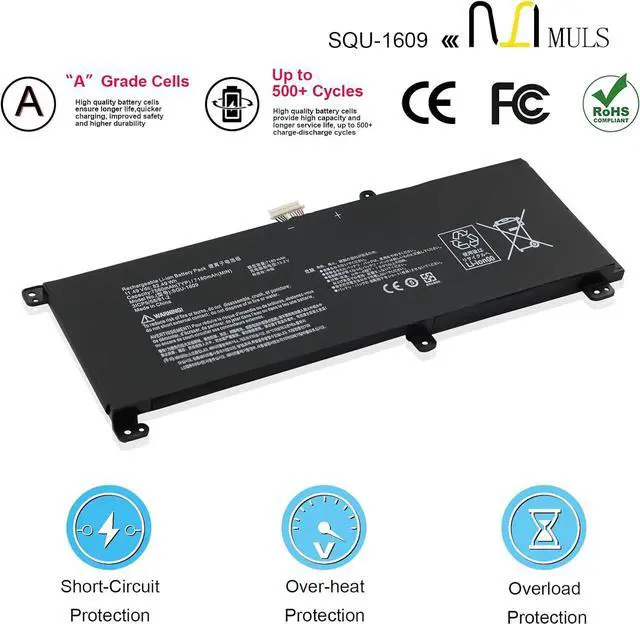
Condition: 100% brand new from manufacture, Grade A cell
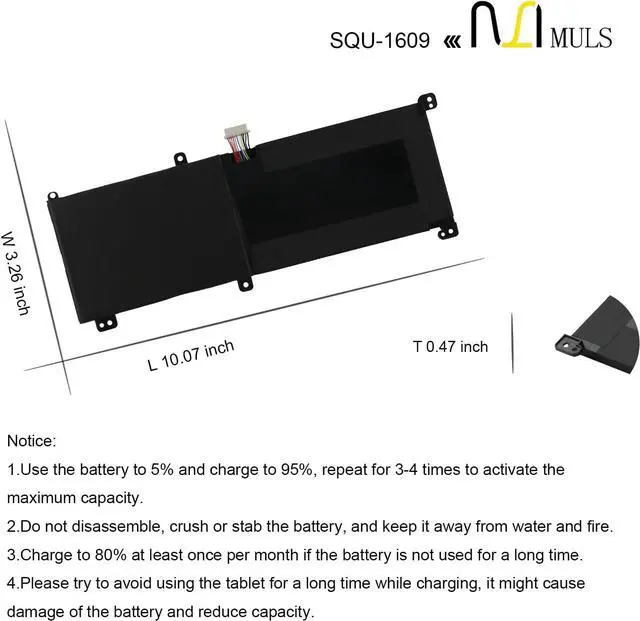
Replacement for Part Number
SQU-1609 SQU-1611
SQU-1710 SQU-1713
Compatible Laptop Models:
Hasee 15G870-XA70K
Hasee 911M Dino X6 Dino-X7a
Hasee 911M Dino-4k Dino-X5Ta 171415G870-xa70K
Schenker Technologies XMG Core 15, XMG Core 15
Thunderobot Dino X7a, 911 Pro, Dino X6
LG 15GD870-XX70K, 15GD870
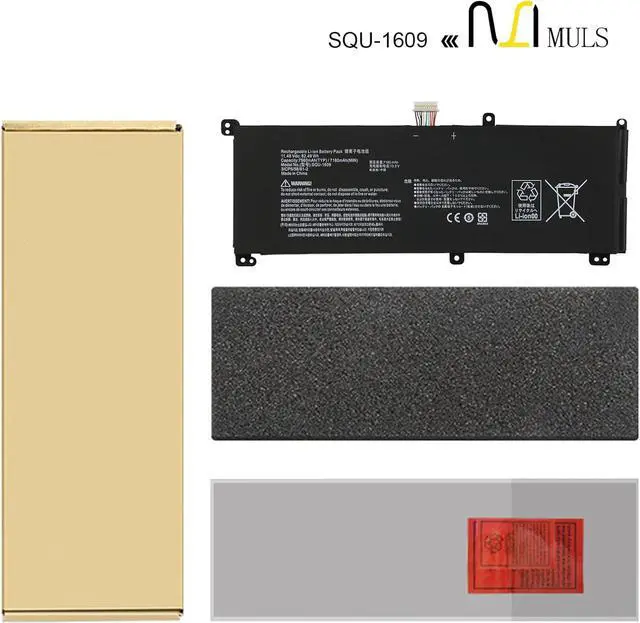
Please open the back cover of your laptop to check the original battery size and capacity before placing an order. Please scroll down to the list to purchase.
Q&A
Q: How should I charge my laptop battery?
A: It is suggested to charge the battery before the power runs out completely. It is best to charge when the remaining power is about 5-10%, and the battery should be charged in a relatively dry place.
Q: How should I preserve my laptop battery when I dont use it?
A: The ideal preservation method is to charge the battery to about 40% and then put it in a cool and dry place. About 68 degrees Fahrenheit is the ideal preservation temperature. Of course, the battery should be used once a month, which can not only good preservation of the battery but also prevent the battery from being damaged by the complete loss of power.
1. Turn off your laptop and disconnect the power.
2. Disconnect the connection between the old battery and the motherboard to avoid unnecessary damage caused by disassembling the battery. Then unscrew the old battery screws one by one and carefully save each screw.
3. Remove the old battery, carefully connect the new battery to the mainboard, reinstall all the parts that have been removed earlier, and connect the wiring of the new battery.
4. If you don't understand the above steps, you can search the relevant installation tutorial video on YouTube for help.
1. New battery: Discharge the new battery to 10% (not 0%), then charging up to 95% and repeat 3-4 times to activate the maximum capacity.
2. Overuse: Do not always run out of a battery to 0%, that would damage the battery or shorten the usage life.
3. Charging sequence: when charging, first install the battery, then turn on the power, when fully charged, first cut off the power, then pull the power plug.
4. Fully charge the battery before long-term storage, and keep charging once a month.
Do not store the battery at low power circumstances.
Could be caused by battery loose. Please re-install the battery and make sure that the battery cable and the motherboard interface are tightly inserted.
Maybe due to conductive material damaged which the laptop motherboard and battery anode and cathode contact position, you can try to confirm it with your original battery.
Check whether the battery drive is in normal condition, if not, download the c