

Your Browsing History
- Free 30-day Returns
$144.00
Ships from Hong Kong.

Meet Your Seller

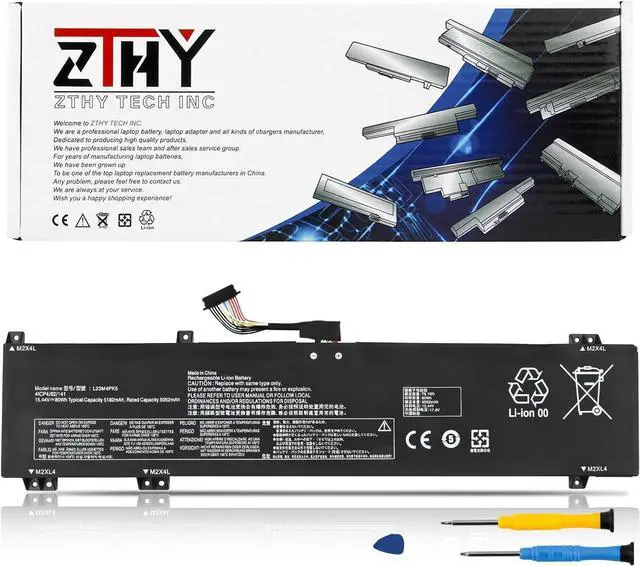
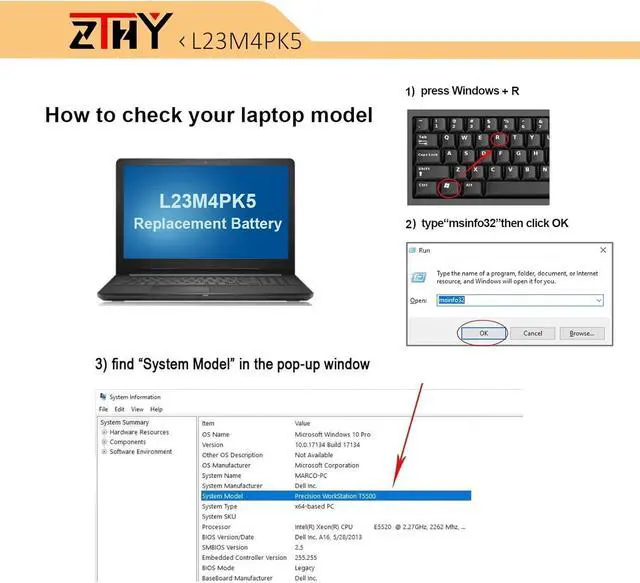
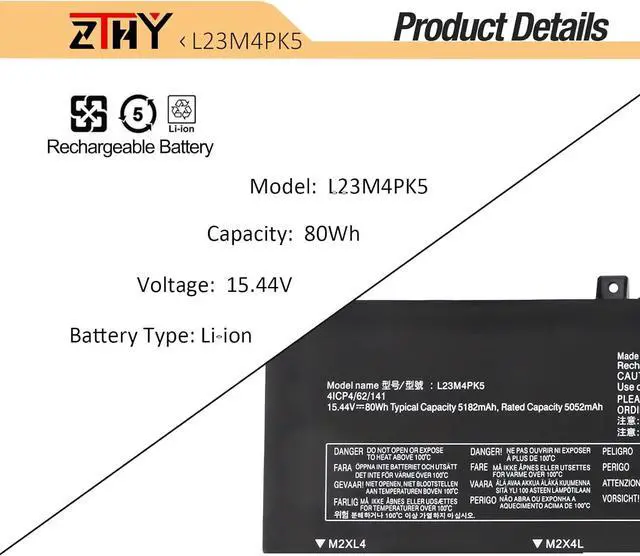
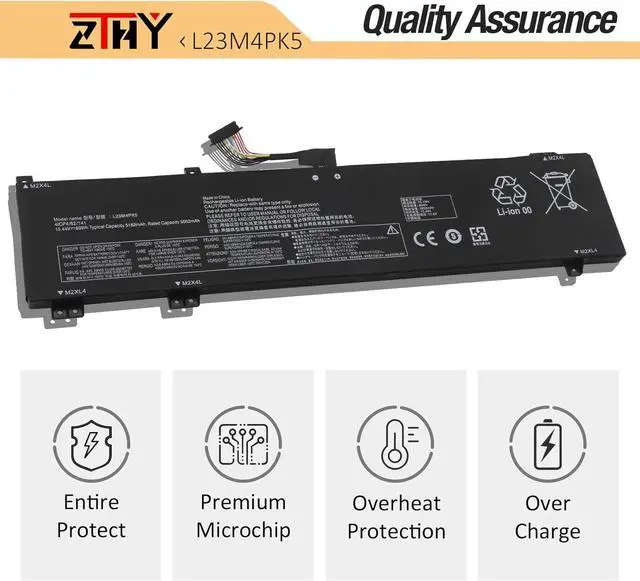
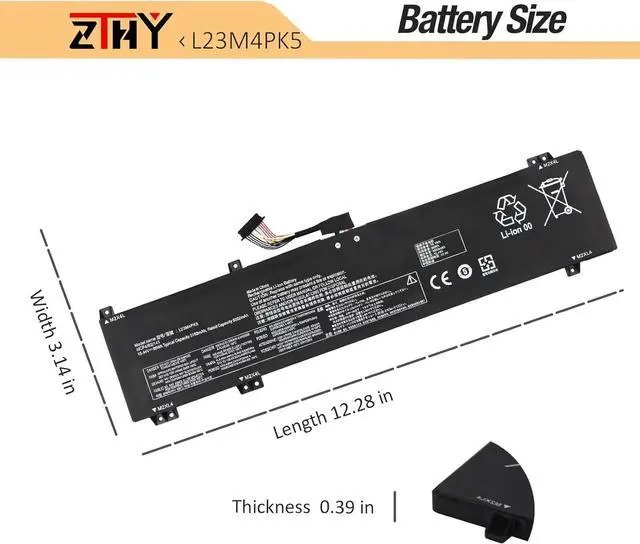
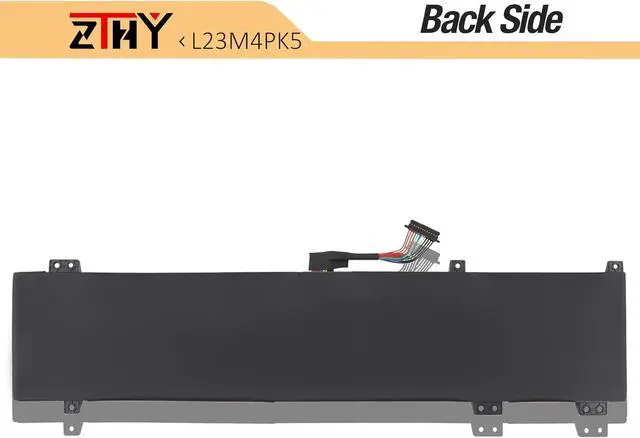


ZTHY 15.44V 80Wh L23M4PK5 Laptop Battery Replacement for Lenovo Legion 5i(16 Gen 9) / Y7000P IRX9 2024 Series L23B4PK5 L23C4PK5 L23D4PK5 L23L4PK5 5B11M64606 5B11M64609 5B11M64613 SB11M64607 SB11M64611
- Specifications: Battery type: Li-ion. Color: Black. Voltage: 15.44V. Capacity: 80Wh. New from Manufacturer. Up to 500 recharge cycles over the life of the battery
- Compatible Part Number: L23B4PK5 L23C4PK5 L23D4PK5 L23L4PK5 L23M4PK5 5B11M64606 5B11M64609 5B11M64613 SB11M64607 SB11M64611
- Compatible with Laptop Models: Replacement for Lenovo Legion 5i(16 Gen 9) / Y7000P IRX9 2024 Series
- Security: All ZTHY products are Certified by CE, FCC for safety. Strict guidelines for compatibility, and standards compliance for environment safety
- Note: If the new battery is not recognized during the initial installation, please reinstall and check if the interface is fully connected. Discharge the new battery to 10-20% (not 0%), then charge and cycle 3-4 times to wake up the new battery
+
+
Overview
Reviews

Any questions? Our AI mode will help you find out quickly.
Try me now
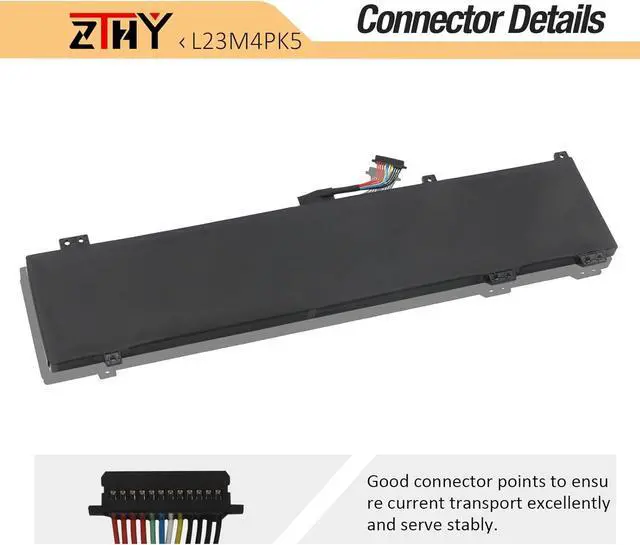
Compatible Part NumberL23B4PK5 L23C4PK5 L23D4PK5 L23L4PK5 L23M4PK5 5B11M64606 5B11M64609 5B11M64613 SB11M64607 SB11M64611Compatible ModelReplacement for Lenovo Legion 5i(16 Gen 9) Series;Compatible ModelReplacement for Lenovo LegionY7000P IRX9 2024 Series.AttentionIf you install the battery, you find that the laptop cannot detect the battery or the battery level cannot be displayed normally. Please check whether the battery cable is installed properly. Sometimes the battery cannot be charged because the cable is not fixed properly. What do I need to be aware of when I receive a battery?
You need to check its appearance, confirm the model, read the instruction manual. Cycle and charge it 5 to 6 times to activate the maximum usage space of the battery. When not in use temporarily, charge the battery to 50%-60%.
What should I do if laptop won't boot up after installing a new battery?
1.Check if the battery is properly seated and connections are clean. 2.Try charging it or use the adapter alone to start. 3.Examine hardware links, like RAM and adapters. 4.Reset BIOS settings if needed. 5.Enter Safe Mode to fix system issues.
How should I do if the battery is not recognised?
If it is not recognised, it is recommended to update the BIOS settings or please disconnecting the old battery, and holding down the power button for 20 seconds, then connect the new battery.
What should I do if the battery expands?
1.Power off your laptop and disconnect it from any power source. 2.Carefully remove the swollen battery from the laptop in a well-ventilated area, avoid pressing or squeezing the battery during removal.
What can you do if you are not satisfied with the battery?
Please Contact ZTHY, we'll help you. Our battery have 12 months replace a new one and 30 days moeny back guarrante.
Committed to providing customers with various high-quality batteries, and care services can help you easily solve the problem.
Previous page
Next pageHelp others learn more about this product by uploading a video!ZTHY 15.44V 80Wh L23M4PK5 Laptop Battery Replacement for Lenovo Legion 5i(16 Gen 9) / Y7000P IRX9 2024 Series L23B4PK5 L23C4PK5 L23D4PK5 L23L4PK5 5B11M64606 5B11M64609 5B11M64613 SB11M64607 SB11M64611
Share:
Found a lower price? Let us know. Although we can't match every price reported, we'll use your feedback to ensure that our prices remain competitive.
Fields with an asterisk * are required
**
You need to check its appearance, confirm the model, read the instruction manual. Cycle and charge it 5 to 6 times to activate the maximum usage space of the battery. When not in use temporarily, charge the battery to 50%-60%.
What should I do if laptop won't boot up after installing a new battery?
1.Check if the battery is properly seated and connections are clean. 2.Try charging it or use the adapter alone to start. 3.Examine hardware links, like RAM and adapters. 4.Reset BIOS settings if needed. 5.Enter Safe Mode to fix system issues.
How should I do if the battery is not recognised?
If it is not recognised, it is recommended to update the BIOS settings or please disconnecting the old battery, and holding down the power button for 20 seconds, then connect the new battery.
What should I do if the battery expands?
1.Power off your laptop and disconnect it from any power source. 2.Carefully remove the swollen battery from the laptop in a well-ventilated area, avoid pressing or squeezing the battery during removal.
What can you do if you are not satisfied with the battery?
Please Contact ZTHY, we'll help you. Our battery have 12 months replace a new one and 30 days moeny back guarrante.
Committed to providing customers with various high-quality batteries, and care services can help you easily solve the problem.
Previous page
Next pageHelp others learn more about this product by uploading a video!ZTHY 15.44V 80Wh L23M4PK5 Laptop Battery Replacement for Lenovo Legion 5i(16 Gen 9) / Y7000P IRX9 2024 Series L23B4PK5 L23C4PK5 L23D4PK5 L23L4PK5 5B11M64606 5B11M64609 5B11M64613 SB11M64607 SB11M64611
Share:
Found a lower price? Let us know. Although we can't match every price reported, we'll use your feedback to ensure that our prices remain competitive.
Fields with an asterisk * are required
**
Warranty & Returns
Warranty, Returns, And Additional Information
Warranty
- Please contact the Seller directly for warranty information. Warranty information may also be found on the Manufacturer's website.
- CONTACT
Return Policies
- Return for refund within: 30 days
- Return for replacement within: 30 days
- This item is covered by AyeFlow Return Policy
Manufacturer Contact Info
- For a directory of all our manufacturers, please click below.
- Manufacturers Directory
LOADING...