• $94.99
  • Free 30-day Returns
  • Price alert
    Shop it at NeweggBusiness.

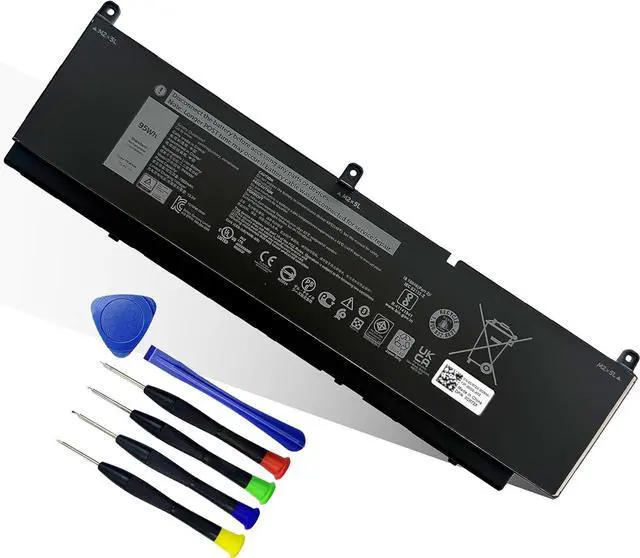
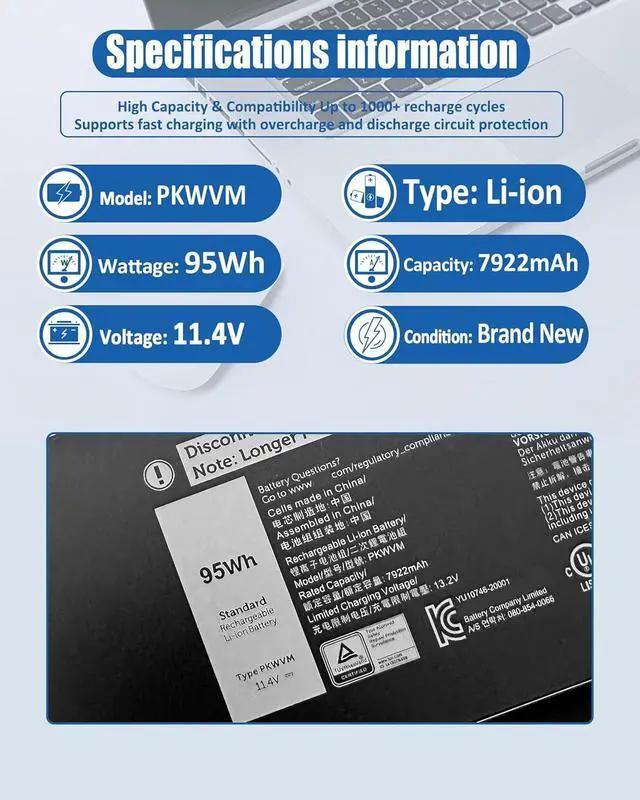
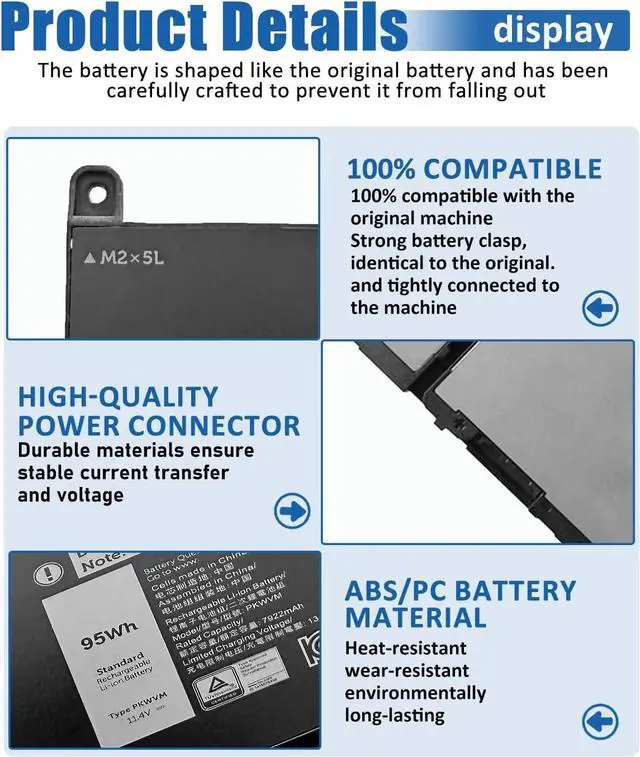
    PKWVM Battery for Dell Precision 7750 7760 7550 7560 Mobile Series 7000 7558 7568 13 7353 7359 7347 11.4V 6-Cells 95Wh 7922mAh

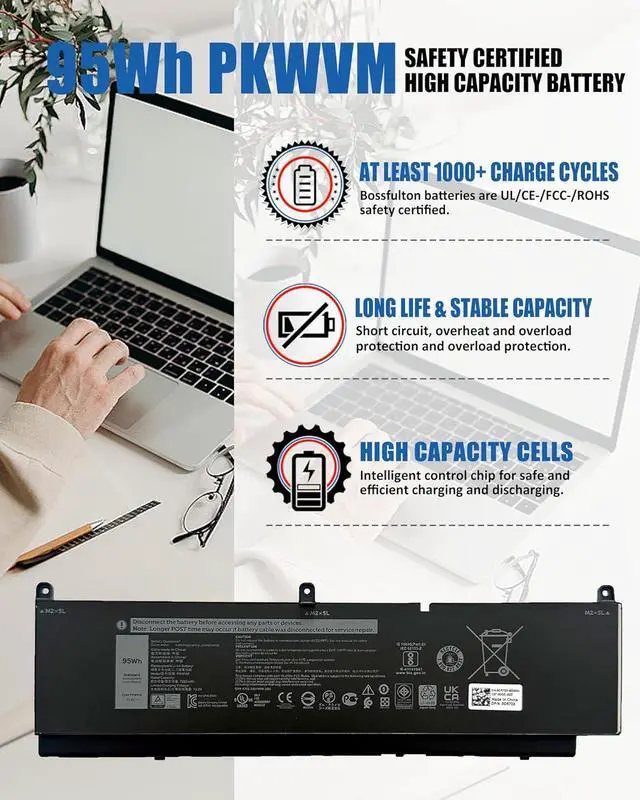
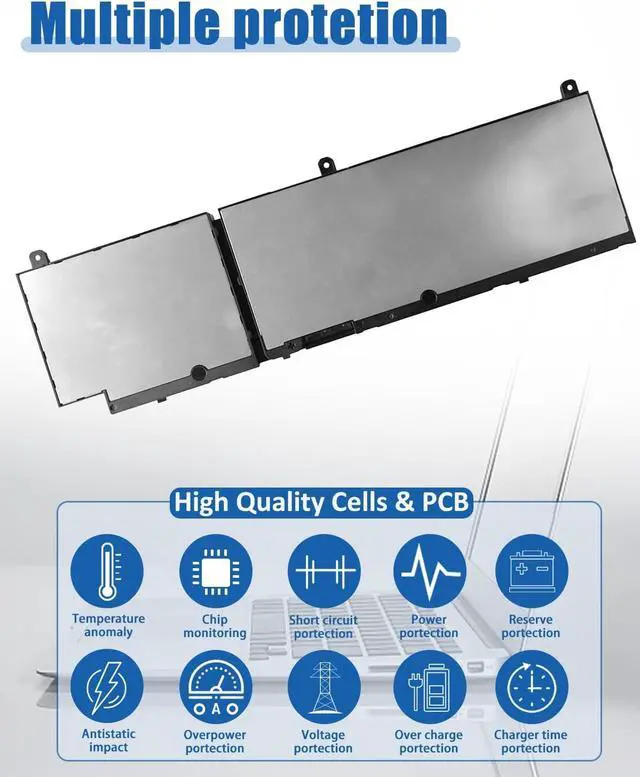
    • Battery SpecificationsModel Name: PKWVM Battery, Battery Type:Lithium_ion Voltage: 11.4V; Capacity: 95Wh / 7922mAh 6-Cell ; Color: Black. More than 500 cycles, Packages includes: 1x PKWVM Battery ,1 Set x Screwdrivers,1x Instruction for PKWVM Laptop Battery
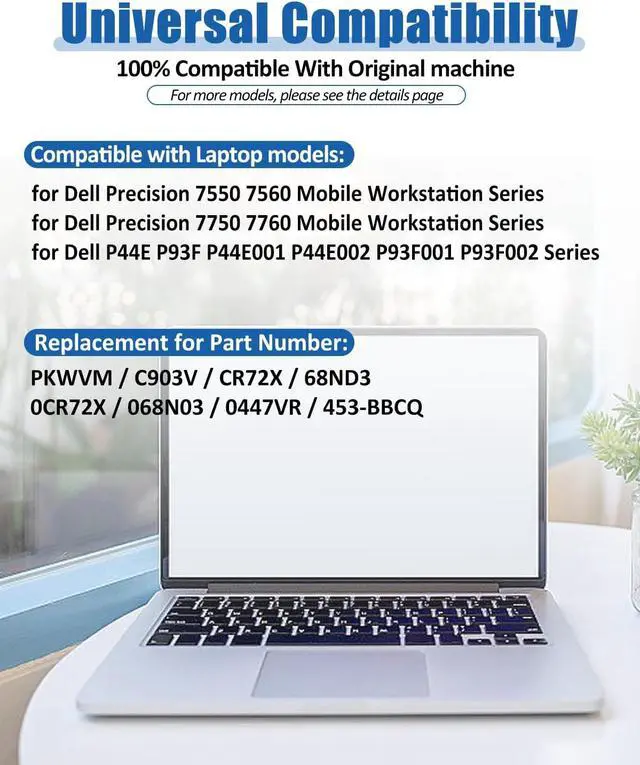
    • Compatible Part Number PKWVM C903V CR72X 68ND3 0CR72X 068N03 0447VR 453-BBCQ
    • Compatible ModelsReplacement For Dell Precision 7550 7560 Mobile Workstation Series; Replacement for Dell Precision 7750 7760 Mobile Workstation Series; Replacement for Dell P44E P93F P44E001 P44E002 P93F001 P93F002 Series
    • What You Get1x Battery, 1 set Screwdrivers,1 User Manual for PKWVM Battery. Offer a 30-day return policy; 12 months free replacement; Email reply within 24 hours.For assistance with the battery, please visit our product detail page.battery comes with a screwdriver and pry bar for easy battery replacement. If you have any questions, please feel free to contact us by Email , we will be happy to serve you. you can contact the s
    +
    +
    Overview
    Reviews
    avatar

    Any questions? Our AI beta will help you find out quickly.

    Method 1: Using System Information to Find Your Laptop Model
    Open the Run Window: Press the Windows + R keys simultaneously to bring up the Run window.
    Access System Information: Type msinfo32 into the input box and click OK to launch the System Information tool.
    Locate the System Model: In the System Summary section, you will find the System Model item listed in the right pane. This will provide you with the exact model of your laptop, which is crucial for identifying the compatible battery.
    Method 2: Checking the Battery and Laptop Model Directly
    Power Off and Unplug: Before you begin, ensure that your laptop is turned off and the power cord is disconnected to avoid any risk of electric shock.
    Remove the Back Panel: Carefully use a screwdriver to remove the back panel of your laptop. Please proceed with caution to prevent any damage to the internal components.
    Disconnect and Remove the Battery: Gently disconnect the cable attached to the battery and remove it from the laptop. Once the battery is out, you can easily check its specifications, including the type, capacity, and model number.
    bossfulton PKWVM Battery for Dell Precision 7750 7760 7550 7560 Mobile Series 7000 7558 7568 13 7353 7359 7347 11.4V 6-Cells 95Wh 7922mAh
    Share:
    Found a lower price? Let us know. Although we can't match every price reported, we'll use your feedback to ensure that our prices remain competitive.
    Fields with an asterisk * are required
    **

    Warranty & Returns

    Warranty, Returns, And Additional Information

    Warranty

    • Please contact the Seller directly for warranty information. Warranty information may also be found on the Manufacturer's website.
    • CONTACT

    Return Policies

    Manufacturer Contact Info

    LOADING...