

Your Browsing History
- Free 30-day Returns
$85.70
Ships from China.
Best Sellers
 Top Rated
- $84.97
- + FREE SHIPPING
- $85.07
- + FREE SHIPPING

Meet Your Seller


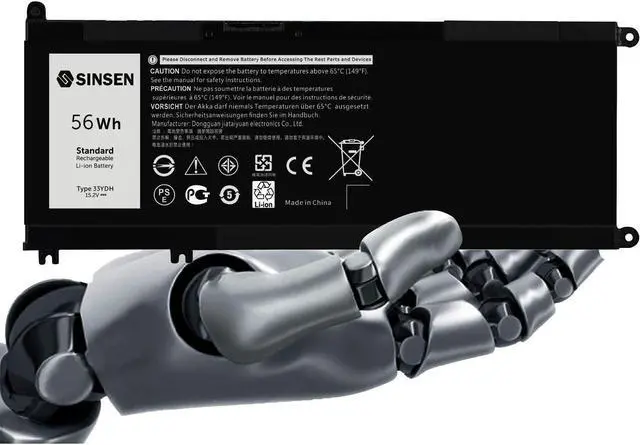


Laptop Battery for Dell, 33YDH Inspiron Battery 17 7000 7778 7779 7786 7773 15 7577 G3 3579 3779 G5 5587 G7 7588 Latitude 13 3380 14 3490 15 3590 3580 PVHT1 P30E 81PF3 081PF3
- [Basic Details] - Laptop Battery for DELL Inspiron, Li-ion battery with premium battery cells / 4 Cells / 15.2V / 56Wh / Up to 500 recharge cycles over the life of the battery, expected to out-perform, out-run and out-last any other battery out there
- [Compatible Part Number] - 33YDH PVHT1 81PF3 081PF3 P30E P30E001 DNCWSCB6106B
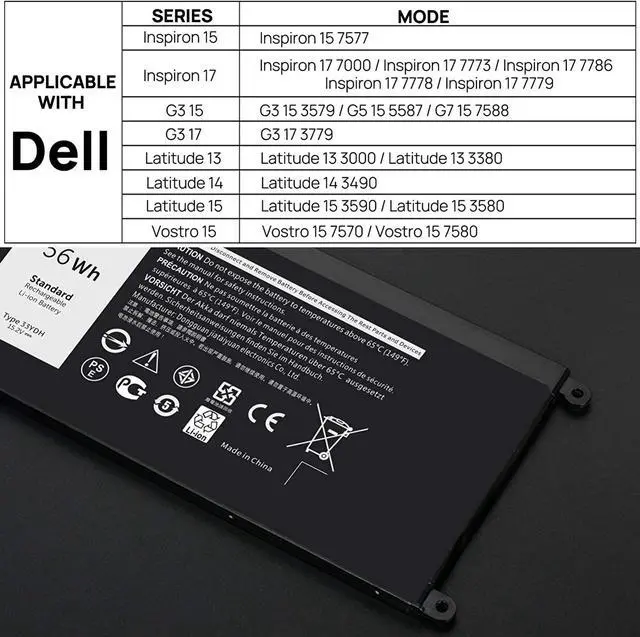
- [Compatible Laptop Models] - Dell Inspiron 17 7000 7577 7773 7778 7786 7779 2in1 Series,Dell G3 15 3579 Series, Dell G3 17 3779 Series, Dell G5 15 5587 Series, Dell G7 15 7588 Series.Dell Latitude 15 3590 3580 Series,Dell Latitude 14 3490 Series,Dell Vostro 15 7580 7570
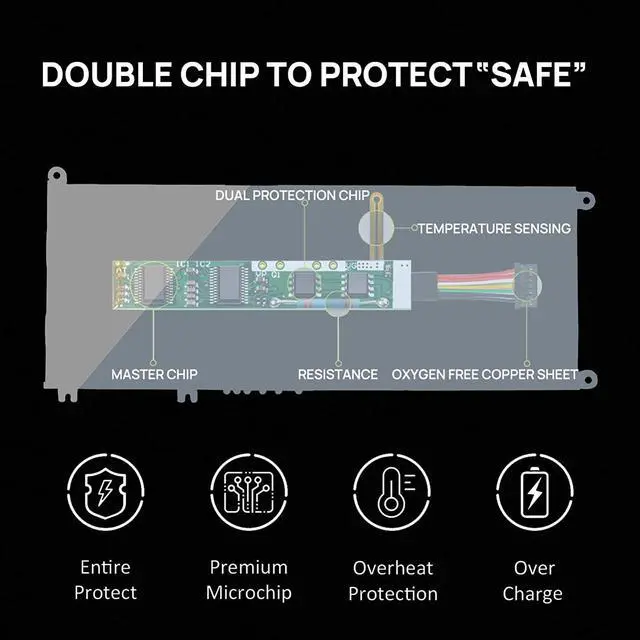
- [Quality Assurance] - Grade A cells ensure fast charging and low power consumption, built-in circuit protection ensures both safety and stability, together with CE-/FCC-/RoHS certifications
- [Buy with Confidence] - 12 Months warranty, 30 days money BACK guarantee, 24/7 email support.
+
+
Overview
Specs
Reviews

Any questions? Our AI mode will help you find out quickly.
Try me now
SINSEN laptop battery : 33YDH SINSEN presents the perfect replacement laptop battery 33YDH Compatibility
Replace Part Number:
33YDH PVHT1 81PF3 081PF3 P30E P30E001 DNCWSCB6106B
Compatible Laptop/Notebook Models:
Dell Inspiron 17 7000 series, Dell Inspiron 15 7577 Series,
Dell Inspiron 17 7773 series, Dell Inspiron 17 7778 series,
Dell Inspiron 17 7779 2in1 series, Dell Inspiron 17 7786 Series,
Dell G3 15 3579 Series, Dell G3 17 3779 Series,
Dell G5 15 5587 Series, Dell G7 15 7588 Series.
Dell Latitude 15 3590 Series, Dell Latitude 15 3580 Series,
Dell Latitude 14 3490 Series,Dell Vostro 15 7580 Series, Dell Vostro 15 7570 Series,
Dell Latitude 13 3000 3380 Series, Dell Latitude 3480 Series, Dell Latitude 3400 Series,
Dell Latitude 3500 Series and more.
NoteThe 33YDH battery it only compatible with Dell "Latitude" 13 3380 laptop,it is not compatible with Dell "Chromebook" 13 3380 laptop.
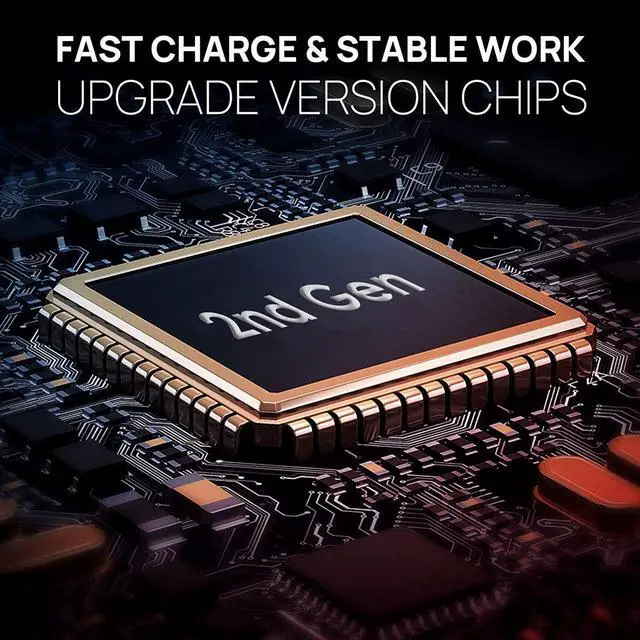
Upgraded 2nd Generation Smart Chip,the Definition of Smart Accessories High energy density - potential for yet higher capacities.
Does not need prolonged priming when new. One regular charge is all that's needed.
Relatively low self-discharge - self-discharge is less than half that of nickel-based batteries.
Low Maintenance - no periodic discharge is needed; there is no memory.
Specialty cells can provide very high current to applications such as power tools.
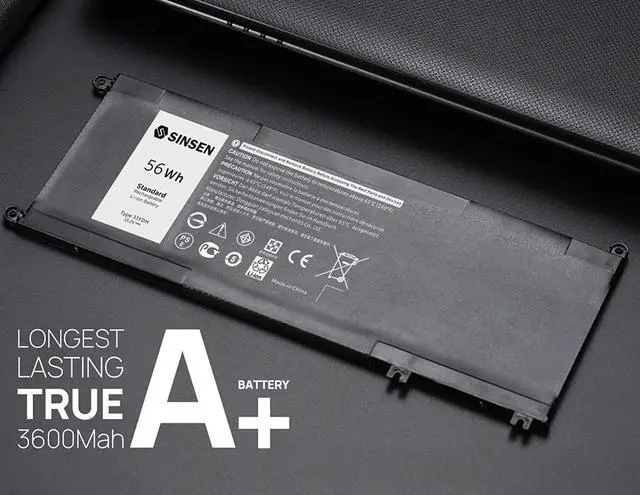
True 3600 mAh Capacity, Longer Lasting, Lower Power Consumption Lithium-ion batteries are common in consumer electronics. They are one of the most popular types of rechargeable battery for portable electronics, with one of the best energy-to-weight ratios, high open circuit voltage, low self-discharge rate, no memory effect and a slow loss of charge when not in use.
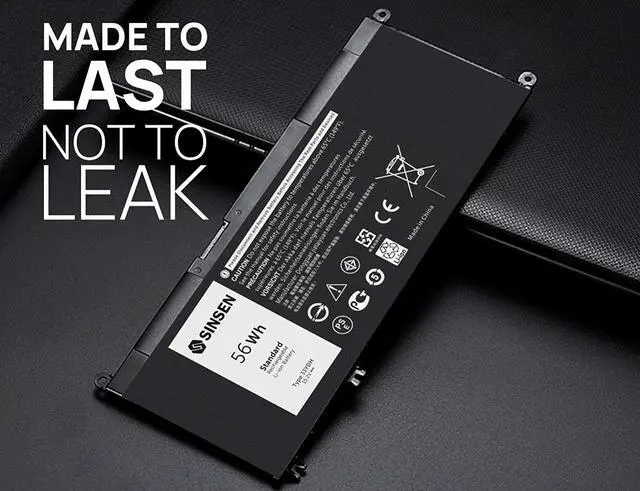
Details Premium Components made it impossible to break during installation
Premium Components made it possible to be perfectly attached to the motherboard
Build and designed to be perfectly fit for your laptop
How do I take care of my new battery? Keep It Between 40 and 80 Percent Charge
If You Leave It Plugged In, Dont Let It Run Hot
Keep It Ventilated, Store It Somewhere Cool
Dont Let It Get to Zero
Replace Your Battery When It Gets Below 80 Percent Health
How do I get my laptop to recognize a new battery? Unplug all external devices from the laptop.
Take out the battery.
Press the power button of the laptop for about 10-15 seconds.
Insert the battery and restart the computer.
Connect the AC adapter and check if your machine can detect the battery again.
How do I know I need a new laptop battery? Overheating
Failing to Charge
Unexpected Power Issues
Short Run Time and Shutdowns
Replacement Warning and System Report
Replace Part Number:
33YDH PVHT1 81PF3 081PF3 P30E P30E001 DNCWSCB6106B
Compatible Laptop/Notebook Models:
Dell Inspiron 17 7000 series, Dell Inspiron 15 7577 Series,
Dell Inspiron 17 7773 series, Dell Inspiron 17 7778 series,
Dell Inspiron 17 7779 2in1 series, Dell Inspiron 17 7786 Series,
Dell G3 15 3579 Series, Dell G3 17 3779 Series,
Dell G5 15 5587 Series, Dell G7 15 7588 Series.
Dell Latitude 15 3590 Series, Dell Latitude 15 3580 Series,
Dell Latitude 14 3490 Series,Dell Vostro 15 7580 Series, Dell Vostro 15 7570 Series,
Dell Latitude 13 3000 3380 Series, Dell Latitude 3480 Series, Dell Latitude 3400 Series,
Dell Latitude 3500 Series and more.
NoteThe 33YDH battery it only compatible with Dell "Latitude" 13 3380 laptop,it is not compatible with Dell "Chromebook" 13 3380 laptop.
Upgraded 2nd Generation Smart Chip,the Definition of Smart Accessories High energy density - potential for yet higher capacities.
Does not need prolonged priming when new. One regular charge is all that's needed.
Relatively low self-discharge - self-discharge is less than half that of nickel-based batteries.
Low Maintenance - no periodic discharge is needed; there is no memory.
Specialty cells can provide very high current to applications such as power tools.
True 3600 mAh Capacity, Longer Lasting, Lower Power Consumption Lithium-ion batteries are common in consumer electronics. They are one of the most popular types of rechargeable battery for portable electronics, with one of the best energy-to-weight ratios, high open circuit voltage, low self-discharge rate, no memory effect and a slow loss of charge when not in use.
Details Premium Components made it impossible to break during installation
Premium Components made it possible to be perfectly attached to the motherboard
Build and designed to be perfectly fit for your laptop
How do I take care of my new battery? Keep It Between 40 and 80 Percent Charge
If You Leave It Plugged In, Dont Let It Run Hot
Keep It Ventilated, Store It Somewhere Cool
Dont Let It Get to Zero
Replace Your Battery When It Gets Below 80 Percent Health
How do I get my laptop to recognize a new battery? Unplug all external devices from the laptop.
Take out the battery.
Press the power button of the laptop for about 10-15 seconds.
Insert the battery and restart the computer.
Connect the AC adapter and check if your machine can detect the battery again.
How do I know I need a new laptop battery? Overheating
Failing to Charge
Unexpected Power Issues
Short Run Time and Shutdowns
Replacement Warning and System Report
Warranty & Returns
Warranty, Returns, And Additional Information
Warranty
- Please contact the Seller directly for warranty information. Warranty information may also be found on the Manufacturer's website.
- CONTACT
Return Policies
- Return for refund within: 30 days
- Return for replacement within: 30 days
- This item is covered by Joltia Return Policy
Manufacturer Contact Info
- For a directory of all our manufacturers, please click below.
- Manufacturers Directory
LOADING...
LOADING...