• $64.99
  • Free 30-day Returns
  • Price alert
    Shop it at NeweggBusiness.

    Meet Your Seller

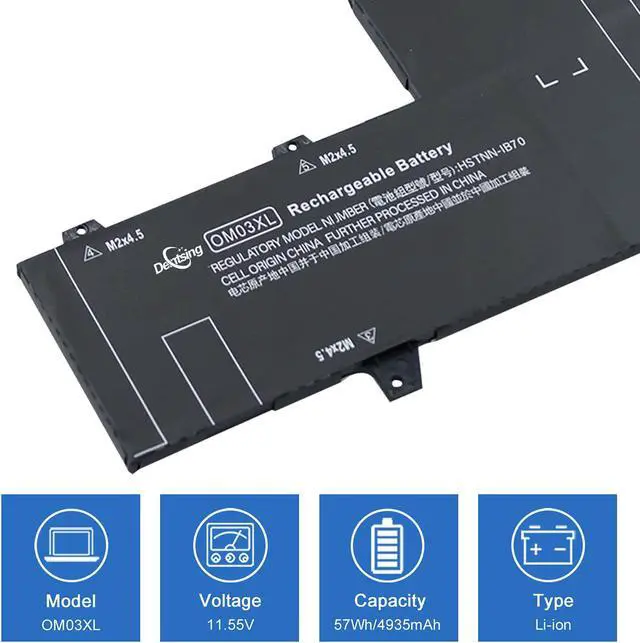
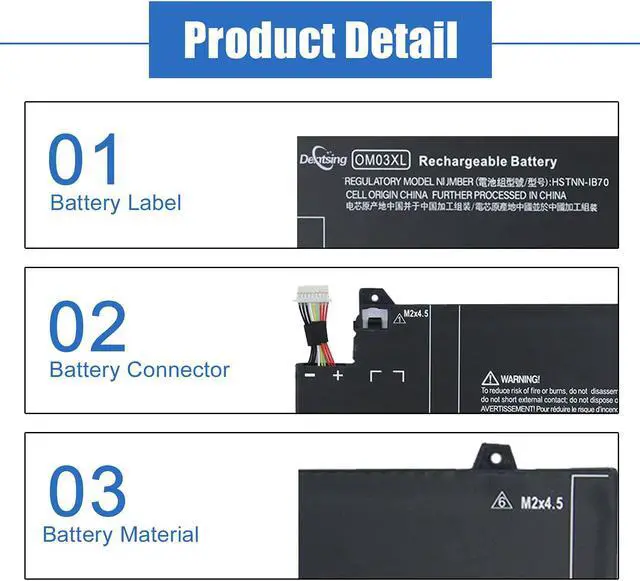
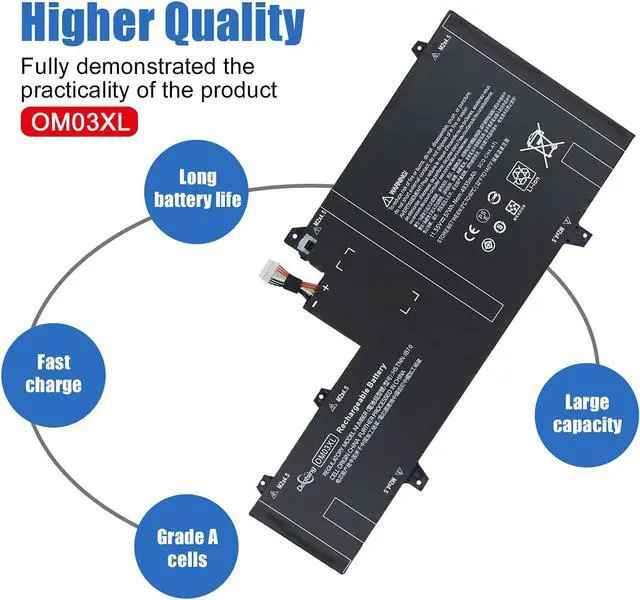
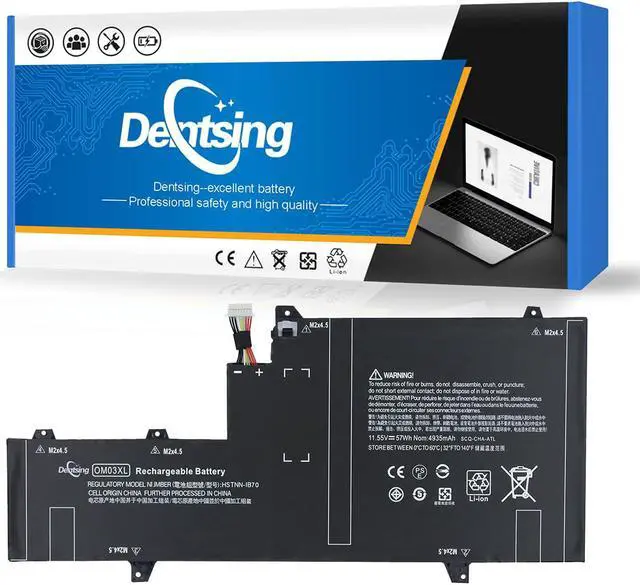
    Dentsing OM03XL 11.55V 57Wh/4935mAh 3-Cell HSTNN-IB7O 863167-171 Laptop Battery Compatible with HP EliteBook x360 1030 G2 1GY31PA Series Notebook OM03 HSN-I04C 863280-855

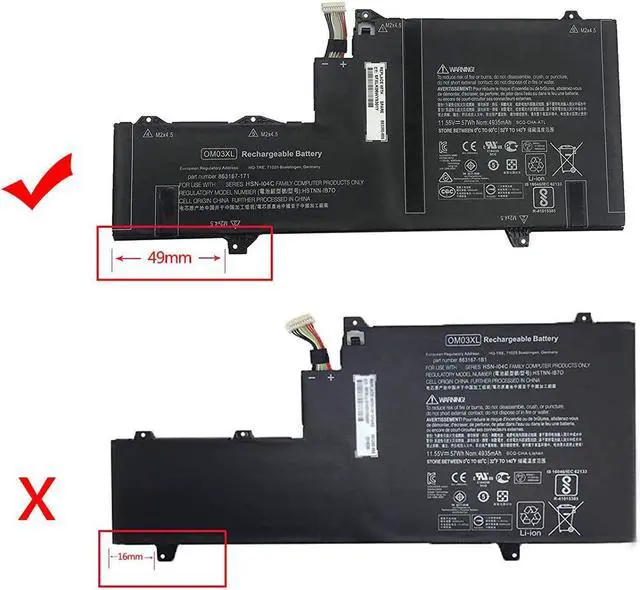
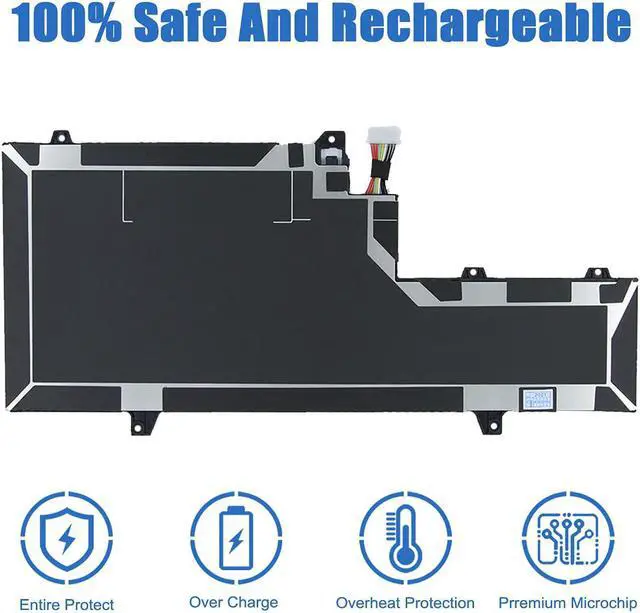
    • Model: HSTNN-IB7O; Color: Black. (This battery has two kinds of buckles, please check the picture to confirm your style, they are not universal.)
    • Voltage:11.55V; Capacity: 57Wh/4935mAh 3-Cell
    • Replacement Part Number for: HSTNN-IB7O, OM03XL, OM03, HSN-I04C, HSTNN-IB70, 863167-171, 863280-855
    • Compatible with Machines Model: HP EliteBook x360 1030 G2, EliteBook x360 1030 G2 1GY29PA, EliteBook x360 1030 G2 1GY30PA, EliteBook x360 1030 G2 1GY31PA, ELITEBOOK X360 1030 G2 1UX08PA Series Laptop
    • The package includes: 1X HSTNN-IB7O battery, instruction manual. Before purchasing, please open the back cover of the laptop to confirm the battery model and capacity
    +
    +
    Overview
    Specs
    Reviews
    avatar

    Any questions? Our AI beta will help you find out quickly.

    Specification Model:
    OM03XL
    Color:
    Black
    Voltage:
    11.55V
    Capacity:
    57Wh/4935mAh 3-Cell
    Battery Type:
    Li-ion
    Battery Condition:
    Brand New
    Replacement Part Number for:

    OM03XL OMO3XL HSTNN-IB7O 863167-171 863280-855863167-1B1HSN-I04C HSTNN-IB7O
    Compatible with Machines Model: forHP EliteBook x360 1030 G2
    for HP EliteBook x360 1030 G2 1GY29PA
    for HP EliteBook x360 1030 G2 1GY30PA
    for HP EliteBook x360 1030 G2 1GY31PA
    for HP ELITEBOOK X360 1030 G2 1UX08PA
    for HP 13.3" Y8Q67EA Battery
    for HP 13.3" Y8Q89EA Battery
    for HP 13.3" Z2W62EA Battery
    (This battery has two kinds of buckles, please check the picture to confirm your style, they are not universal.)

    With a Dentsing laptop battery, you can use the laptop anytime and anywhere without plugging in.

    When installing the battery for the first time, you should pay attention to the following:


    1.Please confirm that the connector has been plug properly into the battery and the motherboard of your laptop.


    2.Please change the laptop's power manager charge setting to the "standard" mode, then discharge and recharge the battery 3-4 times.


    Warranty & Returns

    Warranty, Returns, And Additional Information

    Warranty

    • Please contact the Seller directly for warranty information. Warranty information may also be found on the Manufacturer's website.
    • CONTACT

    Return Policies

    • Return for refund within: 30 days
    • Return for replacement within: 30 days
    • This item is covered by Nature Return Policy

    Manufacturer Contact Info

    LOADING...