How to purchase the correct battery?
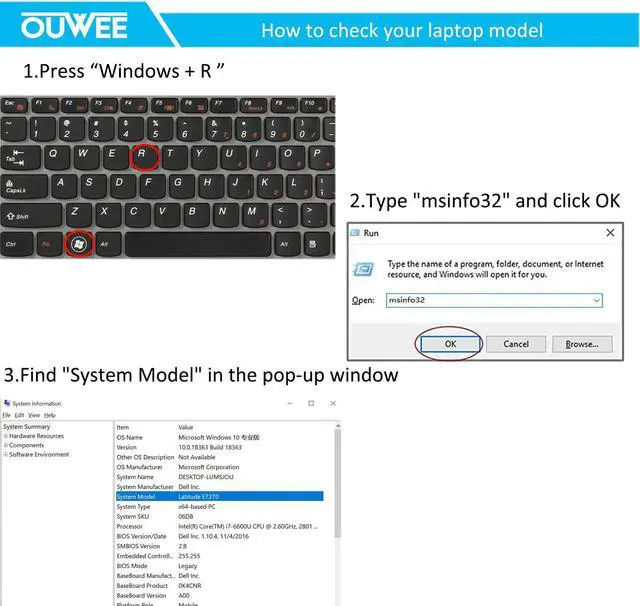
1. You have to find your specific laptop model before ordering the correct battery. How to check your laptop model?
(1. Press "Windows + R" 2. Type "msinfo32", then click OK 3. Find "System Model" in the pop-up window)
2. Take the battery out of your computer and see the model of your battery. Then search the model on amazon.
If the compatible list shows the model you are searching for. That's the right battery.
Welcome to OUWEE OUWEE is a leading battery and battery-powered charging solutions brand. Our batteries use 100%
compatible grade A cells for a safe way to let your laptop run like new. With multi-protection such
as short circuits, overheating, and overload, you can rest assured that you are in good hands. And
OUWEE helps you put your laptop back in your life, you can enjoy plenty of time away from your AC
adapter.
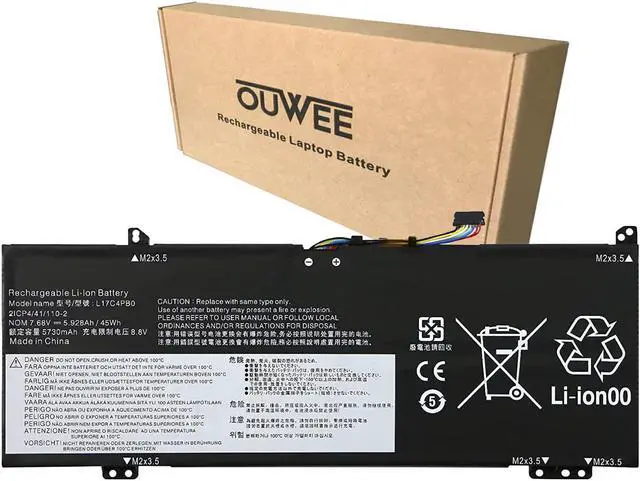
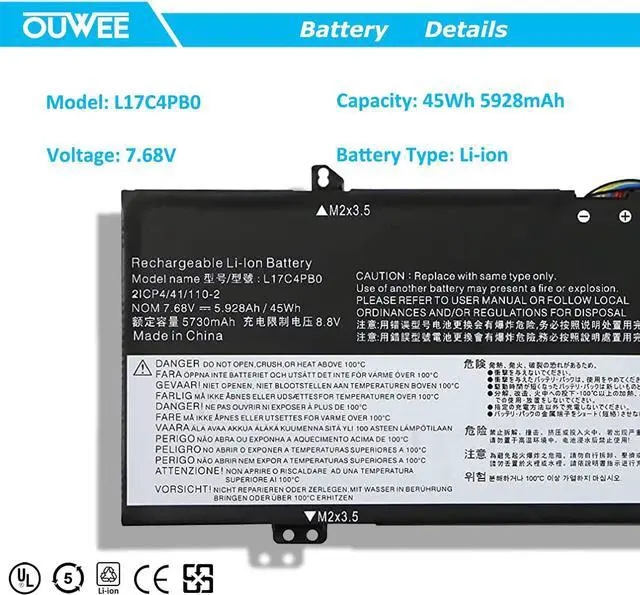
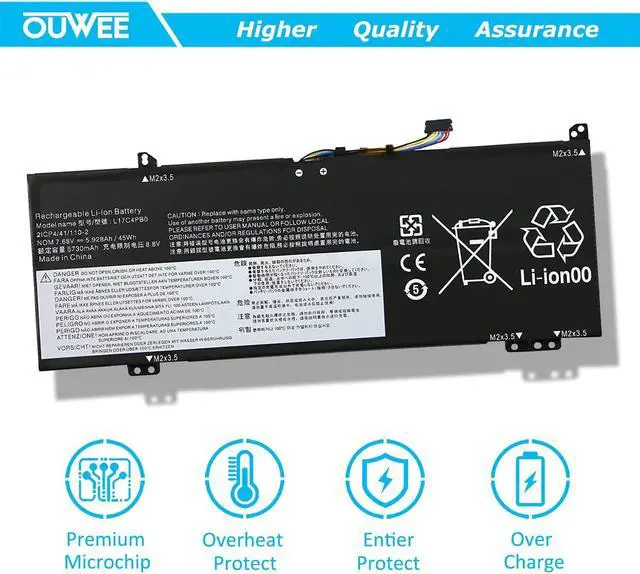
Specification: Battery Type:
Rechargeable Li-ion Battery
Model:
L17C4PB0
Voltage:
7.68V
Capacity:
45Wh 5928mAh
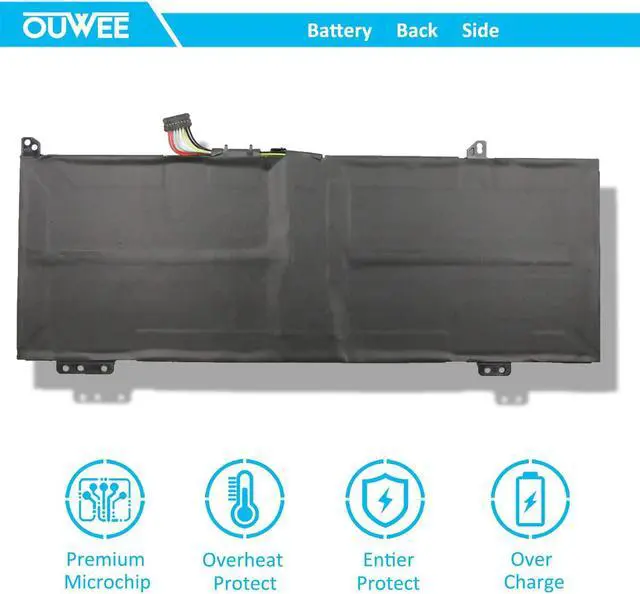
Connector:
Please refer to the picture and check it.
Certificate:
CE,RoHS,FCC100% New from Manufacturer, Grade A Cell
Replacement for Part Number:
L17C4PB0 L17M4PB0 L17C4PB2 L17M4PB2 5B10Q16066 5B10Q16067 5B10Q22882 5B10Q22883
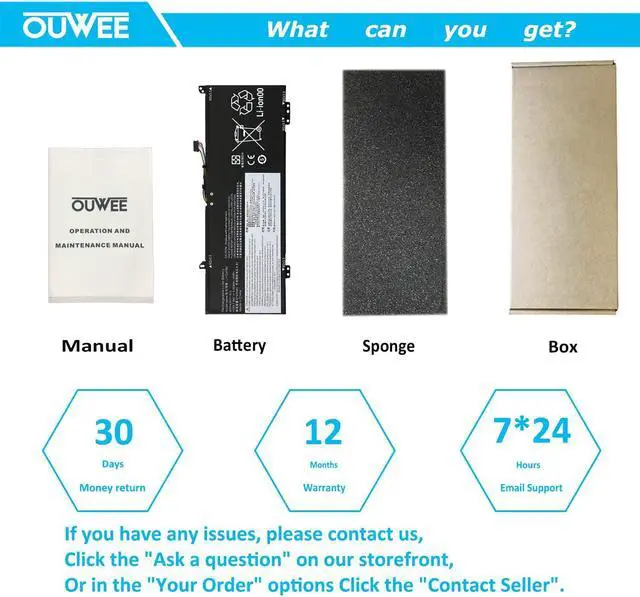
Package included:
1X L17C4PB0 Battery.
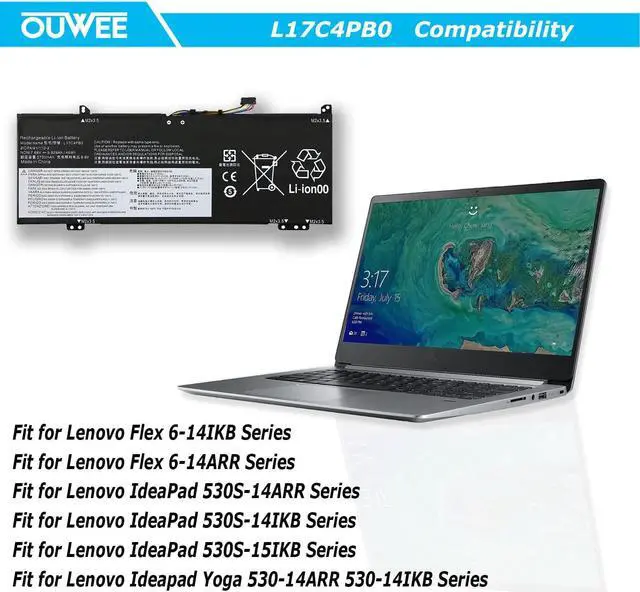
Compatible for Laptop Compatible Models (use "Ctrl+F to find your model quickly")
Fit for Lenovo Flex 6-14IKB Series
Fit for Lenovo Flex 6-14ARR Series
Fit for Lenovo IdeaPad 530S-14ARR Series
Fit for Lenovo IdeaPad 530S-14IKB Series
Fit for Lenovo IdeaPad 530S-15IKB Series
Fit for Lenovo Ideapad Yoga 530-14ARR 530-14IKB Series
WORK For Optimal Use battery:(One)
Discharge the new battery to 5% (not 0%), then charge and cycle 3-4 times to wake up the new battery.
The important point is to perform a full discharge charge every other month to extend battery life.
LIFE For Optimal Use battery:(Two)
Don't connect adapter for a long time while using the battery. It may damage the battery.
Avoid artificial shocks, disassembly, crush or puncture. Do not dispose of in fire or water.
Avoid using the battery in an environment where the temperature is too high or too low.
STUDY If the new battery is not recognized during the initial installation,
please reinstall and check if the interface is fully connected.
Please disconnect the old battery, and hold down the power button for 20 seconds, then connect the new battery. This drains the residual or flea power and once the laptop is reassembled the battery will function properly.