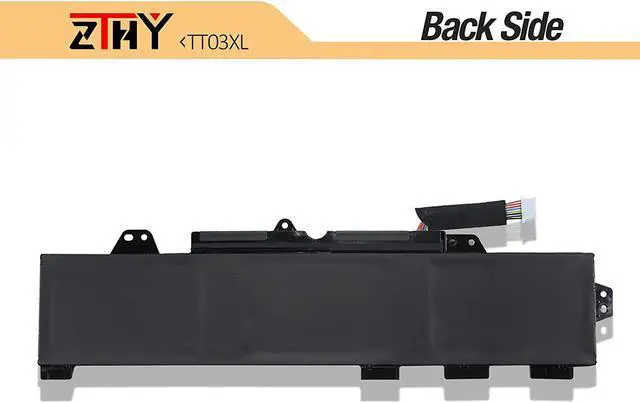
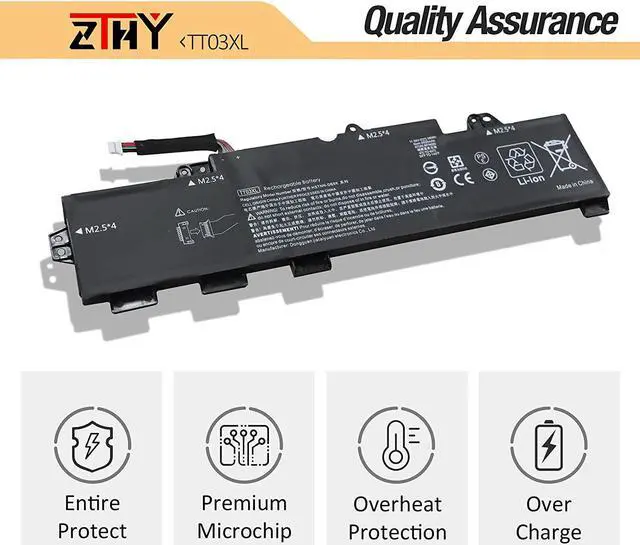
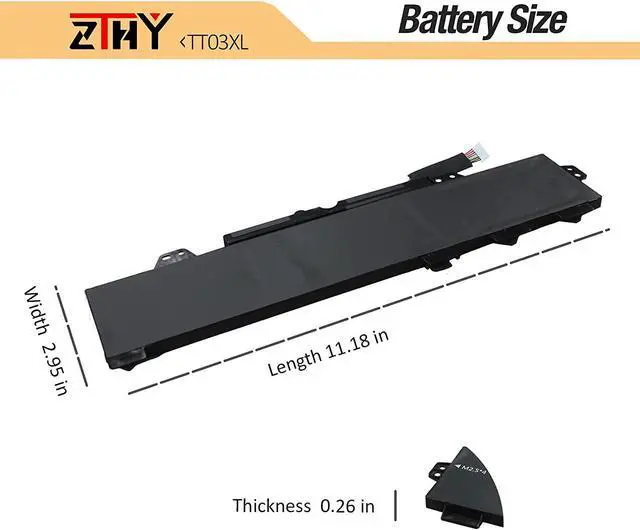
Why should I choose this battery? 1: High capacity circulatory function
2: Overheating protection
3: Overcurrent protection
4: Overcurrent protection
5: Low power consumption IC design
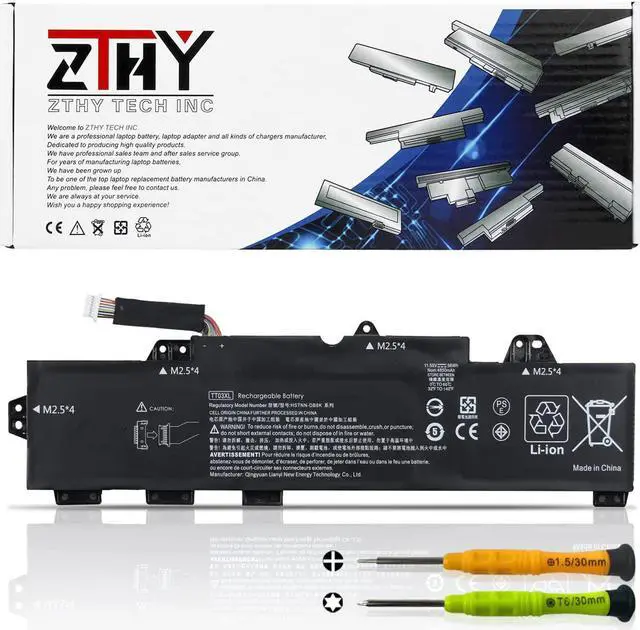
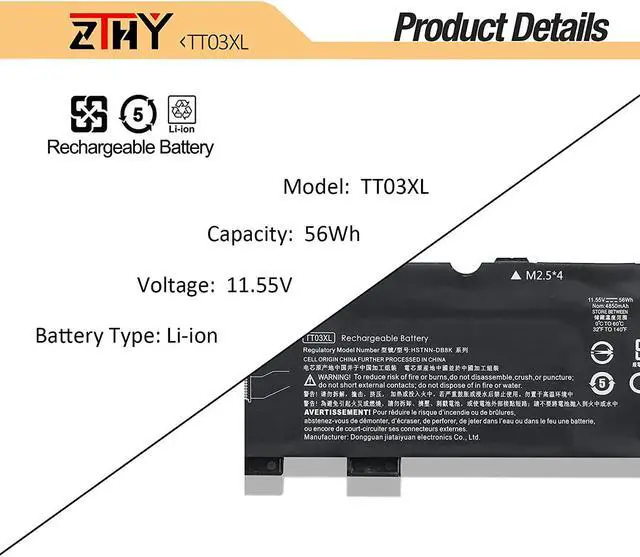
Specifications: Battery Type: Li-ion
Battery Voltage: 11.55V
Battery Capacity: 56Wh/4850mAh
Replacement for Part Number:
932824-1C1, 932824-2C1, 932824-421, 933322-855, HSN-113C-5, HSN-I13C-5, HSTNN-DB8K, HSTNN-LB8H, HSTNN-UB7T, TT03056XL, TT03XL.
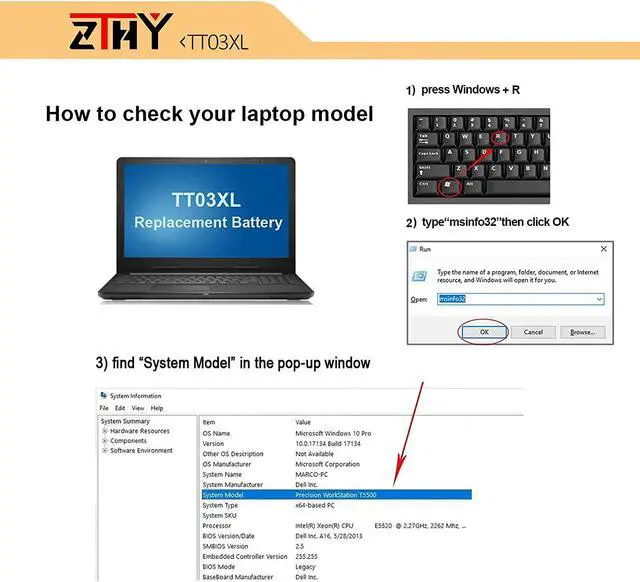
Compatible Models (use "Ctrl+F to find your model quickly") HP EliteBook 850 G6, ZBOOK15u G5-42, ZBook 15u G5 (4QH09EA), EliteBook 755 G5(3UN80EA), EliteBook 755 G5(5FL61AW), EliteBook 850 G5(5VR17PA), EliteBook 755 G54JB75LT, EliteBook 850 G53JX60EA, ZBook 15u G5 4QH09EA, ZBOOK 15u G5-44, ZBook 15u G5 (2ZC05EA), EliteBook 850 G5(4BC93EA), EliteBook 755 G5(4HZ51UT), EliteBook 850 G5(3UY64PA), EliteBook 755 G53XJ79LT, EliteBook 850 G53JX12EA, ZBook 15u G5 2ZC05EA, ZBOOK15u G5-41, EliteBook 850 G5(3JX12EA), EliteBook 755 G5(3UP42EA), ELITEBOOK 755 G5(5AY43PC), EliteBook 755 G53UN70EA, EliteBook 755 G54TH29PT, EliteBook 850 G53JZ54AW, ZBook 15u G53XG36PA, Zbook 15u G6 6TP54EA, EliteBook 850 G5(3JX57EA), ZBook 15u G5 (2ZC07EA), EliteBook 850 G5(4BC95EA), EliteBook 755 G5(4HZ54UT), EliteBook 850 G5(4LH38PA),755 G54HZ47UT, 850 G53JX45EA, ZBook 15u G5 2ZC07EA, ZBook 15u G53XG42PA, ZBook 15u G5(3XG42PA), EliteBook 850 G5(3JX45EA), EliteBook 755 G5(3UP65EA), ELITEBOOK 755 G5(5AY41PC), EliteBook 755 G53UN80EA,
Zbook 15u G6 6TP58EA, EliteBook 850 G5(3JX58EA), ZBook 15u G5 (2ZC08EA), EliteBook 850 G5(T9X19EA), EliteBook 755 G5(4JB75LT), EliteBook 850 G5(3RL50PA),EliteBook 755 G54HZ48UT, EliteBook 850 G53JX46EA, ZBook 15u G5 2ZC08EA, ZBook 15u G53XG44PA, ZBook 15u G5(3XG44PA), EliteBook 850 G5(3JX46EA), EliteBook 755 G5(3XJ79LT), EliteBook 850 G5(3RS25PA), EliteBook 755 G53UP41EA, ELITEBOOK 755 G55AY42PC, EliteBook 850 G54BC94EA, Zbook 15u G6 6TP83EA, EliteBook 850 G5(3JX60EA), ZBook 15u G5 (3JZ98AW), EliteBook 755 G5(3UN70EA), EliteBook 755 G5(4TH29PT), EliteBook 850 G5(3RL52PA), EliteBook 755 G54HZ53UT, EliteBook 850 G53JX58EA, ZBook 15u G5 3JZ98AW, ZBOOK 15u G5-41, ZBook 15u G5(3XG36PA), EliteBook 850 G5(3JZ54AW), EliteBook 755 G5(4HZ47UT), EliteBook 850 G5(3XD18PA), EliteBook 755 G53UP43EA, EliteBook 755 G55FL61AW, EliteBook 850 G5T9X19EA, ZBook 15u G5, EliteBook 850 G5, EliteBook 755 G5 and more.
Easy to deal a variety of use environment Install A New Battery: 1, You need to turn off your laptop and disconnect the power.
2, Disconnect the connection between the old battery and the motherboard to avoid unnecessary damage caused by disassembling the battery. Then unscrew the old battery screws one by one and carefully save each screw.
3, Remove the old battery, carefully install the new battery on the battery case, screw in the screw, and connect the wiring of the new battery.
4, If you don't understand the above steps, you can search for the video about laptop battery installation on YouTube. Maybe it will help you.
ZTHY laptop battery instruction: 1.Discharge the new battery use to 5%(not to 0%) and then charge to 95%, and cycle 3-4 times.
2.Do not disassemble, crush or puncture. Do not dispose of in fire or water.
3.If you remove battery for a long time, charge more than 80% at least one time within one months.
4.Don't connect adapter for a long time while using the battery. It may damage the battery.
5.When using the battery, care should be taken to prevent exposure and moisture.
The following are troubleshooting methods: 1.Turn off the laptop.
2.Unplug AC power.
3.Remove the battery.
4.Replace AC power.
5.Turn on laptop,allow OS to boot.
6.Once logged in to the machine,perform a normal shut donw.
7.Unplug AC power.
8.Replace battery.