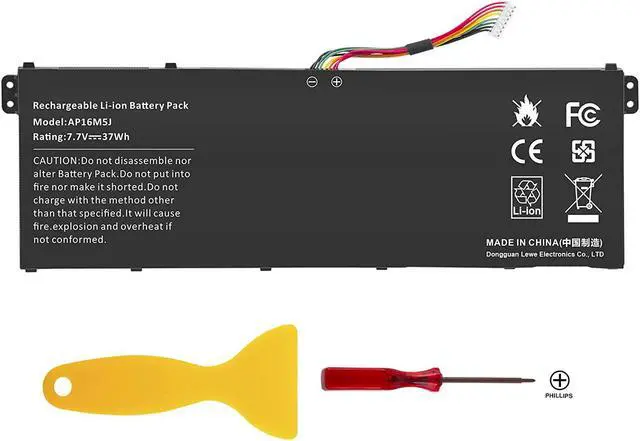
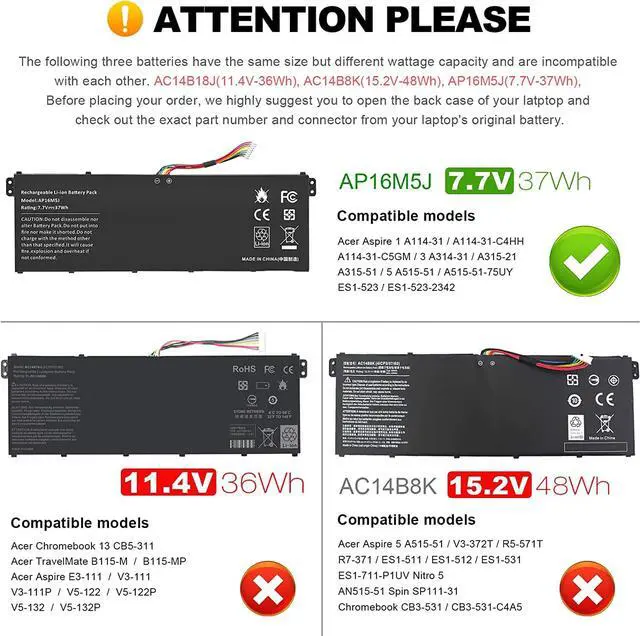
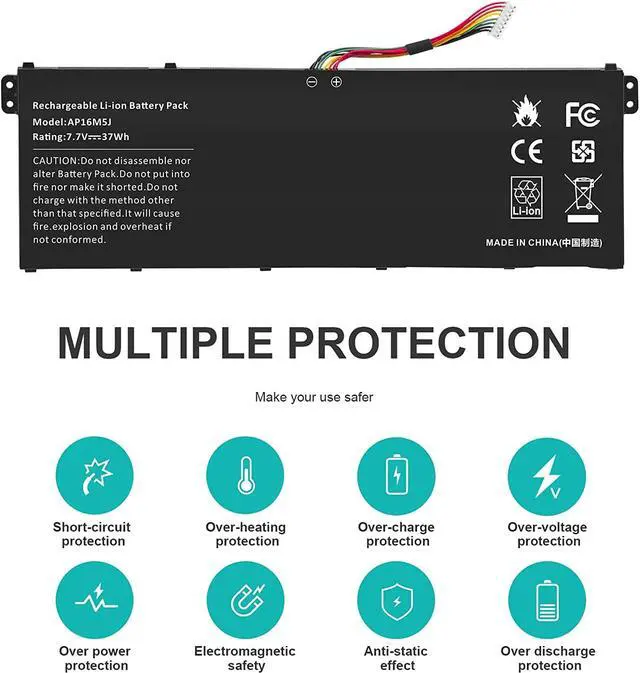
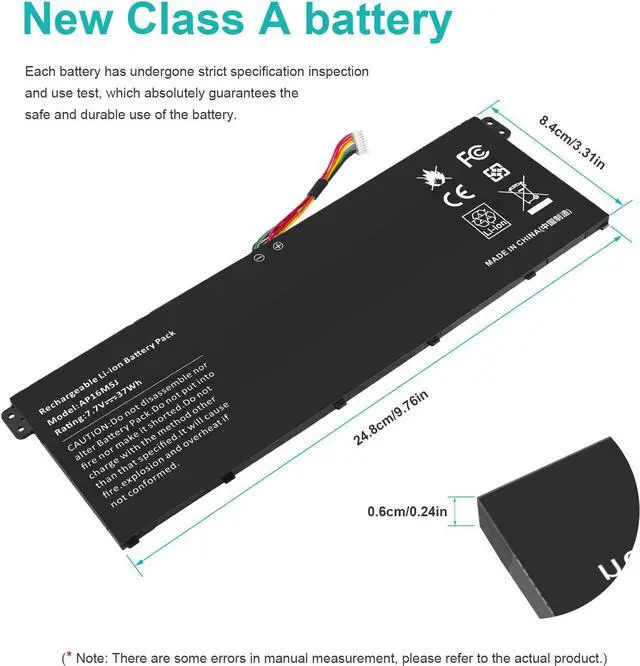
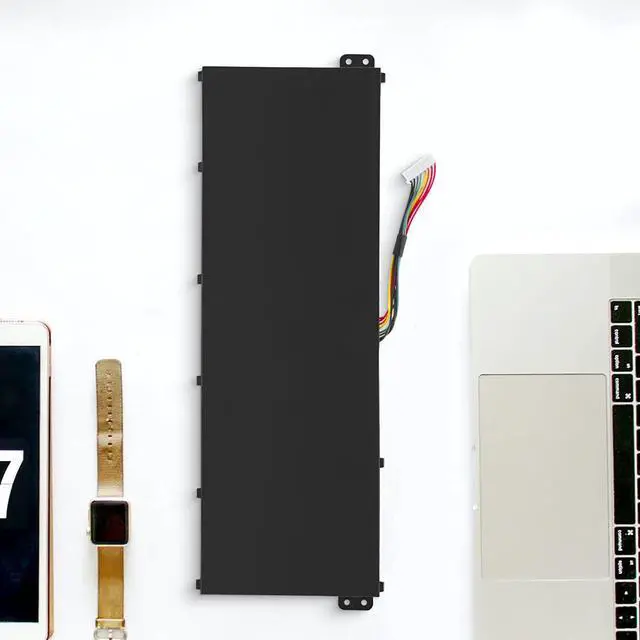
Welcome to HIGH QUALITY FUTUREBATT FUTUREBATT! 7.7V 37Wh HIGH-QUALITY LAPTOP BATTERY Futurebatt AP16M5J Laptop Battery for Acer Aspire A114-31 A314-31 A315-21 A315-51 A515-51 ES1-523-24CW ES1-523-20DG 2ICP4/80/104
Specifications: Battery type: Li-ion
Capacity :37Wh
Voltage : 7.7V
Cell:4
Cells recharge cycles 500
Operation time:Around 1-2.5hours
Please check your laptop model: Compatible Models:
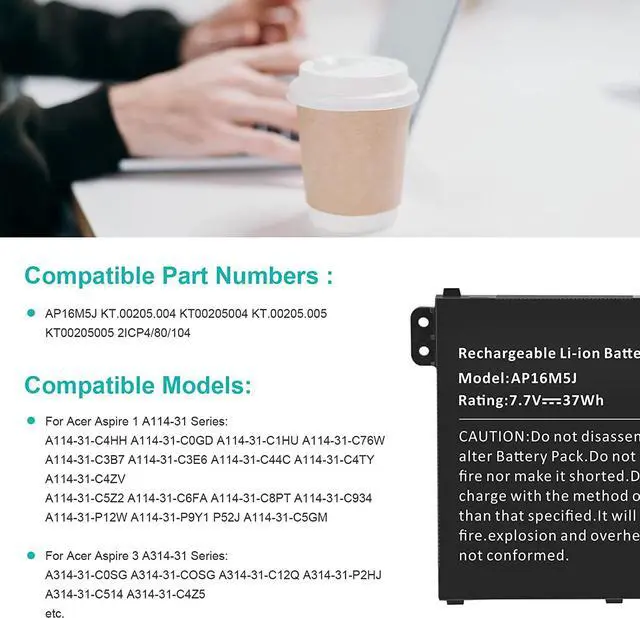
For Acer Aspire 1 A114-31 Series:
A114-31-C4HH A114-31-C0GD A114-31-C1HU A114-31-C76W A114-31-C3B7A114-31-C3E6 A114-31-C44C A114-31-C4TY A114-31-C4ZVA114-31-C5Z2 A114-31-C6FA A114-31-C8PT A114-31-C934 A114-31-P12WA114-31-P9Y1 P52J A114-31-C5GM
For Acer Aspire 3 A314-31 Series:
A314-31-C0SG A314-31-COSG A314-31-C12Q A314-31-P2HJ A314-31-C514A314-31-C4Z5
For Acer Aspire 3 A315-21 Series:
A315-21-95KF A315-21-95KF-US
For Acer Aspire 3 A315-51 Series:
A315-51-51SL A315-51-380T A315-51-31GK A315-51-31RD A315-51-51B0A315-51-580N A315-51-35LM A315-51-582F
For Acer Aspire 5 A515-51 Series:
A515-51-75UY A515-51-563W A515-51-50RR A515-51-53TH A515-51-55NB
For Acer Aspire ES1-523 Series:
ES1-523-24CW ES1-523-20DG ES1-523-68NA ES1-523-44LU ES1-523-2342
Compatible Part Numbers :
AP16M5JKT.00205.004KT00205004KT.00205.005KT002050052ICP4/80/104
How to install a new battery 1. You need to turn off the laptop and disconnect the power at the same time.
2. Disconnect the old battery from the motherboard to avoidunnecessary damage caused by disassembling the battery. Then unscrew theold battery and save it.
3. Take out the old battery, install the new battery on thebattery box, tighten the screws, and connect the wires of the newbattery.
How to maintain a laptop? 1. New battery: When using a new battery, it is best todischarge to 5% for several cycles. Then charge to 95%. So that it canbe fully activated.
2. Excessive use: Do not deplete the battery to 0% often,which will cause damage to the battery or shorten the service life.
3. Charging sequence: when charging, first install thebattery, then turn on the power, after fully charged, first cut off thepower, and then unplug the power plug.
4. Long-term storage: Please fully charge and store unusedbatteries. (Charge once a month) Do not store in low battery to avoidreducing.
What should be noted when using the battery? 1.If your computer will not be used for a long time, it isrecommended that you remove the battery and store the batteryseparately.
2.It is recommended that you store the battery in a dryenvironment with a temperature range of -10--35 degrees Celsius, andavoid sunlight.
3.As the damaged lithium-ion battery will pollute theenvironment, it also has a certain degree of danger. Please do notdisassemble or discard at will.