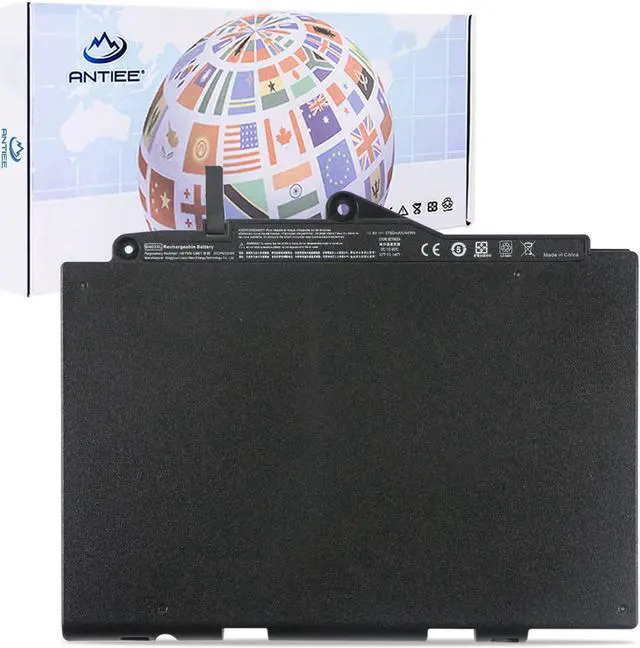
Welcome to ANTIEE
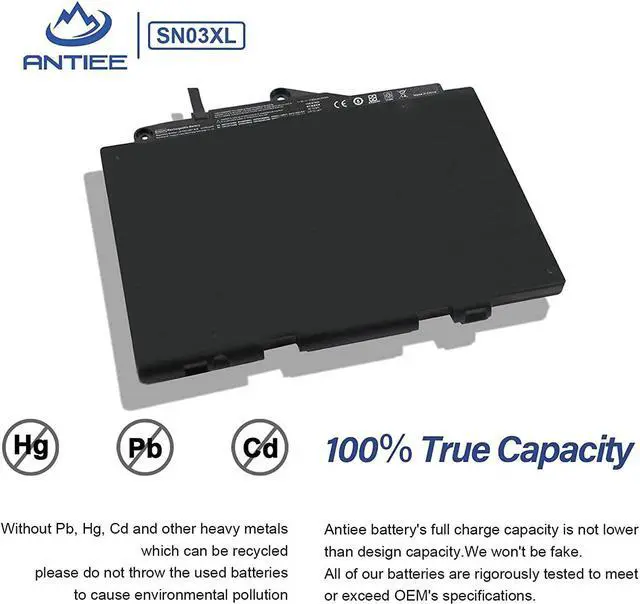
We are a manufacturer specializing in various laptop batteries and tablet batteries. We emphasizes the basic product concept of high-quality, safety and reliability. ANTIEE Laptop batteries are 100% DIRECT from Manufacturer with over 10 years' Laptop Battery Production and Research experience.
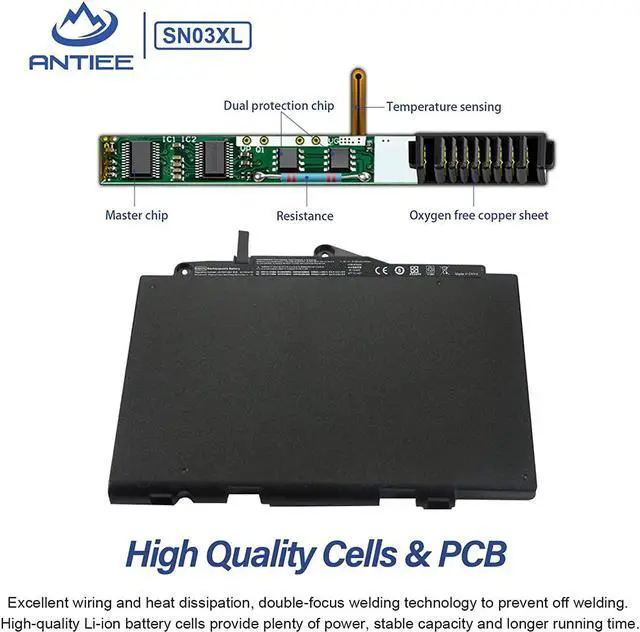
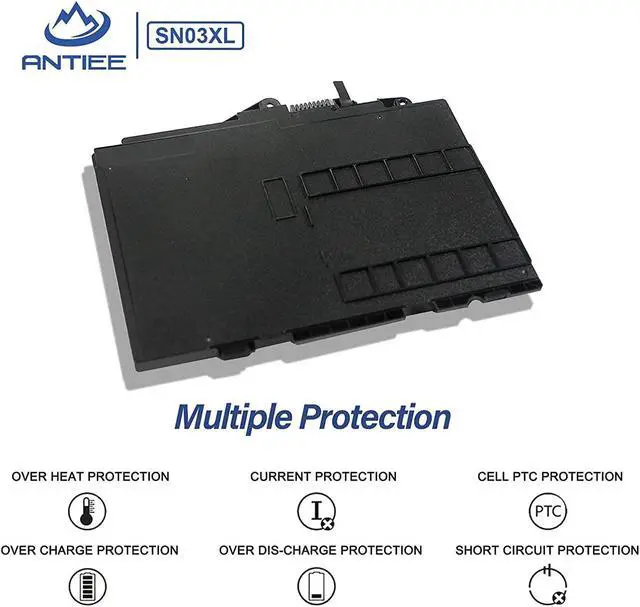
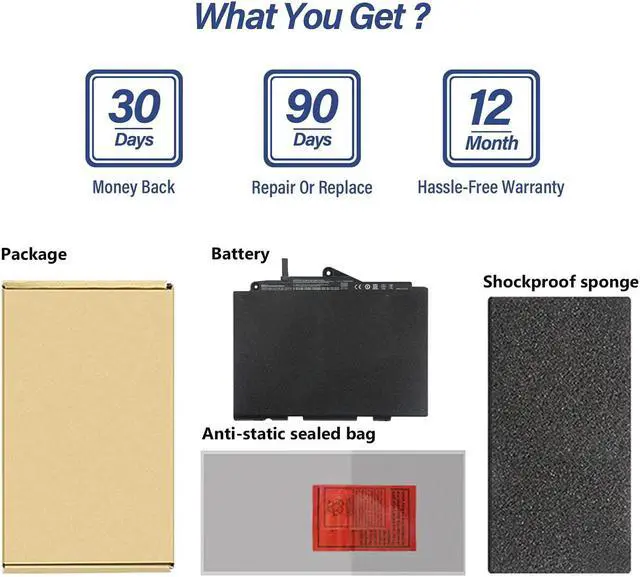
We are always working hard to ensure high quality laptop battery standards through multiple quality checks. Every one of our replacement notebook batteries are tested. With multi-protections such as short circuit, overheat, and overload, you can rest assured that you are in good hands. ANTIEE promises to deliver each customer to valuable, efficient and reliable battery. Let your notebook get more freedom.
Specification:
Battery Model:
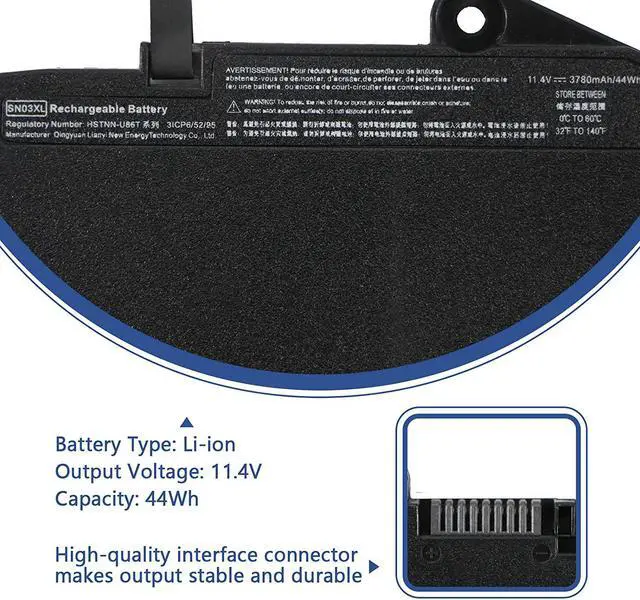
SN03XL
Voltage:
11.4V
Capacity:
44Wh 3780mAh
Cell:
3-Cell
Battery Type:
Li-ion
Condition:
Brand New
Matters Needing Attention
SN03XL/ ST03XL battery has 42.2Wh and 44Wh. Our replacement battery is compatible with these two capacity batteries. Please feel free to buy.
Replace Part Number:
SN03 SN03XL ST03XL SN03044XL 800232-241 800232-271 800232-541 800514-001
HSTNN-l42C HSTNN-UB6T HSTNN-I42C HSTNN-UB5T HSTNN-DB6V
Compatible Laptop Models:
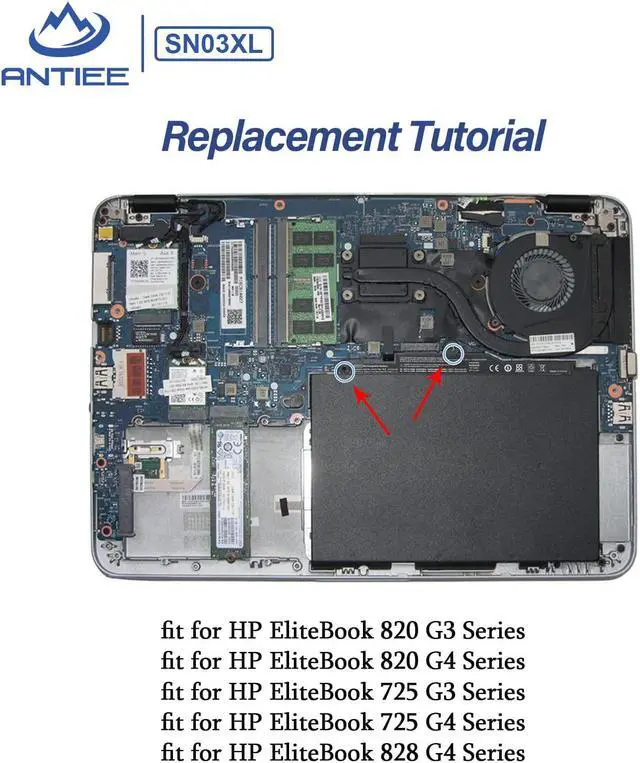
HP EliteBook 820 G3 Series
HP EliteBook 820 G4 Series
HP EliteBook 725 G3 Series
HP EliteBook 725 G4 Series
HP EliteBook 828 G4 Series
Skills For Installing A New Battery: No instructions. We recommend that you search for the battery removal tutorial from Google. It is best to check the tutorial before DIY to avoid unnecessary losses during the disassembly process.
Before disassembling your laptop, put the old battery charge below 25%. If a fully charged lithium battery is accidentally punctured, it will have serious consequences.
Please keep every screw you removed.
Make sure that interface is correctly connected to its socket.
Please protect your screen and touchpad.
Laptop Battery Instructions: New battery: Discharge the new battery to 10% (not 0%), then charge it to 100%. Cycle 3-5 times to activate its maximum capacity before use.
Overuse: Do not always run out of a battery to 0%, this would make it damaged or usage life shortened.
Charging sequence: When charging, plug in the power, then plug in the power plug; when fully charged, first cut off the power, then pull the power plug.
Long-term storage: Charge it to around 50% when you store it long term. (Charge it once a month) Do not store at low power to prevent reduce the lifespan of a battery.
Adapter: Use the adapter from a regular manufacturer. If the original adapter cannot be applied due to malfunction or damage, please replace it, so as not to reduce the service life of the battery due to incompatibility.
Usual Troubleshooting Methords: Why the laptop does not recognize the battery or the laptop does not display the battery?
Could be caused by battery loose. Please re-install the battery and make sure that the battery cable and the motherboard interface are tightly inserted.
May be due to conductive material damaged which the laptop motherboard and battery anode and cathode contact position, you can try to confirm it with your original battery.
Check whether the battery drive is in normal condition, if not, download the corresponding driver software to update.