We focus on high-quality laptop batteries and tablet batteries. We have a professional sales team. We are keen to provide customers with high-quality and valuable products and help your laptop regain a new life. Wish you have a pleasant shopping experience and thank you for your trust!
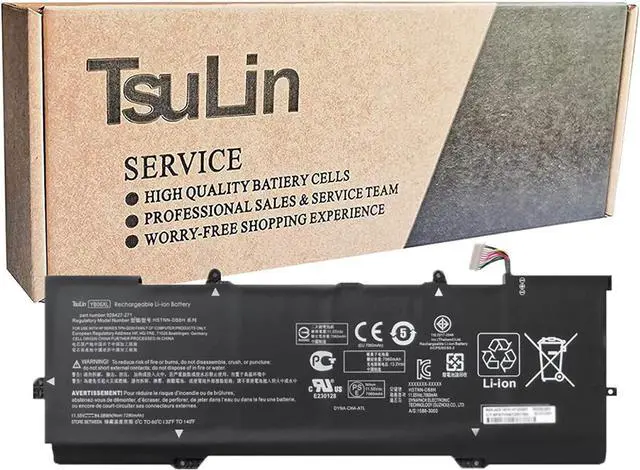
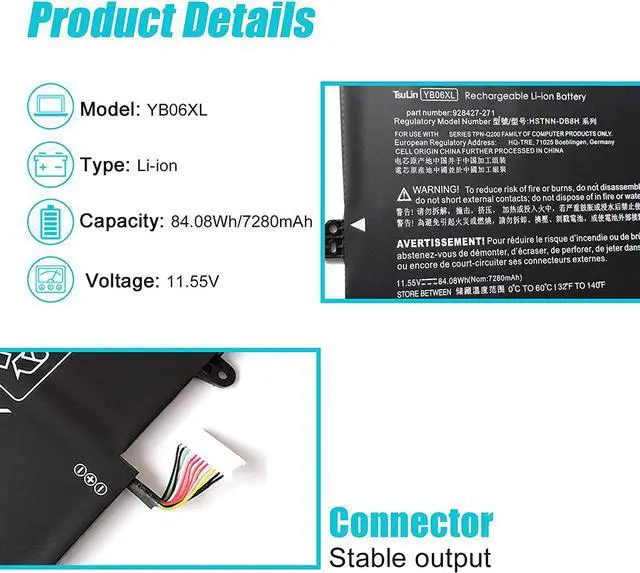
Specification: Battery Type: Rechargeable Li-ion Battery
Model: YB06XL
Voltage: 11.55V
Capatity: 84.08Wh/7280mAh
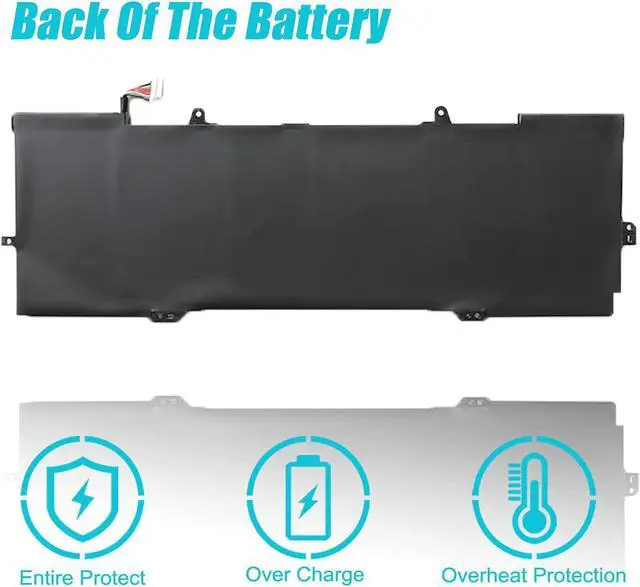
Connector: Please refer to the picture and check it.
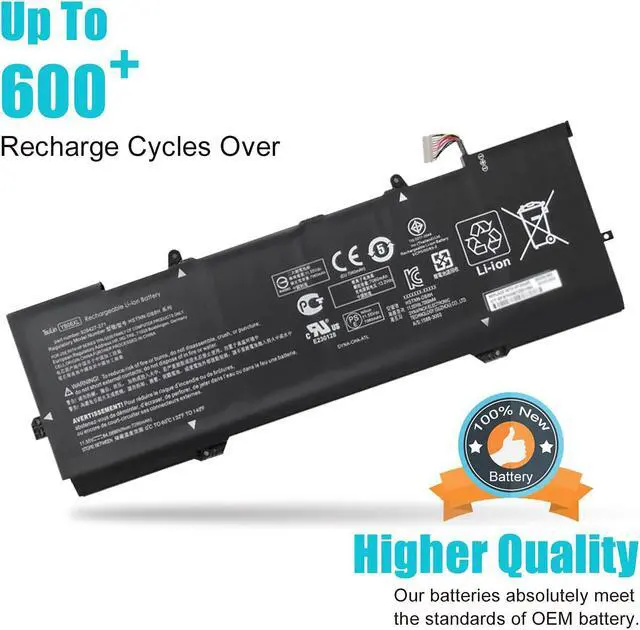
Certificate: CE,RoHS,FCC, 100% New from Manufacturer, Grade-A Cell.
All TsuLin products are Certified by CE, FCC for safety. Strict guidelines for compatibility, and standards compliance for environment safety.
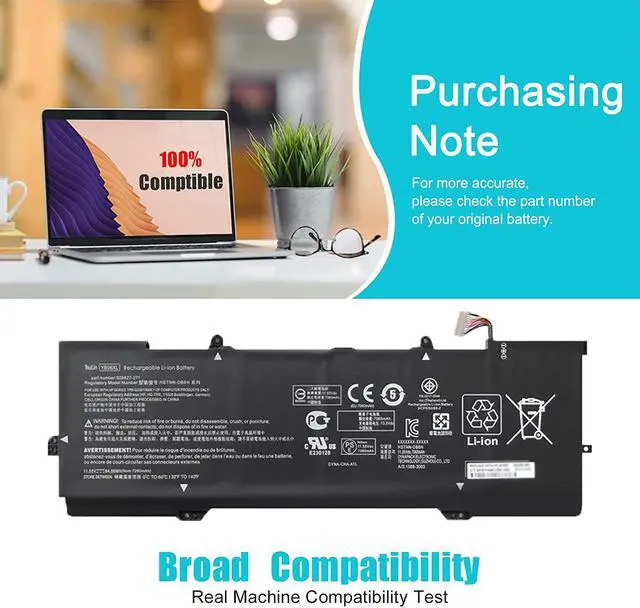
Replacement for Part Number: HSTNN-DB8H, HSTNN-DB8V, TPN-Q200, YB06084XL, YB06XL,926372-855, 926427-271, 928372-855, 928372-856, 928427-271, 928427-272,
Compatible Models (use "Ctrl+F to find your model quickly") for Hp Spectre X360 15-CH000NA 15-CH000NB 15-CH000ND 15-CH000NF 15-CH000TX 15-CH001NC 15-CH001NF 15-CH001NG 15-CH001UR 15-CH002NC 15-CH002NF 15-CH002NG 15-CH001NO 15-CH001TX 15-CH002TX 15-CH002UR Series.
for Hp Spectre X360 15-CH003NF 15-CH003NG 15-CH003NO 15-CH003TX 15-CH003UR 15-CH004NA 15-CH004NF 15-CH004NG 15-CH005NG 15-CH005NO 15-CH005TX 15-CH004NL 15-CH004NO 15-CH004TX 15-CH005NA 15-CH005NF Series.
for Hp Spectre X360 15-CH006NA 15-CH006NF 15-CH008NA 15-CH008TX 15-CH009NG 15-CH009TX 15-CH010CA 15-CH010ND 15-CH006NO 15-CH006TX 15-CH007NA 15-CH007NF 15-CH007TX 15-CH008CA 15-CH010TX Series.
for Hp Spectre X360 15-CH011DX 15-CH011NR 15-CH011TX 15-CH012NR 15-CH012TX 15-CH013TX 15-CH015ND 15-CH060NZ 15-CH070NZ 15-CH075NR 15-CH015NR 15-CH020ND 15-CH025ND 15-CH031NG Series.
How do I know I need a new laptop battery? Overheating
Failing to Charge
Unexpected Power Issues
Short Run Time and Shutdowns
Replacement Warning and System Report
How to install a new battery? Unplug all external devices from the laptop.
Remove the old battery.
Insert the battery and restart the computer.
Connect the AC adapter and check if your machine can detect the battery again.
If you don't understand the above steps, you can search for the video about laptop battery installation on YouTube. Maybe it will help you
Laptop Battery instructions When you get the new battery, discharge the battery to 5% (not 0%), then charge and cycle 3-4 times to wake up the new battery.
Charging when the amount of power remains around 20-30%
The battery is not filled with power, as far as possible around 40%; the battery temperature should not be too high.
If you don't use your computer for a long time, you can remove the battery from the laptop for storage.