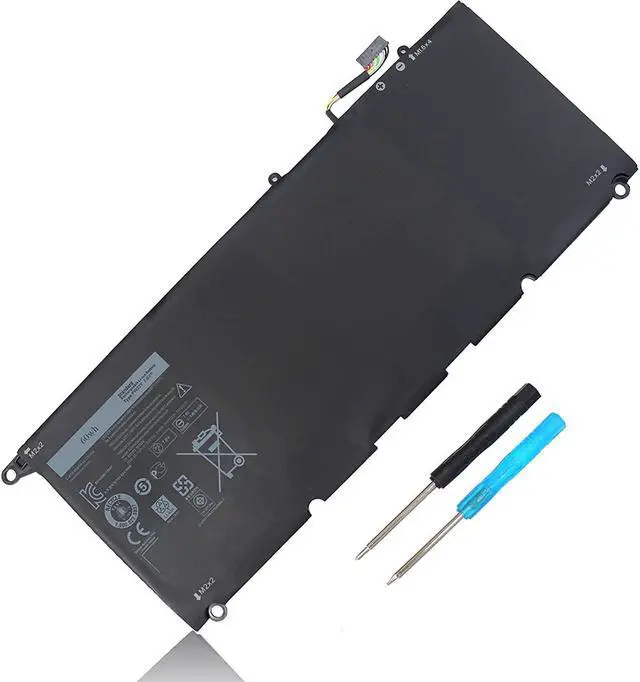
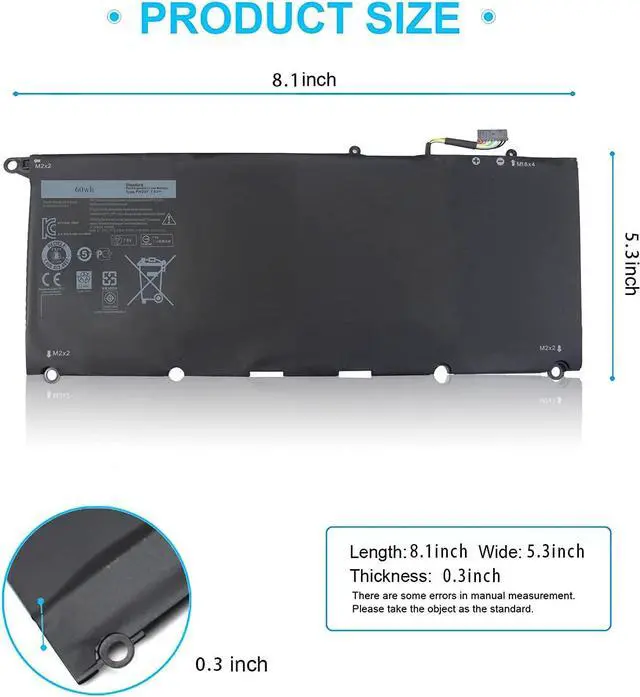
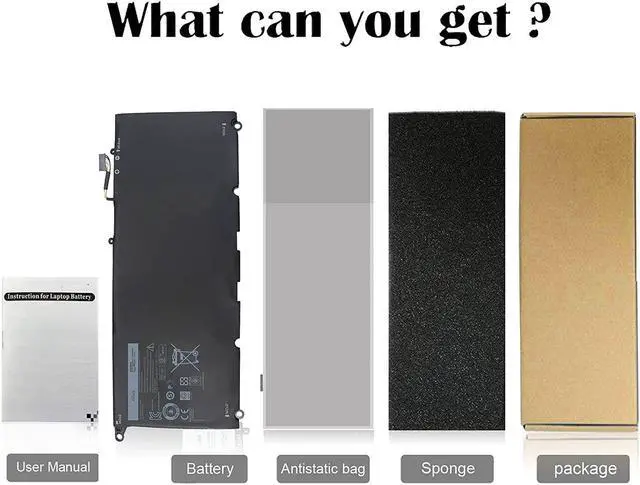
Compatible with DELL Part Number :
0RNP72 0TP1GT PW23Y RNP72 TP1GT
Compatible with Laptop Models:
fit for Dell XPS 13 9360 Series:
fit for Dell XPS 13-9360-D1605G
fit for Dell XPS 13-9360-D1605T
fit for Dell XPS 13-9360-D1609
fit for Dell XPS 13-9360-D1609G
fit for Dell XPS 13-9360-D1705G
fit for Dell XPS 13-9360-D1705
fit for Dell XPS 13-9360-D1505
fit for Dell XPS 13-9360-D1505G
fit for Dell XPS 13-9360-D1805T
fit for Dell XPS 13-9360-D1805TG
How to install a new battery?
1, You need to turn off your laptop and disconnect the power.
2, Disconnect the connection between the old battery and the motherboard to avoid unnecessary damage caused by disassembling the battery. Then unscrew the old battery screws one by one and carefully save each screw.
3, Remove the old battery, carefully install the new battery on the battery case, screw in the screw, and connect the wiring of the new battery.
4, If you don't understand the above steps, you can search for the video about laptop battery installation on YouTube. Maybe it will help you