About TsuLin:
We focus on high-quality laptop batteries and tablet batteries. We have a professional sales team. We are keen to provide customers with high-quality and valuable products and help your laptop regain a new life. Wish you have a pleasant shopping experience and thank you for your trust!
Important Note:
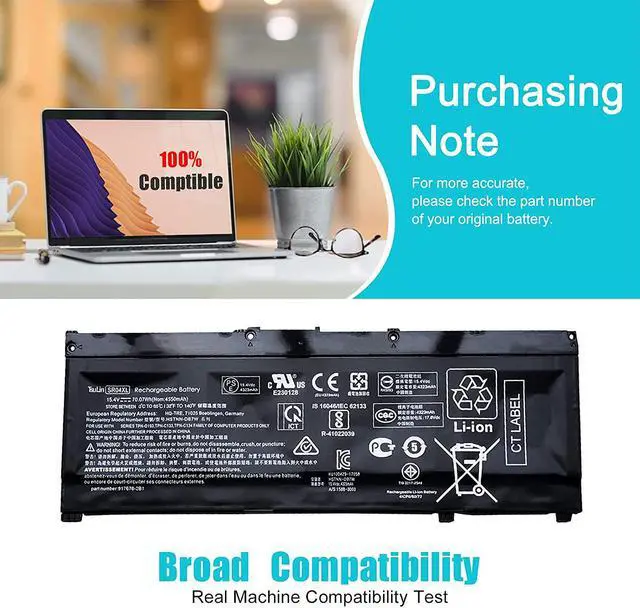
Please open the back cover of your laptop and check the exact part number and appearance of your laptop's original battery before place your order, Such as the length of the cable and the location of the connector.
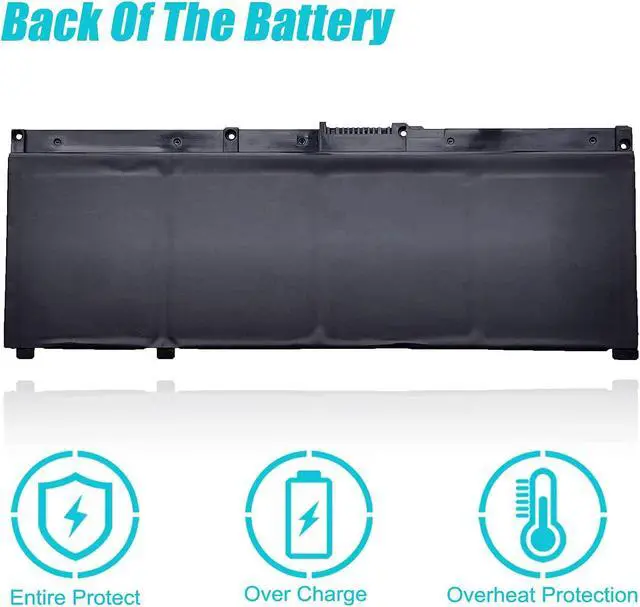
Why should we choose this battery? 1. About battery safety: Compatible with laptop, safety and stability.
2. Regarding the capacity of the battery: The capacity of the new battery cell consumes power slowly and has little loss.
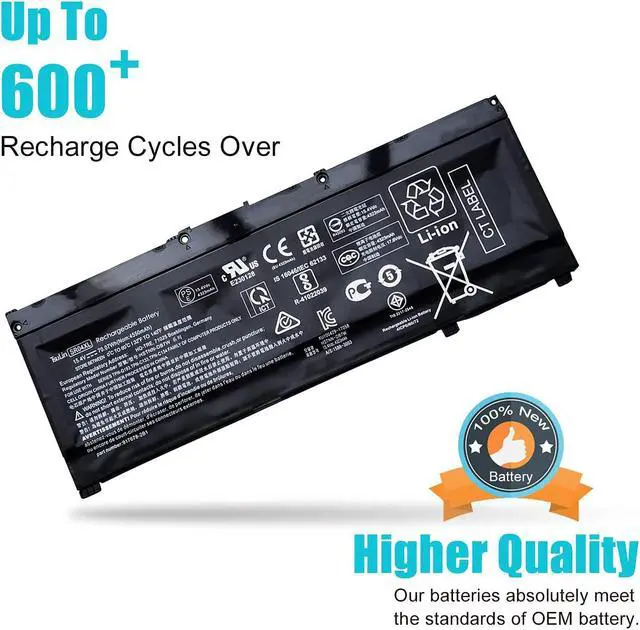
3. About battery life: The average life of a brand new battery is 2-4 years.
Specification: Battery Type: Rechargeable Li-ion Battery
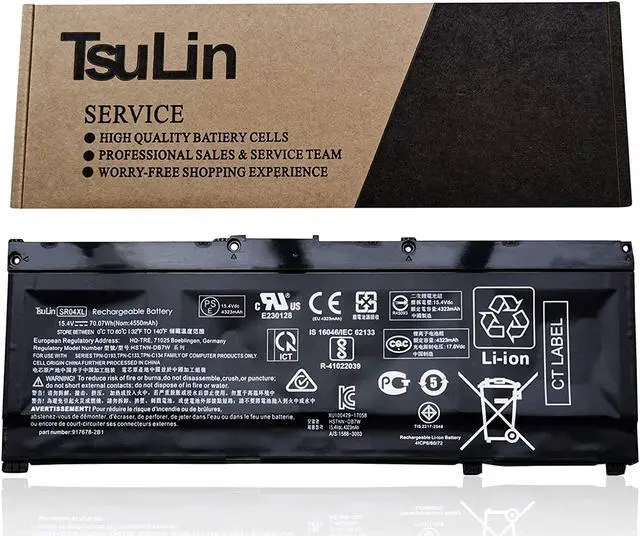
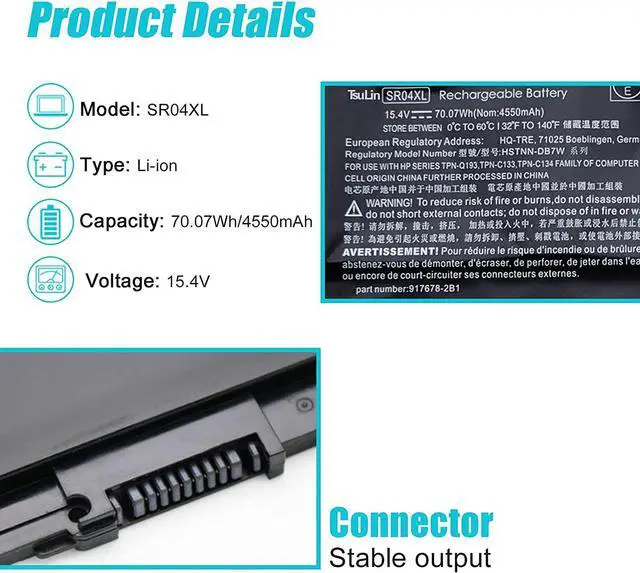
Model: SR04XL
Voltage: 15.4V
Capatity: 70.07Wh/4550mAh
Connector: Please refer to the picture and check it.
Certificate: CE,RoHS,FCC, 100% New from Manufacturer, Grade-A Cell.
All TsuLin products are Certified by CE, FCC for safety. Strict guidelines for compatibility, and standards compliance for environment safety.
Replacement for Part Number:
SR04XL SRO4XL 917678-171 917678-1B1 917678-2B1 917724-855 HSTNN-DB7W HSTNN-IB7Z HSTNN-IB72 TPN-C133 TPN-C134 TPN-Q193
Compatible Models (use "Ctrl+F to find your model quickly") (Part 1)
for HP Pavilion 15-cb000 Series:
15-cb000ng 15-cb002ng 15-cb003ng 15-cb004ng 15-cb005ng 15-cb006ng 15-CB006tx 15-CB007tx
15-CB008tx 15-cb009ng 15-CB009tx 15-cb010ng 15-CB010tx 15-cb012ng 15-cb013ng 15-cb014ng
15-cb018ng 15-cb030ng 15-cb031ng 15-cb032ng 15-cb033ng 15-cb035ng 15-cb035wm 15-CB045wm
15-cb070ng 15-cb070nz 15-CB073tx 15-CB074tx 15-CB075tx 15-CB076tx 15-cb077nr 15-cb094nz
Compatible Models (use "Ctrl+F to find your model quickly") (Part 2)
for HP Pavilion Gaming 15 2018:
Pavilion Power 15-cb000: 15-cb009ns 15-cb012na 15-cb012no 15-cb012ns 15-CB018UR 15-cb032ns
15-cb033ns 15-cb036ns 15-cb052tx 15-CB074tx 15-cb075tx 15-CB076tx 15-cb077tx 15-cb091nd
15t-cb2000 2EF91PA 2EF92PA 2EF93PA 2EF94PA 2EF95PA 2EF96PA 2EF97PA 2EF98PA 3KS69PA 3KS70PA 3KS71PA
for HP HP Omen 15 2018: 15-ce000 Series:
15-ce000ng 15-ce001ng 15-ce001tx 15-ce002ng 15-ce002tx 15-ce003nl 15-ce003tx 15-ce004ng 15-ce004tx
15-ce005ng 15-ce005tx 15-ce006tx 15-ce007ng 15-ce007tx 15-ce008ns 15-ce008nw 15-ce008tx 15-ce012ng
15-ce014ng 15-ce015dx 15-ce015ns 15-ce016ng 15-ce018dx 15-ce018ng 15-ce019dx 15-ce019ng 15-ce019n
Easy to deal with various environments Office How to install a new battery: (Part 1)
1. You need to turn off the laptop and disconnect the power.
2. Disconnect the connection between the old battery and the motherboard to avoid unnecessary damage due to the removal of the battery. Then unscrew the old battery screws one by one, and carefully save each screw.
Study How to install a new battery: (Part 2)
3. Remove the old battery, carefully install the new battery on the battery box, tighten the screws, and then connect the wires of the new battery.
4. If you have questions about installing a new battery, you can search for the installation of laptop/tablet models on YouTube. This method may help you.
Outdoors For Optimal Use battery:(Part 1)
1.Discharge the new battery to 5% (not 0%), then charge and cycle 3-4 times to get the new battery a full capacity.
2.The important point is to perform a full discharge charge every other month to extend battery life.
Game & Movie For Optimal Use battery:(Part 2)
3.Don't connect adapter for a long time while using the battery. It may d