We are a professional laptop/tablet battery provider, dedicated to providing different types of high-quality batteries for our customers to bring their laptops back to life again. Thanks for your choice and trust, Enjoy your shopping!
Warm tips before purchasing
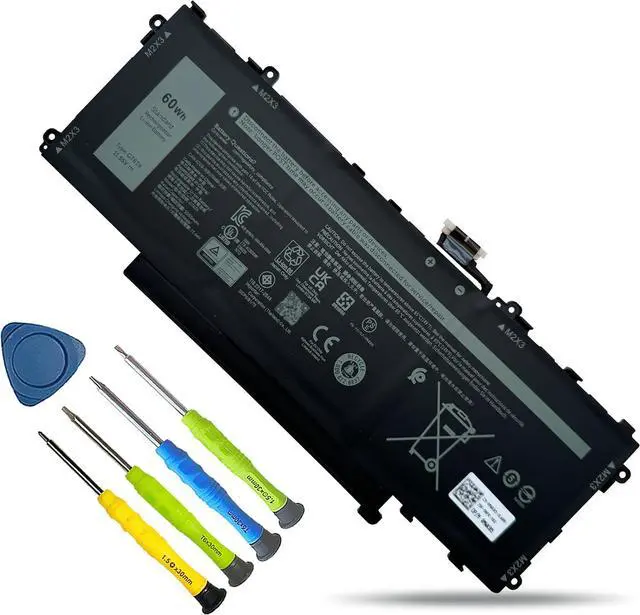
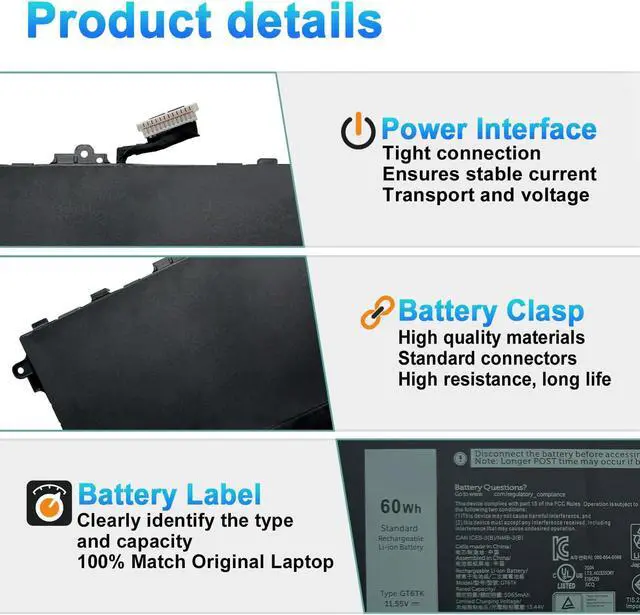
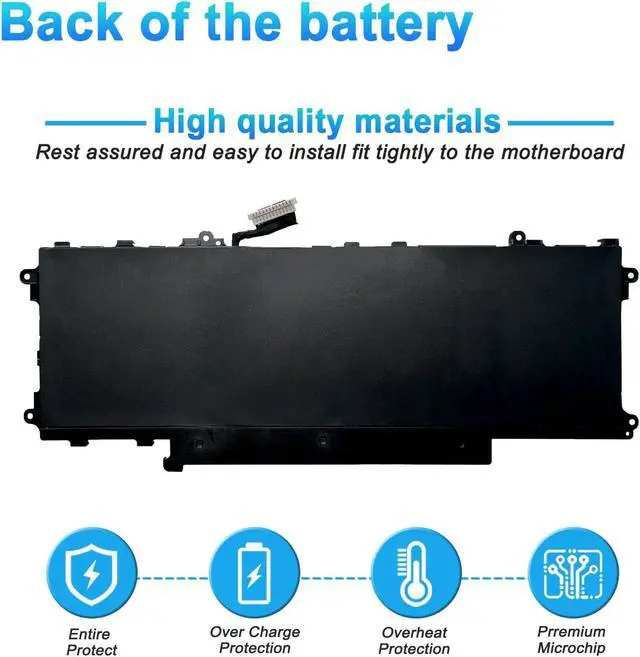
Please open your laptop case, check and confirm your original battery model and appearance, compared with our battery image, and make sure that's what you need. Especially the location of the connector and the cable length (long or short).
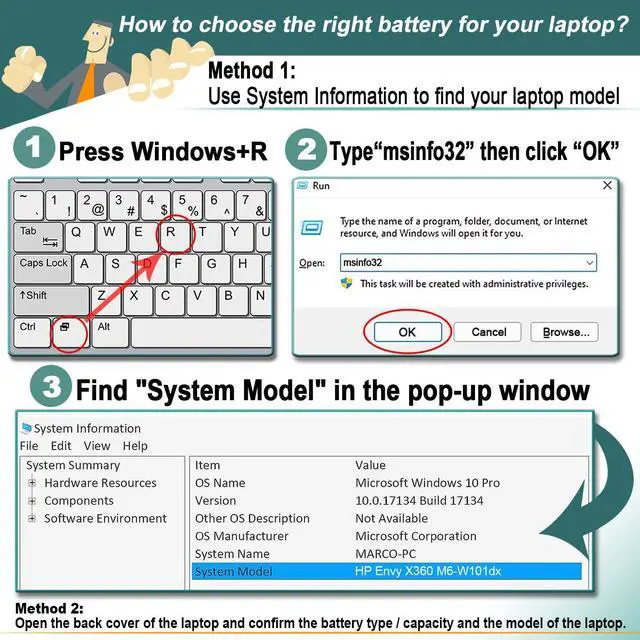
Method 1: Use System Information to find your laptop model
Step 1: Press "Windows + R" to open the Run window.
Step 2: Type "msinfo32" in the empty box and click OK to open System Information.
Step 3: Keep in the "System Summary" section and you will find the "System Model " item in the right pane.
Method 2: Open the back cover of the laptop and confirm the battery type and capacity, as well as the model of the laptop.
Step 1: Shut down the laptop and unplug the interface cable (to prevent electrical shock)
Step 2: Remove the back panel with a screwdriver. (Please handle carefully to avoid damaging the parts of the laptop)
Step 3: Disconnect the battery and remove it. Then check the battery specifications, especially the type/part number
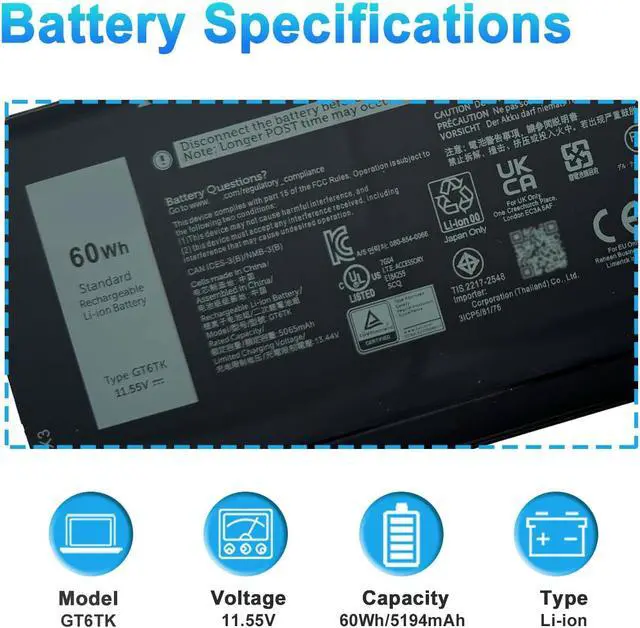
Model Name: GT6TK
Battery Type: Li-ion
Battery Voltage: 11.55V
Battery Capacity: 60Wh 5065mAh 3-Cell
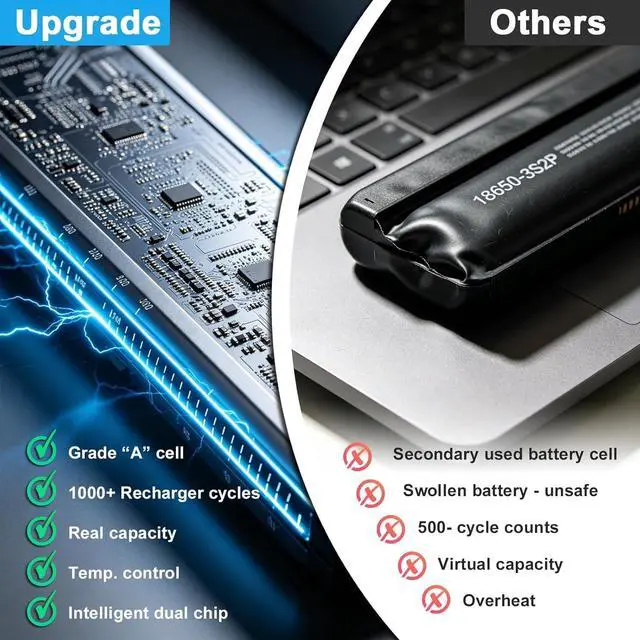
Condition: 100% New from Manufacturer, Grade A Cell
Replacement for Part Number:
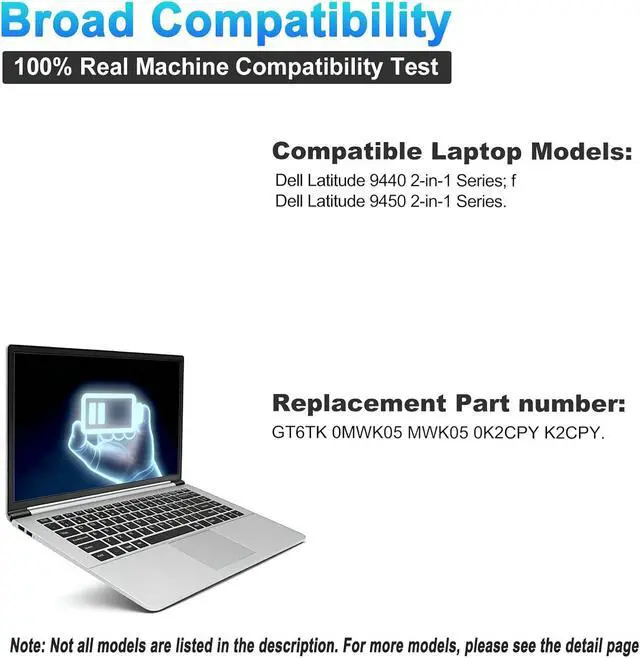
GT6TK 0MWK05 MWK05 0K2CPY K2CPY
Replacement for Dell Latitude 9440 2-in-1 Series
Replacement for Dell Latitude 9450 2-in-1 Series
When you get the new battery, discharge the battery to 5% (not 0%), then charge it to 95%, and cycle 3-4 times to wake up the new battery.
The important point is to perform a full discharge and charge every other month to extend the battery life.
Do not connect the adapter for a long time while using the battery. It may damage the battery.
Avoid artificial shocks, disassembly, crush or puncture. Do not dispose of it in fire or water.
It may be caused by a loose battery. Please remove the battery and try to install it several times.
You can try using the original battery to confirm.
Inspections whether the battery drive is in normal condition, if not, download the corresponding driver software to update.
Take out the battery and press the power button for about 15 seconds to consume the internal residual power (Do not connect the interface , and then reinstall the battery. You can try several times.
The battery capacity is designed to meet the OEMs specifications, is stable and last longer, and provides stronger power for your laptop, not falsely labeled battery capacity.
Problems you may encounter when installing a new battery
Q: The battery cannot be identified by your laptop or it doesnt seem to work. That may be caused by different situations.
Welcome to BOWEIRUI How to choose the correct battery? Battery Specification Compatible Models (use "Ctrl+F to find your model quickly") Battery Maintenance Methods for Optimal Use Troubleshooting Methods True Capacity





 here!
here!