JOTACT provides laptop power products, including batteries, adapters, network equipment, etc. We are passionate about excellence, so every customer who buys our products in our store, can expect to find quality materials, reliable performance, affordable prices, and sincere service.
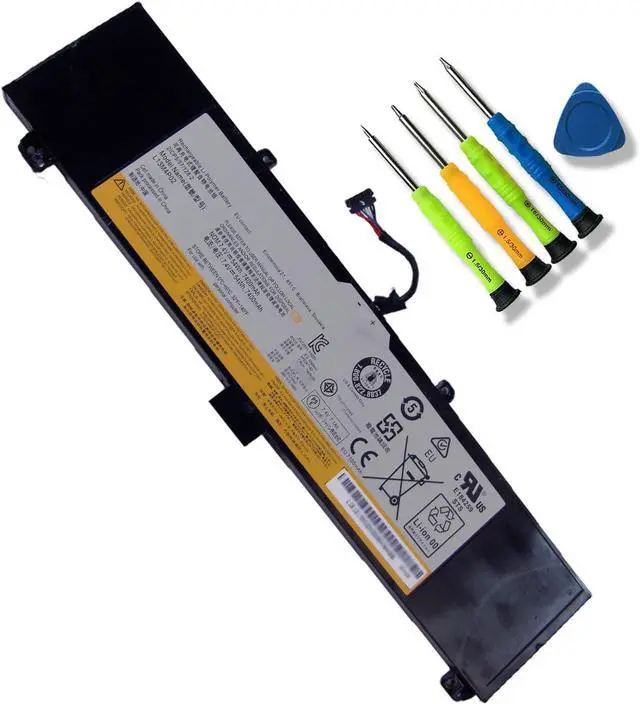
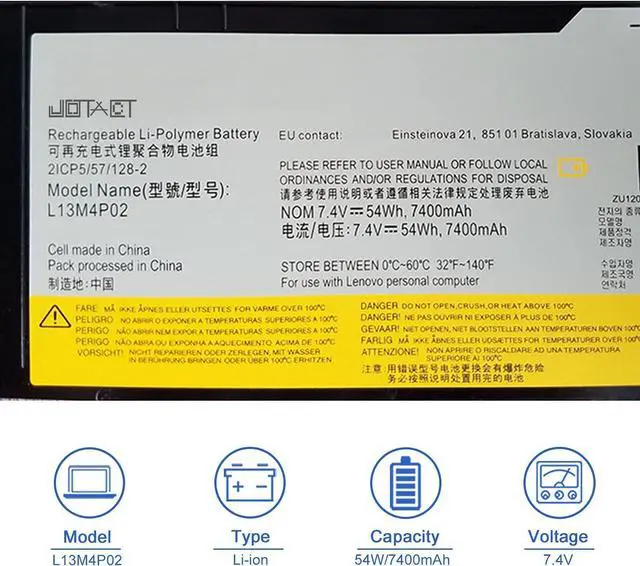
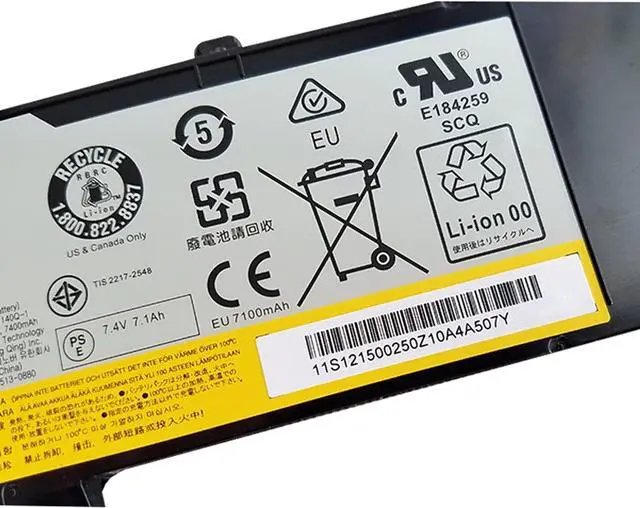
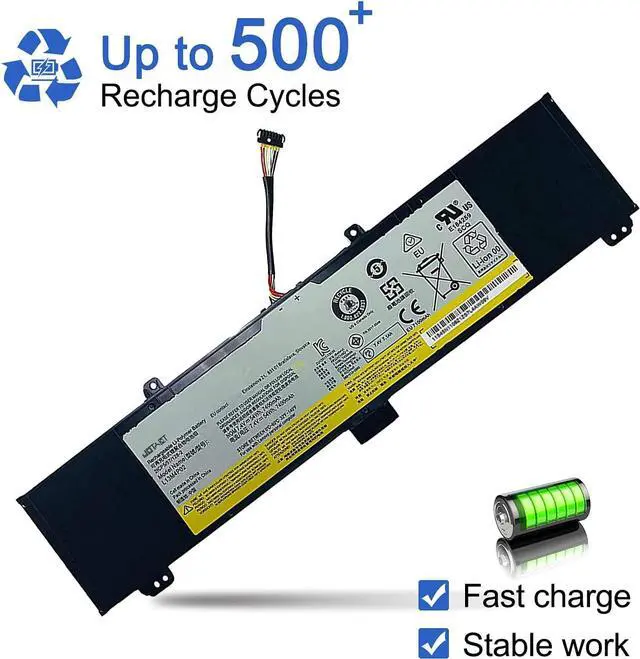
Item Model: L13M4P02
Battery Type: Li-ion
Voltage: 7.4V
Capacity: 54W/7400mAh
Condition:100% Brand new & High quality
Replacement Part Numbers
L13M4P02, L13N4P01
121500250, 121500251, 5B10K10190
Compatible with Lenovo Erazer Y50 Series Laptop:
For Lenovo Y50,Y50-70,Y50-80,Y50P,Y50P-70,Y50-70 Touch Series.
For Lenovo Erazer Y70 Series Laptop:
For Lenovo Y70, Y70-70, Y70-70 Touch Series.
For Lenovo Y50-70 Series Laptop:
For Lenovo Y50-70AM-IFI,Y50-70AM-ISE,Y50-70AS-ISE,Y50-70-IFI,Y50-70AT-IFI,Y50-70-ISE Series.
First, turn off the laptop and disconnect the power.
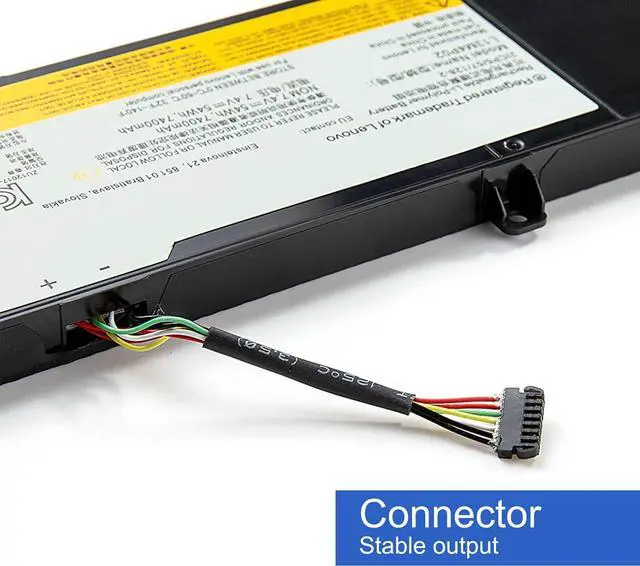
Open the back cover of the notebook, disconnect the connection between the old battery and the motherboardthen remove the old battery with a tool.
Remove the old battery, put the new laptop battery into the battery box, then connect the wires of the new battery, and finally close the back cover of the laptop to complete.
If you have questions about installing a new battery, you can search for the installation of laptop/tablet models on YouTube. This method may help you.
After installing the battery, you can try to calibrate the power management system. Discharge the new battery to 10% (not 0%), then charge and cycle 3-4 times to wake up the new battery.
During the use of the battery, it is best not to discharge to less than 6% or turn off the computer power.
Avoid man-made impact, disassembly, squeeze or puncture. Do not throw it into fire or water.Avoid using the battery in an environment where the temperature is too high or too low.
Make sure to charge the battery more than 80% per month.
New High-quality batteries.
Grade A cells ensure fast charges
Compatible with laptop, safety, and stability.
The capacity of the new battery cell consumes power slowly and has little loss.
The average life of a brand new battery is 2-4 years.
Specifications: Compatible Laptop Models(use "Ctrl+F to find your model quickly") How to install the battery Use skills 100% brand new battery





 here!
here!