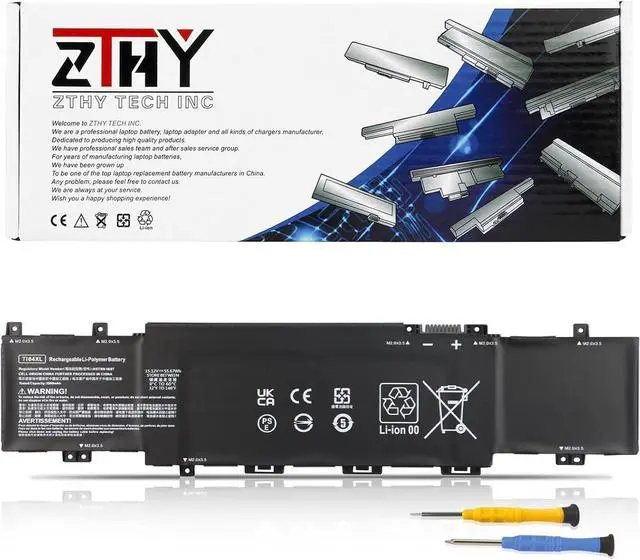
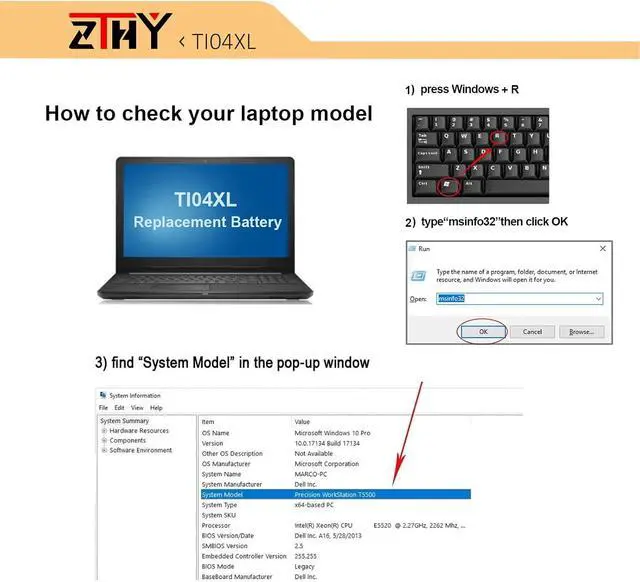
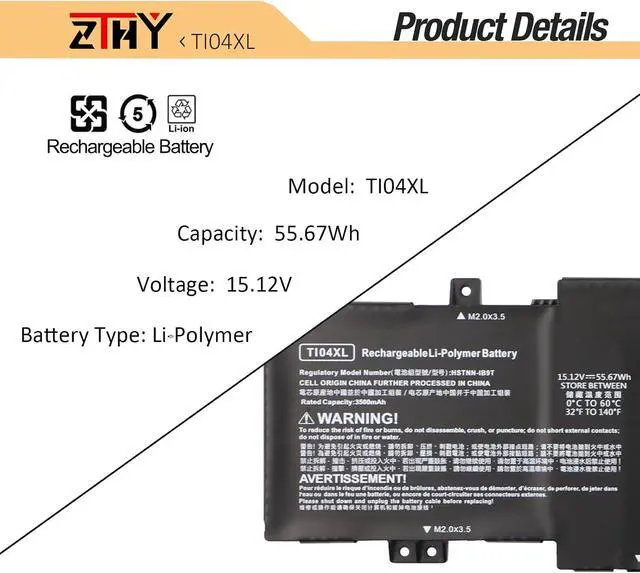
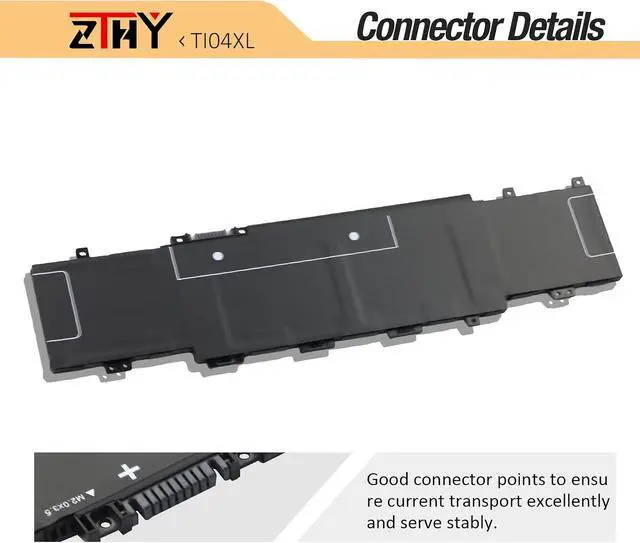
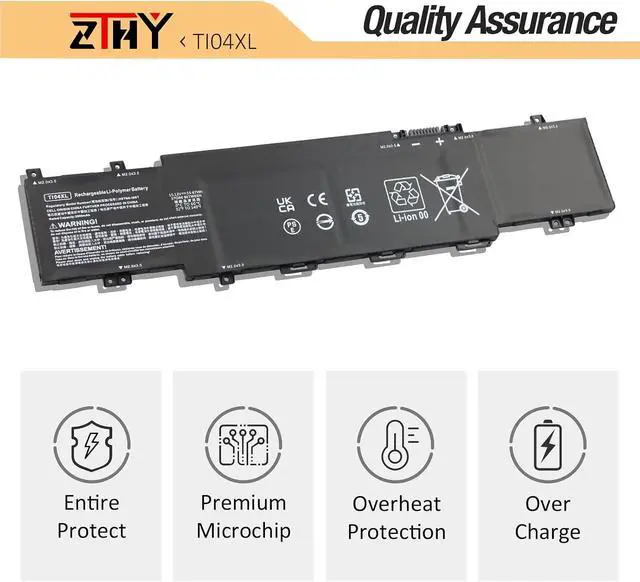
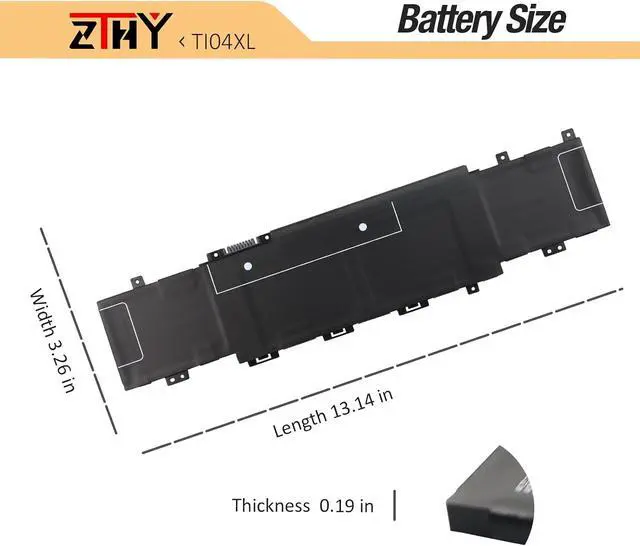
Compatible Part Number TI04XL HSTNN-IB9T M24420-1D1 M24563-005 M24420-1C1 TI04055XL T1O4XL TIO4XL T104XL Compatible Model Replacement for HP Envy 17-CH000 Series: 17-CH0000NB 17-CH0000NC 17-CH0000NIA 17-CH0001NA 17-CH0001NV 17-CH0017NN 17-CH0001UA 17-CH0002NJ 17-CH0002NL 17-CH0003NC 17-CH0003NP 17-CH0004UR 17-CH0004NP 17-CH0005NC 17-CH0005UA 17-CH0006NN 17-CH0006UA 17-CH0007UA 17-CH0008CA 17-CH0009NM 17-CH0009NW 17-CH0010NM 17-CH0010UR 17-CH0011NB 17-CH0012NB 17-CH0013NN 17-CH0013UR 17-CH0014UR 17-CH0015NB 17-CH0023UR 17-CH0025UR Compatible Model Replacement for HP Envy 17M-CH000 Series: 17M-CH1013DX 17M-CH0013DX 17M-CH1013DX; Compatible Model Replacement for HP Envy 17T-CH000 Series. Attention If you install the battery, you find that the laptop cannot detect the battery or the battery level cannot be displayed normally. Please check whether the battery cable is installed properly. Sometimes the battery cannot be charged because the cable is not fixed properly. What do I need to be aware of when I receive a new laptop battery?
Check appearance, model, manual. Do 5-6 full charge-discharge cycles to activate. Store long-term at 50%-60% in cool dry place; check every 2-3 months & recharge if needed. These steps extend battery life & reliability.
What should I do if laptop won't boot up after installing a new battery?
1. Check battery seated & contacts clean. 2. Run laptop on charger alone (battery out). 3. If charger works, charge new battery 30 mins then boot with battery. 4. Reset BIOS/EC (hold power 30s). 5. Reinstall old battery to verify laptop hardware.
How should I do if the battery is not recognised?
Update BIOS to latest version. Power off, disconnect battery (and adapter), hold power button 20s, reconnect battery and adapter, reboot. If still not recognised, reseat battery and clean contacts.
What should I do if the battery expands?
1. Power off & unplug laptop. 2. Do not charge or use. 3. In ventilated area, remove swollen battery carefully, avoid pressing or puncturing.
What can you do if you are not satisfied with the battery?
Please use Amazon's messaging system with your order details. We are committed to your satisfaction and will do our best to help resolve any issue.
Battery Installation Guidelines
1.Prepare Before Installation: While installing a battery is generally straightforward, it is recommended to watch online installation tutorials for your specific laptop model or seek assistance from a professional.
2.Follow Installation Procedures: Handle all components with care during installation. Be particularly gentle with the battery connector on the laptop motherboard; do not use excessive force. Any damage caused by improper operation is the user's responsibility.
3.If the New Battery Doesn't Charge: If the battery isn't charging after installation, try a power reset: remove the battery, unplug the charger, hold the power button for 15 seconds, and then reinstall the battery. Repeat this process if necessary.
Battery Identification Troubleshooting Guide
1.Check the Connection: A loose battery is a common cause. Remove the battery and reinstall it, ensuring the connector is firmly seated in the motherboard interface.
2.Inspect Conductive Components: The conductive materials on the laptop's battery contact points can become damaged. Compare with an original battery to confirm (if the original battery works, the conductive components are likely the issue).
3.Update the Battery Driver: Check the device's driver status. If the battery driver is malfunctioning, download and install the latest driver for your specific laptop model.
4.Perform a Power Reset: Remove the battery and, with the power adapter unplugged, press and hold the power button for 15 seconds to discharge residual power. Reinstall the battery and attempt to power on. You may need to repeat this process if it is in





 here!
here!