Your Browsing History
Meet Your Seller
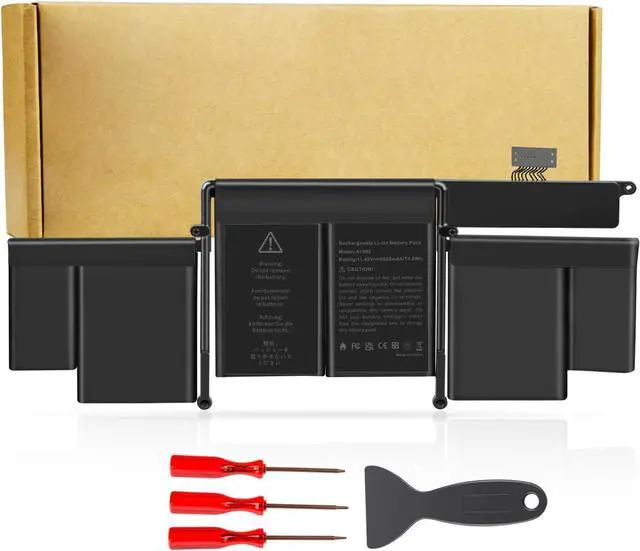
Futurebatt A1582 A1502 Battery Replacement for MacBook Pro Retina 13 Inch Early 2015 Mid 2014 Late 2013 Released Version A1493 Battery
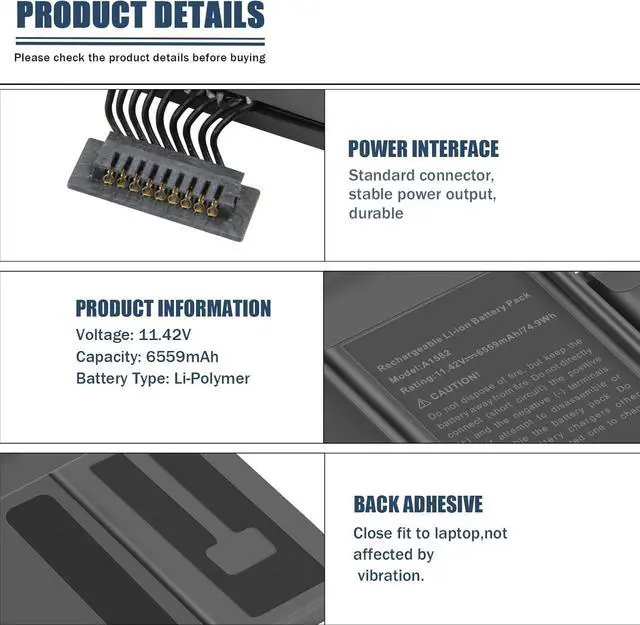
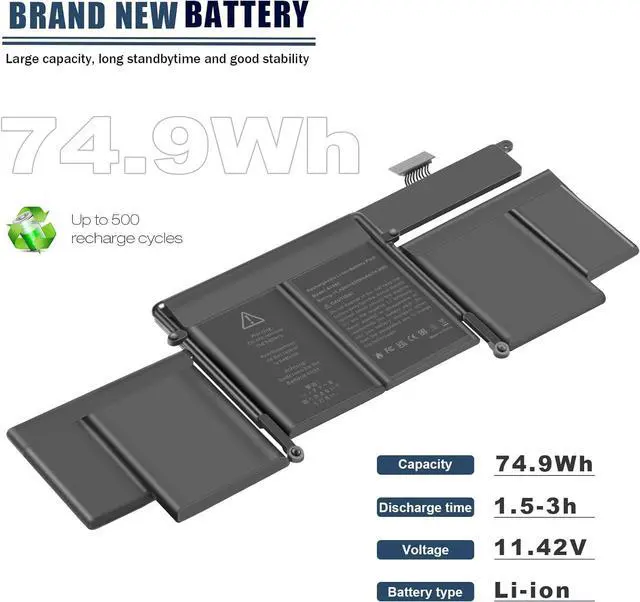
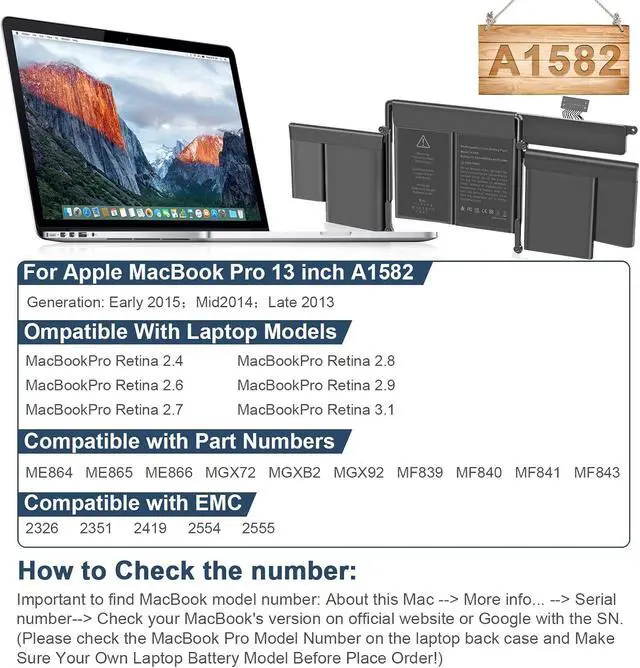
- Specifications:Model:A1582; Voltage11.42V;Capacity:74.9Wh Cell:Cells;100% brand new from manufacture. Grade A cells ensure fast charges and low power consumption.
- Compatible Part Number ME864LL/A, ME865LL/A, ME866LL/A, MF839LL/A, MF840LL/A, MF841LL/A, MGX82LL/A, MGX92LL/A.
- Compatible Laptop ModelsFit for MacBook Pro 13" Model A1502 Late 2013 (EMC 2678)Mid 2014 (EMC 2875)Mid 2015(EMC 2835), Model Identifier: MacBookPro11,1 & MacBookPro12,1.
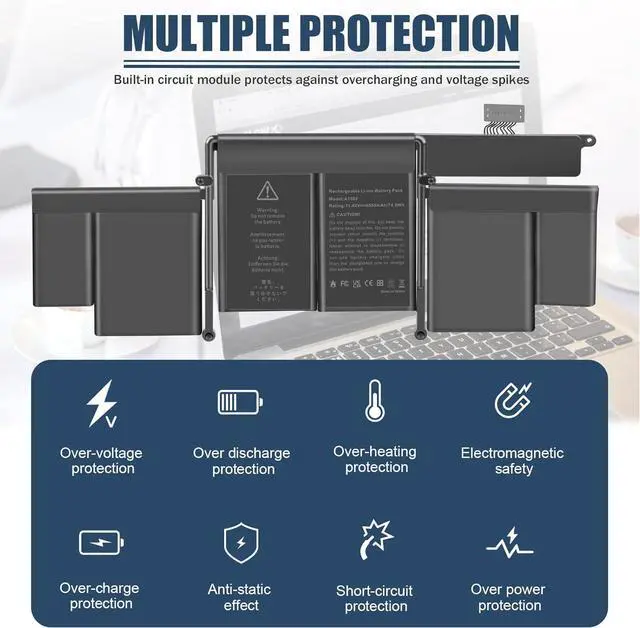
- Multiple Safety Protections: Our batteries feature multiple protections including Overcharge and Overdischarge Circuit Protection, Over-temperature and Short-circuit Protection, Our batteries are assembled with high-quality materials and boards to ensure fast charging and up to 500 charge cycles over the life of the battery. .
- Support:Supported with 30 days Refund and 12 months Replacement.24h Email support.The Futurebatt brand provides friendly customer service.We are committed to providing our customers with the best possible service.
+
+
Overview
Specs
Reviews
Any questions? Our AI mode will help you find out quickly.
Try me now
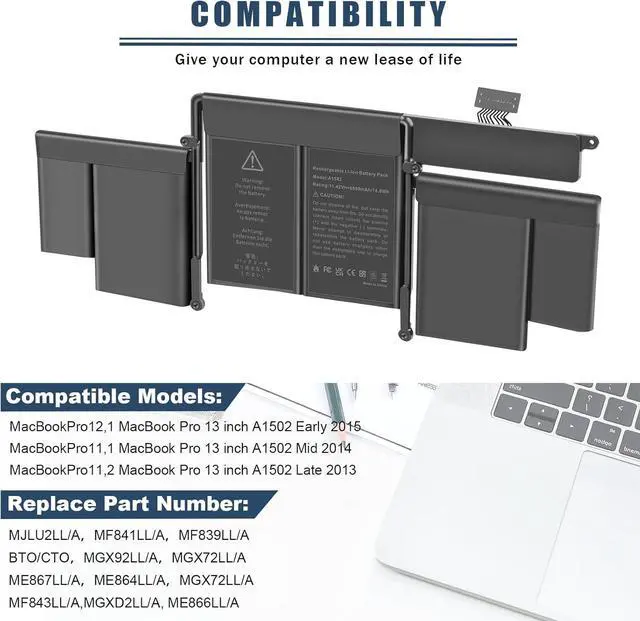
Compatible with MacBook Models:
for MacBookPro12,1 - for MacBook Pro 13 inch A1502 Retina Early 2015
for MacBookPro11,1 -- for MacBook Pro 13 inch A1502 Retina Mid 2014
for MacBookPro11,2 -- for MacBook Pro 13 inch A1502 Retina Late 2013
Compatible with MacBook Pro Part Numbers:
MJLU2LL/AMF841LL/AMF839LL/A
BTO/CTOMGX92LL/AMGX72LL/A
ME867LL/AME864LL/AMGX72LL/A
How to install a new battery?
1. You need to turn off the laptop and disconnect the power at the same time.
2. Disconnect the old battery from the motherboard to avoid unnecessary damage caused by disassembling the battery. Then unscrew the old battery and save it.
3. Take out the old battery, install the new battery on the battery box, tighten the screws, and connect the wires of the new battery.
Long battery life and durable construction

for MacBookPro12,1 - for MacBook Pro 13 inch A1502 Retina Early 2015
for MacBookPro11,1 -- for MacBook Pro 13 inch A1502 Retina Mid 2014
for MacBookPro11,2 -- for MacBook Pro 13 inch A1502 Retina Late 2013
Compatible with MacBook Pro Part Numbers:
MJLU2LL/AMF841LL/AMF839LL/A
BTO/CTOMGX92LL/AMGX72LL/A
ME867LL/AME864LL/AMGX72LL/A
How to install a new battery?
1. You need to turn off the laptop and disconnect the power at the same time.
2. Disconnect the old battery from the motherboard to avoid unnecessary damage caused by disassembling the battery. Then unscrew the old battery and save it.
3. Take out the old battery, install the new battery on the battery box, tighten the screws, and connect the wires of the new battery.
Long battery life and durable construction
Warranty & Returns
Warranty, Returns, And Additional Information
Warranty
- Please contact the Seller directly for warranty information. Warranty information may also be found on the Manufacturer's website.
- CONTACT
Return Policies
- Return for refund within: 30 days
- Return for replacement within: 30 days
- This item is covered by LionTech Direct Return Policy
Manufacturer Contact Info
- For a directory of all our manufacturers, please click below.
- Manufacturers Directory
LOADING...