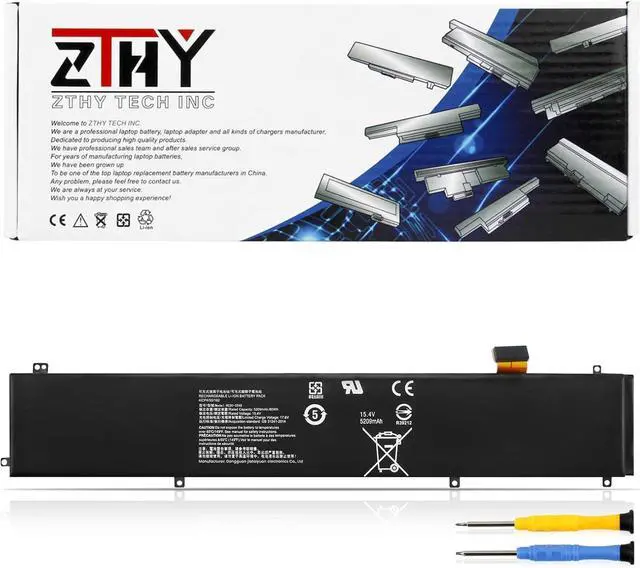
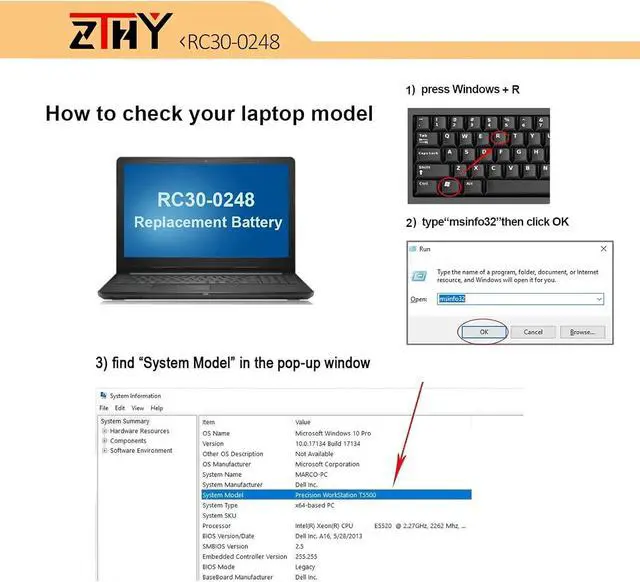
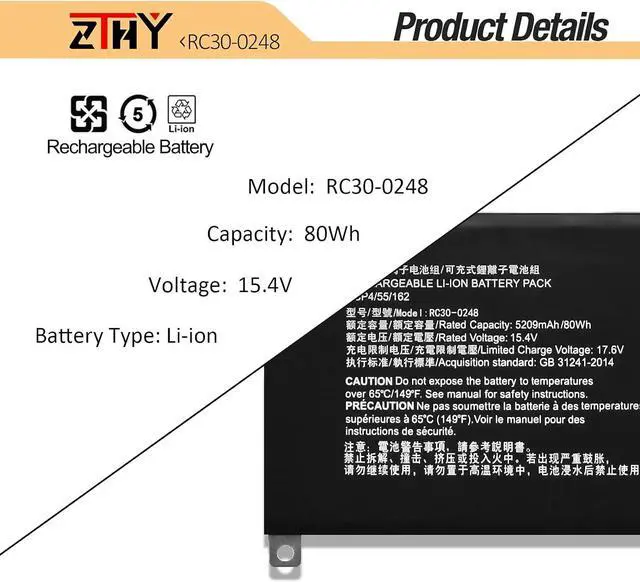
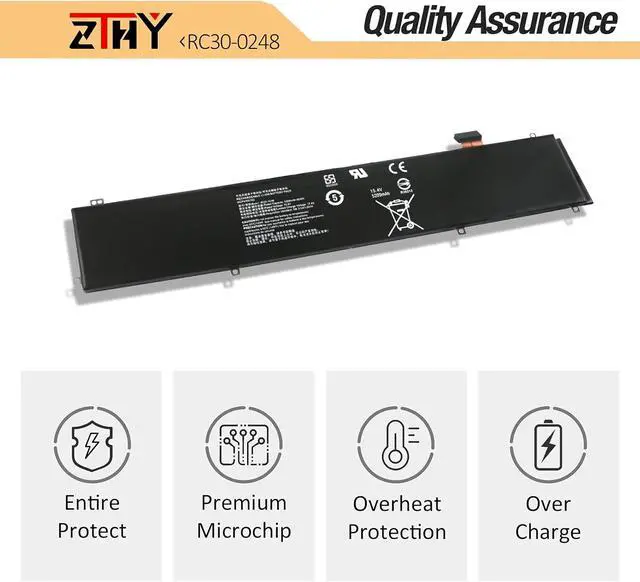
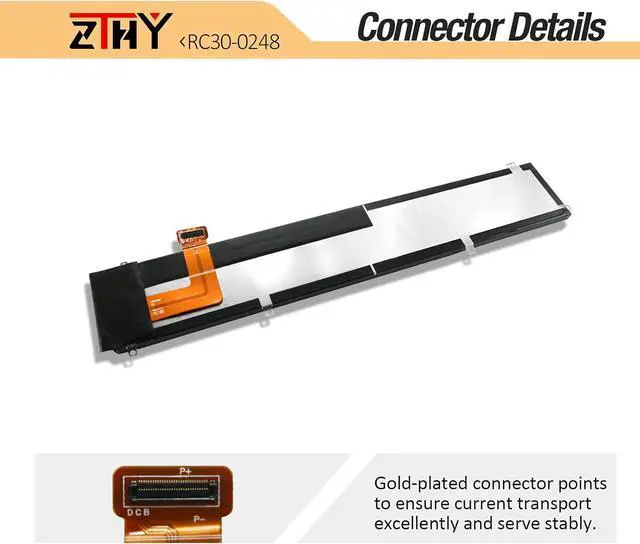
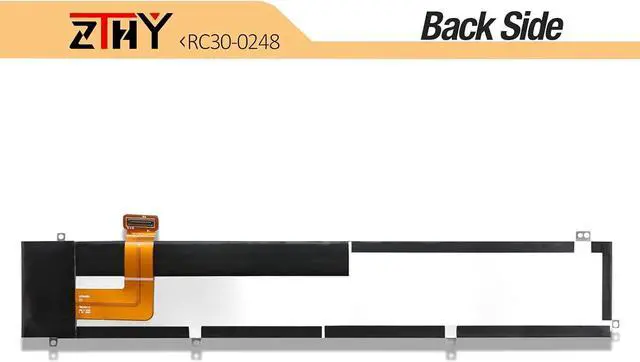
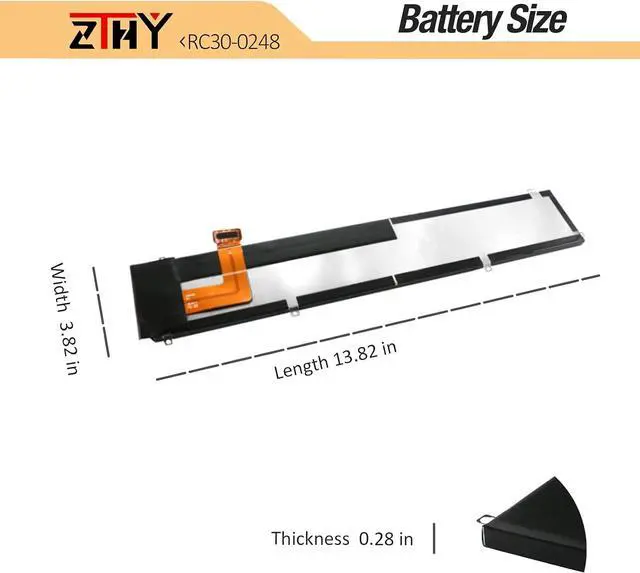
Compatible Part Number RC30-0248 RZ09-02385 RZ09-02386 RZ09-02486 RZ09-0288 RZ09-02886 RZ09-02887 RZ09-02888 RZ09-0301 RZ09-03017 RZ09-03018 RZ09-03135 RZ09-03137 RZ09-03138 RZ09-0330 Compatible Model Replacement for Razer Blade 15 Advanced 2018 Series: Razer Blade 15 2018 512GB 144Hz Series; Razer Blade LINGREN 15(i7/256GB/GTX1060) Series; Razer Blade 15 Advanced 2018 GTX 1060/1070 (i7 8750H) Series; Razer Blade 15 Advanced RZ09-02386 RZ09-02386W91RZ09-02386E52 RZ09-02486 RZ09-02386E91 RZ09-02386E91-R3U1 Series; Razer Blade 15 Advanced RZ09-02385 RZ09-02385W71-R3W1 RZ09-02385E92-R3U1 Series Compatible Model Replacement for Razer Blade 15 Advanced 2019 Series: Razer Blade 15 2019 Advanced RTX 2060 Series; Razer Blade Advanced 15 RTX 2070 Max-Q (i7-8750H ), Razer Blade 15 Advanced 2019 RTX 2080 Max-Q Series Razer Blade 15 Advanced RZ09-0288 RZ09-02886 RZ09-02887 RZ09-02888 RZ09-02887E92-R3B1 Series Compatible Model Razer Blade 15 Advanced RZ09-0301 RZ09-03017 RZ09-03017E01 RZ09-03017E01-R3B1 RZ09-03017E02-R3B1 RZ09-03018 RZ09-03018E52 RZ09-03017E02-R3B1 RZ09-03017E01-R3U1 Series, Razer Blade Advanced 15 RTX 2060 Max-Q RZ09-02886E92-R3U1, Razer Blade 15 Studio Edition RZ09-03135 Series, Razer Blade 15 Advanced RZ09-03137 RZ09-03138 Series, Razer Blade 15 Advanced Model (i7-9750H, RTX 2080 Max-Q, 240 Hz) Laptop Compatible Model Replacement for Razer Blade 15 Advanced 2020 Series: Razer Blade 15 Advanced 2020 RTX 2070 Max-Q (i7-10875H) Series; Razer Blade 15 Advanced 2020 RZ09-0330 RZ09-0330x Series RZ09-0330QEM3-R3U1 RZ09-03304E42-R3U1 RZ09-03305E43-R3U1 RZ09-0330QEM3-R3B1 RZ09-0330QWM3-R3W1 RZ09-0330QGM3-R3G1 RZ09-03304E42-R3C1 RZ09-0330QEM3-R3E1 RZ09-03305E53-R3U1 RZ09-0330QEM3-R3J1 Compatible Model Replacement for Razer Blade 15 Advanced 2021 Series: Razer Blade 15 Advanced 2021 RTX 3070 3080 (i7-10750H) Series; Compatible Model Replacement for Razer Blade 15 Advanced 2021 RZ09-0367 RZ09-0367x Series: RZ09-0367CEC3-R3U1 RZ09-0367BED3-R3U1 RZ09-0367CE53-R3U1 RZ09-0367BWC3-R3W1 RZ09-0367CNC3-R3N1 RZ09-0367BWD3-R3W1 RZ09-0367BED3-R341 RZ09-0367CED3-R341 RZ09-0367CGC3-R3G1 RZ09-0367BND3-R3N1 RZ09-0367CEC3-R3E1 RZ09-0367CEC3-R3B1 RZ09-0367BGC3-R3G1 RZ09-0367BED3-R3B1 RZ09-0367BEC3-R3U1 RZ09-0367CE53-R3B1 RZ09-0367CED3-R3E1 RZ09-0367CFD3-R3F1 Compatible Model Replacement for Razer Blade 15 2022 RZ09-0421 RZ09-0421NEG3-R3U1 Series. Attention If you install the battery, you find that the laptop cannot detect the battery or the battery level cannot be displayed normally. Please check whether the battery cable is installed properly. Sometimes the battery cannot be charged because the cable is not fixed properly. What do I need to be aware of when I receive a new laptop battery?
Check appearance, model, manual. Do 5-6 full charge-discharge cycles to activate. Store long-term at 50%-60% in cool dry place; check every 2-3 months & recharge if needed. These steps extend battery life & reliability.
What should I do if laptop won't boot up after installing a new battery?
1. Check battery seated & contacts clean. 2. Run laptop on charger alone (battery out). 3. If charger works, charge new battery 30 mins then boot with battery. 4. Reset BIOS/EC (hold power 30s). 5. Reinstall old battery to verify laptop hardware.
How should I do if the battery is not recognised?
Update BIOS to latest version. Power off, disconnect battery (and adapter), hold power button 20s, reconnect battery and adapter, reboot. If still not recognised, reseat battery and clean contacts.
What should I do if the battery expands?
1. Power off & unplug laptop. 2. Do not charge or use. 3. In ventilated area, remove swollen battery carefully, avoid pressing or puncturing.
What can you do if you are not satisfied with the battery?
Please use Amazon's messaging system with your order details. We are committed to your satisfaction and will do our best to help resolve any issue.
RC30-027





 here!
here!