• $85.99
  • Free 30-day Returns
  • Shipped by LionTech Direct

    Price alert
    Shop it at NeweggBusiness.

    Meet Your Seller

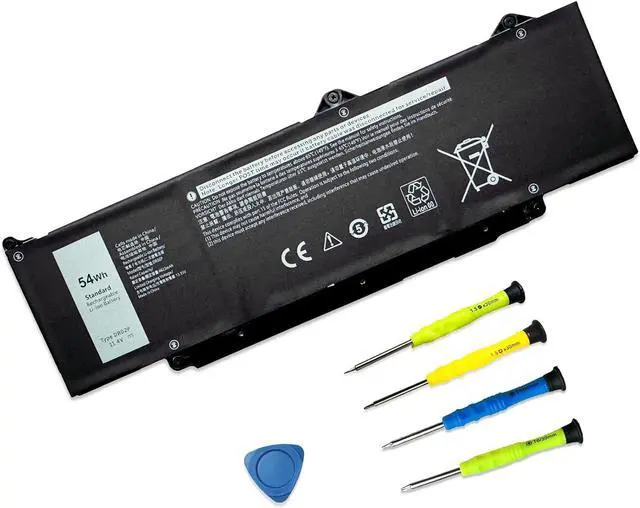
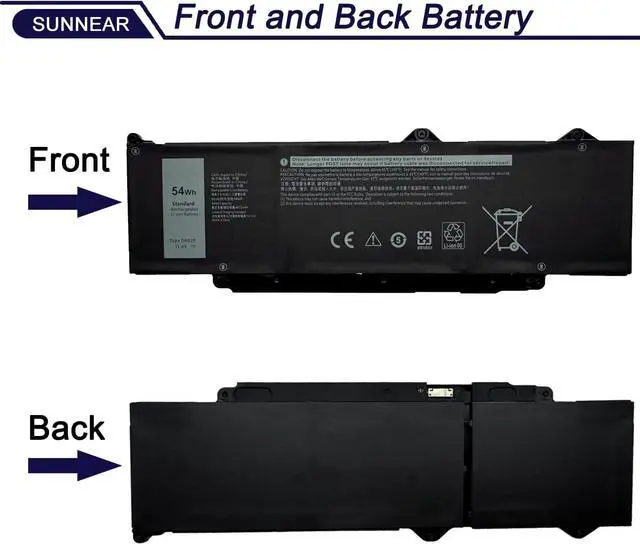
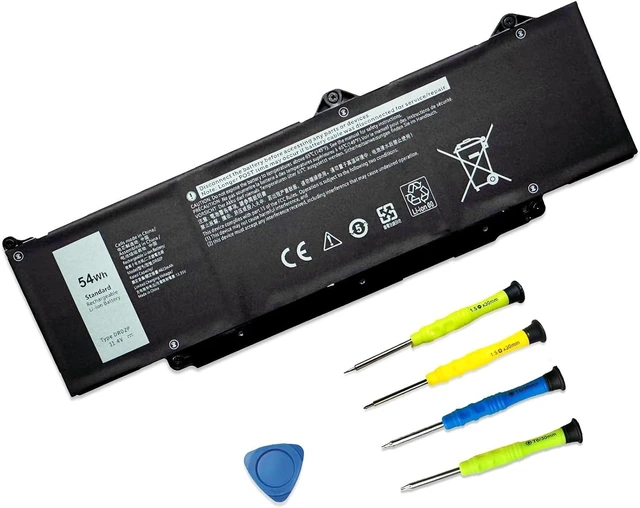
    54Wh 11.4V DR02P Laptop Battery Replacement for Dell Latitude 5440 5450 5540 5550 Precision 3480 3490 3580 3590 Series 803W6 0803W6 2X1V9 02X1V9

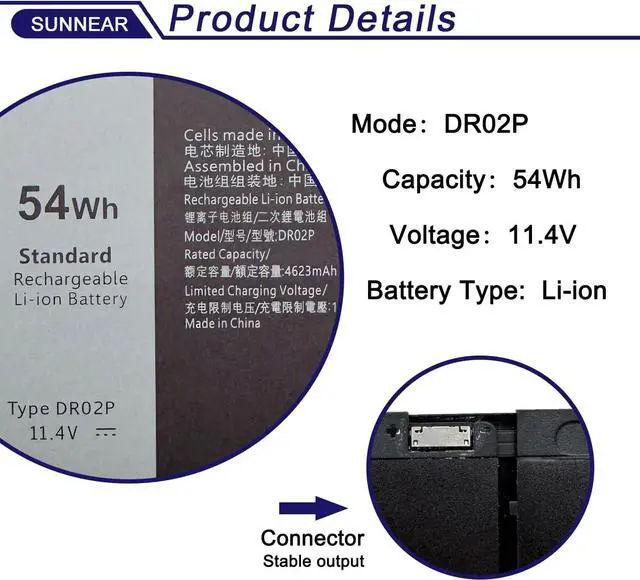
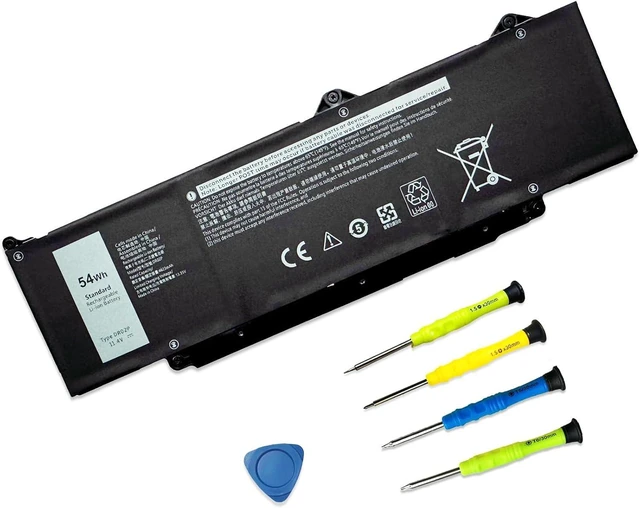
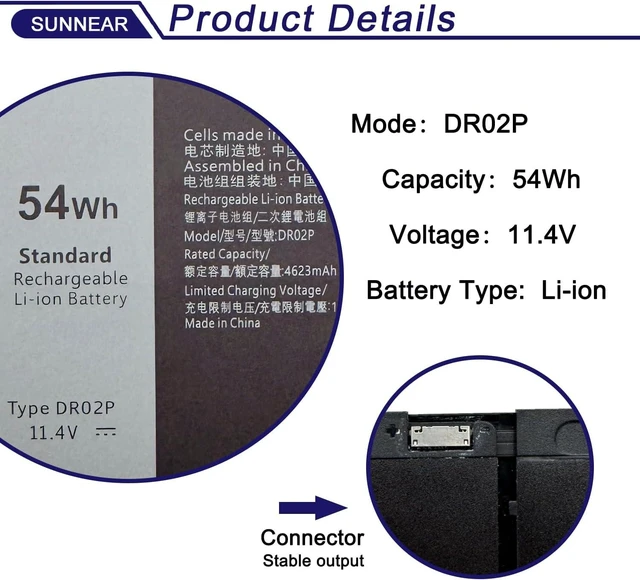
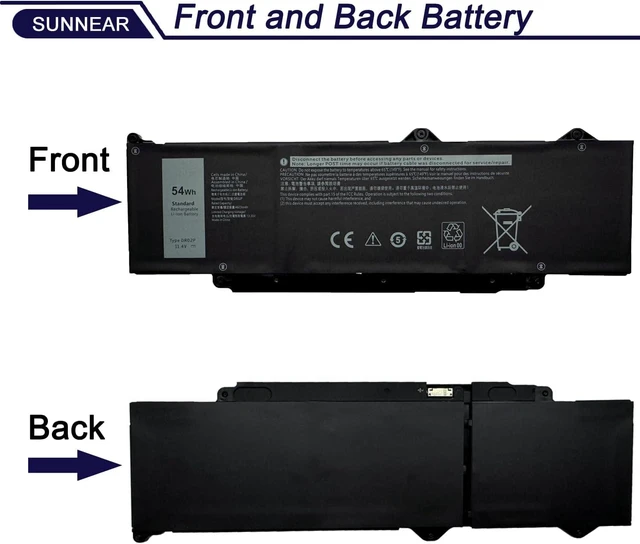
    • SpecificationsModel:DR02P Voltage: 11.4V Capacity: 54Wh 4623mAh Battery type: Li-ion. Also comes with installation tools
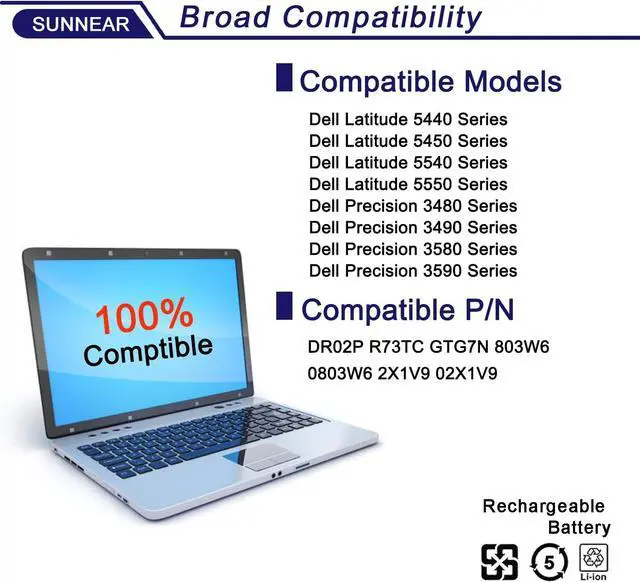
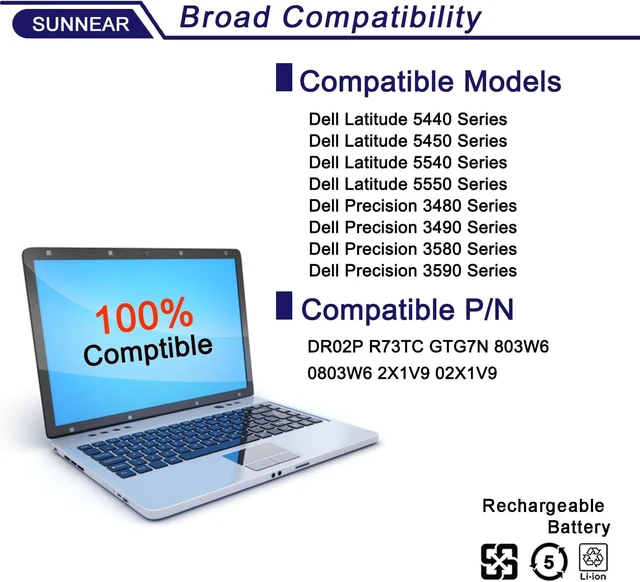
    • Compatible Laptop/Notebook ModelsReplacement for Dell Latitude 5440 Series; for Dell Latitude 5450 Series; for Dell Latitude 5540 Series; for Dell Latitude 5550 Series; for Dell Precision 3480 Series; for Dell Precision 3490 Series; for Dell Precision 3580 Series; for Dell Precision 3590 Series
    • Compatible Part NumberDR02P R73TC GTG7N 803W6 0803W6 2X1V9 02X1V9
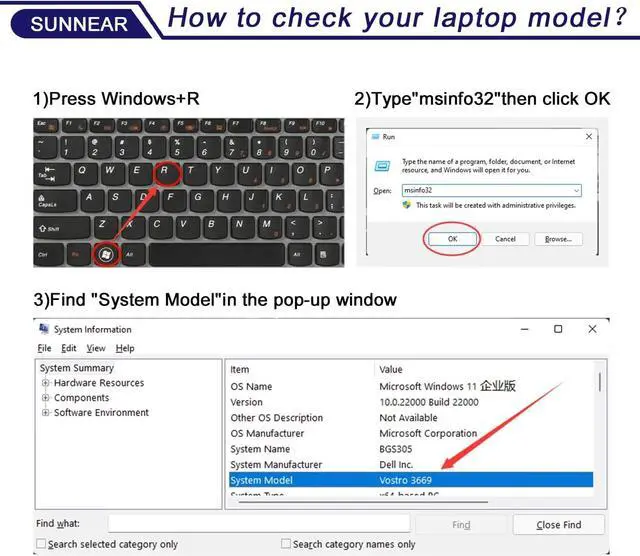
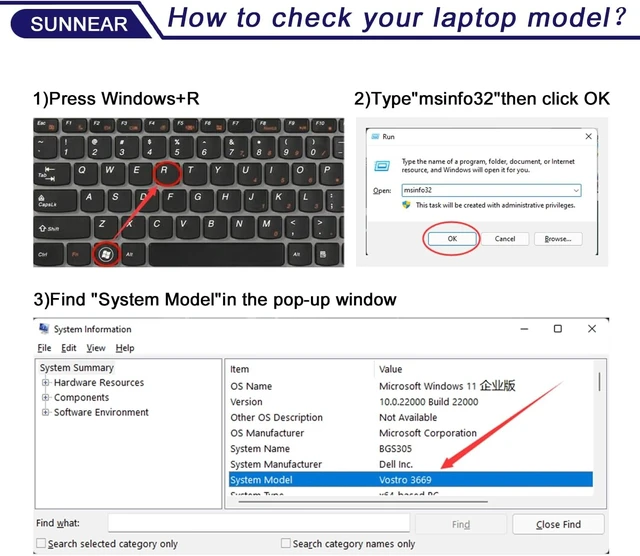
    • Purchasing Note: Due to the complexity of laptop battery models, you may not be able to accurately determine the model you need to purchase,Please open the back cover of the laptop to confirm the original battery model number
    • TipsIf the new battery is not recognized during the initial installation, please reinstall and check if the interface is fully connected. Run the new battery down to 5% (not 0%), then top up its power and complete 3-4 power cycles to wake up the new battery.

    +
    +
    Overview
    Specs
    Reviews
    avatar

    Any questions? Our AI mode will help you find out quickly.

    SpecificationsModel:DR02P Voltage: 11.4V Capacity: 54Wh 4623mAh Battery type: Li-ion. Also comes with installation tools
    Compatible Laptop/Notebook ModelsReplacement for Dell Latitude 5440 Series; for Dell Latitude 5450 Series; for Dell Latitude 5540 Series; for Dell Latitude 5550 Series; for Dell Precision 3480 Series; for Dell Precision 3490 Series; for Dell Precision 3580 Series; for Dell Precision 3590 Series
    Compatible Part NumberDR02P R73TC GTG7N 803W6 0803W6 2X1V9 02X1V9
    Purchasing Note: Due to the complexity of laptop battery models, you may not be able to accurately determine the model you need to purchase,Please open the back cover of the laptop to confirm the original battery model number
    TipsIf the new battery is not recognized during the initial installation, please reinstall and check if the interface is fully connected. Run the new battery down to 5% (not 0%), then top up its power and complete 3-4 power cycles to wake up the new battery.

    Warranty & Returns

    Warranty, Returns, And Additional Information

    Warranty

    • Please contact the Seller directly for warranty information. Warranty information may also be found on the Manufacturer's website.
    • CONTACT

    Return Policies

    Manufacturer Contact Info

    LOADING...