Welcome to A AMANDA
We are a professional laptop battery, laptop adapter manufacture. Dedicated to producing high quality products. To each of our customers with high quality products. Wish you have a happy shopping experience and thank you for your trust!
24 x 7 Email Support
30 days Refund
Free replacement battery within 12 months
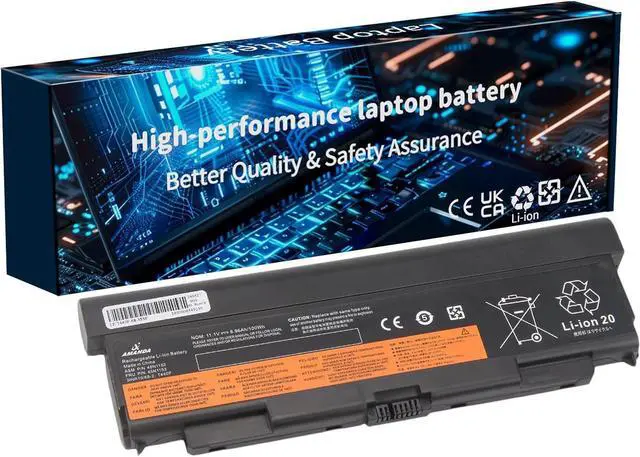
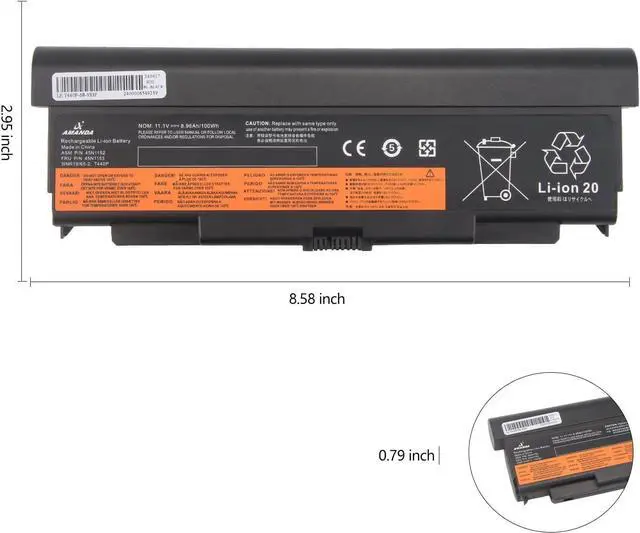
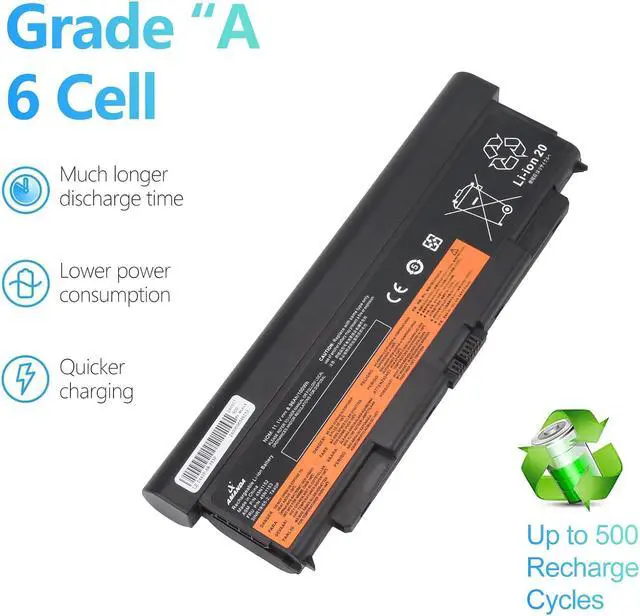
Battery type: 57++
Voltage: 11.1V
Capacity: 8.96AH
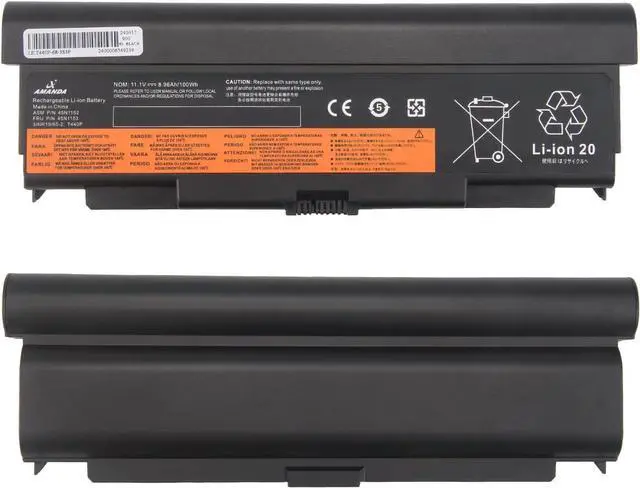
Replacement Model: T440P T540P W540 W541 L440 L540
Compatible Part Number: 45n1144 45n1145 45n1152 45n1153 45n1150 45n1151 0c52864 0c52863
1. You need to turn off your laptop and disconnect the power.
2. Disconnect the connection between the old battery and the motherboard to avoid unnecessary damage caused by disassembling the battery. Then unscrew the old battery screws one by one and carefully save each screw.
3. Remove the old battery, carefully install the new battery on the battery case, screw in the screw, and connect the wiring of the new battery.
4. If you don't understand the above steps, please search for the video about laptop battery installation on YouTube. Maybe it will help you.
1. Discharge the new battery use to 5%(not to 0%) and then charge to 95%, and cycle 3-4 times.
2. Do not disassemble, crush or puncture. Do not dispose of in fire or water.
3. If you remove battery for a long time, charge more than 80% at least one time within one months.
4. Don't connect adapter for a long time while using the battery. It may damage the battery.
5. When using the battery, care should be taken to prevent exposure and moisture.
Safe and Long Battery Life
100% Ture capacity
Extended battery life
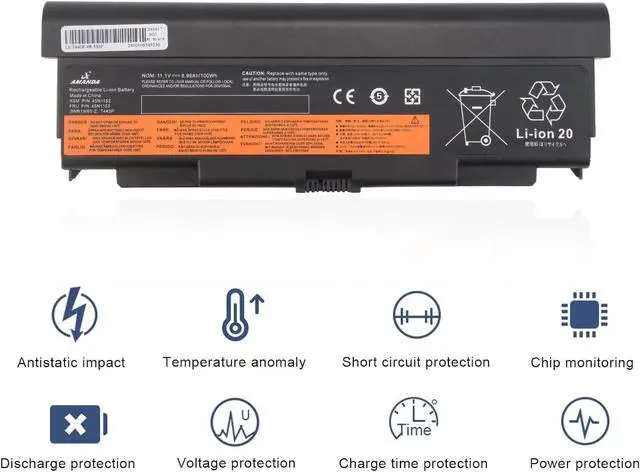
Overheating protection
Overcurrent protection
Overvoltage protection
Overcharge discharge protection
Short circuit protection
A AMANDA laptop battery How to Install A New Battery: Laptop battery instruction: Grade "A" Cells - Top Quality Battery Cells





 here!
here!