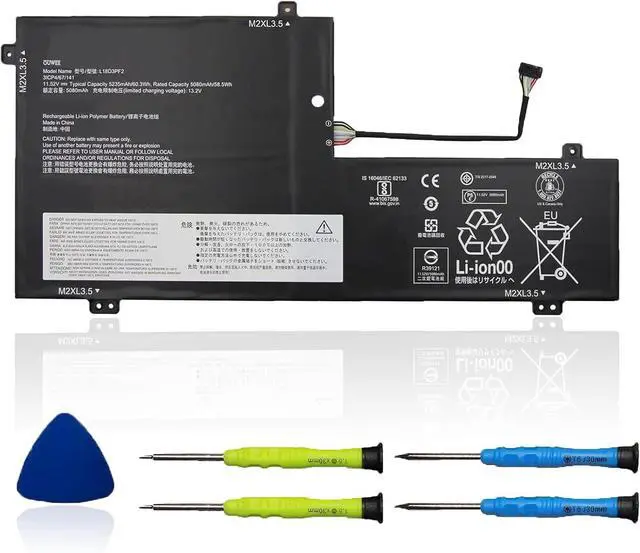
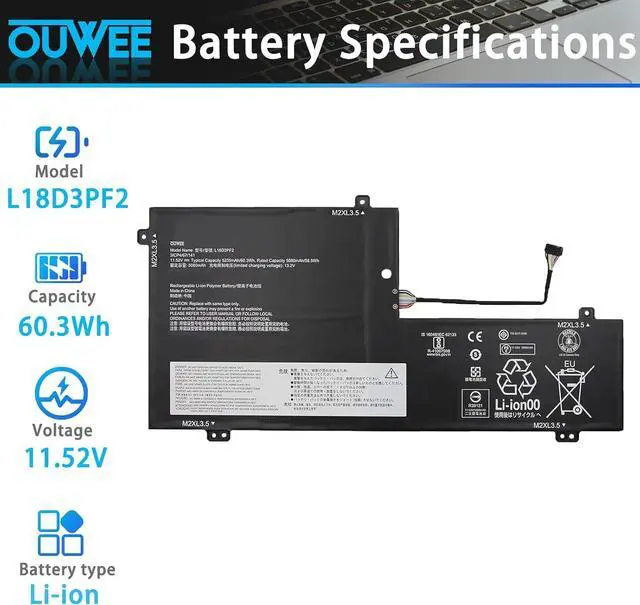
Model L18D3PF2 Capacity 60.3Wh Voltage 11.52V Type Li-ion Color Black Condition Brand New
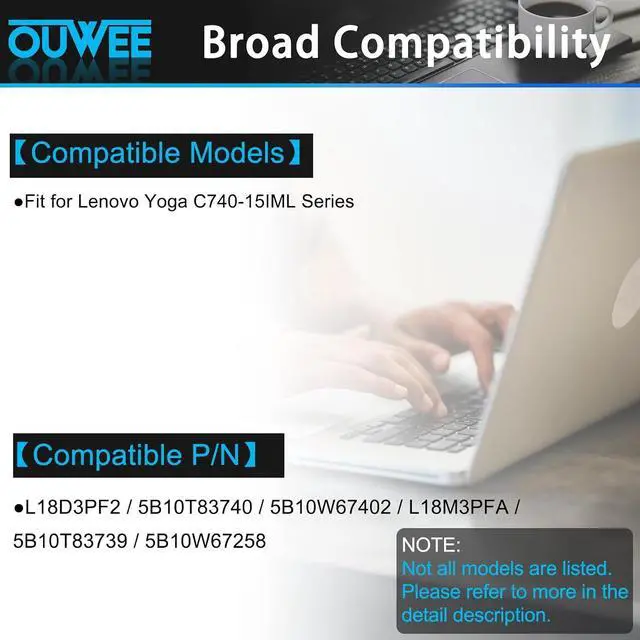
Fit for Lenovo Yoga C740-15IML Series
Replacement for Part Number:
L18D3PF2 / 5B10T83740 / 5B10W67402 / L18M3PFA / 5B10T83739 / 5B10W67258
Why your laptop can't detect the battery or display the battery level properly after installing the battery? It may be caused by a loose battery. Please check if the battery cable is installed correctly. It may be due to the damage of the conductive material caused by the laptop motherboard and the battery positive contact position, you can try to use the original battery to confirm. Check if the battery driver is normal, if not, please download the appropriate driver software to update.
When you receive a new battery, discharge the battery to 5% (not 0%), then charge it to 95% and cycle 3-4 times to wake up the new battery. It is important to fully discharge and recharge every other month to extend battery life. Do not leave the adapter connected for long periods of time when using the battery. It may damage the battery. Avoid human impact, disassembly, crushing or puncturing. Do not put it in fire or water.
100% True Capacity No falsely labeled capacity battery The internal integrated chip is designed to take your laptop to Over-Charge,Over-Current,Over-Voltage,Short-Circuit, Temperature Protection High Quality, fast charge and Long Lasting time. Top Batteries at Great value.
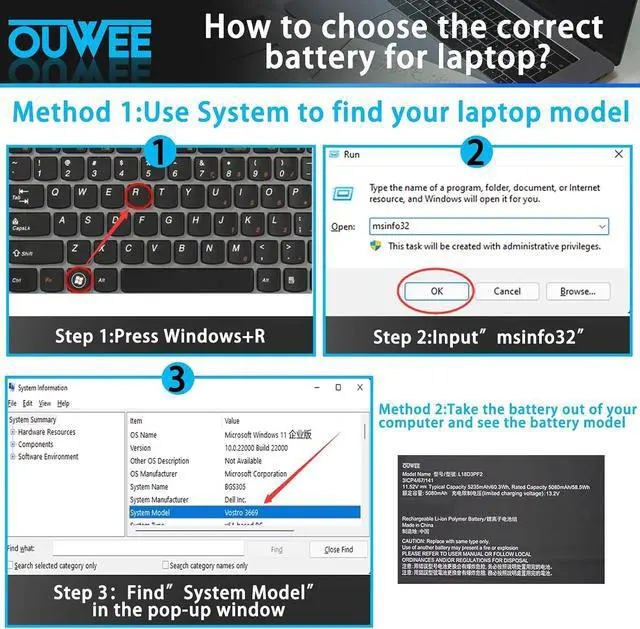
Product information Compatible Models (use "Ctrl+F to find your model quickly") Common Troubleshooting Methods Battery maintenance methods for optimal use Why should you choose OUWEE Batteries?





 here!
here!